Repository navigation
Home
Warning
This project is vibecoded and is a public beta. Hands-on testing is limited to Asahi Linux ARM64 and Kubuntu on Intel/AMD x86-64. Issues are expected. Back up your data and system configuration before installing. The installer's recovery backup is not a replacement for your own backup.
These tutorials describe 1.0.1 Public Beta. Start with the compatibility guide, then follow the installation tutorial.
| Tutorial | What you will learn |
|---|---|
| Compatibility and downloads | Choose an installer and understand supported KDE versions. |
| Install XPlasma Plus | Verify a download, select features and complete setup. |
| Customize your desktop | Themes, custom colors, Start logos, dark mode, fonts and wallpaper. |
| Use the IE6 Firefox theme | Launch the separate browser profile and keep your toolbar preferences. |
| Lock, login and boot screens | Understand which screen appears and when changes take effect. |
| Upgrade, rebuild or remove | Update safely, recover after KDE updates and uninstall. |
| Troubleshooting and reporting bugs | Collect useful information and handle common problems. |
| Credits and licenses | Find the original projects and asset notices. |
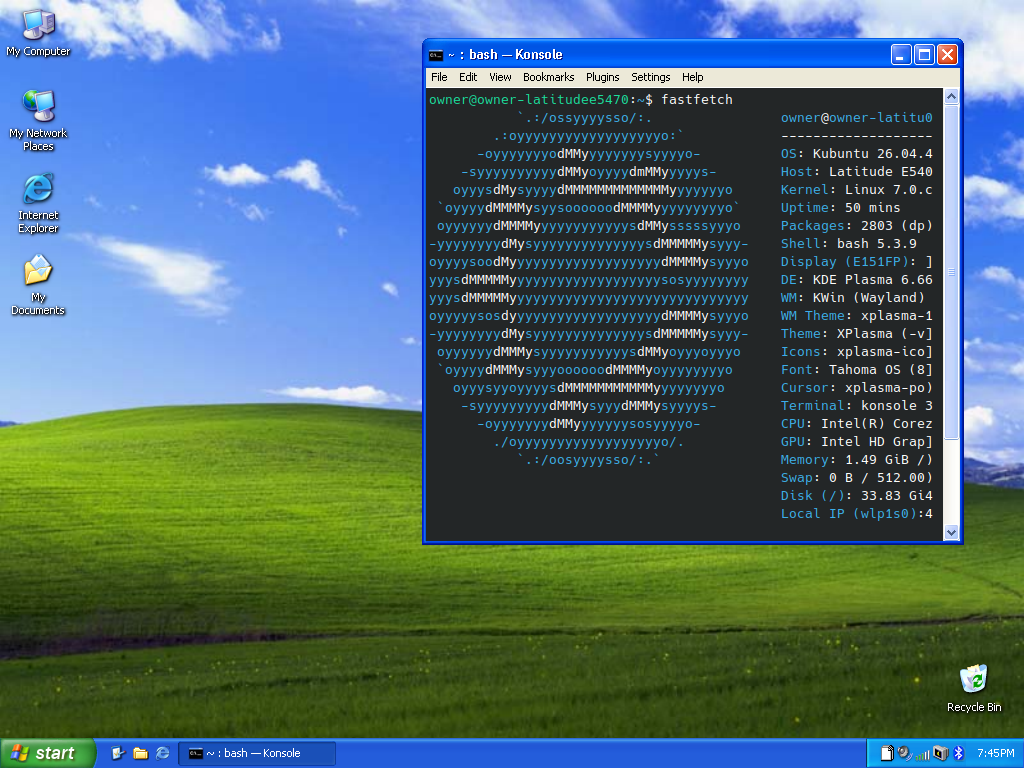
The XP desktop is selected by default: visual styles, application controls, Start/taskbar/clock, icons, pointers, fonts, sounds, wallpapers, shortcuts, selection/snapping effects, caption animations, session dialogs and the available lock/login/boot/splash integrations. IE6 Firefox is optional. XP replacement applications, games, custom tray menus, Codex additions and OTA updates are excluded.