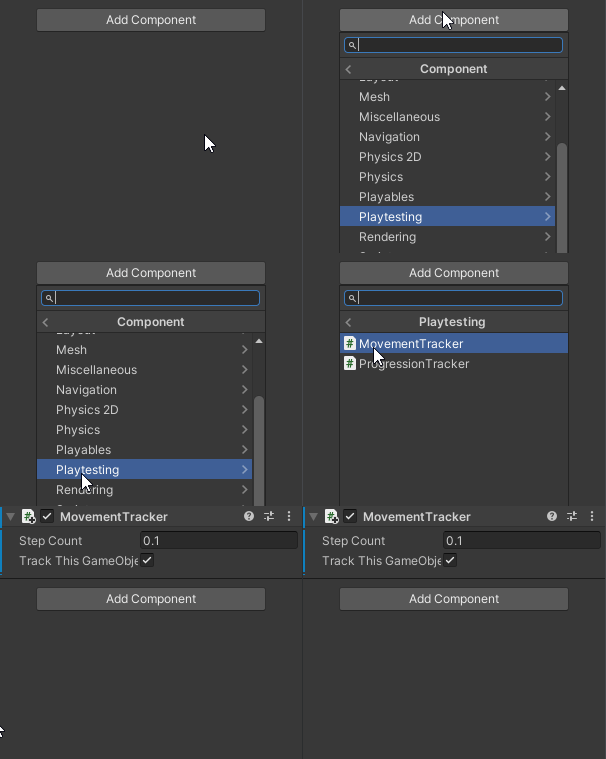
Tracker Manager and Tracker Components
To collect data you will need to introduce:
- Tracker Components onto the gameobject you wish to track data on.
- Tracker Manager gameobject to handle all tracker components in the project.
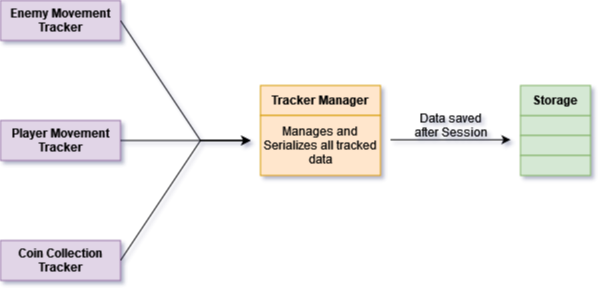
The Tracker Manager handles all tracker components in the project, all data they generate will be passed into the manager itself and will be stored via a List of Custom Classes. The Tracker Manager consists of a script that needs to be on a game object in a scene that the tracker components are in. Once the Session is completed the Tracker will Serizele the data to JSON for storage.
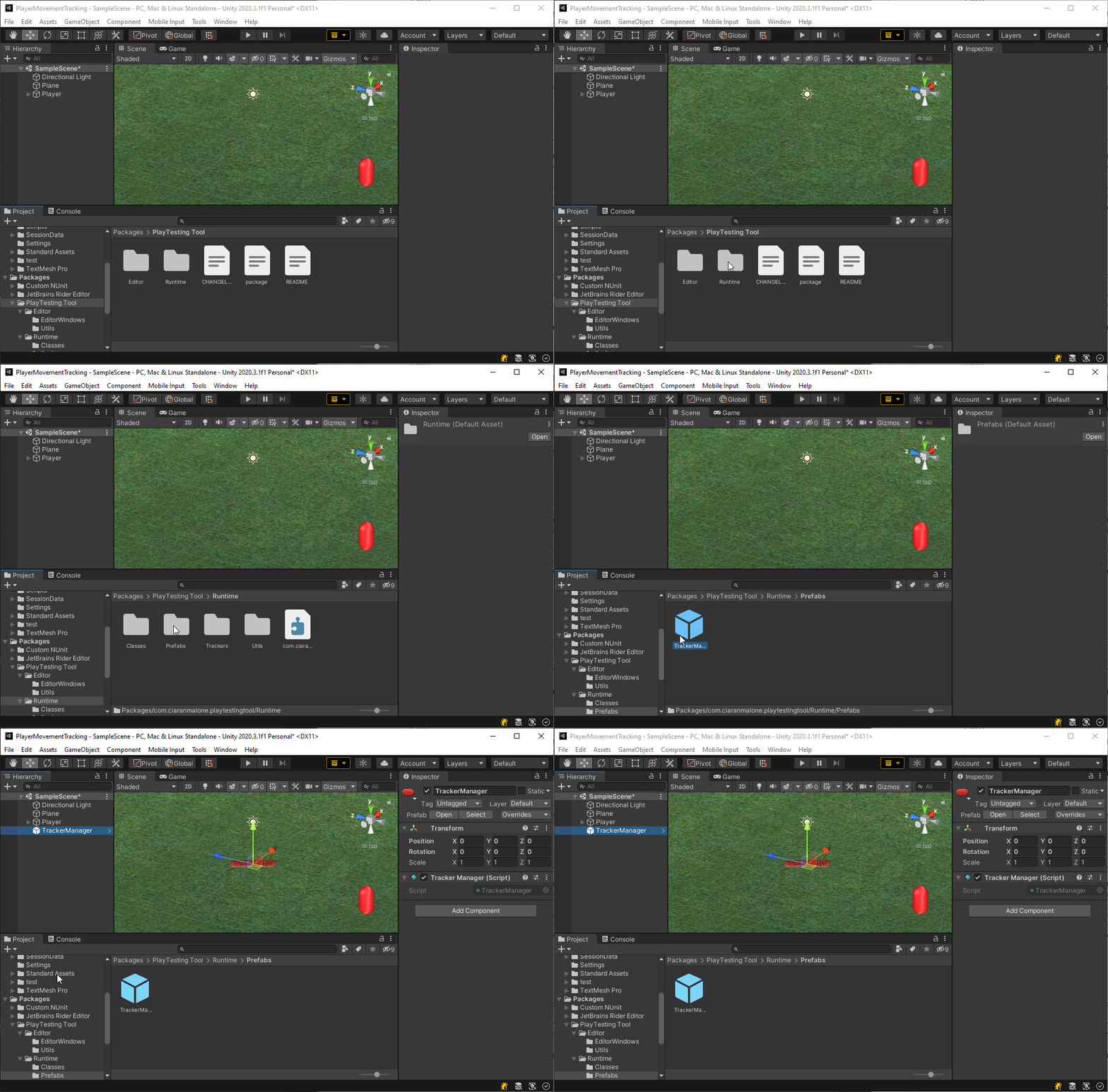
- A prefab of the Tracker Manager is inside the project itself. It will stay in the game if the scene changes over.
The tracker components are used for tracking specific pieces of data the developer would like to collect. They are added to the gameobject the user wants to track. For example, if the user wishes to track the movement of the player gameobject they would add the movement tracker component. All components communicate with the tracker manager.
- add the Tracker component to the gameobject you wish to track