Repository navigation
Screenshots
Most screenshots were captured on 16 October 2026 while preparing 0.50.0, with the cassette logo, compact sidebar, album breadcrumbs, tags and Sound controls. Some captures still show the previous development version beside Settings. All supplied originals are indexed in the capture checklist, which also records the supplied views and accepted earlier-interface examples. The older sign-in illustration and linked cleanup examples retain their earlier styling. The album artist cleanup screenshot was supplied on 18 October 2026 and shows an the source build used to prepare 0.70.0; it is labelled below.
Artists, albums and reviewed album selection
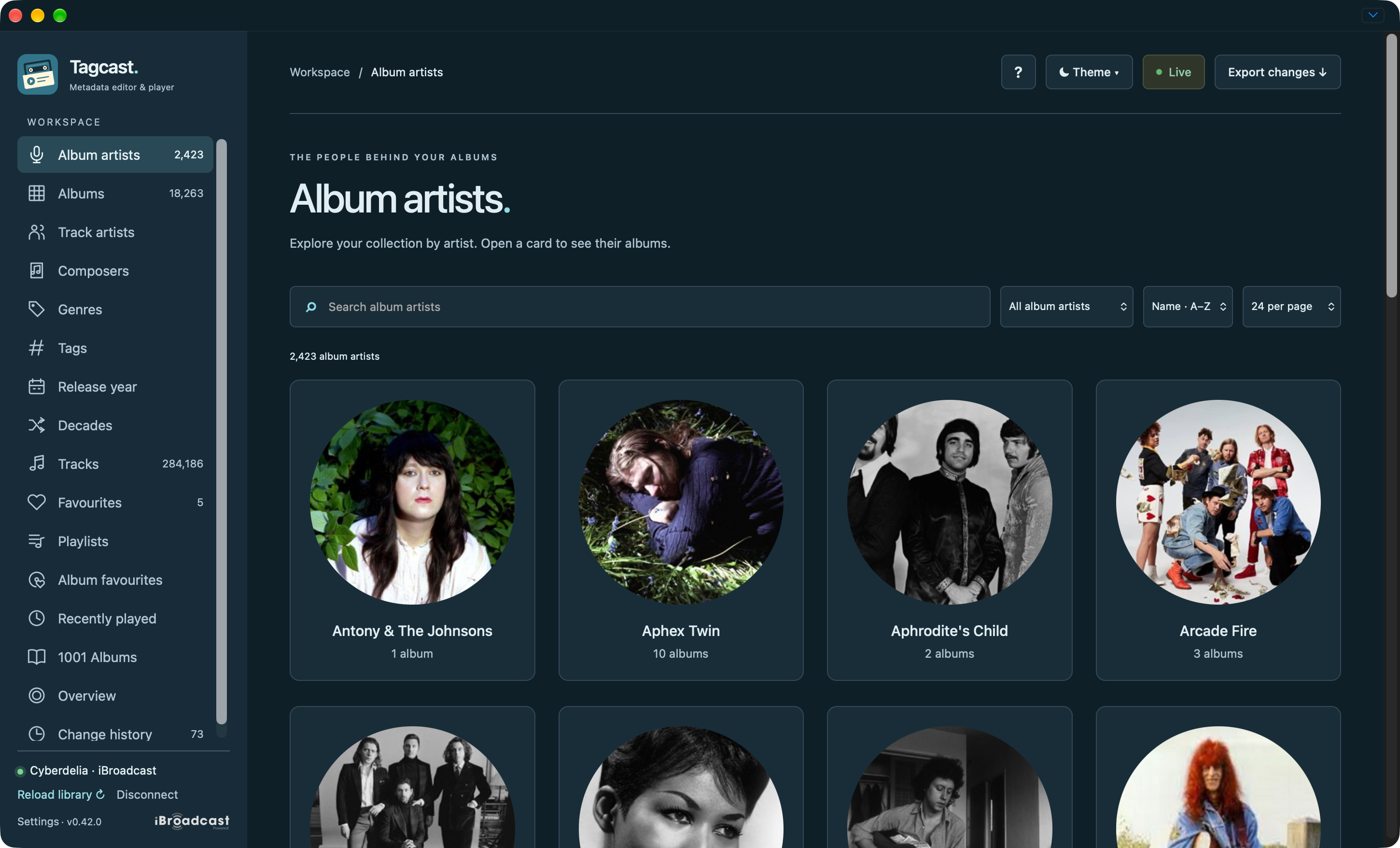
Album artists: searchable artist cards with the refreshed sidebar.
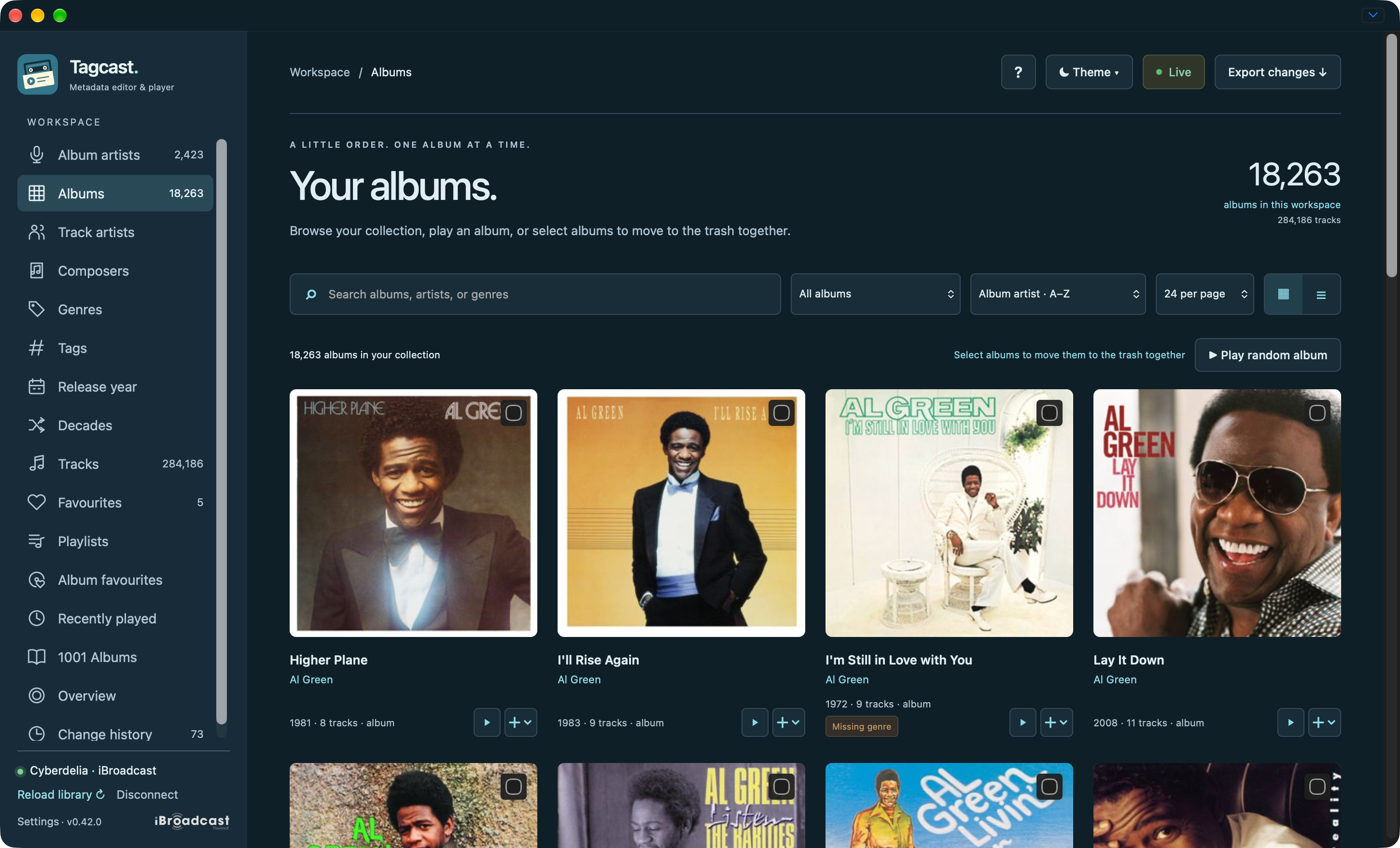
Albums: search/filter/sort controls and compact Play / + actions on cards.
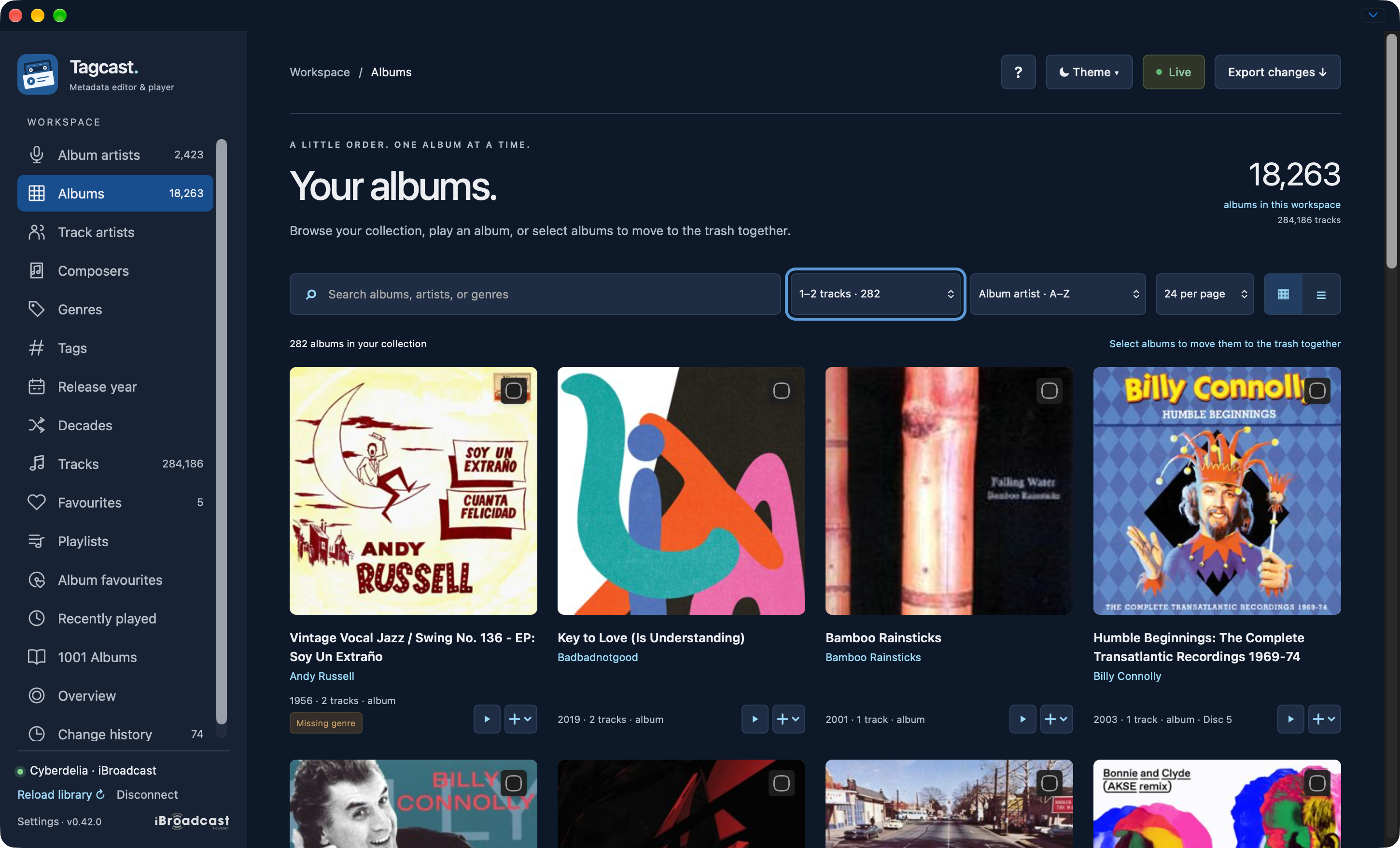
Filtered collection: the 1–2 tracks filter keeps album selection available; random playback is hidden for this cleanup filter. No albums are selected in this capture.
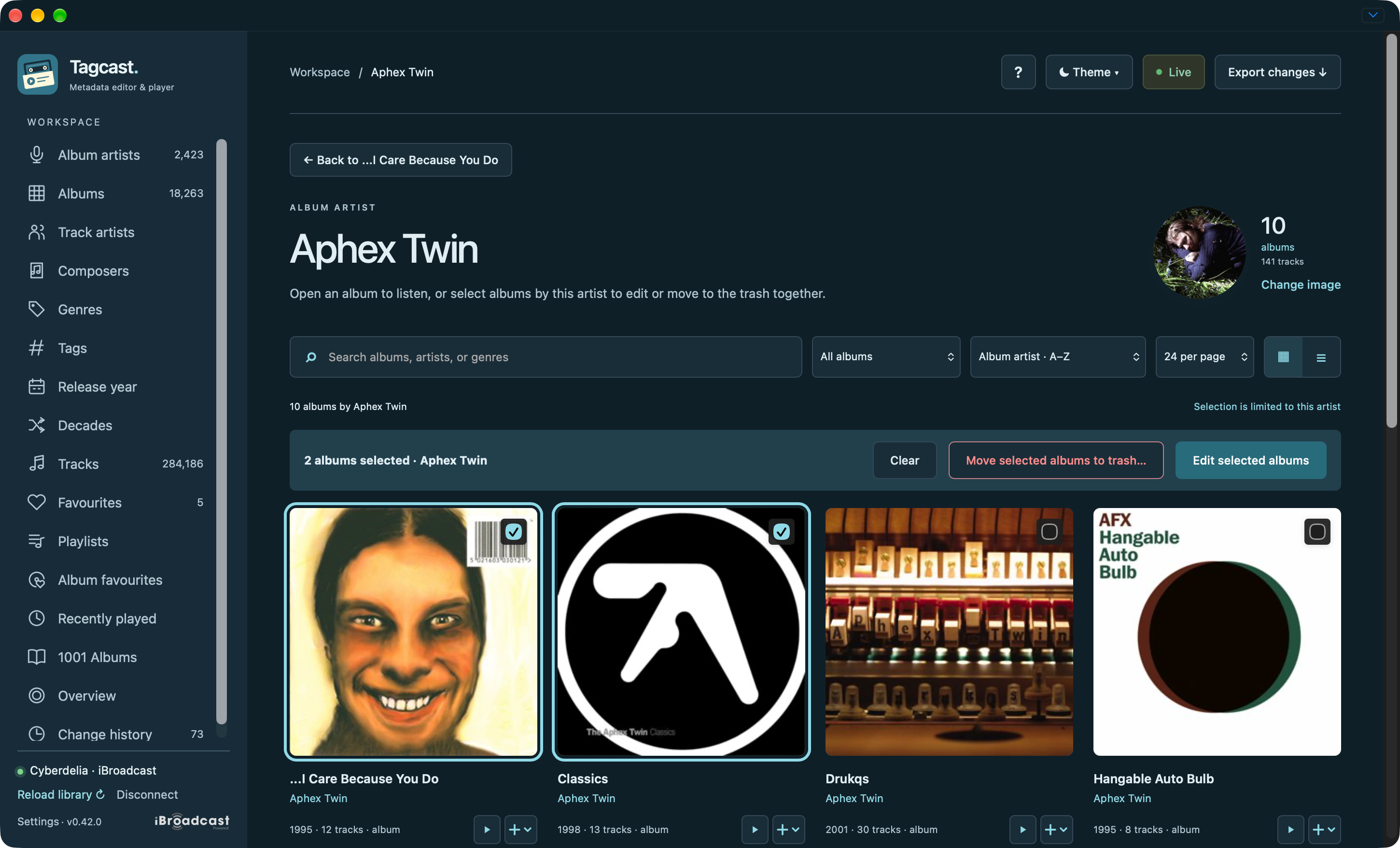
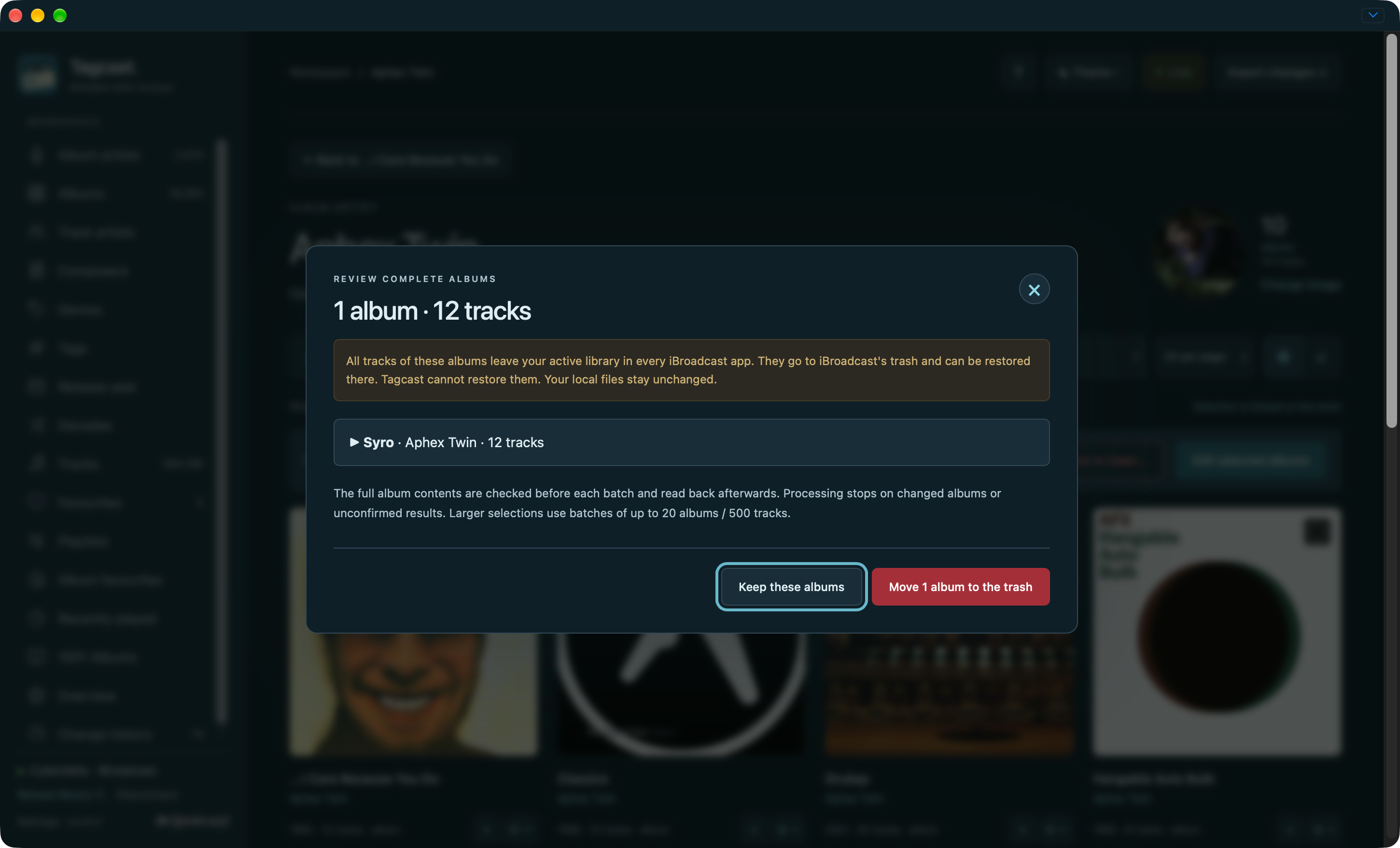
Select an artist's albums: edit together or review complete albums for the trash.
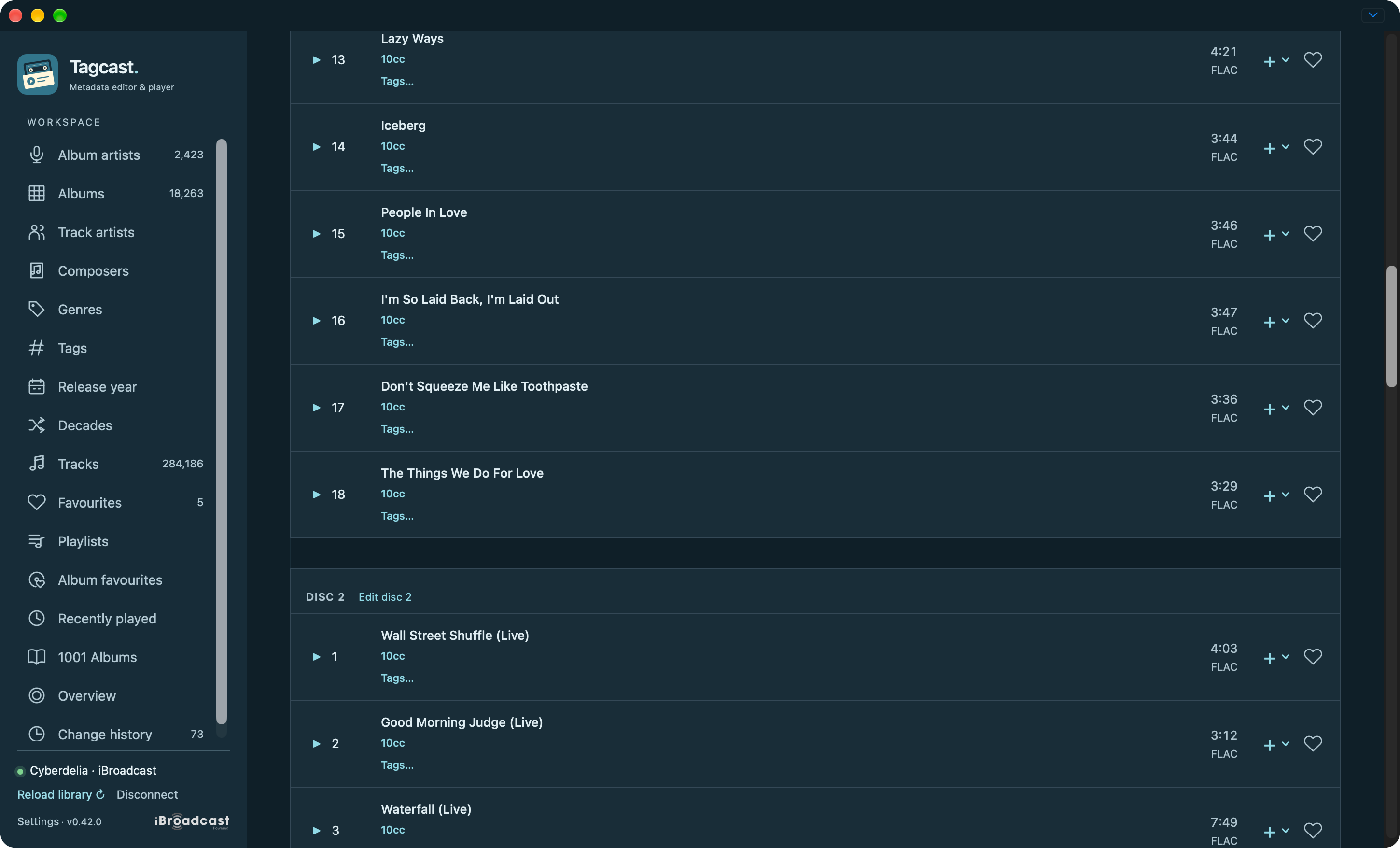
Multi-disc albums: tracks stay in disc sections with separate Edit disc actions. This capture is scrolled to the boundary between discs.
Native tags and their reviews
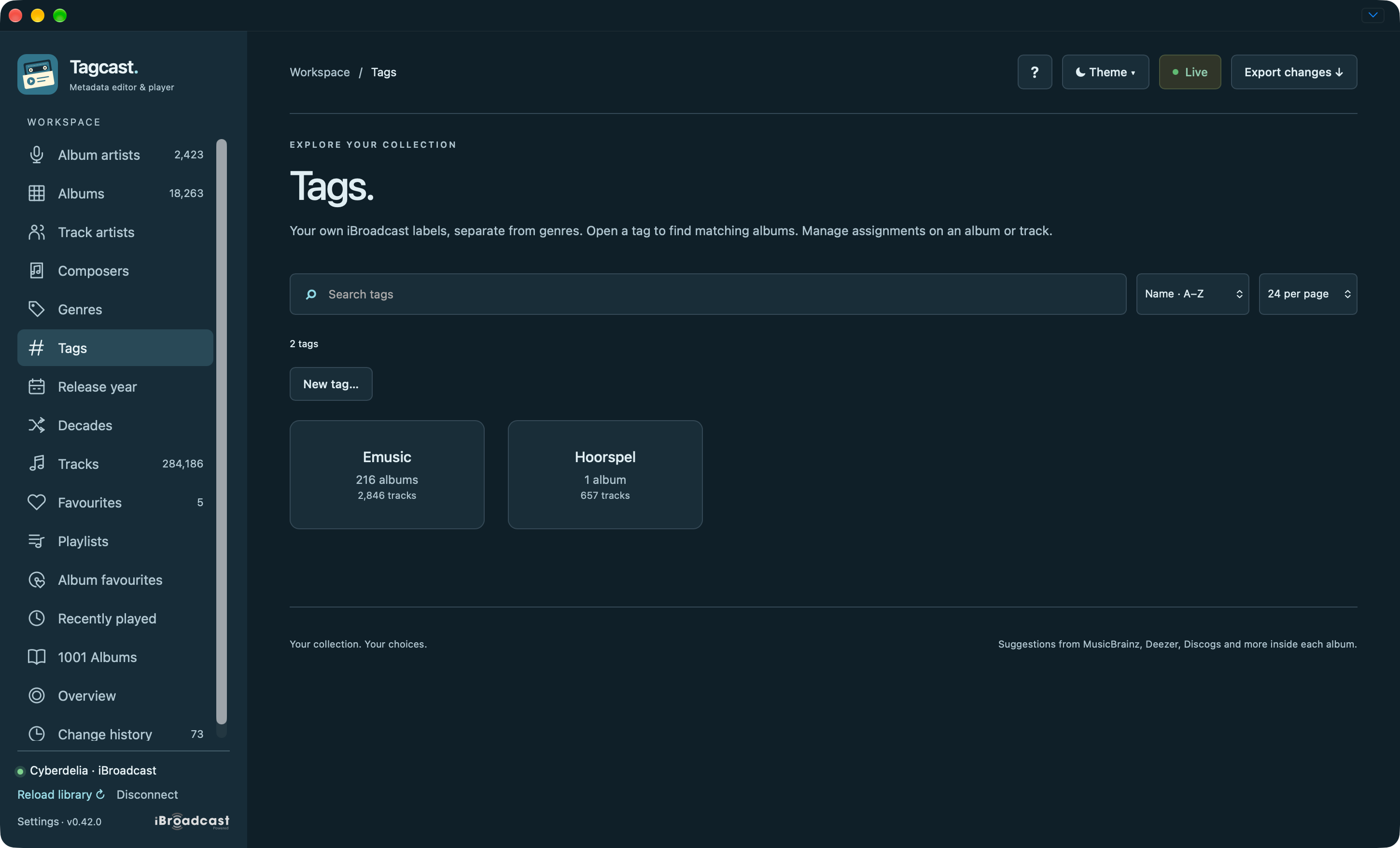
Tags: browse your iBroadcast labels, separate from genres.
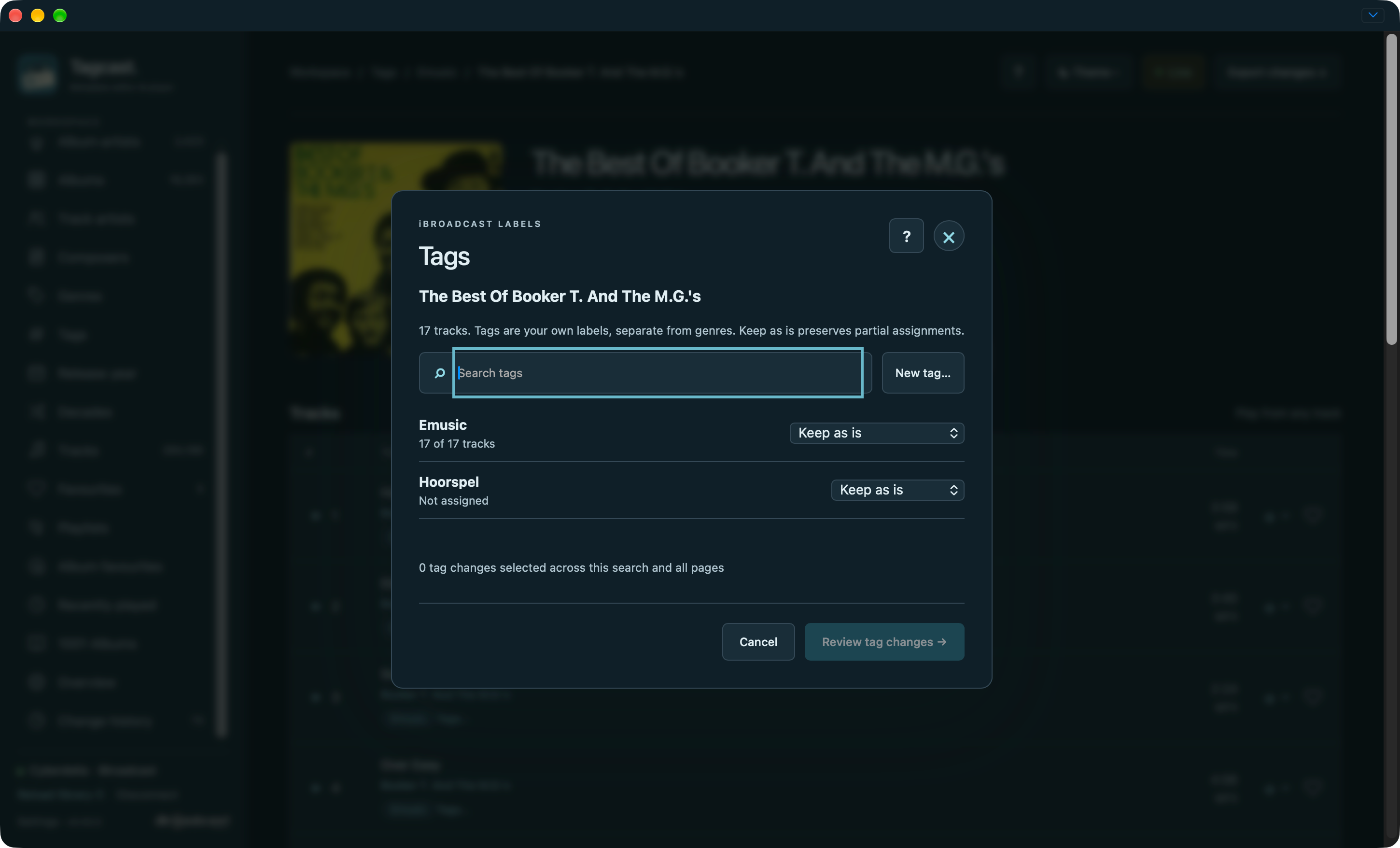
Manage assignments: keep existing values or choose explicit add/remove operations.
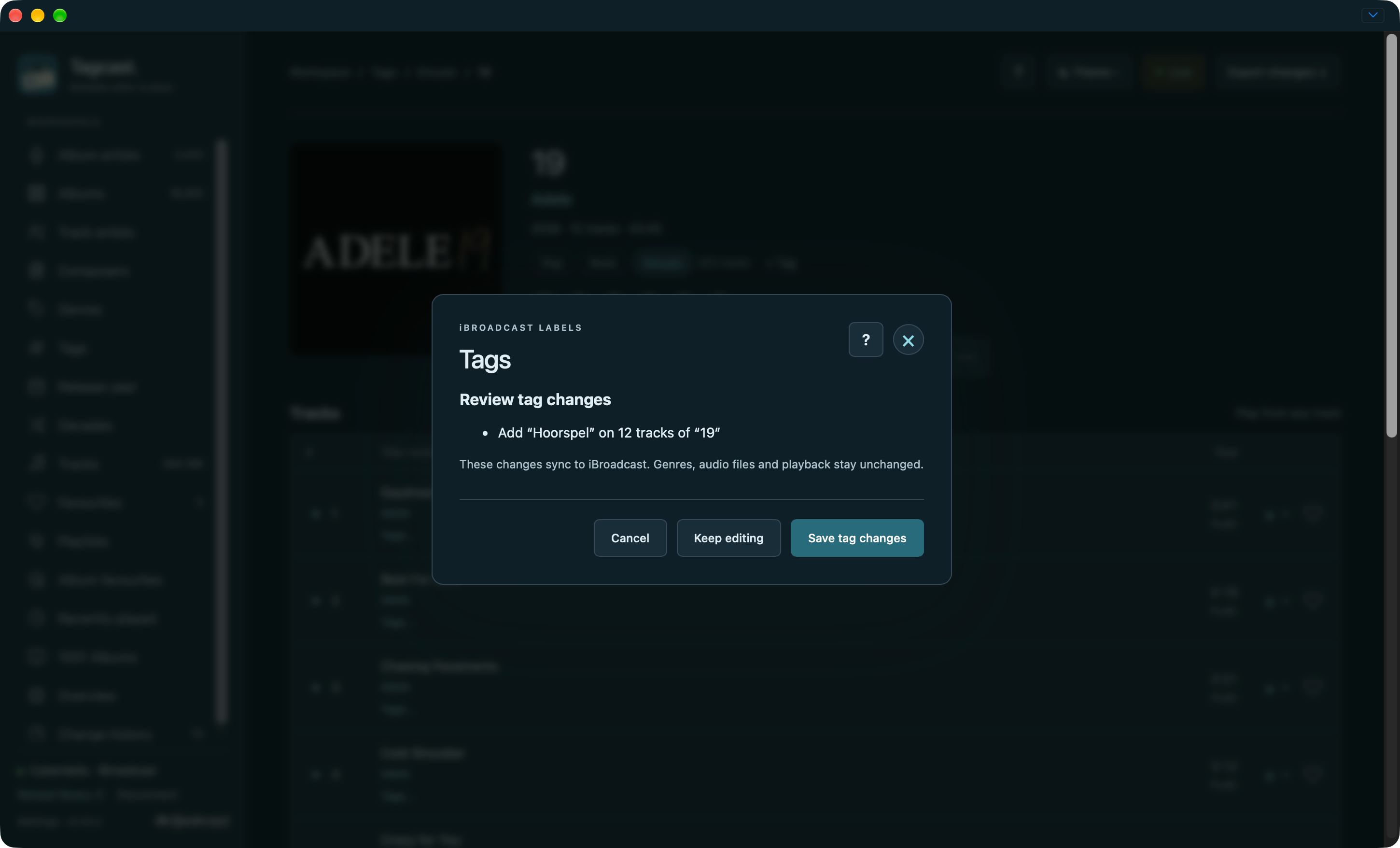
Review: inspect the label and track count before saving.
Metadata drafts, review and artwork
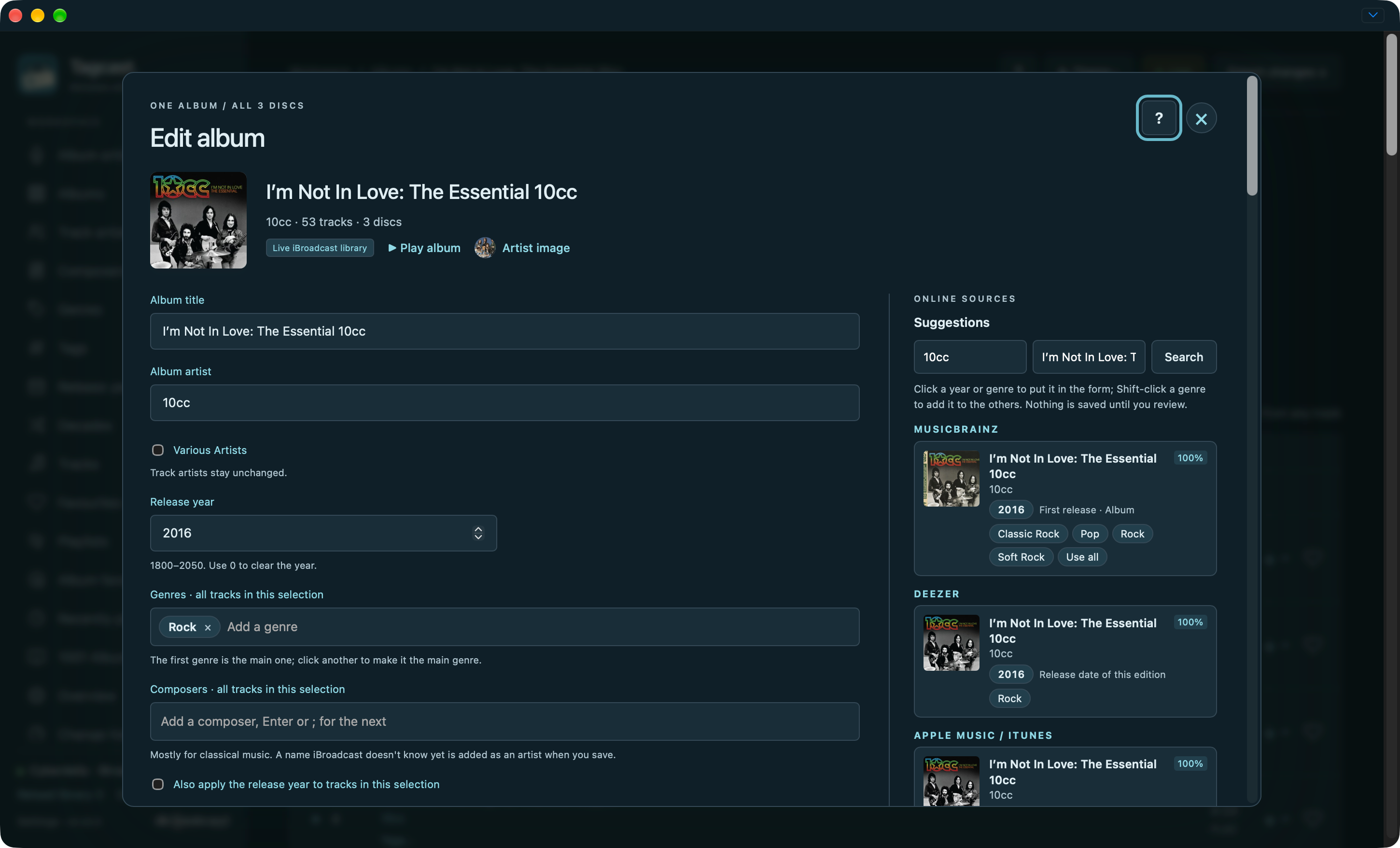
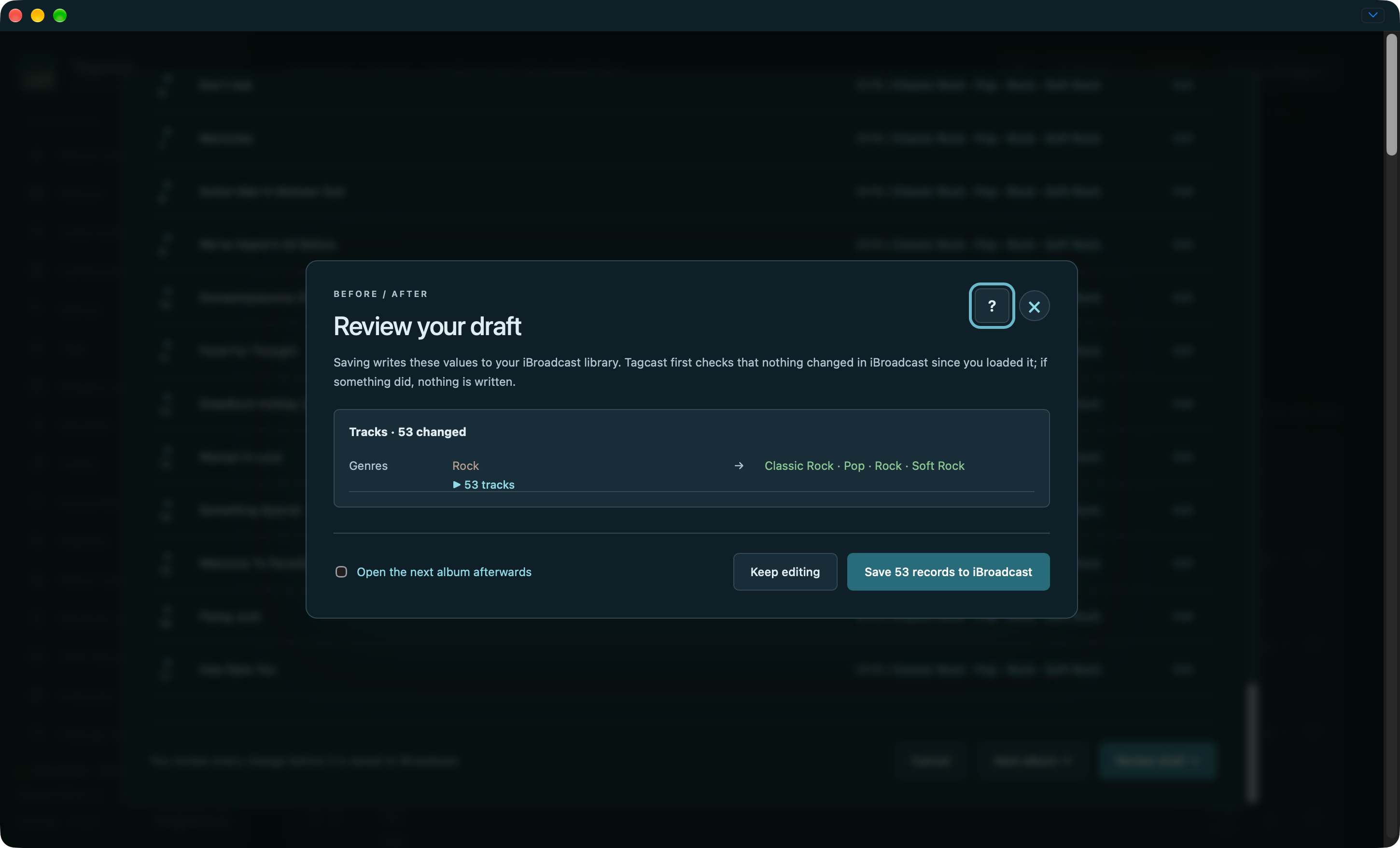
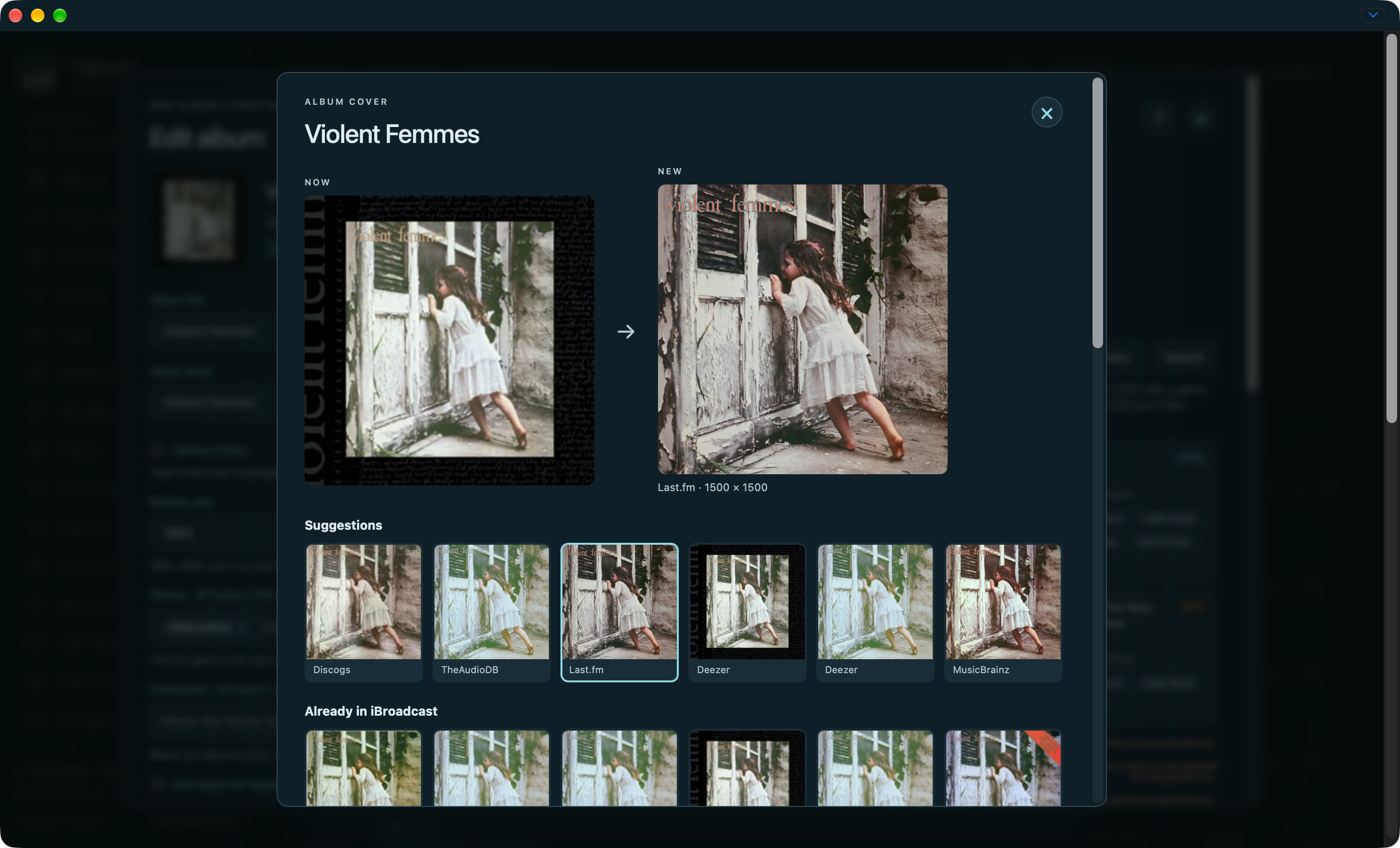
The editor combines album/track fields with source suggestions. Changes still need an explicit before/after review.
Artwork has its own comparison and save action.
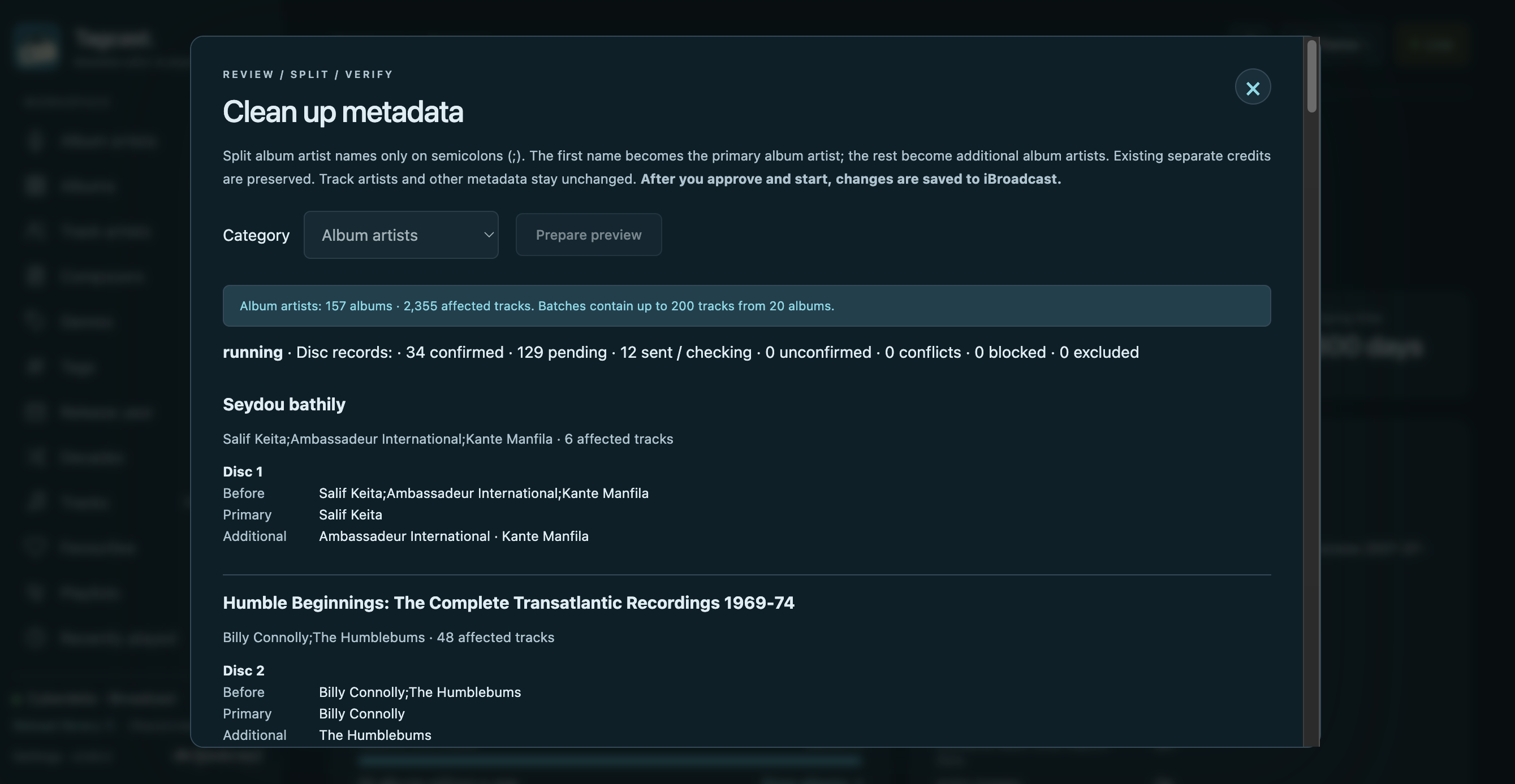
Earlier-interface credit cleanup preview · Earlier-interface genre cleanup progress. These earlier examples are retained; a new cleanup session is not needed for documentation.


Album artist cleanup: an approved run splitting semicolon-separated names into a primary artist and additional album artists. This original capture from 18 October 2026 shows progress, not a completed job. Available in Tagcast 0.70.0; see Cleanup.
Playback, queue, fullscreen and Sound
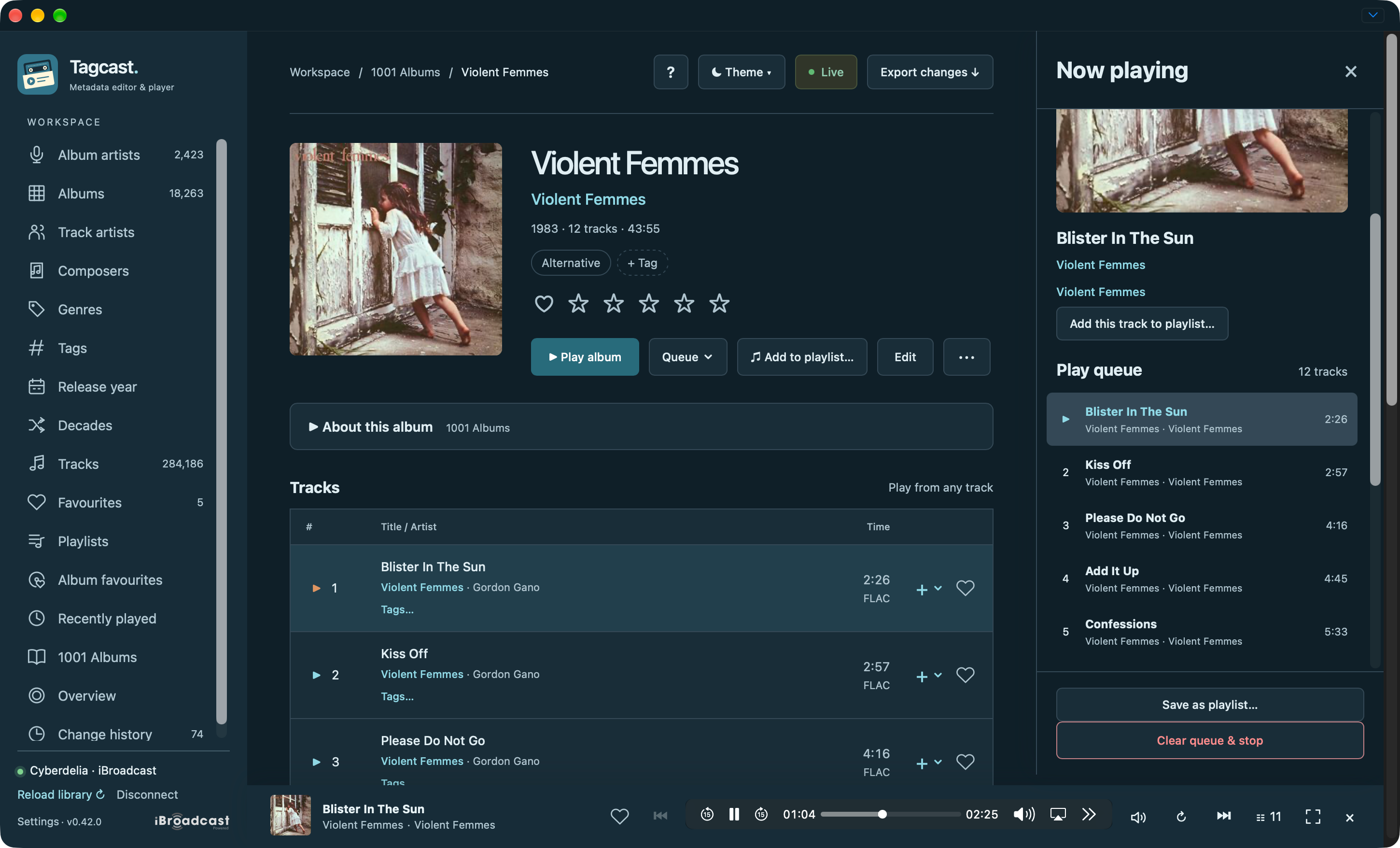
The compact player and queue remain active while browsing other pages.
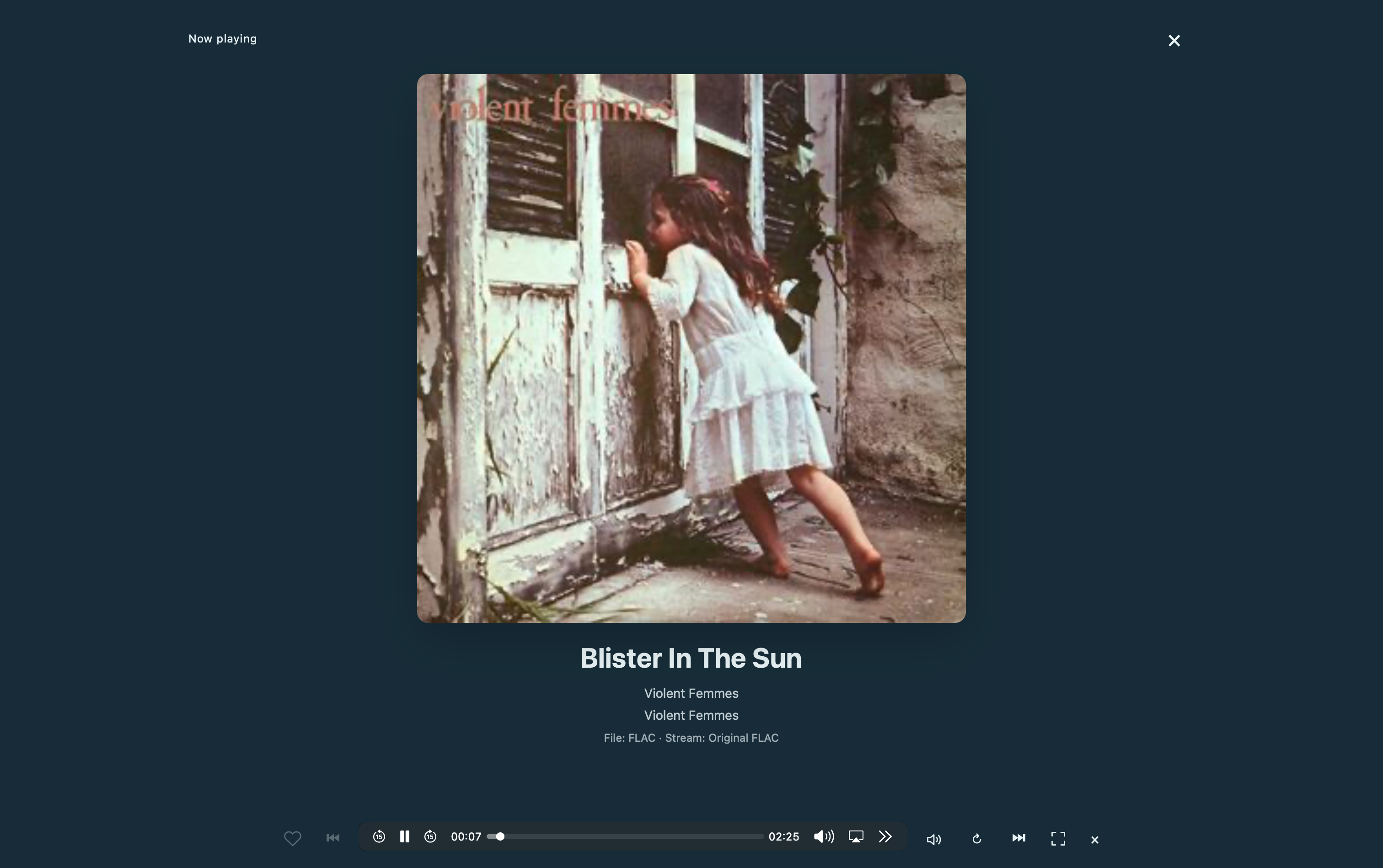
Fullscreen Now playing: a large cover and controls using the same audio element.
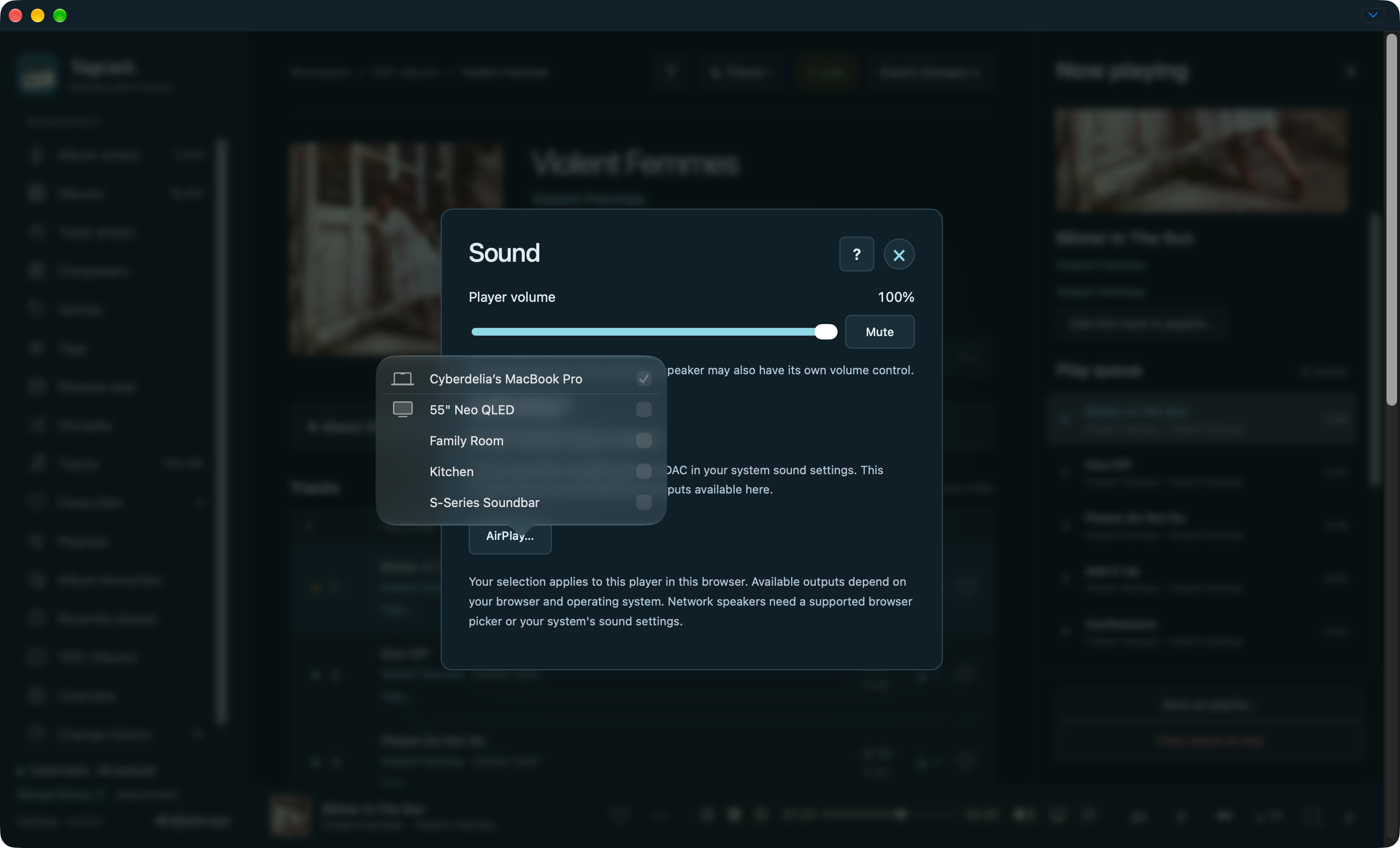
Sound: player volume and mute stay separate from the chosen output. This example shows Safari's native AirPlay picker; other browsers expose the outputs they support or direct you to system sound settings.
Genres, composers and decades
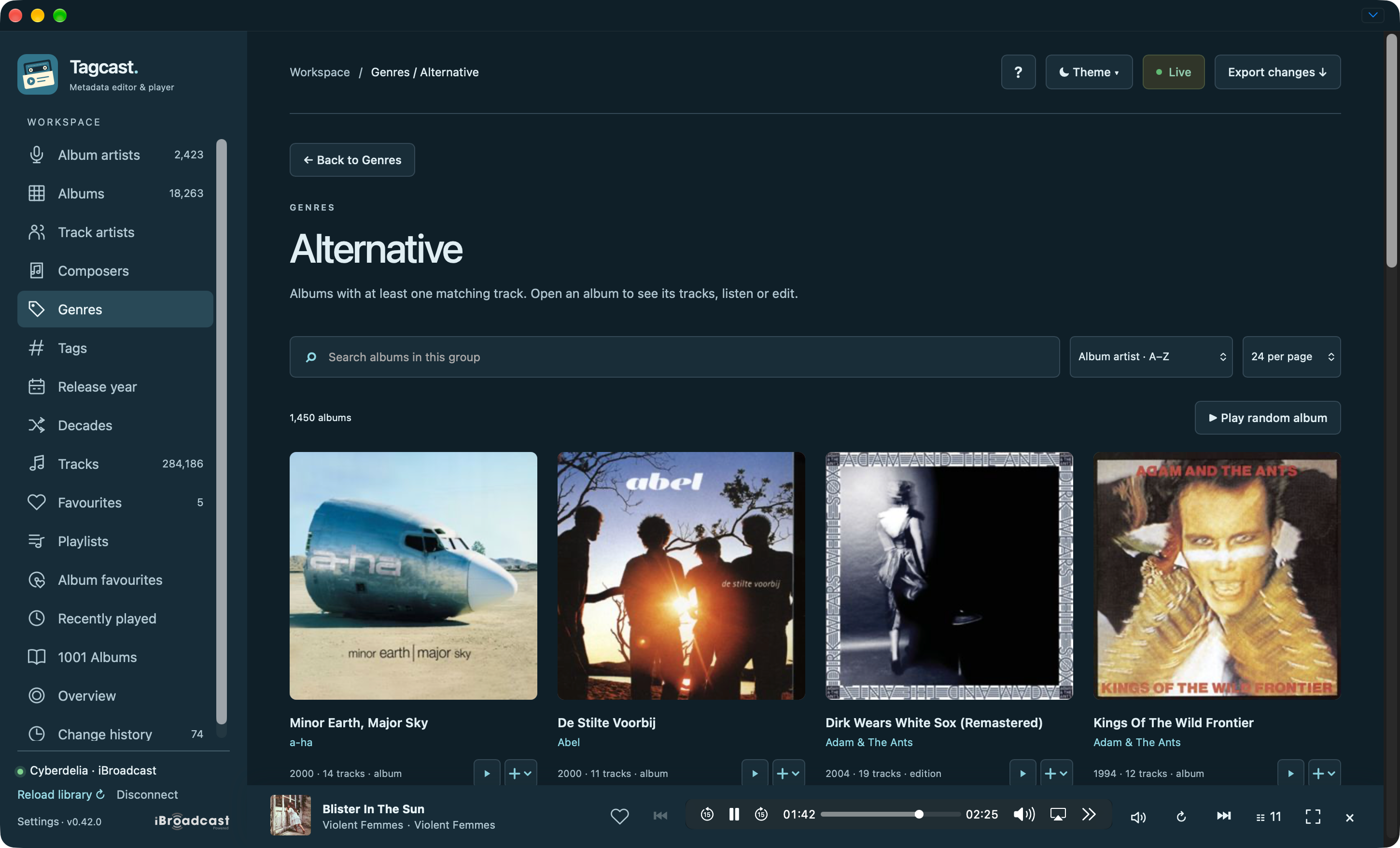
Genres: albums containing matching tracks, with random playback available.
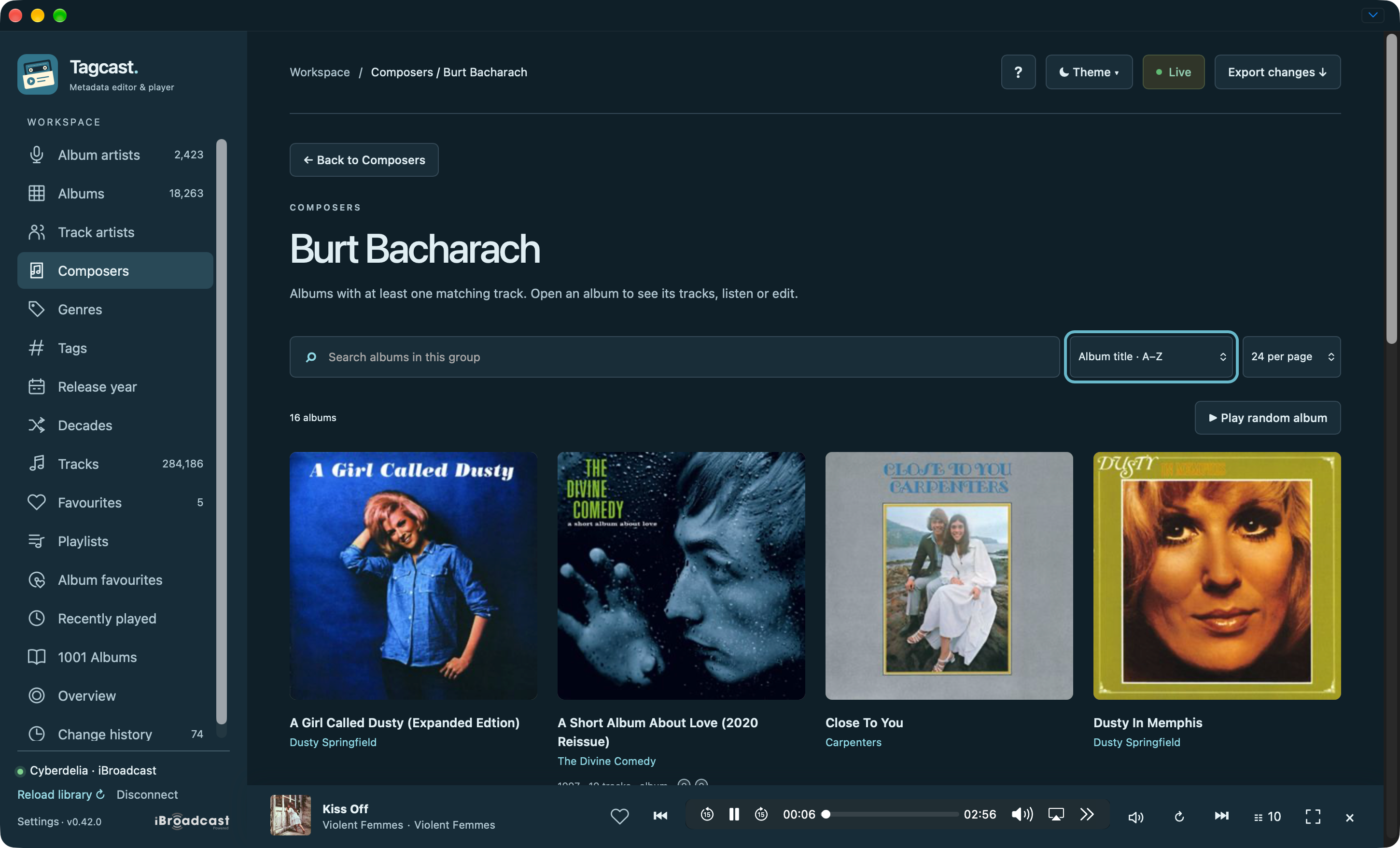
Composers: browse albums with tracks credited to Burt Bacharach.
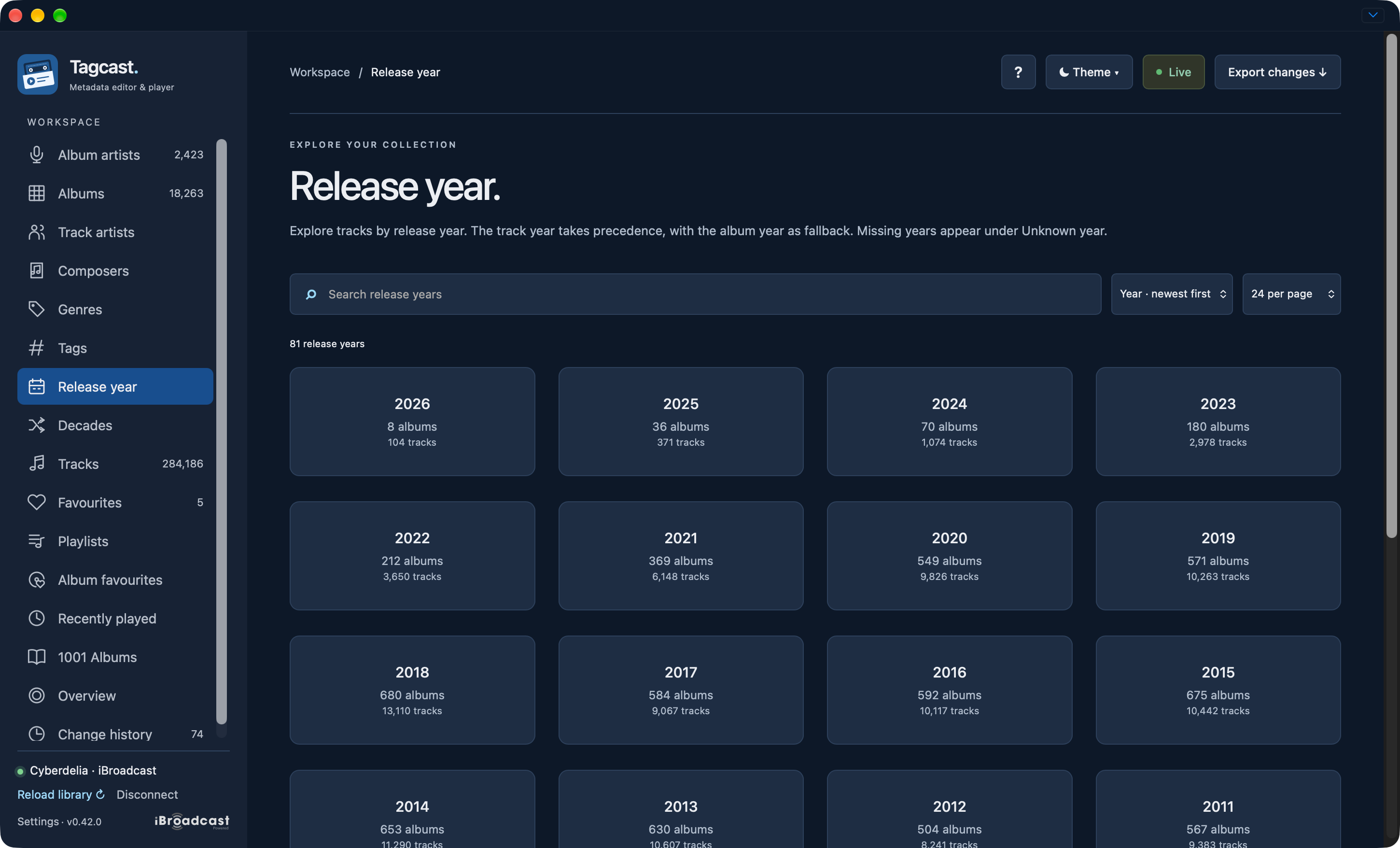
Release year: choose a year card to browse its matching albums. A known year on an album page opens the matching year group directly.
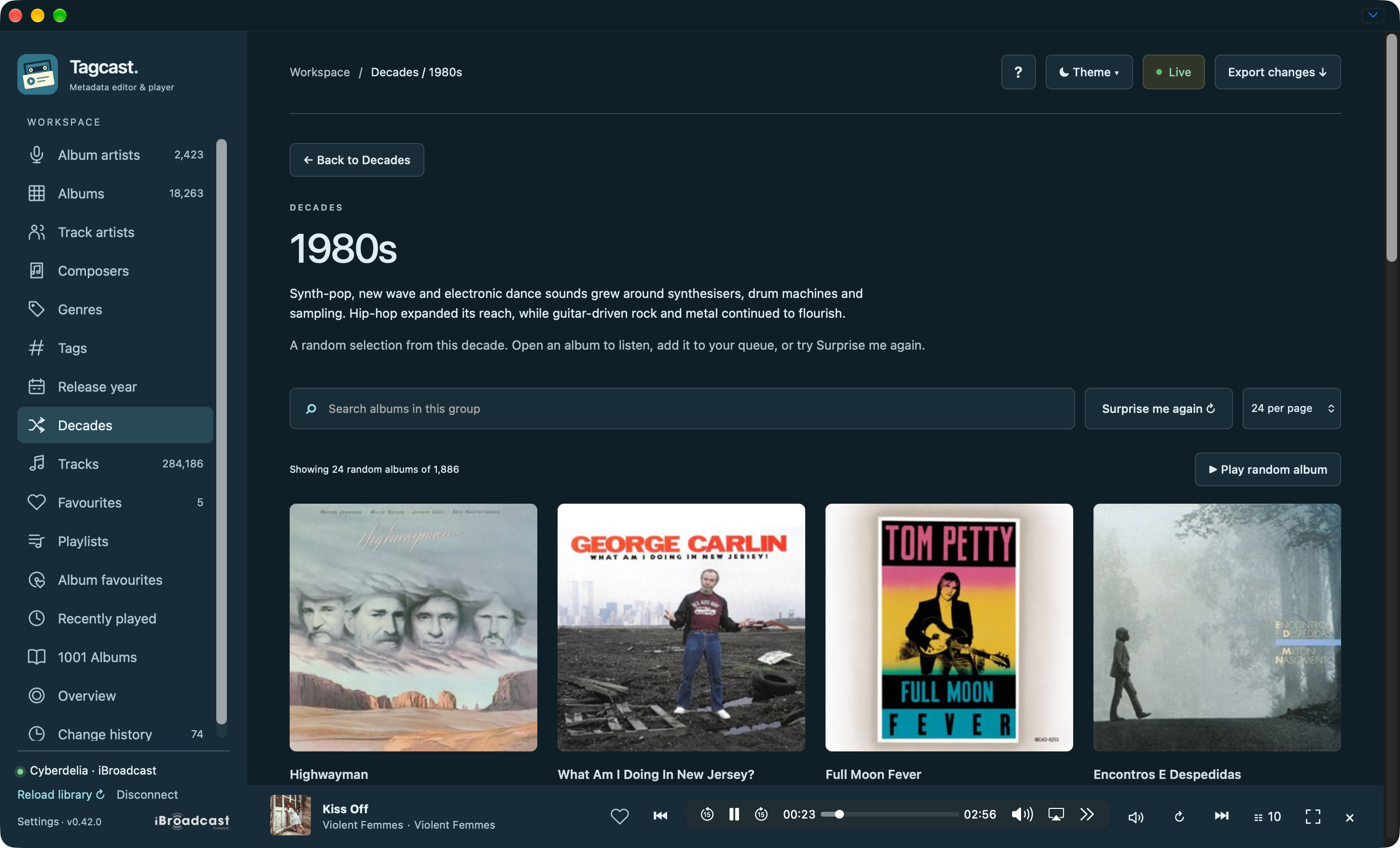
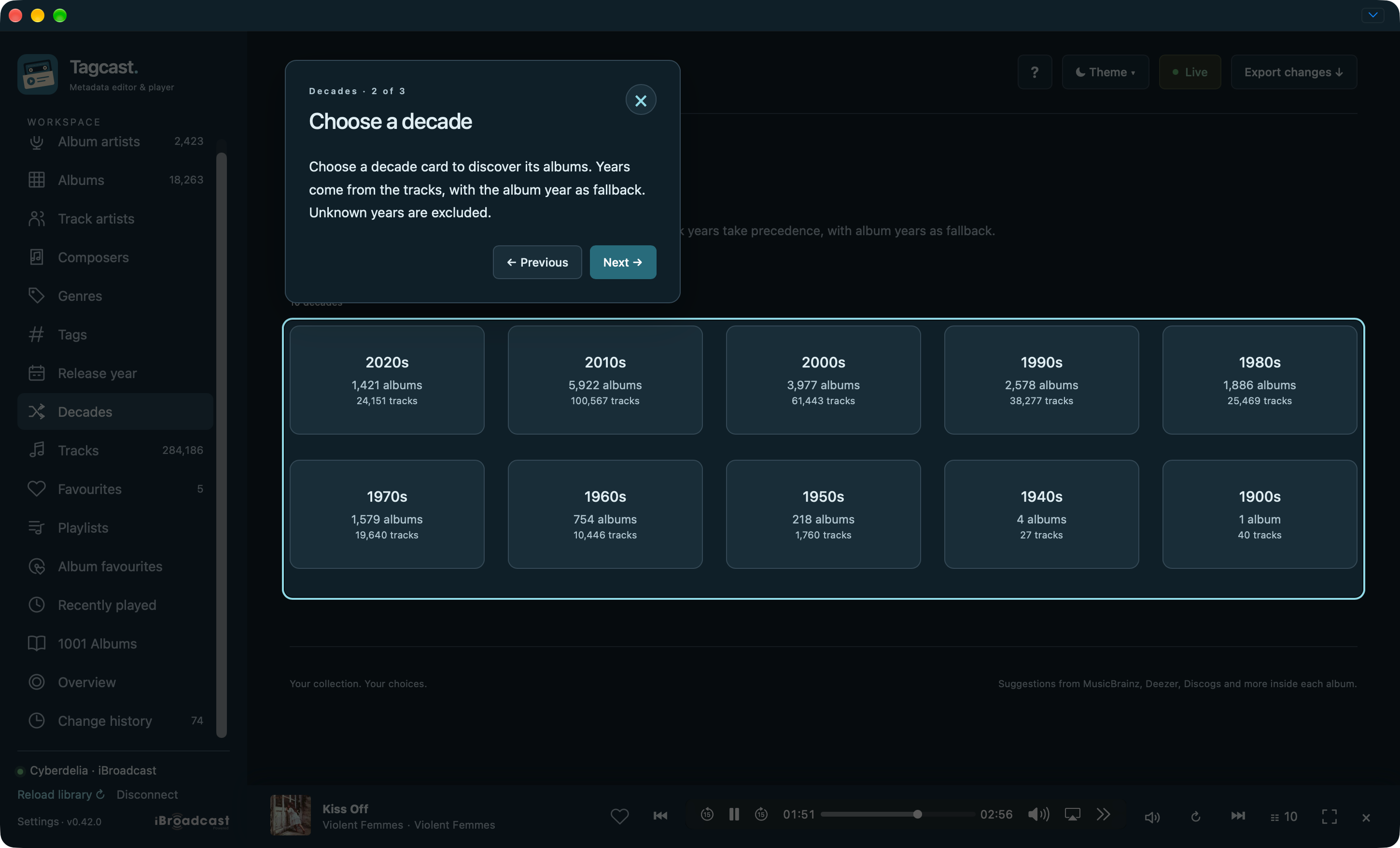
Decades: discover a sample and choose Surprise me again for another selection.
Favourites and Recently played
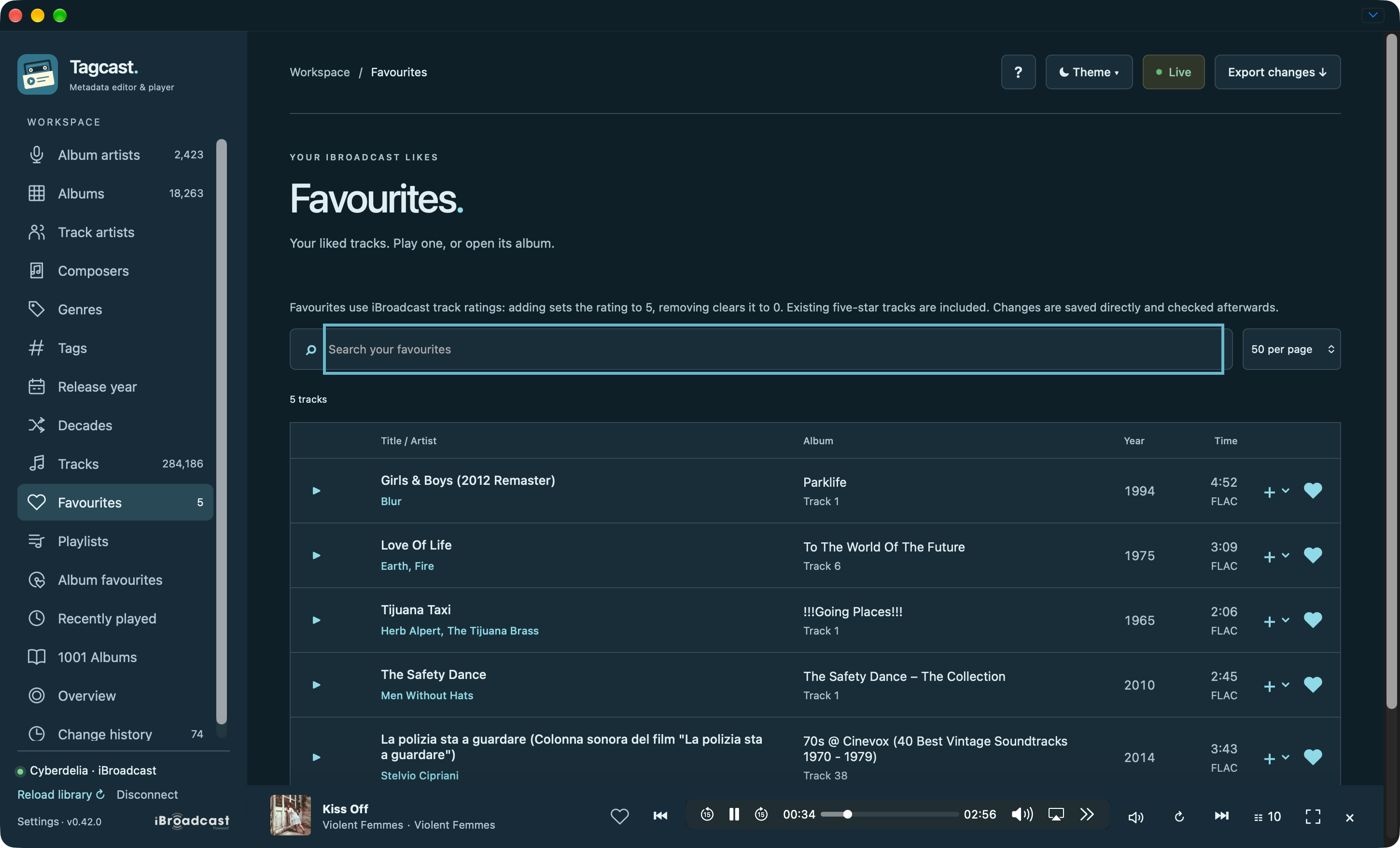
Favourites: search native track favourites and play or queue them.
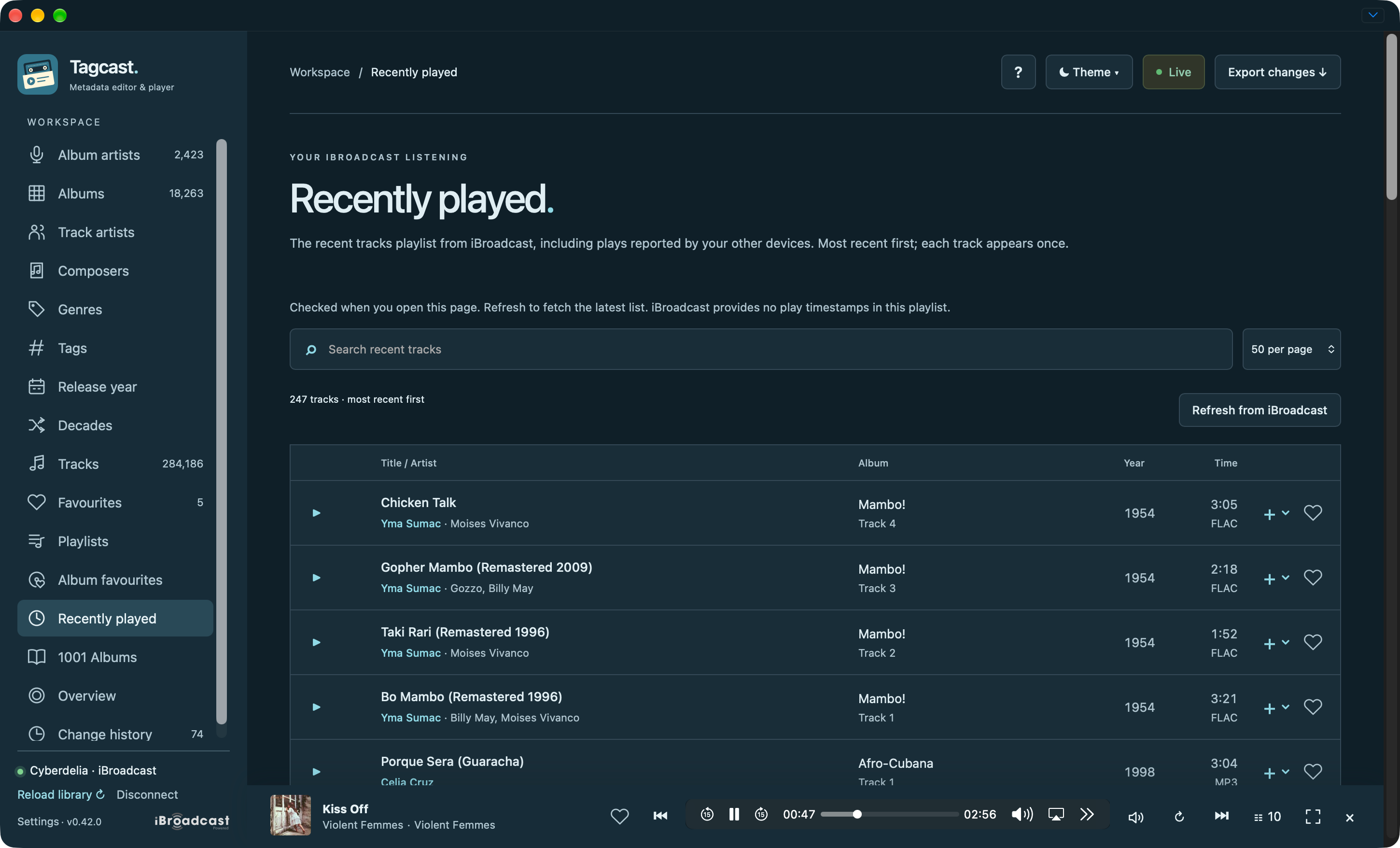
Recently played: native listening history with search and playback controls.
Overview, History, Settings and contextual help
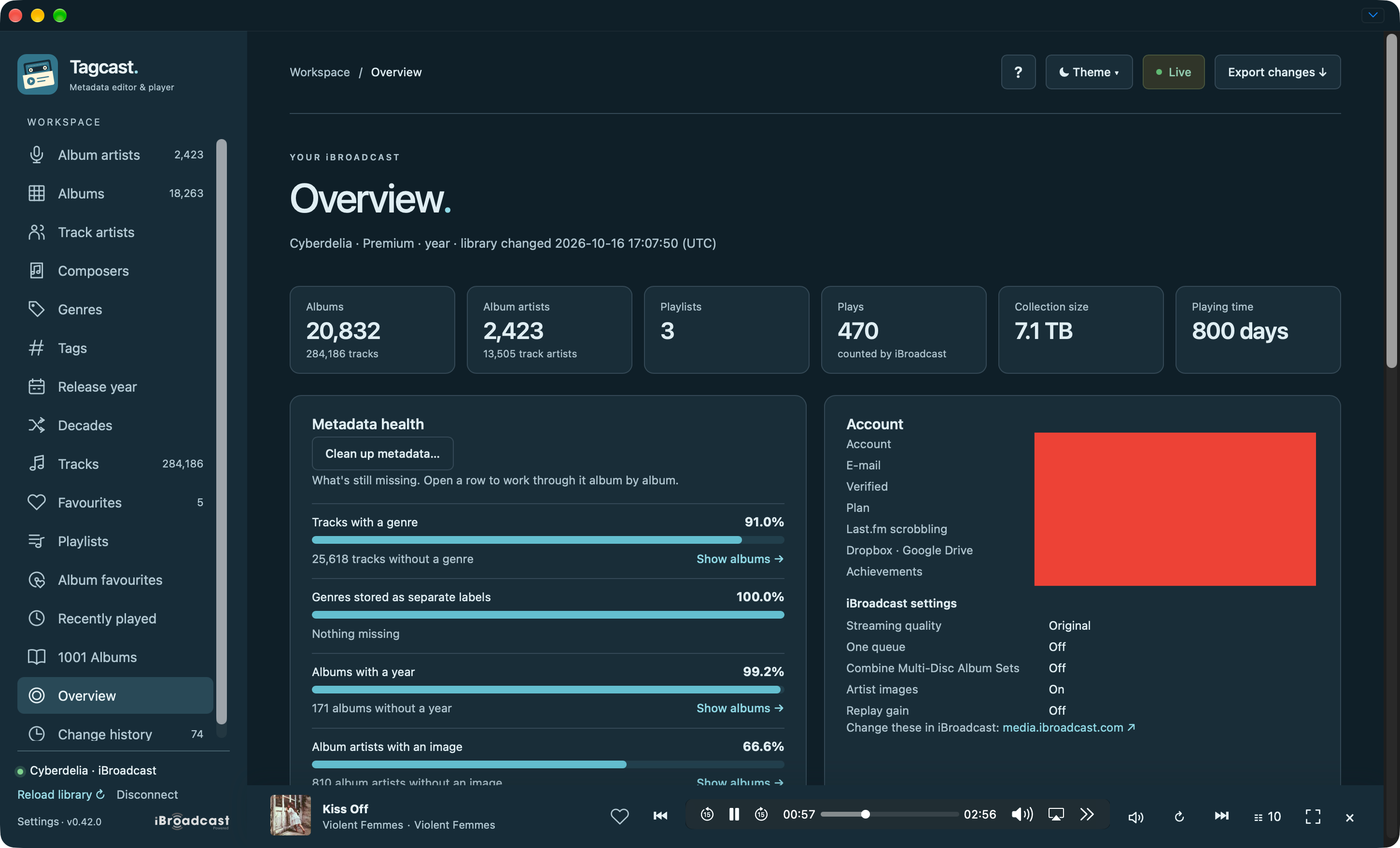
Overview: collection totals, metadata health and iBroadcast settings. The account fields in this capture were redacted by the contributor.
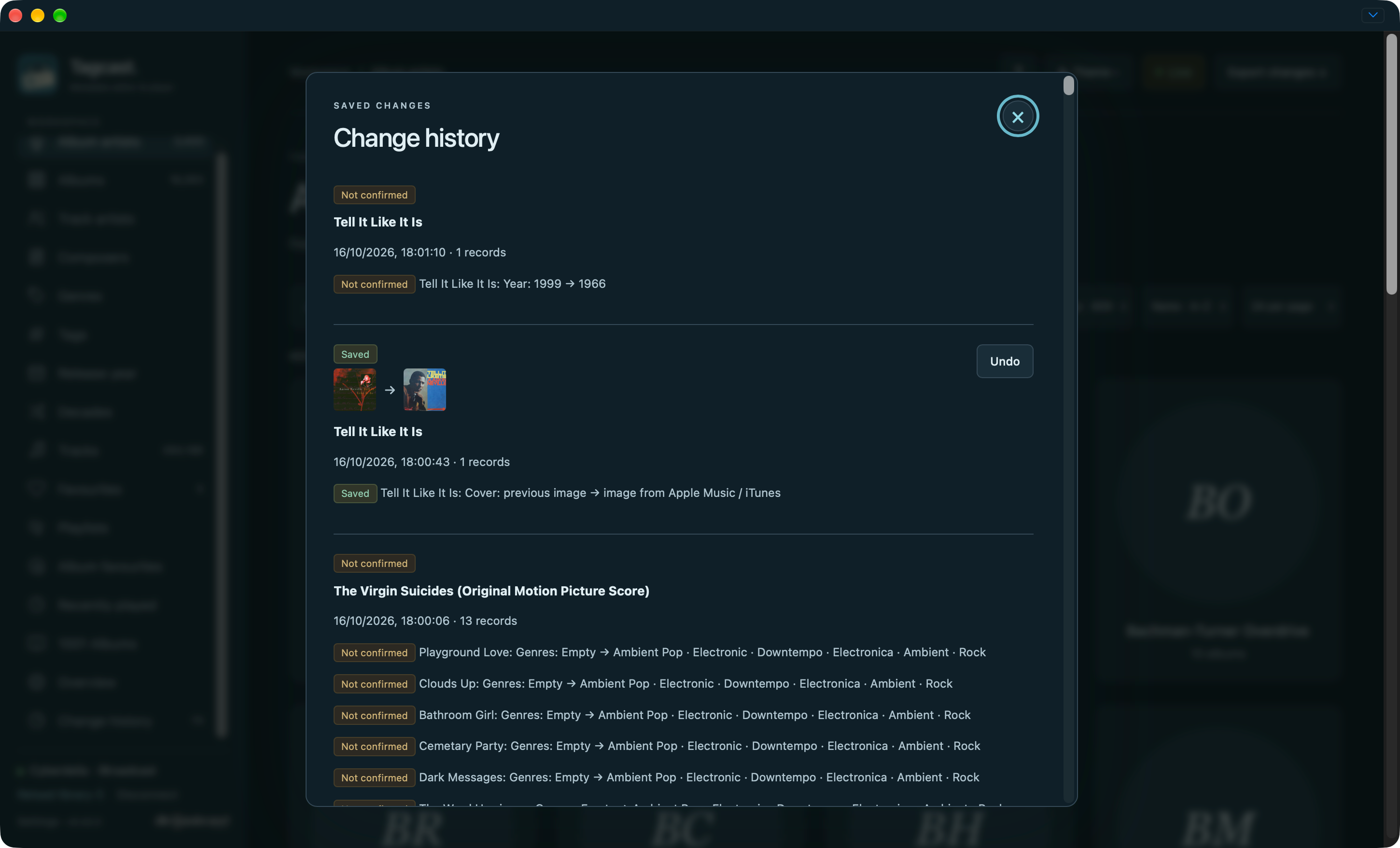
Change history: confirmed saves and unconfirmed outcomes stay distinct.
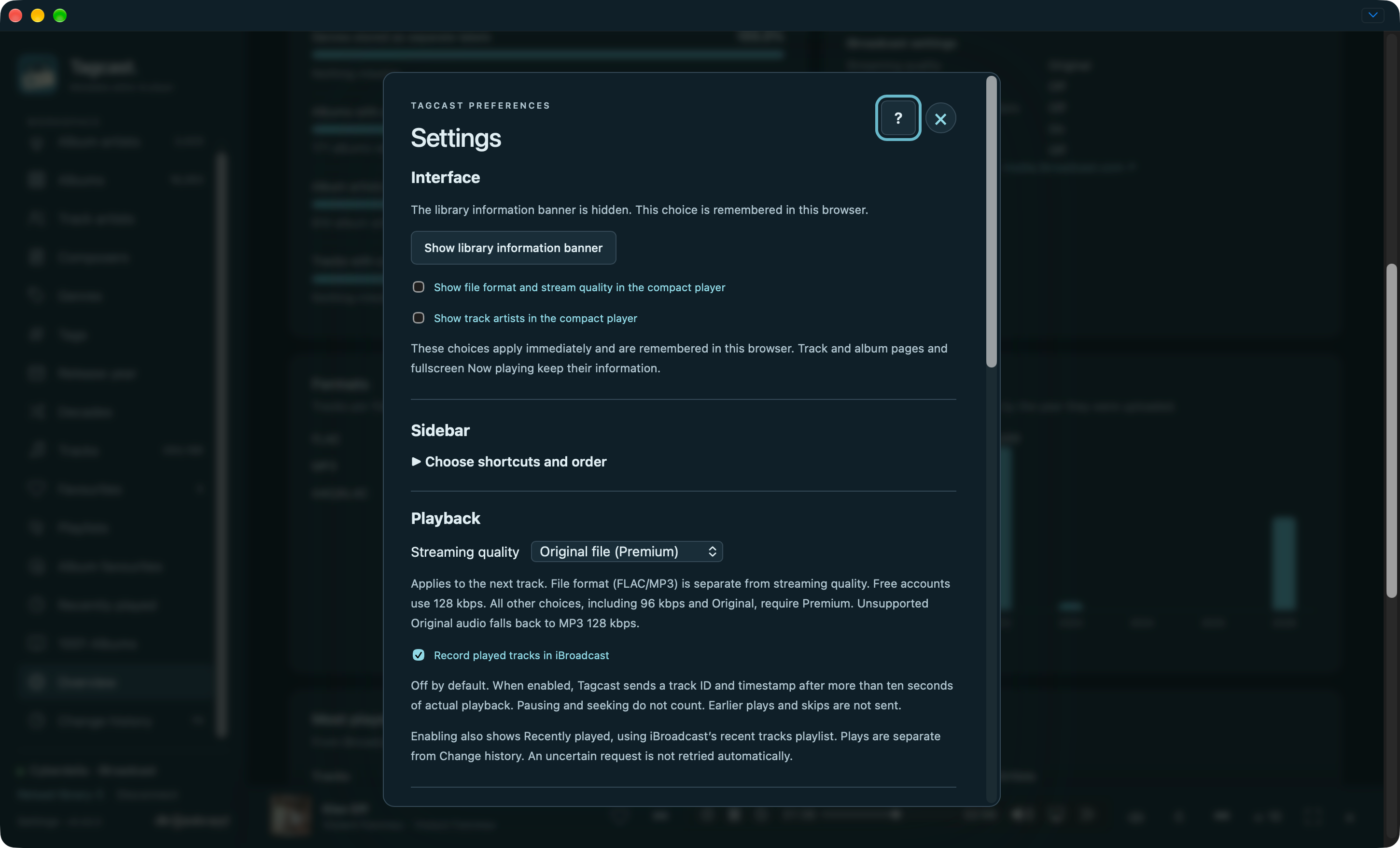
Settings: the library banner, sidebar preferences, stream quality and optional play reporting.
Help: the ? tour explains the current context without triggering actions.
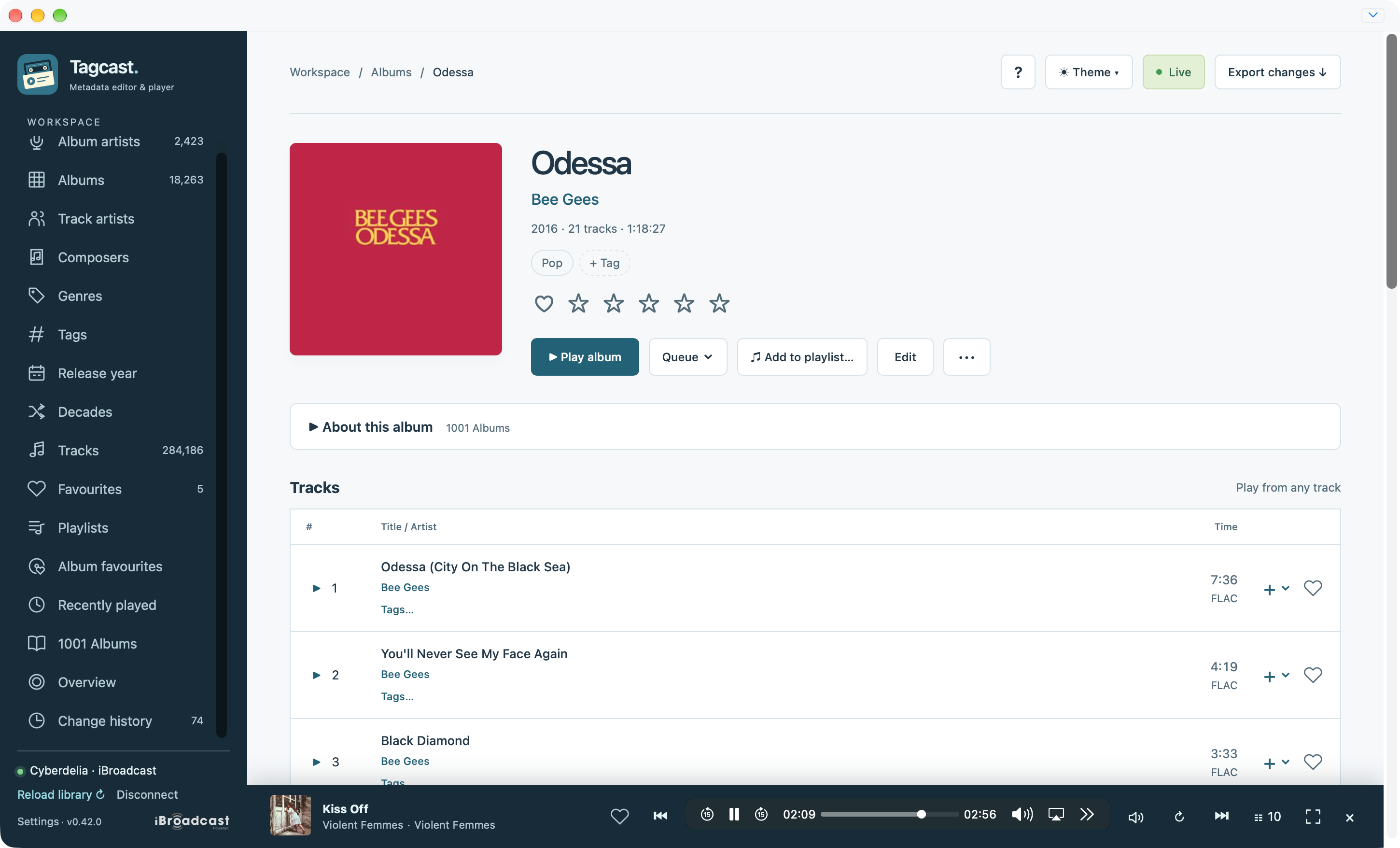
Light appearance and mobile layout
The same album controls with light content surfaces and the independent sidebar.
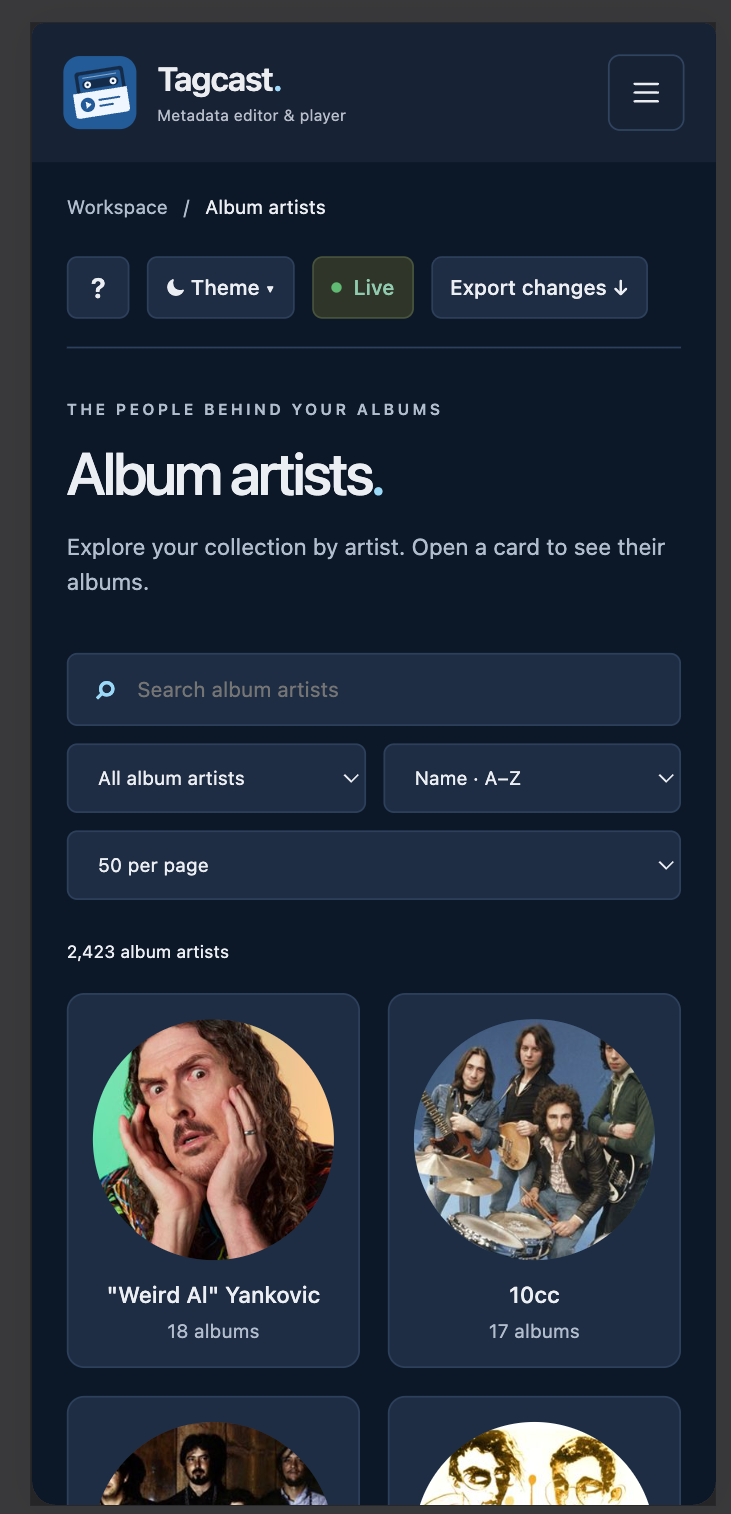
Mobile: the sidebar becomes a menu button and the artist grid adapts to the width.