Repository navigation
Menu And Kiosk
Three screens guests and staff touch: the phone menu a guest opens from the wall's QR code, the kiosk on the kegerator tablet where pourers pick their name, and the admin's sign-in and first-run setup.


- The newest keg leads. A keg tapped in the last week fills the top of the page in its own color, with a sentence about it ("Just tapped on tap 11. Garage Brewing's English Barleywine, 11.5%. About 4 pints left.").
- Search and chips. Search matches the beer's name, brewery and style. The chips are All, New (tapped this week), Almost gone (15% or less) and the style families on tap right now: Light, Hoppy, Dark and Sour, worked out from each beer's style (ciders and meads sit in no family; they're always under All).
- One row per beer. The name on its own line, then tap · style · ABV · IBU, the beer's tap marker, and pints left (in the taproom's serving size). A tap pouring right now says so.
- The beer sheet. Tapping a row opens a sheet with the beer's marker, style, ABV and IBU, the tap and what's left, the kick forecast, its average rating, the description, and the tap's own unclaimed pours as That was me rows. Escape, the × or the backdrop close it; keyboard focus stays inside while it's open.
- Claiming a pour. When pours are waiting for a name, a sentence near the top and a bar along the bottom say how many; either opens the picker. Claims work for 10 minutes after the pour (see cleaning-and-pours.md). After a claim the guest can rate the pour with 48 px stars.
- Passport. A phone that has claimed a pour remembers the pourer; their Passport chip in the header jumps to their stats.
Every control on the menu is at least 44 px tall, checked by tests/e2e/touch.spec.ts.
Each beer row has an edge in the beer's color that drains with its keg. Tapping a beer opens its sheet, which starts on a band in the beer's color. Unclaimed pours get one line near the top; Find yours jumps to the list of pours to claim.


- Who's pouring? The two people who poured most recently as big tiles, then everyone as 64 px avatars on 132 px tiles. Past eight pourers a 56 px search appears; past twelve, an A–Z rail. I'm new — sign me up asks only for a name and a color.
- Armed, pouring, done are one screen: the pourer and an instruction on the left, a glass on the right. Armed shows an empty dashed glass and "Pull any tap." When the Kegtron reports a flow, the glass fills with the measured volume and the counter runs. When the pour is recorded the screen shows the recorded volume and signs out after 5 seconds (tap to stay).
- If the tablet can't get the taps ready for a pourer, it says so instead of leaving them on the grid to guess.
- Group tabs. Start a group tab keeps a running total for everyone who signs in until it's ended (unchanged).
On Who's pouring? each name is a tab with a stripe of the beer that person last poured. While the tablet is armed, every tap's handle shows along the bottom in its beer's color; once a tap flows, its handle stands up and that beer fills the whole screen from the bottom with the ounces on top, then the foam settles on Cheers.
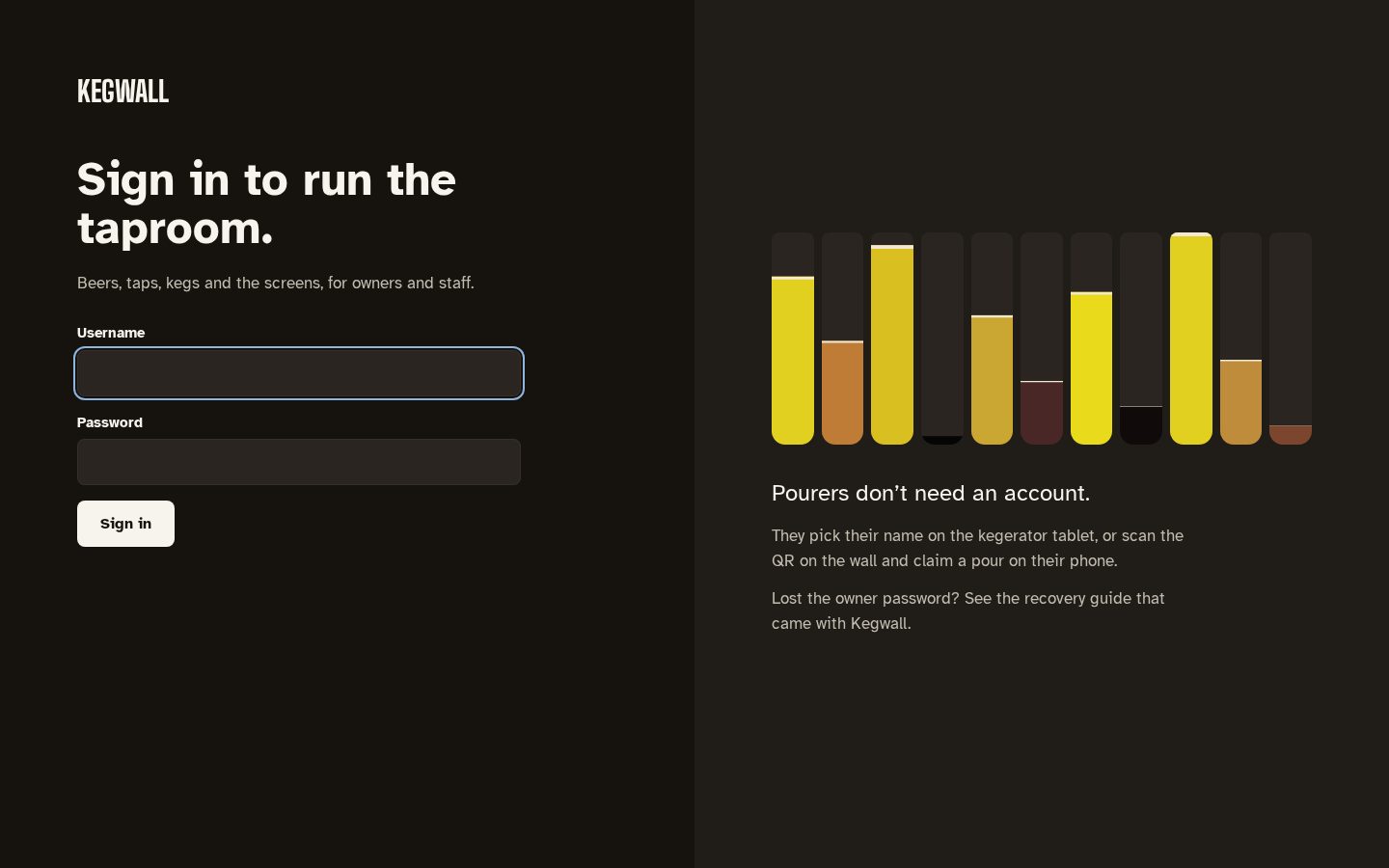
/admin/login and the first-run screens use the admin look (dark, or light when the device
prefers it) without the top bar. First run is one sequence with a progress bar: create the
owner account (/admin/setup, which needs the setup token printed in the server log on first
start), then name the taproom, connect Kegtron, Home Assistant, put the wall on a screen, and
choose how updates install (/admin/welcome).
The sign-in and setup screens show your taps as tall columns of beer at their keg levels beside the form. A fresh install shows quiet sample columns and says your taps will show up there.
Mirrored from docs/menu-and-kiosk.md. Edit the repo copy; this page is regenerated from it.