Repository navigation
Settings
Settings (admins) sits at the right of the admin top bar. Its tabs are Settings, Automations, Home Assistant and Diagnostics; editors and viewers see Automations only.
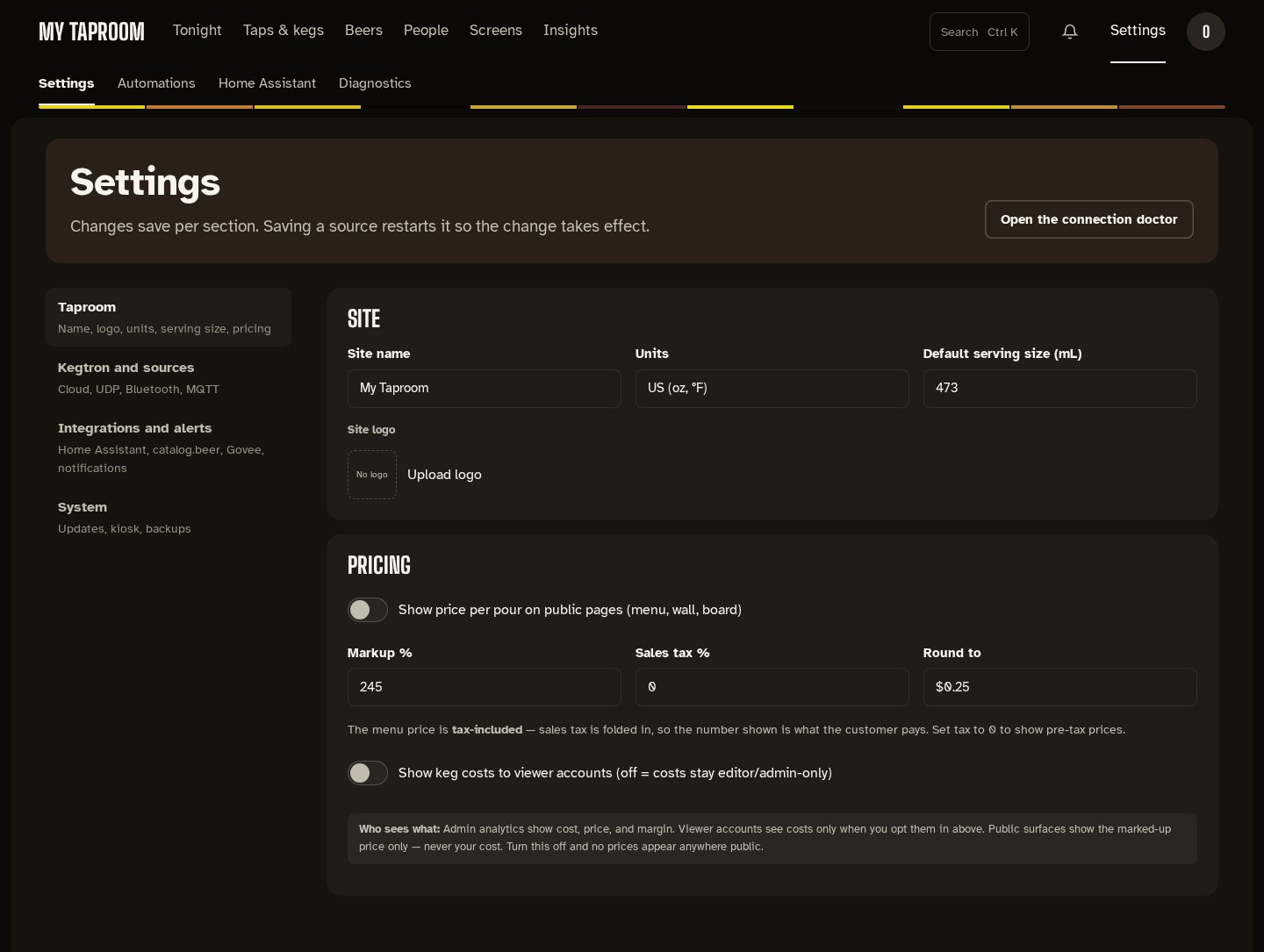
The sections are listed down the left, each with a line on what it holds:
| Section | What's in it |
|---|---|
| Taproom | Site name, units, default serving size, logo; pricing (markup, tax, rounding, who sees costs) |
| Kegtron and sources | Kegtron cloud API key, UDP, Bluetooth and MQTT sources |
| Integrations and alerts | Home Assistant, catalog.beer, Govee, face sign-in, and notification channels (email, push, webhooks, MQTT) |
| System | App and OS updates, kiosk restart, a test pour, backups and restore |
Each block is its own panel and saves on its own, so unsaved changes elsewhere are kept. A
block's Save button only appears once you change something in it, with "not saved yet"
beside it. "Saved." appears briefly in
the corner; saving a source restarts it, and the corner says so. Addresses such as
/admin/settings?tab=system open a section directly.
Each rule reads as one sentence, such as "When a keg drops below 15%, notify in the app.", with its state beside it: On, Off, or Just ran in the five minutes after it fired, and when it last ran. The switch turns a rule on or off; Edit opens the builder, where Delete rule (top right) asks first. New rule starts from a template (fill in the blanks) or a blank rule.
A guided setup that connects Kegwall to your MQTT broker so taps and monitors appear in Home Assistant. See Home Assistant.
The connection doctor. The page's sentence is its verdict ("All 3 ingest paths healthy." or which are down), then each source's state and checks that talk to the real service: the Kegtron cloud, a 10-second UDP listen with history and raw packets, Govee, and how the network is set up. Run all checks runs them together; every result is also written to Logs.
Behind the bell, and at /admin/notifications: every alert, newest first, with how many are
unread. Mark one or all as read.
Mirrored from docs/settings.md. Edit the repo copy; this page is regenerated from it.