feature settings

Overview Workspace administration across four tabs: Members (invite, manage roles, remove), Billing and plans (subscription, upgrade/downgrade), Integrations (connect Vanta, GitHub), and Notifications (configure alert channels and thresholds).
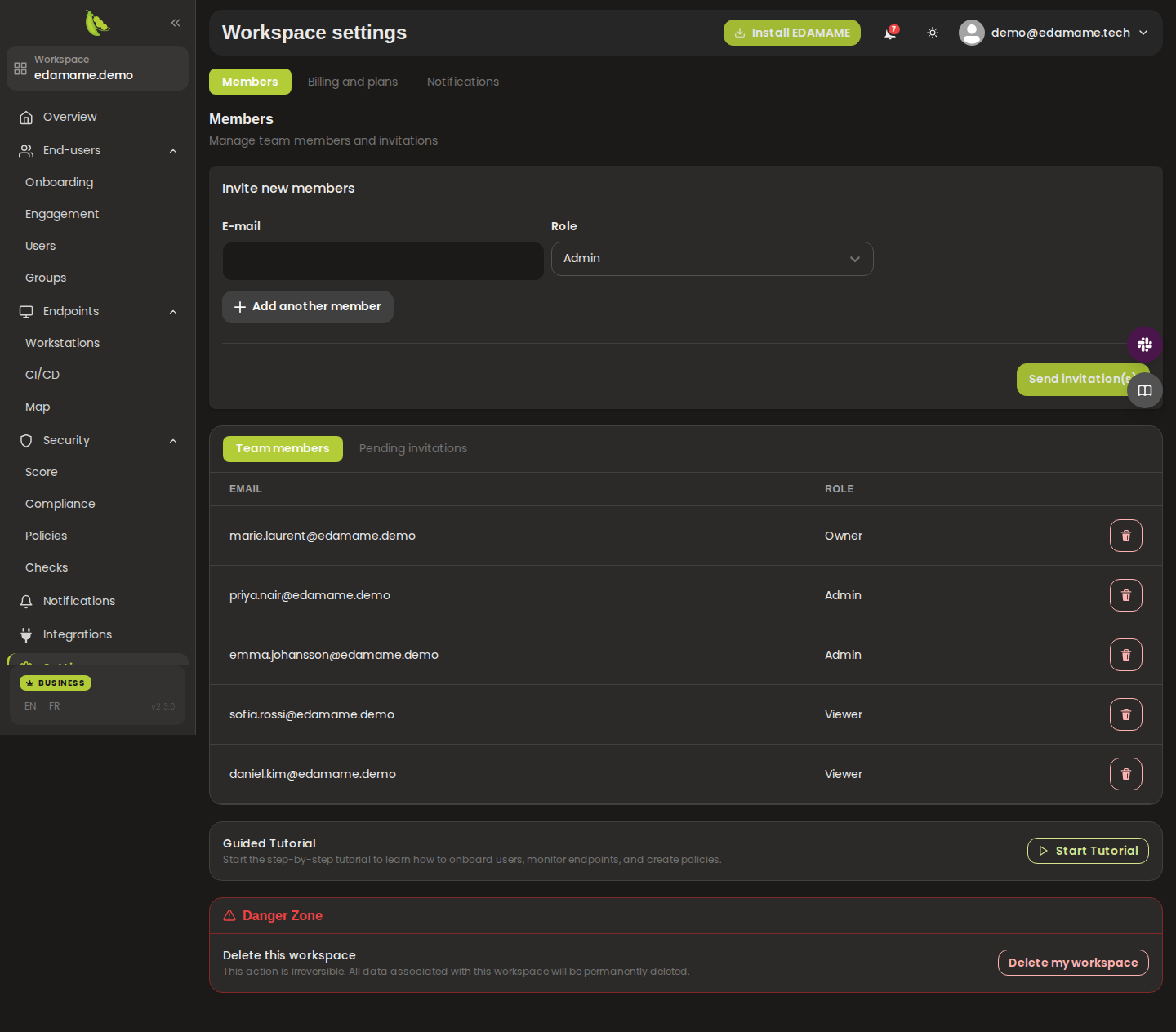
Description: Invite members by email (with a role dropdown), manage Team Members and Pending Invitations in sub-tabs, start a guided tutorial, and delete the workspace from the Danger Zone. Invitations currently require the invitee to already have an account.

Screenshot of Members Management
Description: Shows the current plan with a manage action, a monthly/yearly billing toggle (yearly saves 20%), and Free, Business, and Enterprise plan cards with pricing, user/device limits, history retention, and support tiers.

Screenshot of Billing & Plans
Description: A table of available integrations (Vanta, GitHub) with description and a Connected/Not Connected status, plus a Connect action. Once GitHub is connected, audit actions (with a lookback selector) become available.
Screenshot of Integrations
Description: Two notification groups - Identity and Licensing (New user, New device, Workspace user limit, Conditional access error) and Score and Compliance (security score spikes, compliance ratio spikes, engagement events). Each row toggles the notification center, adds email and phone recipients, and sets thresholds; a Save button persists all changes.

Screenshot of Notification Preferences
- Manage dashboard team members
- Connect an integration
- Review billing and plans
- Configure notification preferences
This page was automatically generated from feature definitions.