workflow create_group

Overview Create a group to organize users into logical sets that can be targeted by access control policies. This walkthrough stops before creating so it is safe to run against the live demo workspace.
Open End-users > Groups. Existing groups appear as cards showing the name and member count (e.g. 'admin - 2 users'). Click 'Create a group' (highlighted) to add a new one.
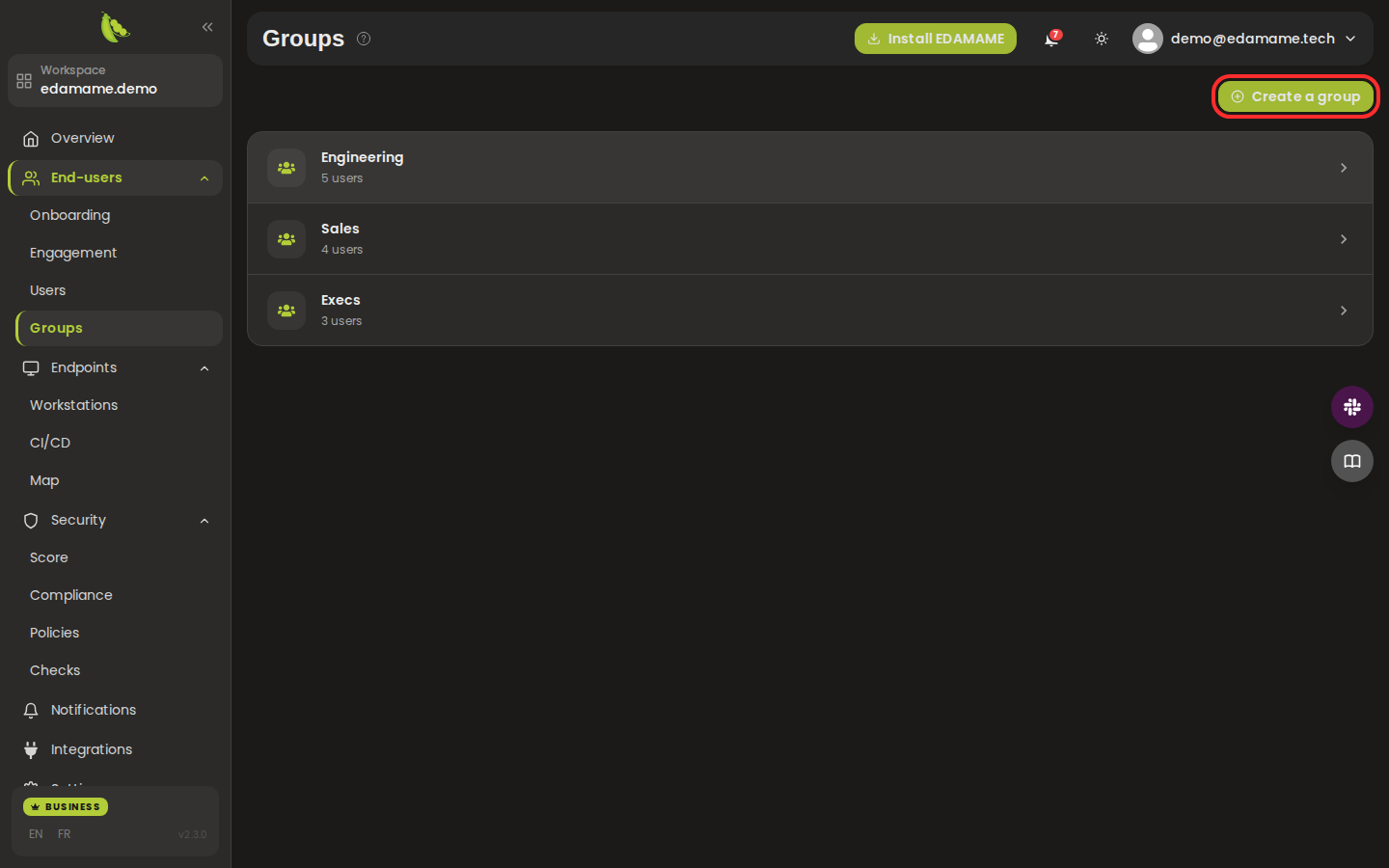
Step 1: Open the Groups page
The 'Create a group' modal opens. Give the group a name, add members, and confirm. The group can then be referenced when creating a policy.
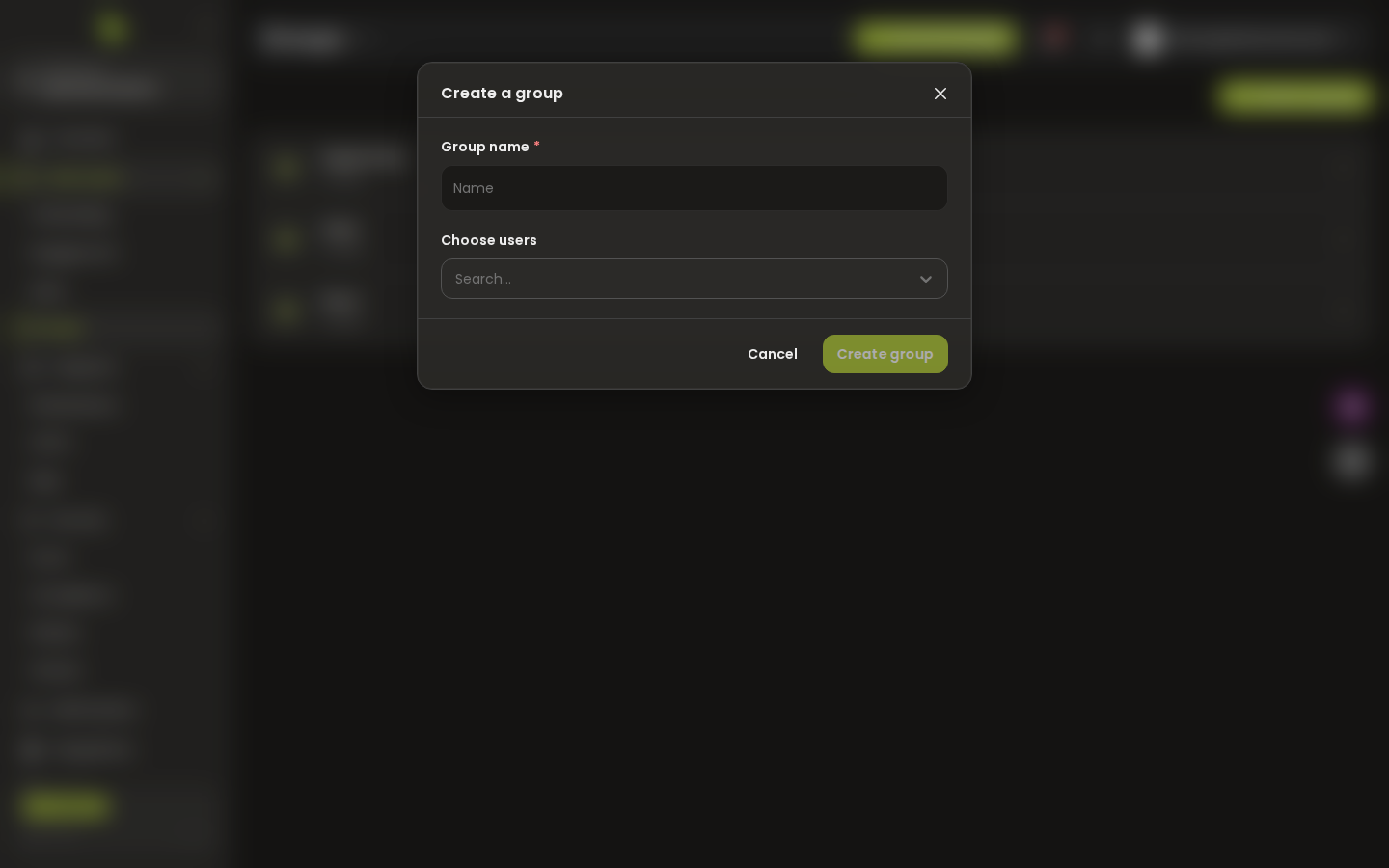
Step 2: Fill in the create-group modal
This page was automatically generated from workflow definitions.