workflow create_policy

Overview Step-by-step guide to opening the policy creation flow. Policies can be based on minimum security scores, specific security checks, compliance tags, or group membership, and can be bound to an integration trigger (GitHub, Azure, Google, GitLab, Fortigate, NetBird, Tailscale, Custom). This walkthrough stops before saving the policy so it is safe to run against the live demo workspace.
Open the Policies page from the Security section of the sidebar. The Policies tab lists existing policies as cards with compliant and non-compliant device counts. Click 'Create a policy' (highlighted) to start.

Step 1: Open the Policies page
The 'Create a policy' modal opens. Give the policy a name, choose its criteria (minimum score, security check, compliance tag, or group), and optionally bind an integration trigger. Click the final create/save button to persist it.
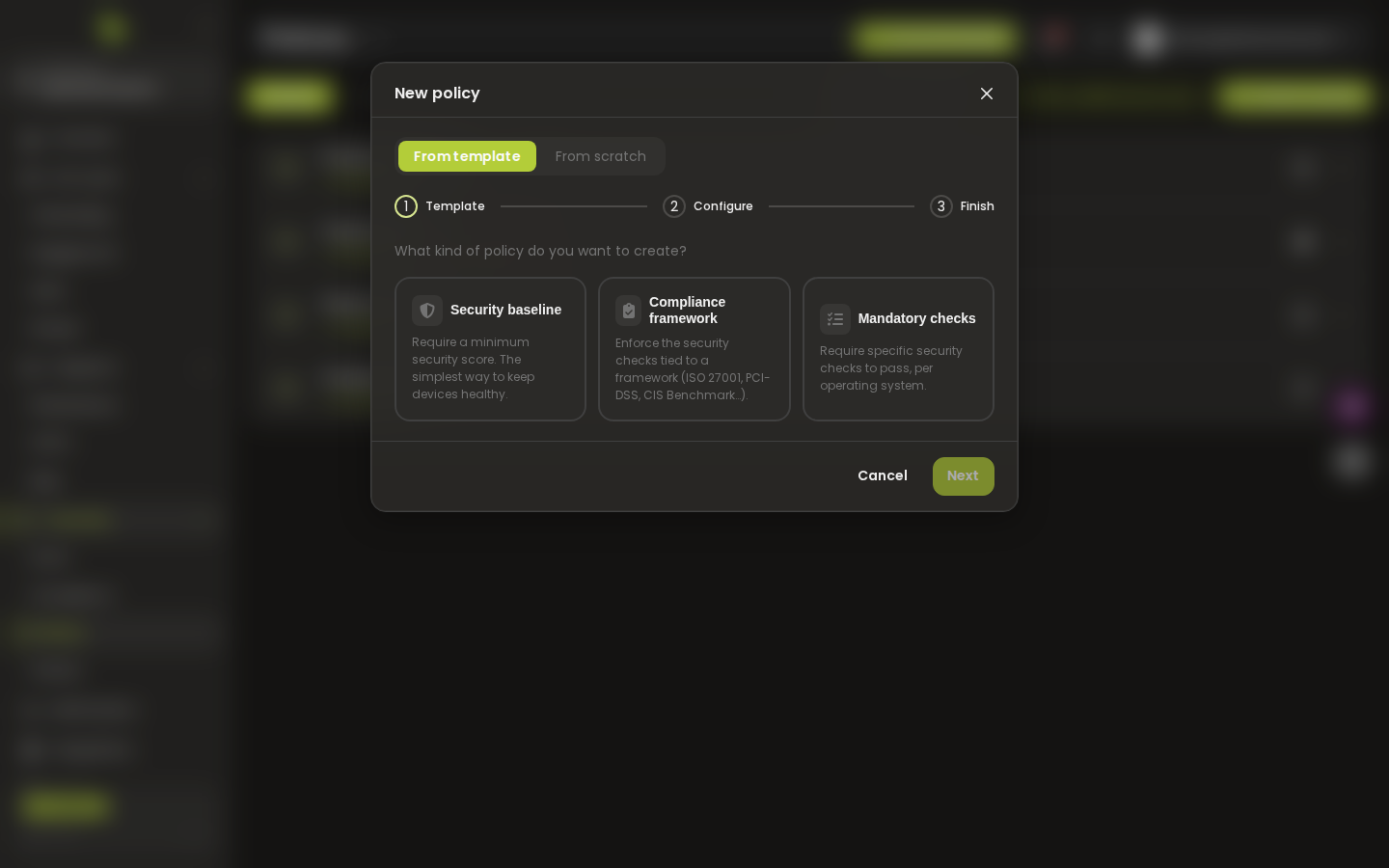
Step 2: Fill in the policy creation form
This page was automatically generated from workflow definitions.