workflow explore_device_map

Overview Use the geographic map to see where your monitored devices are located and open a marker to jump to a device. Read-only and safe to run.
Open Endpoints > Map. Toggle All devices / Live devices, zoom into a region, and click an OS-icon marker to open its device/user popup and navigate to the detail.
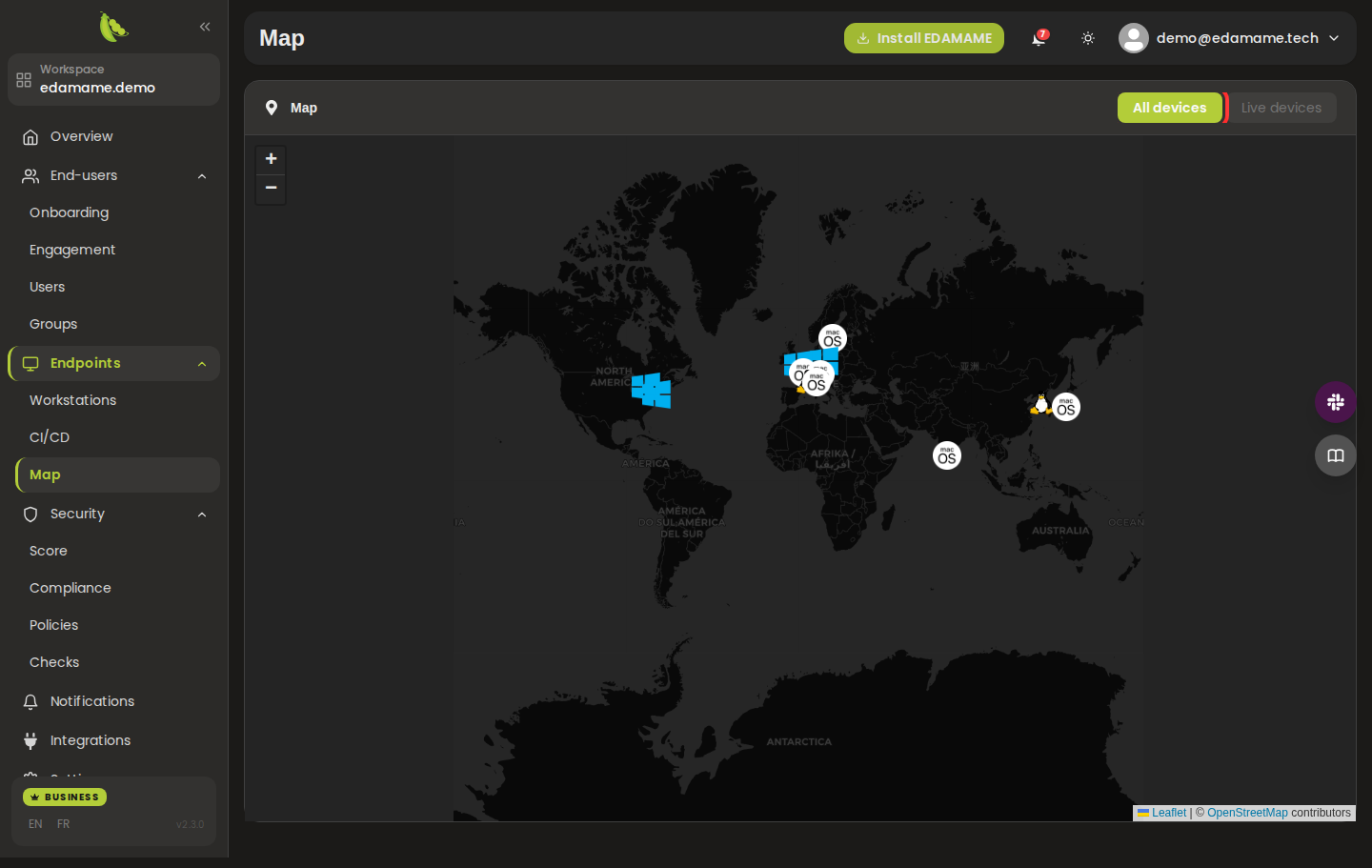
Step 1: Open the device map
This page was automatically generated from workflow definitions.