workflow setup_conditional_access

Overview Link a policy to an integration trigger so non-compliant devices are blocked from your tools (GitHub, Azure, Google, GitLab, Fortigate, NetBird, Tailscale, Custom). This walkthrough stops before linking so it is safe to run against the live demo workspace.
On the Policies page, switch to the 'Conditional access' tab. Existing rules and their integration triggers are listed here; the 'Conditional access wiki' link explains the enforcement model.
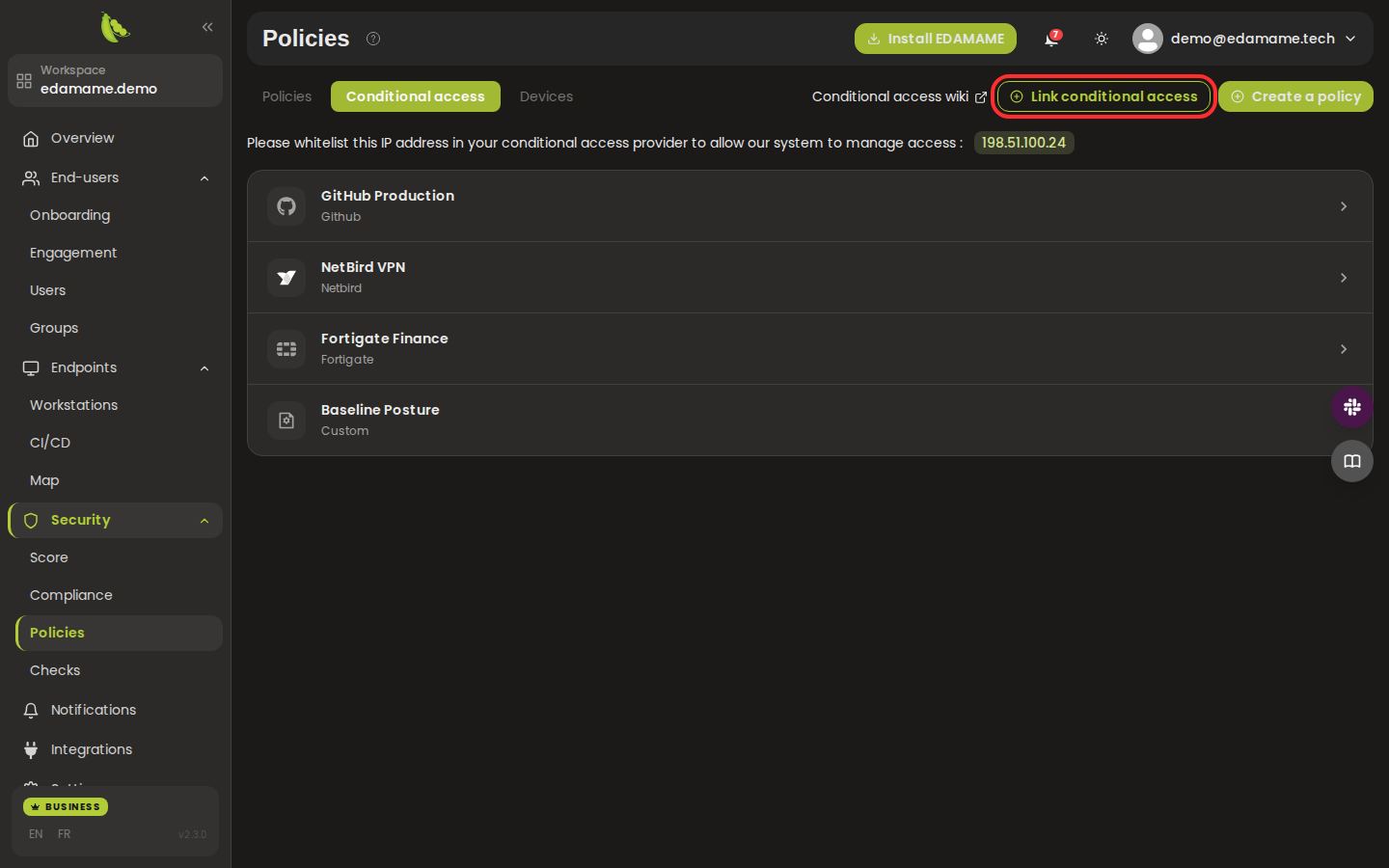
Step 1: Open the Conditional access tab
Click 'Link conditional access', choose the policy and the integration to enforce it on, then confirm. Non-compliant devices will then be denied access through that integration.
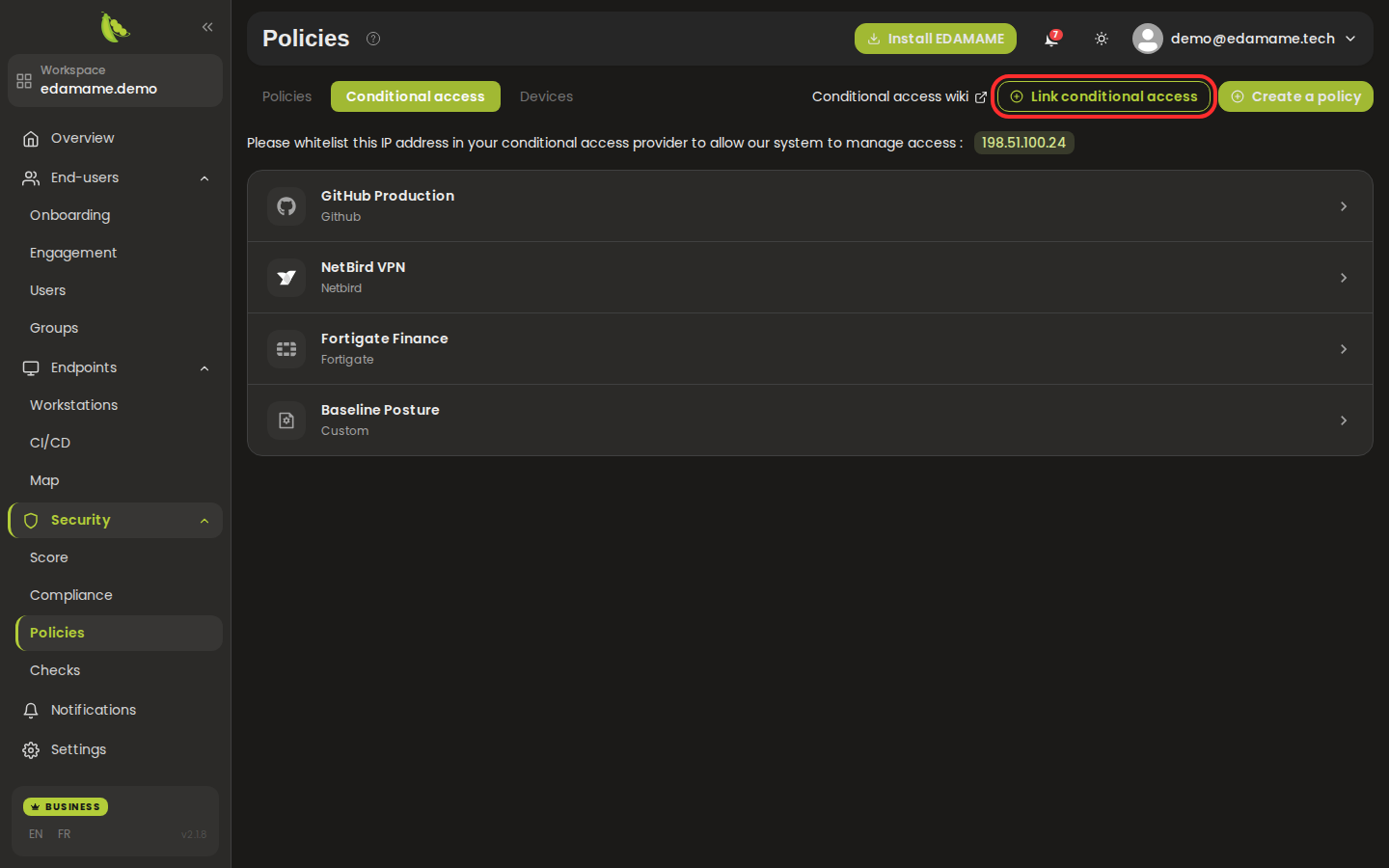
Step 2: Link a conditional access rule
This page was automatically generated from workflow definitions.