Repository navigation
Search
Find details from the Old Town interview while you develop the episode. Use the workspace search to locate a conversation or use Find to scan the active branch.
- Select the magnifying glass labeled Search in the activity bar.
- Enter
Old Townin Search message content…. - Expand the matching conversation and message. Select a matched passage to open the conversation and jump to the highlighted text.
- Open Filters to narrow the results by message role, time, or folder. Choose Podcast planning as the folder to focus on the episode.
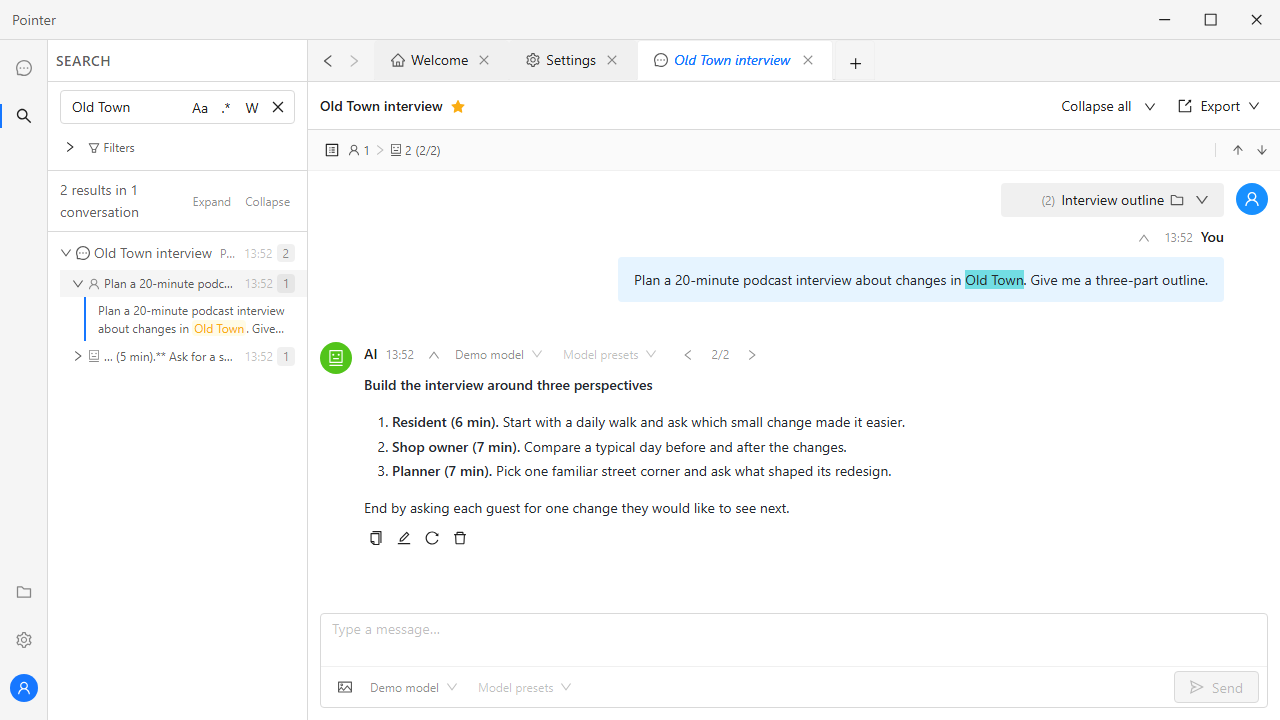
Use Aa for case-sensitive search, .* for regular expressions, or W for whole words. You can also right-click a folder in Explorer and choose Find in folder.
- Open the conversation and select the branch you want to read.
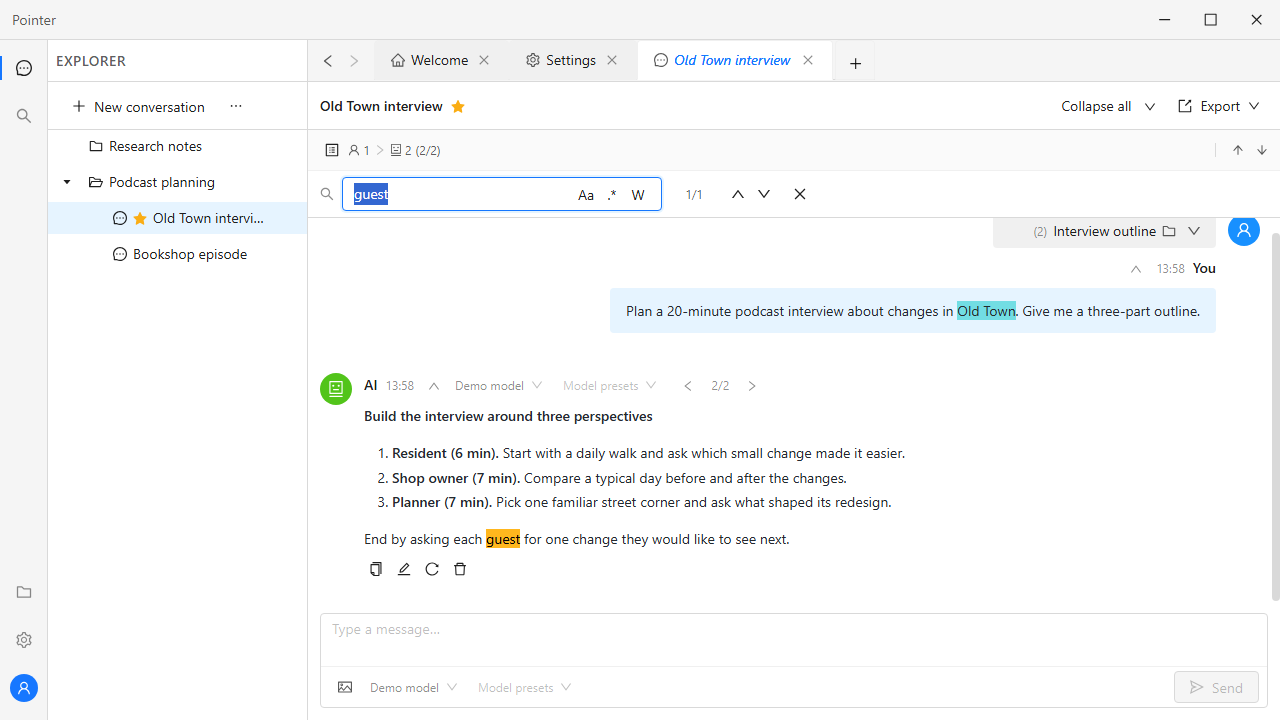
- Press Ctrl+F on Windows or Linux, or ⌘F on macOS.
- Search for a word in the selected outline, such as
guest. Use the next and previous arrows to move through matches. Press Esc to close Find.