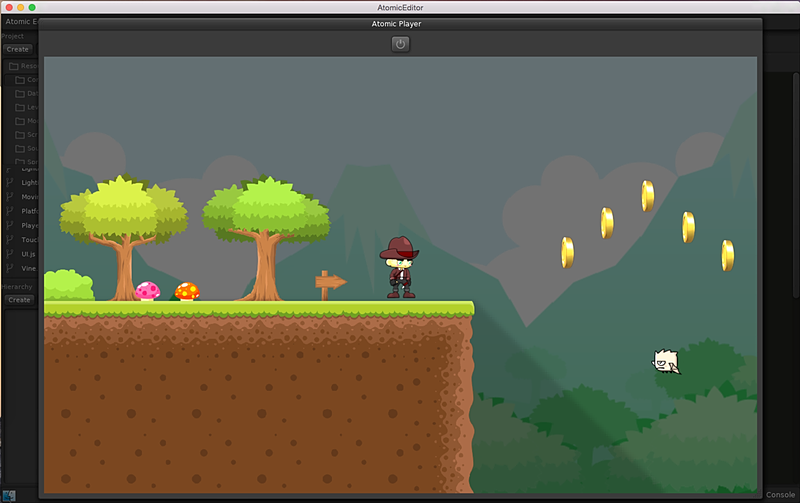
Building the Atomic Editor using QtCreator
The Atomic Editor is very easy to build and requires minimal setup. You'll need QtCreator and CMake: http://www.cmake.org/download
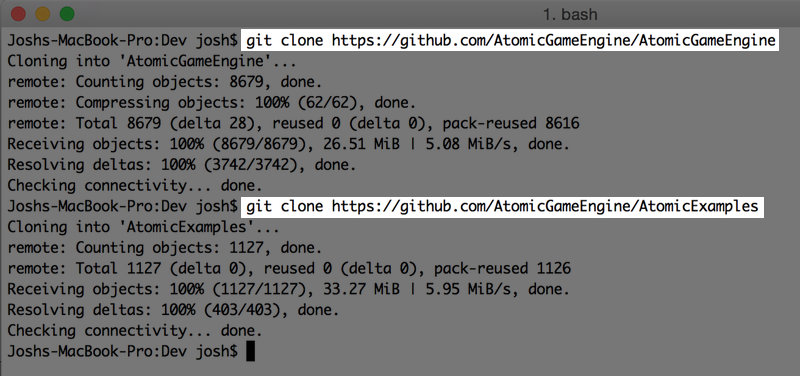
Open a terminal and clone the Atomic Game Engine source and examples repositories.
git clone https://github.com/AtomicGameEngine/AtomicGameEngine
git clone https://github.com/AtomicGameEngine/AtomicExamples
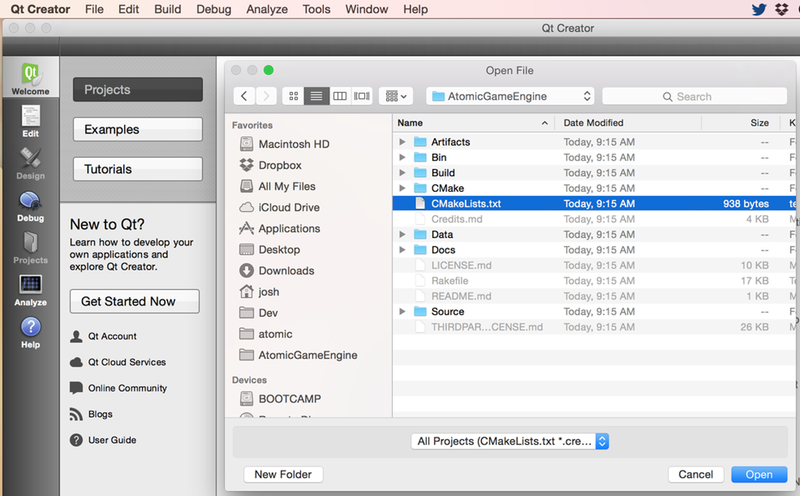
QtCreator supports CMake files as native projects. In QtCreator select Open Project and then navigate to the CMakeLists.txt in the root of the local Atomic Game Engine repository
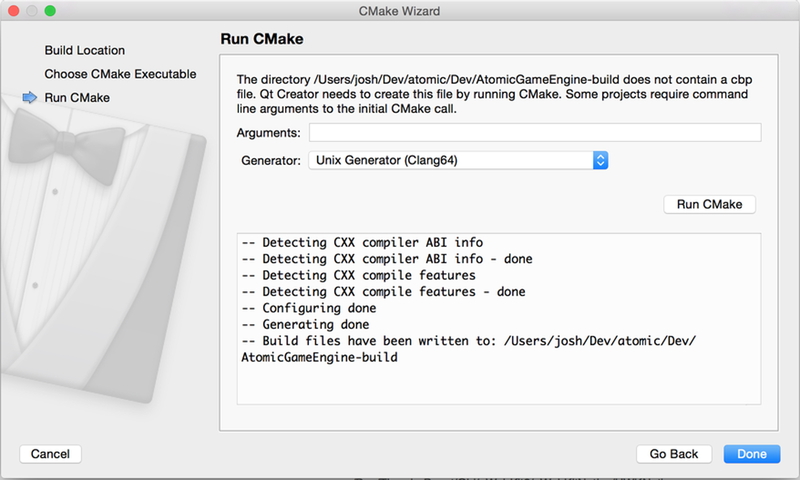
Once opened, you'll be asked for some basic CMake configuration information, leave the defaults, and run CMake
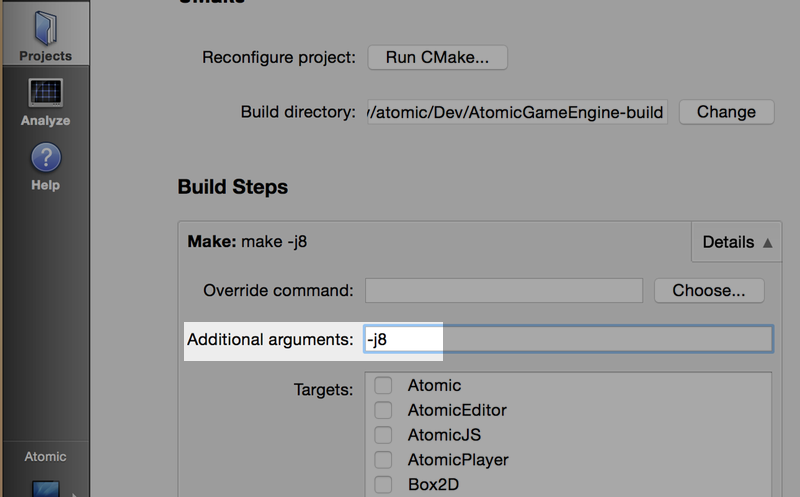
On the Projects tab, on Build Steps, add -j8 to the make arguments to enable using multiple core compilation
Run the editor using cmd-R or selecting Run from the Product menu

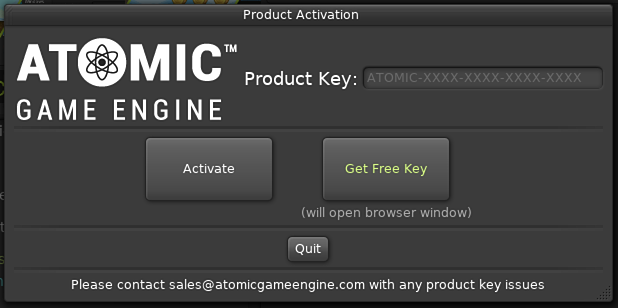
If you have not activated, you will need to activate using your product key. You can get a free product key from the Atomic Game Engine Store
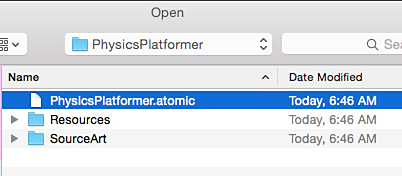
From the Welcome Screen, select Open Project and navigate to your clone of the Atomic Examples, choose the Physics Platformer example
The Platformer will open in the editor
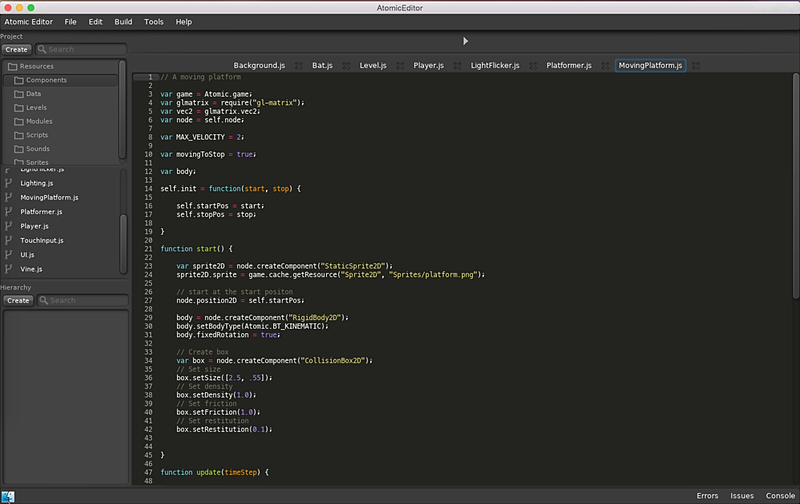
You are now ready to start developing using your custom build of the Atomic Editor, press play!