Building the Atomic Editor using Visual Studio 2015
The Atomic Editor is very easy to build and requires minimal setup. You'll need Visual Studio 2015 from Microsoft and CMake: http://www.cmake.org/download
git clone https://github.com/AtomicGameEngine/AtomicGameEngine
cd AtomicGameEngine
CMake_VS2015.bat
After a few minutes, this will generate an the Visual Studio solution in a folder called AtomicGameEngine-VS2015 which will be next to your cloned repo folder:
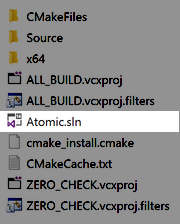
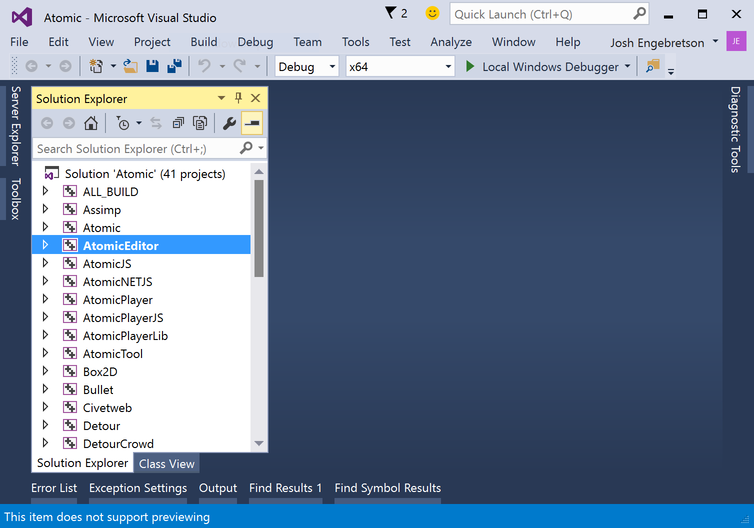
Open the Atomic.sln solution file, set the AtomicEditor project as the startup project, compile and run
If you have not activated, you will need to activate using your product key. You can get a free product key from the Atomic Game Engine WebSite