Building the Atomic Editor using XCode
Open a terminal and clone the Atomic Game Engine source and examples repositories.
git clone https://github.com/AtomicGameEngine/AtomicGameEngine
git clone https://github.com/AtomicGameEngine/AtomicExamples
Make a build directory, change directory to it, and run cmake.
mkdir AtomicGameEngine-build
cd AtomicGameEngine-build
cmake ../AtomicGameEngine -G "Xcode"
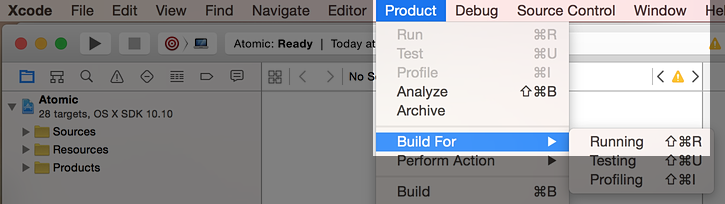
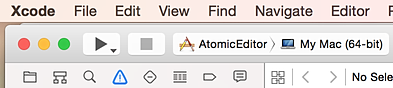
This will generate an XCode project which you can now open.

In Finder, navigate to your build folder and open Atomic.xcodeproj