FM Radio
Status: Ready to try. FM is the best first receiver to try.
Open FM from Home to listen to broadcast radio. Your first goal is simple: hear one familiar station and see its peak on the spectrum.
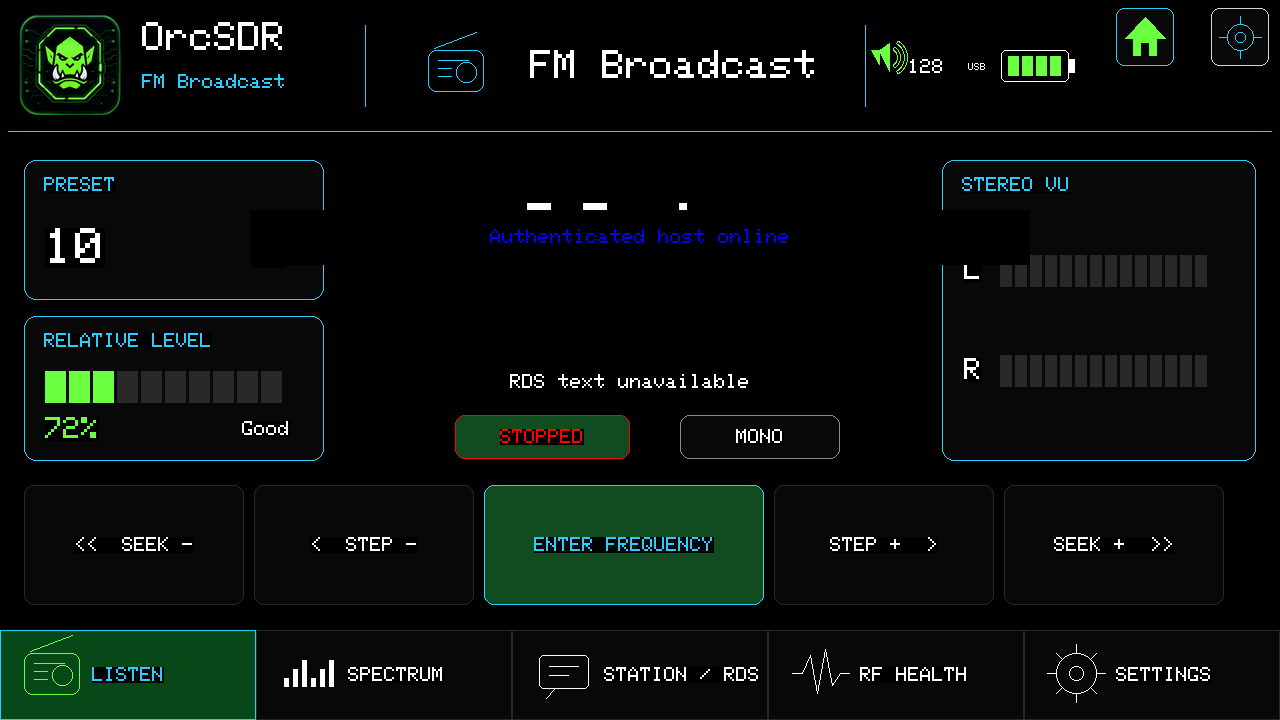
- Step − / Step + moves one channel at a time.
- Seek − / Seek + looks for the next usable station.
- Enter frequency opens the keypad when you know the station frequency.
- Use the header volume control for speaker level.
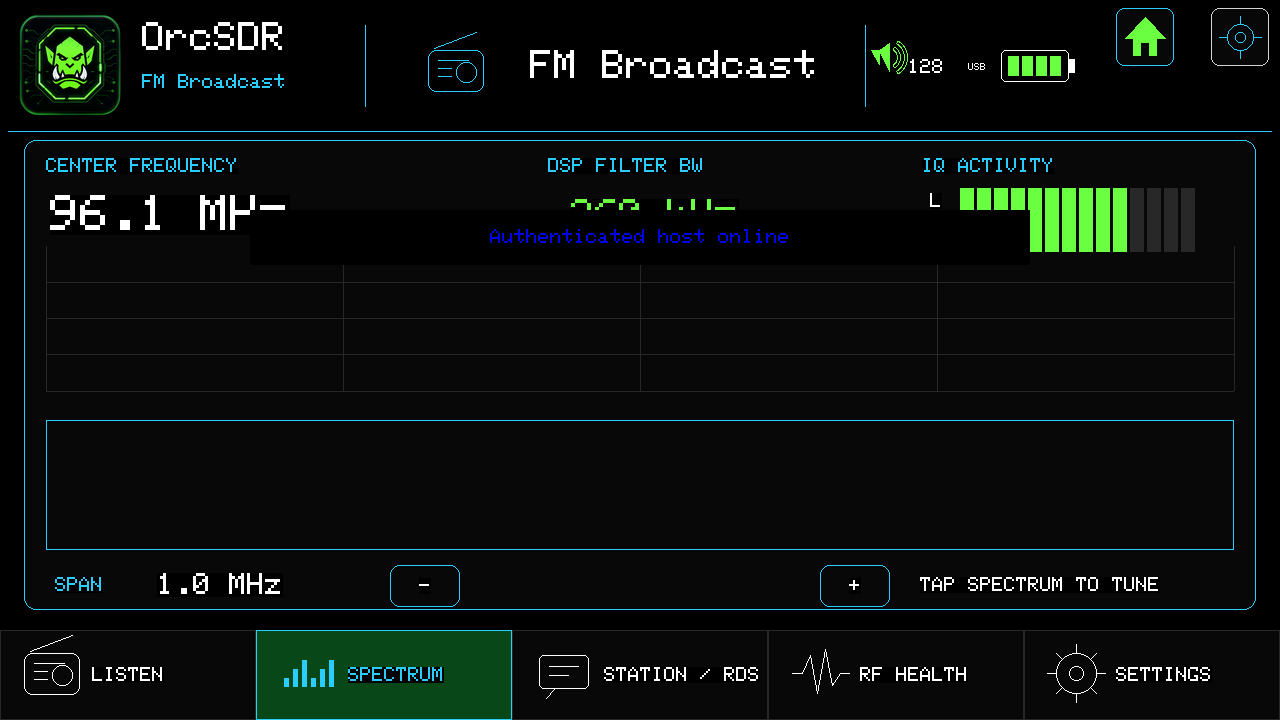
The spectrum shows signals near the tuned station. Tap a visible peak to tune to it. Use span − / + to zoom out or in.
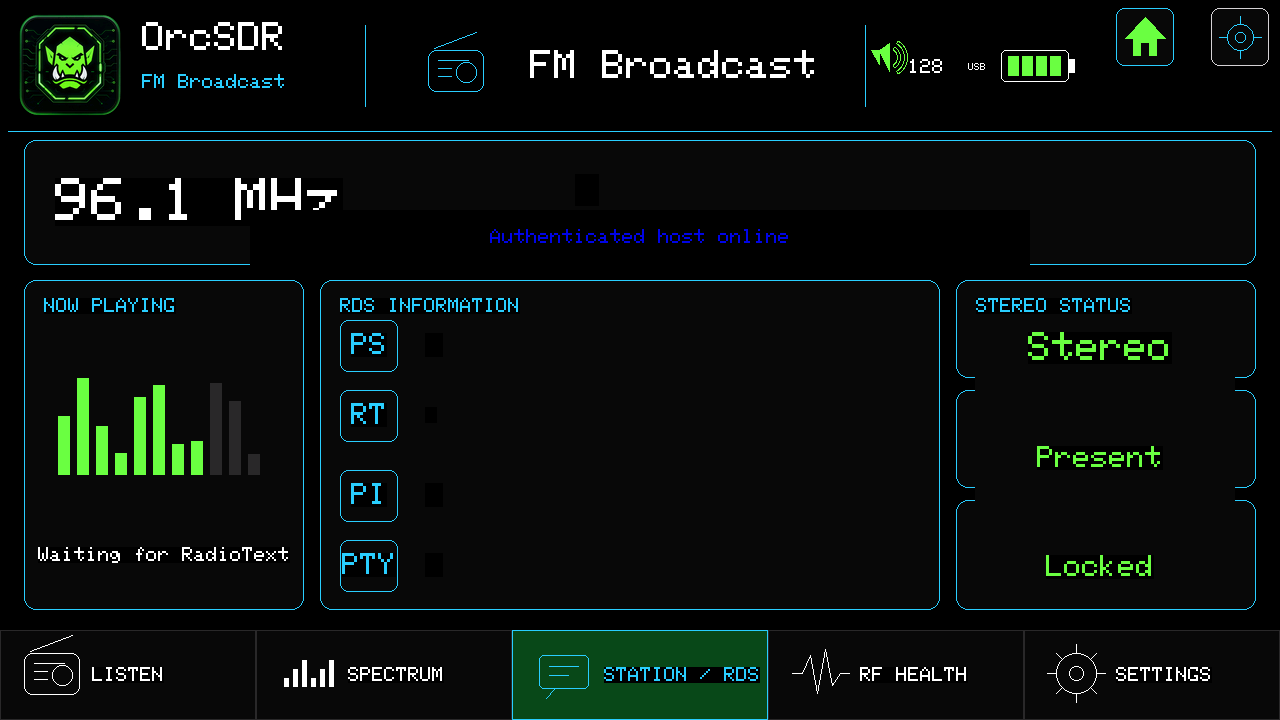
RDS information appears after the radio has a clean lock for a few seconds. You may see the station name, radio text, program identifier, program type, and stereo status. Weak stations may never provide reliable RDS text.

Only open RF Health if audio stutters or the display stops updating. Rising USB overruns, audio underruns, or consumer drops mean the radio path is falling behind.
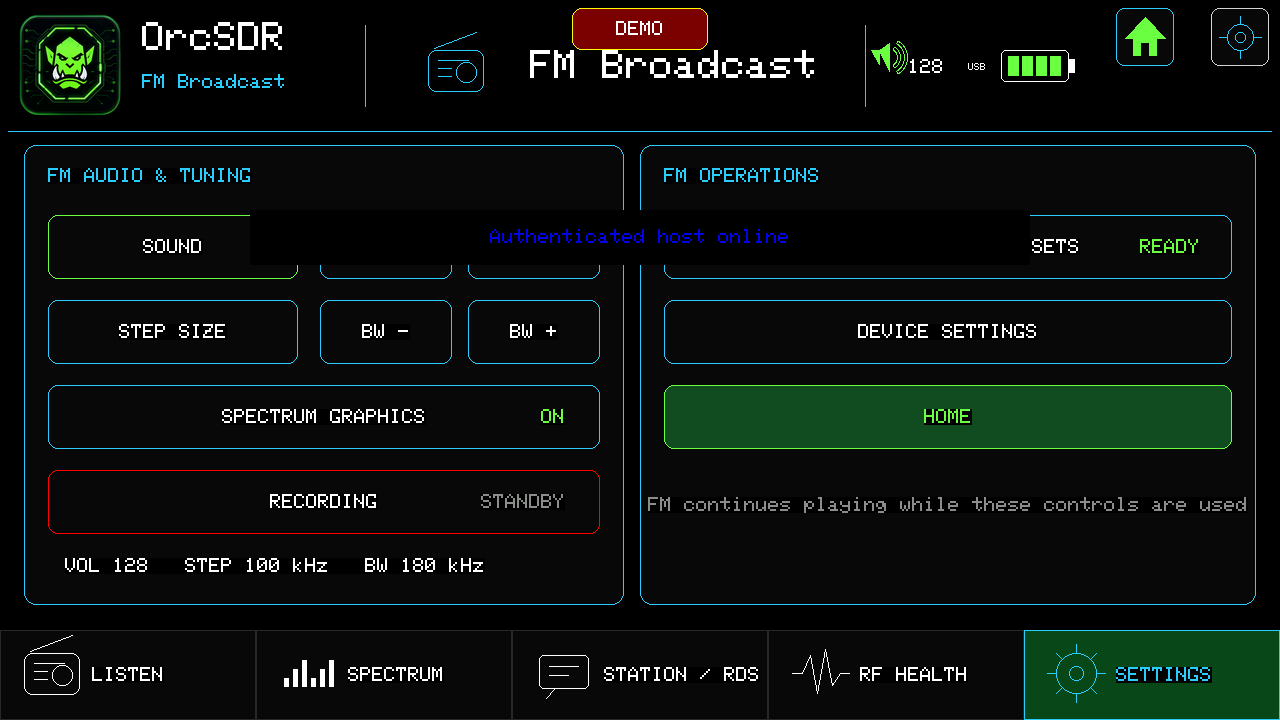
Use FM Settings for sound, step size, filter bandwidth, spectrum graphics, and recording standby. Use the large Home button to return safely.
Try one station you know, then use the spectrum to find a new one nearby. If you get a great result—or need help—share your setup, antenna, location, and a screenshot.