Settings
Status: Experimental. Settings is growing with the radio; change one thing at a time and confirm the result back on the dashboard.
Settings is where you change device-wide preferences.
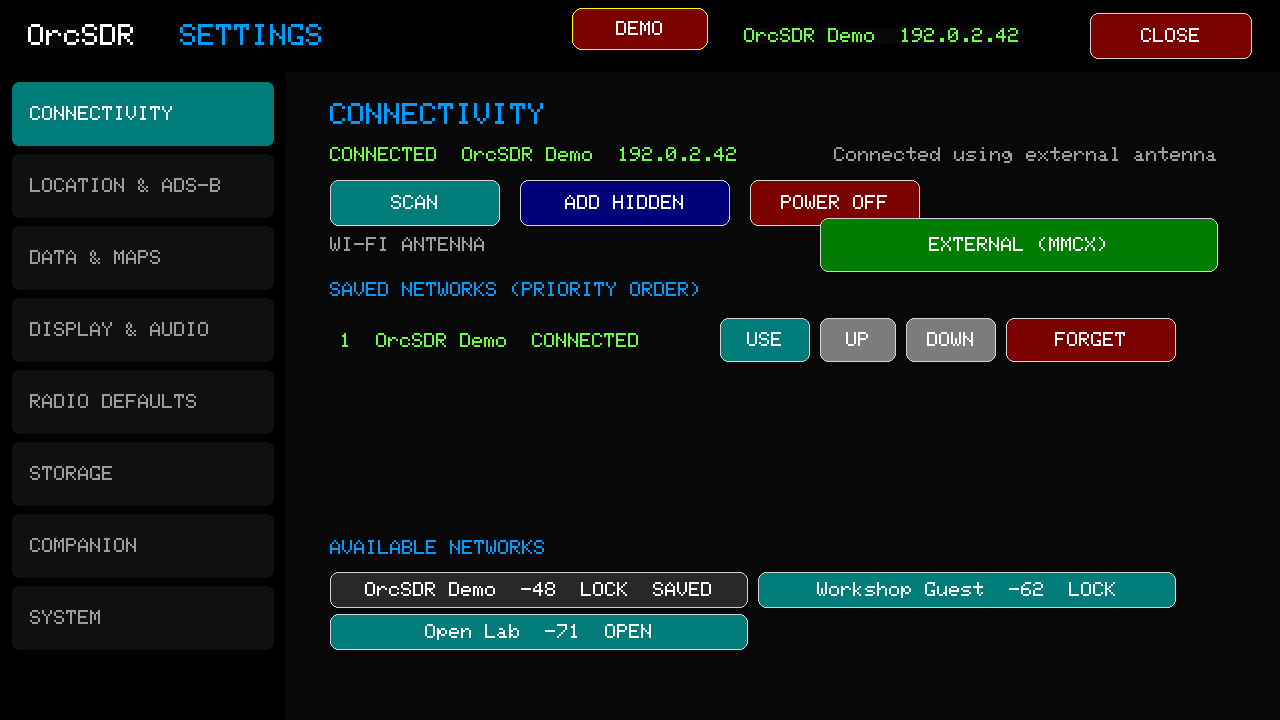
Use Connectivity for saved Wi-Fi networks and connection status. Keep radio reception separate from Wi-Fi troubleshooting: a Wi-Fi problem should not be mistaken for an SDR problem.
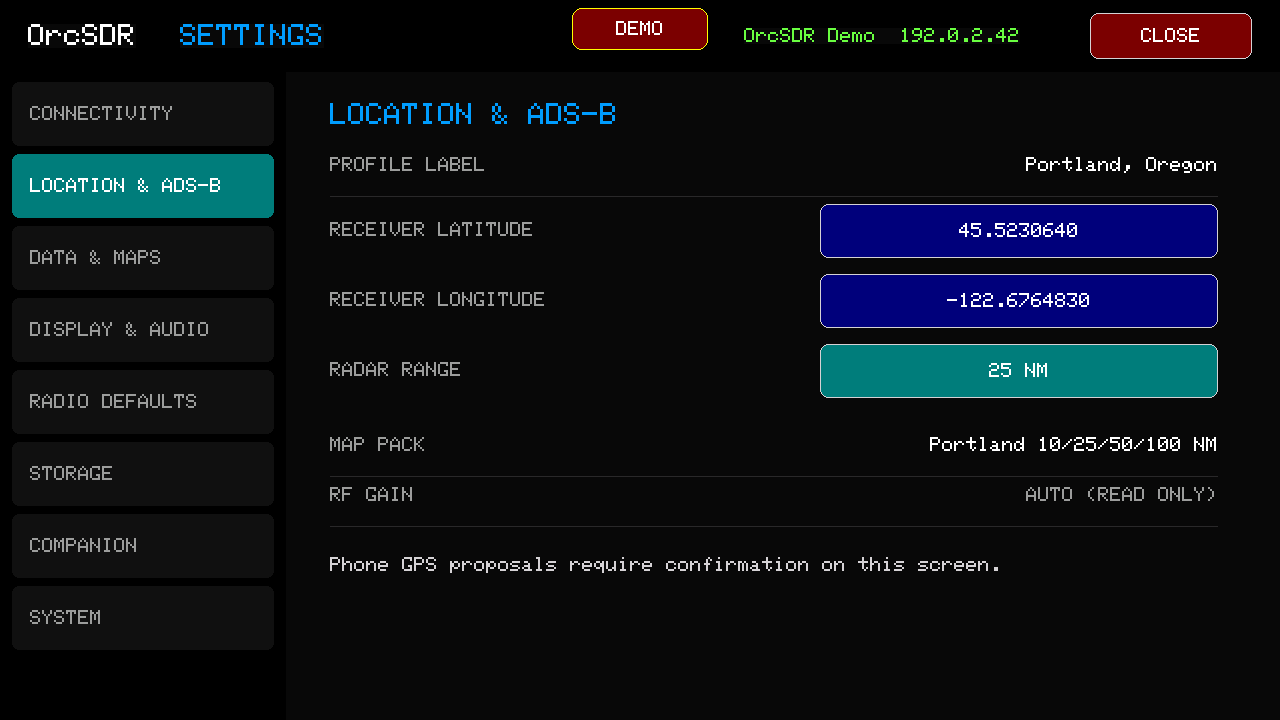
Set your receiver location here. ADS-B uses it to calculate aircraft range and bearing.
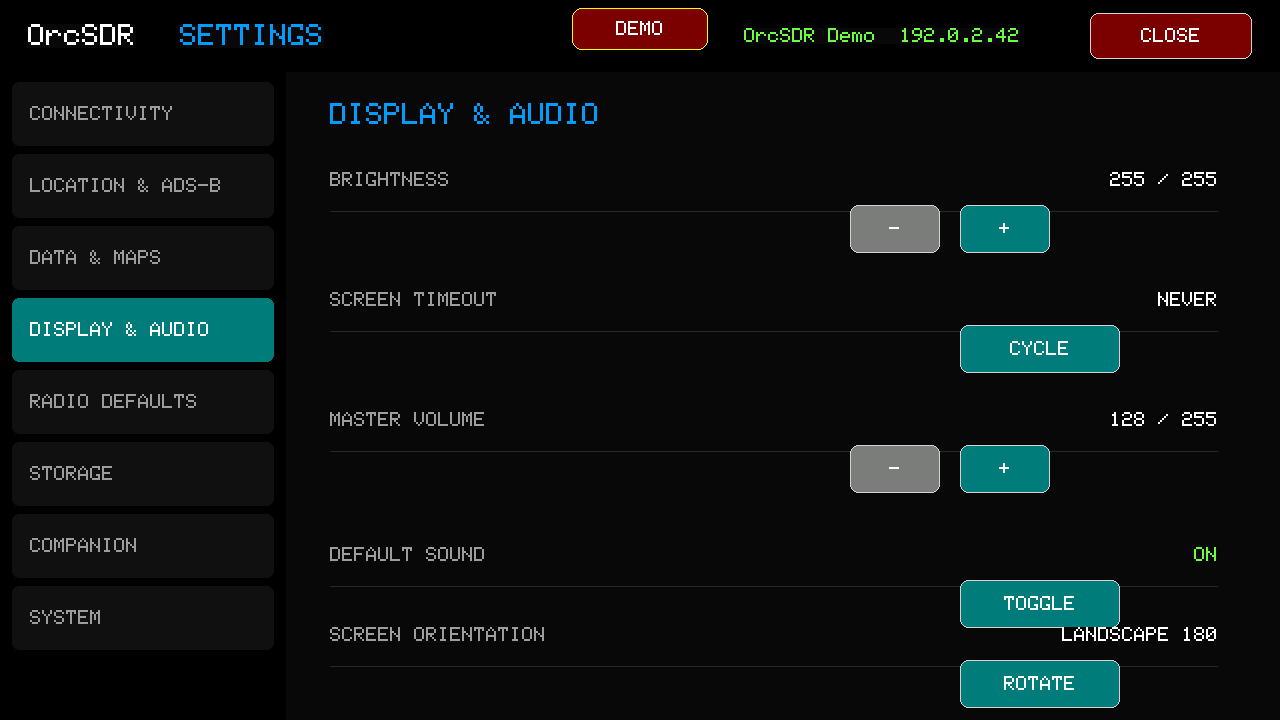
Use this page for brightness, screen timeout, master volume, default sound behavior, and screen orientation.
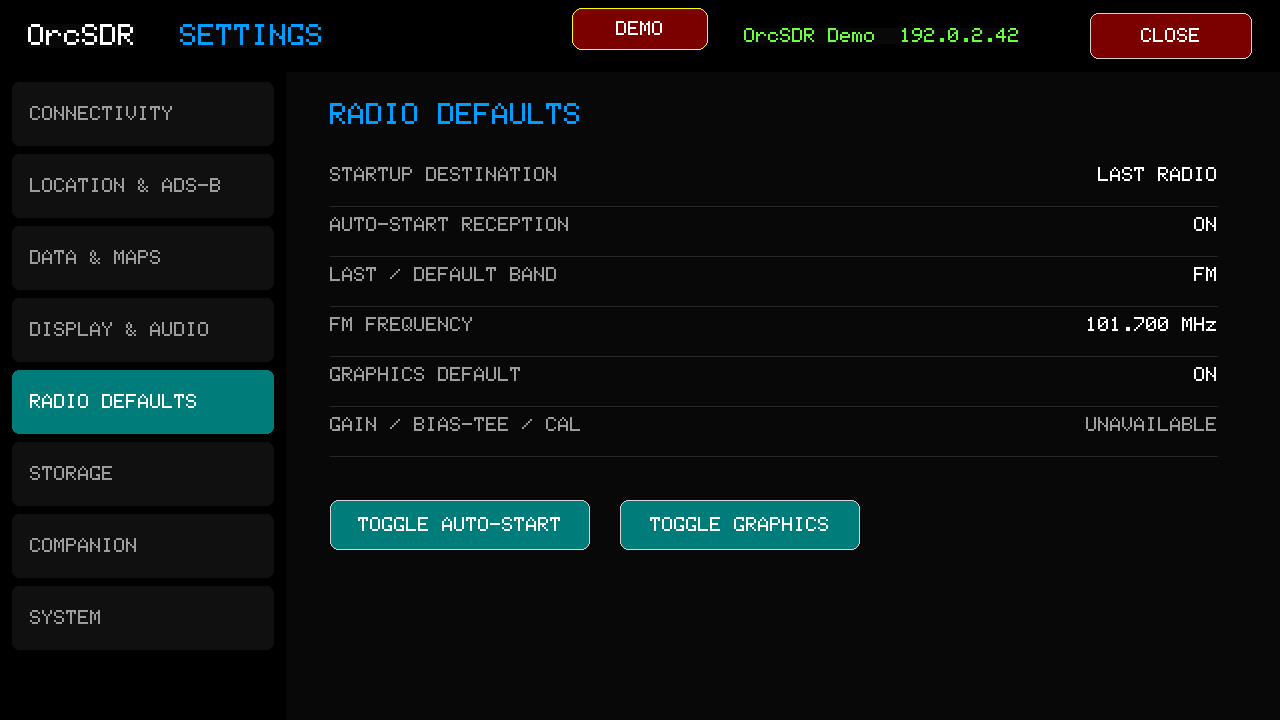
Choose what the radio does after startup: last radio, auto-start reception, default band, and spectrum graphics.
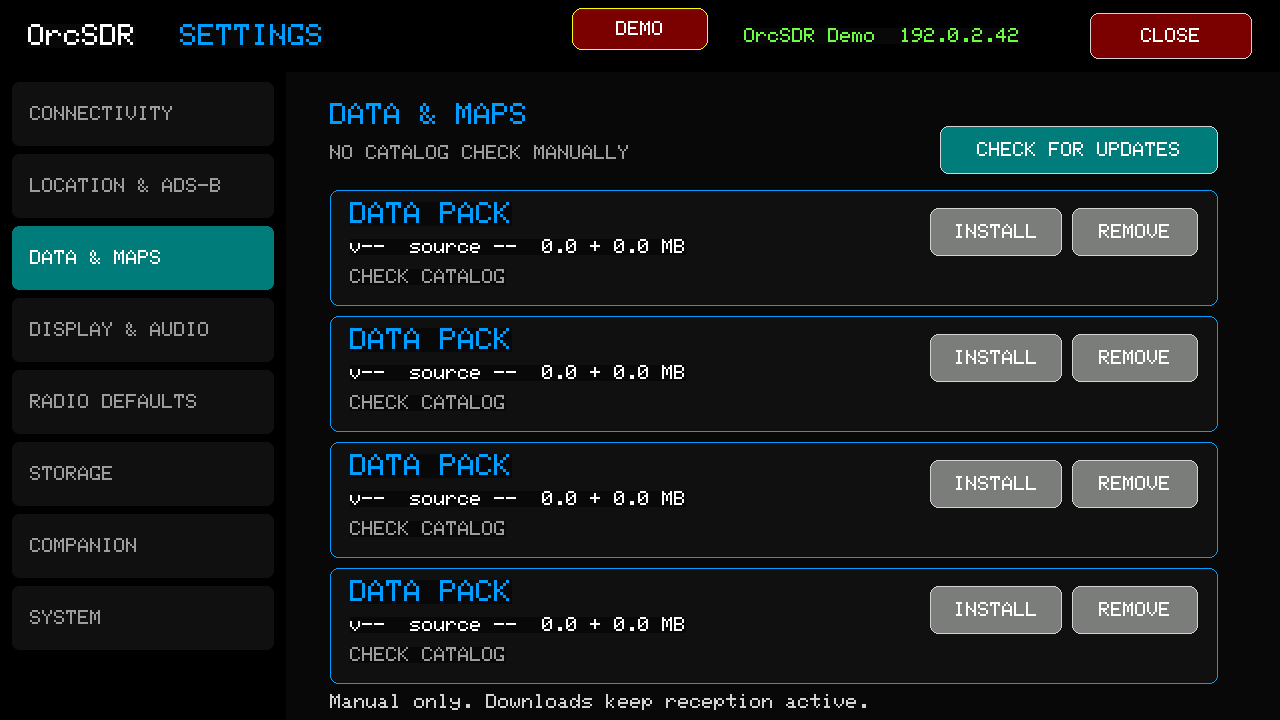
Use Data and Maps to check for optional data packs. Listening to FM does not require a data pack.
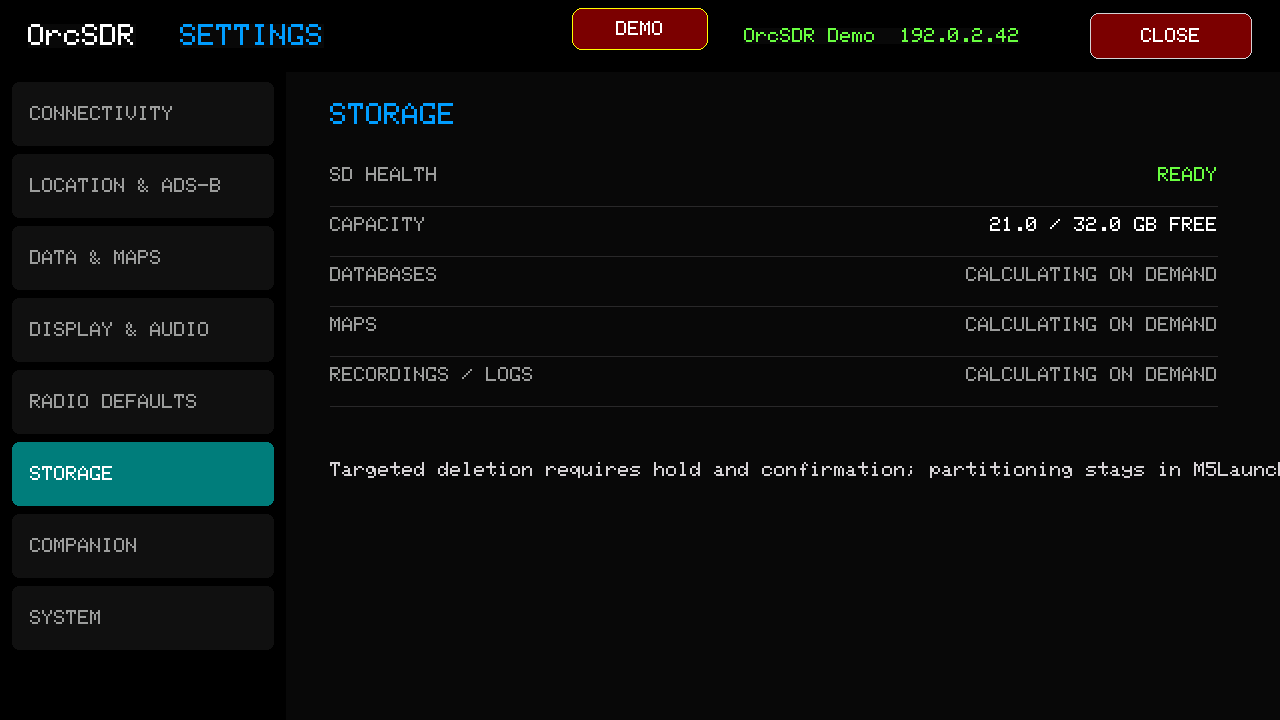
Storage shows SD-card health and space used by databases, maps, and recordings.
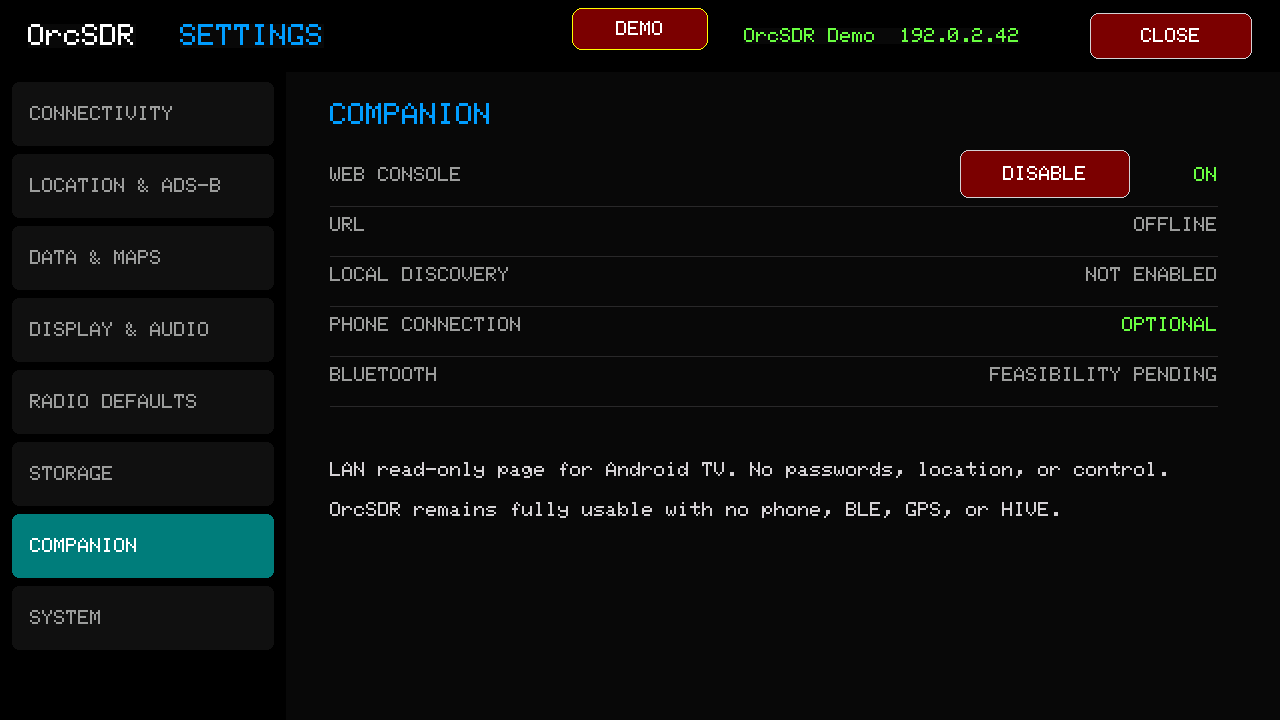
Companion controls optional local companion and web-console features. They are optional; OrcSDR is designed to work as a standalone radio.
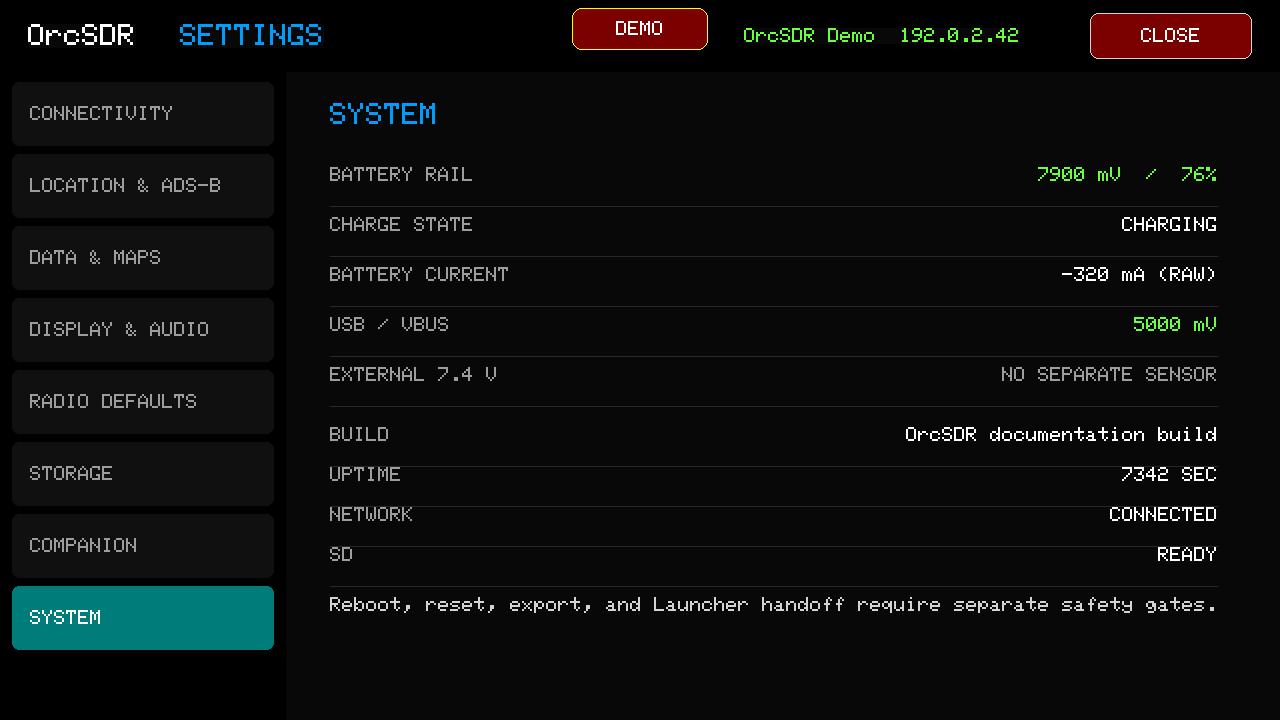
System shows power, charge, USB, build, uptime, network, and SD status. Treat reboot, reset, export, and launcher actions carefully: they can interrupt an active listening session.
Start with location, volume, and display settings; then return to FM or ADS-B and confirm the change does what you expected. Share a screenshot and the setting you changed if something is confusing or especially useful.