LoRa Monitor
Status: Experimental, receive-only. OrcSDR does not join a mesh or transmit.
LoRa Monitor is a receive-only view of compatible LoRa/Meshtastic traffic.
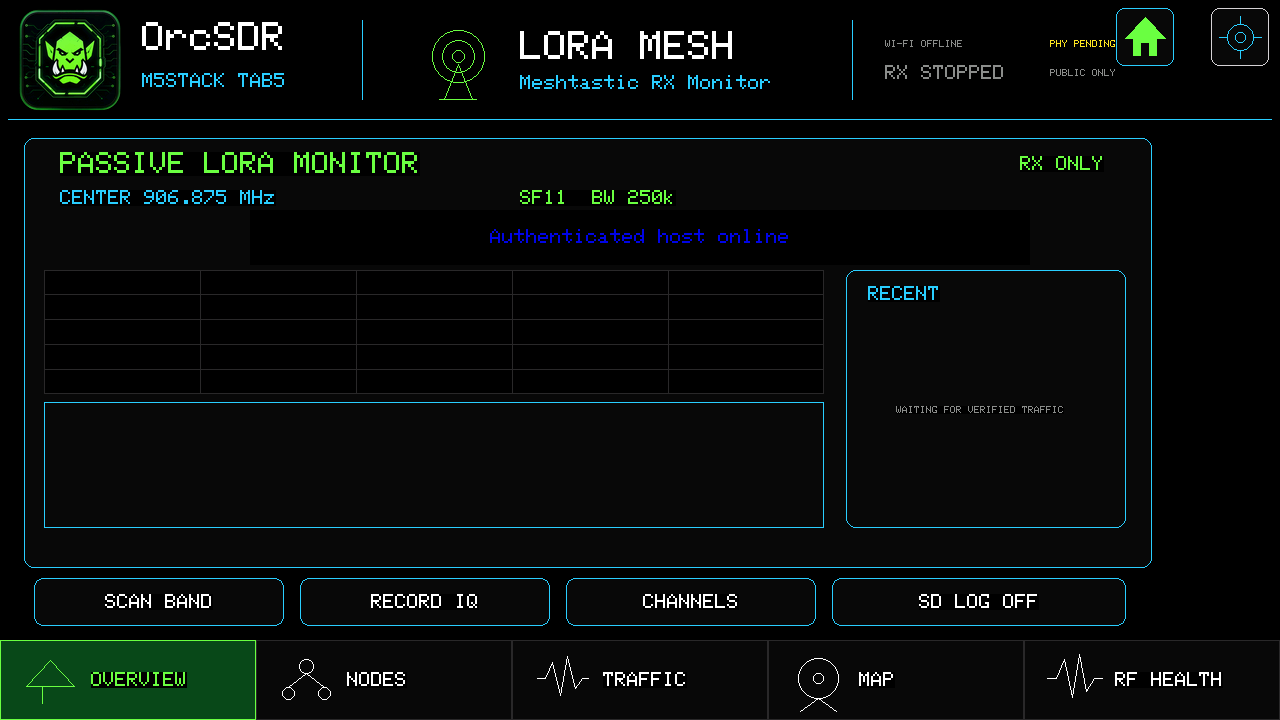
Overview shows the receive frequency, spreading factor, bandwidth, and recently verified traffic. Use Scan band to look for activity; use SD log only when you want to save received records.
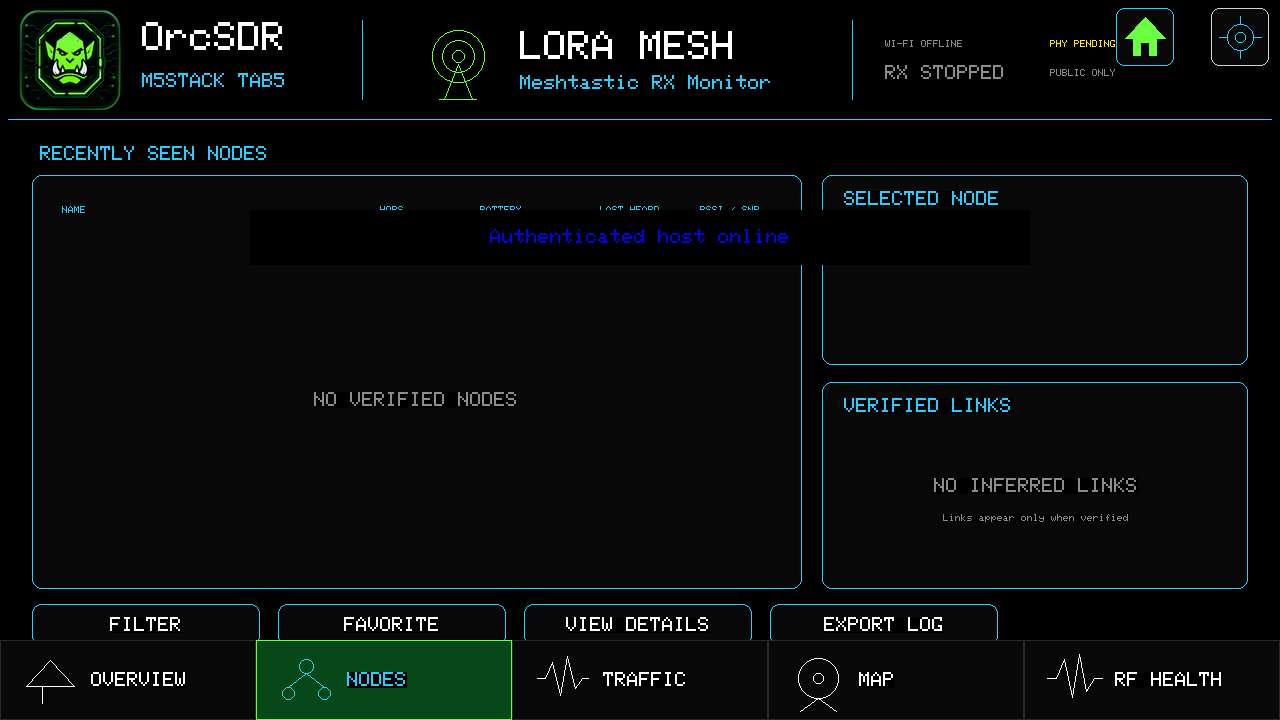
Nodes lists radios the decoder has actually verified. An empty page simply means no verified node has been received yet.
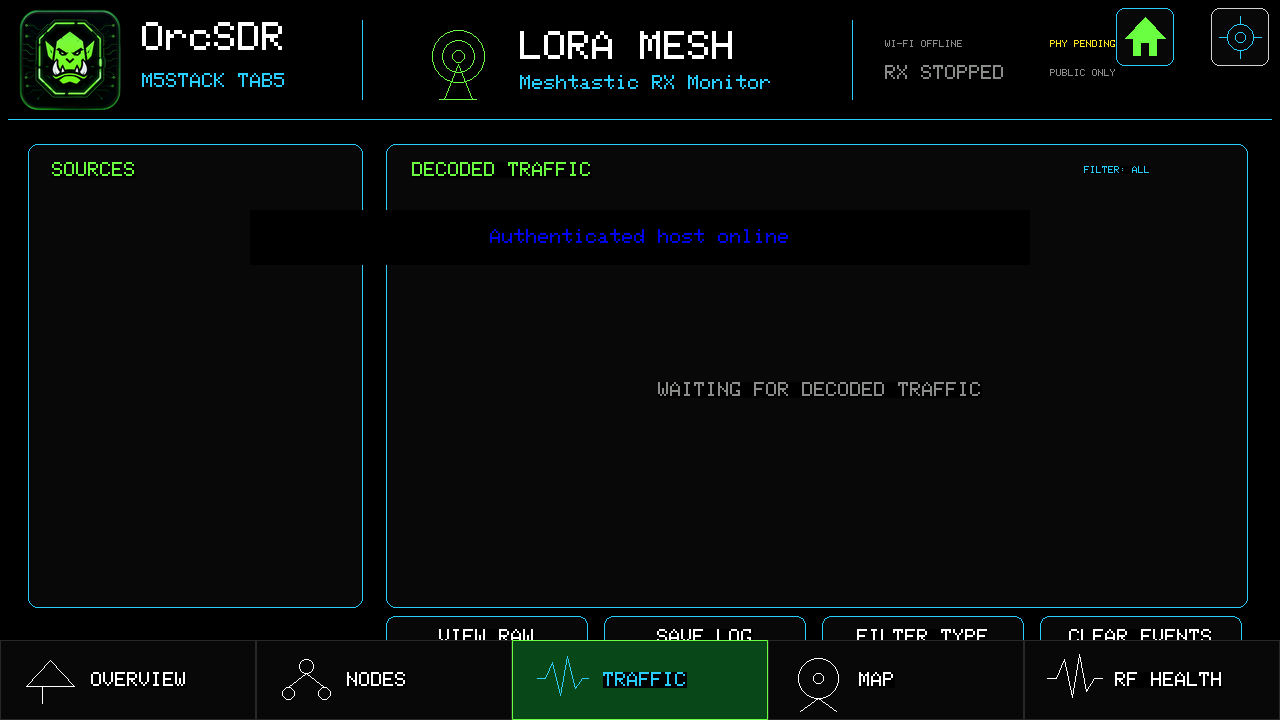
Traffic is the message log. Choose a source, filter by type, view raw data when needed, or export a log.
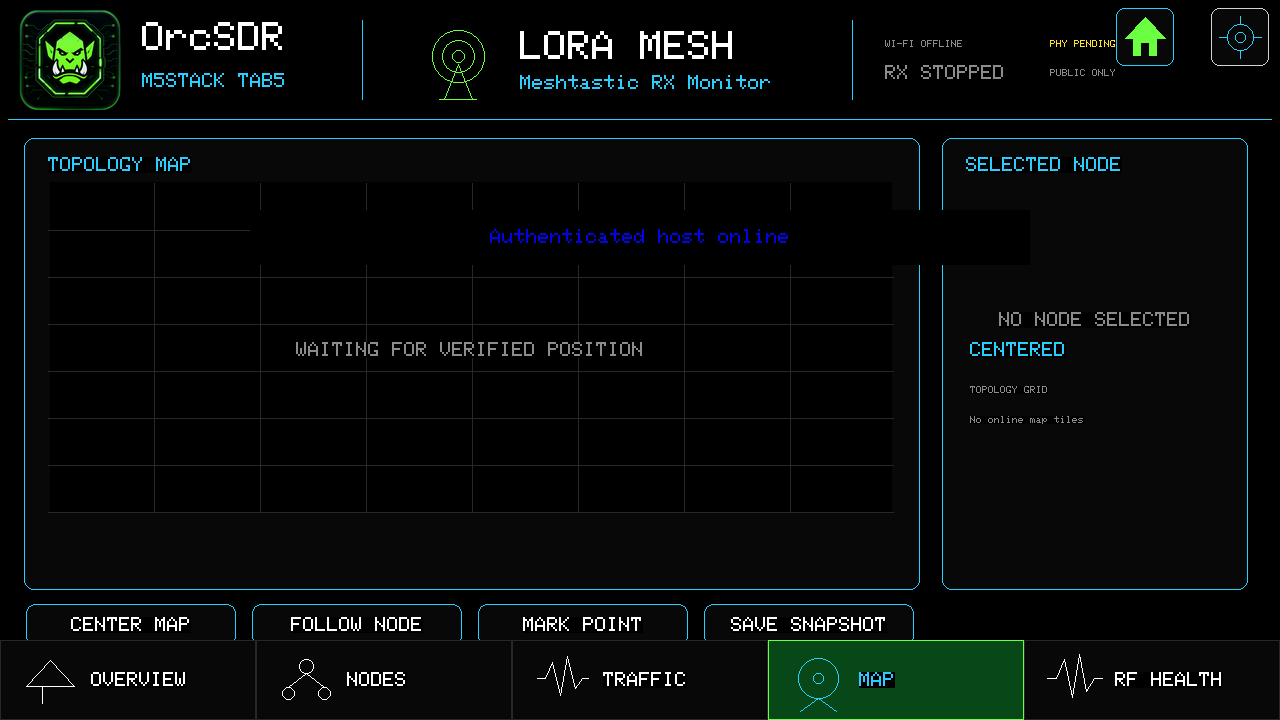
Map only draws a node after a verified position is received. It intentionally does not download public map tiles. An empty map is normal until position data arrives.
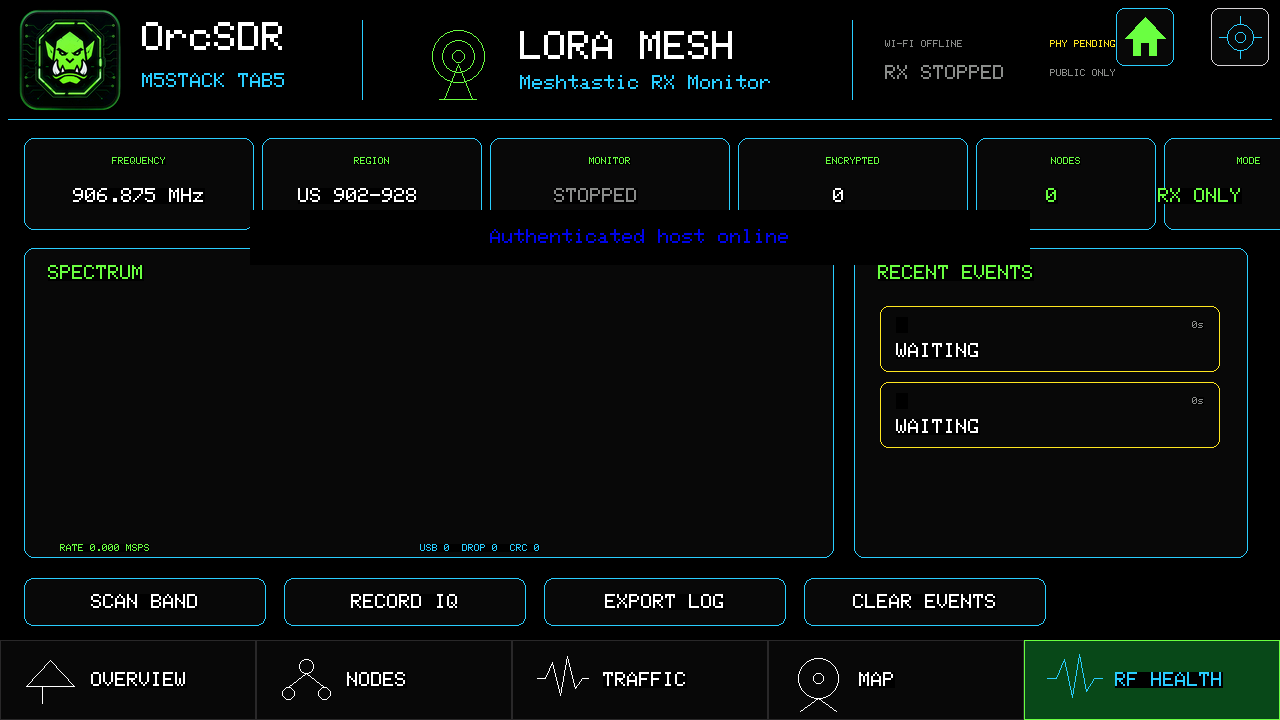
RF Health shows whether monitoring is running, the selected region and frequency, counts, spectrum, and recent events. Check this page first when the monitor looks quiet.
Match the region and receive settings to local traffic, then let Overview run. Share your region, antenna, settings, and any verified reception—empty screens are useful evidence too.