Home
A hand-tracked physics arcade game for Apple Vision Pro, built on the Godot game engine via Apple's official upstream visionOS XR contribution (PR #109975).
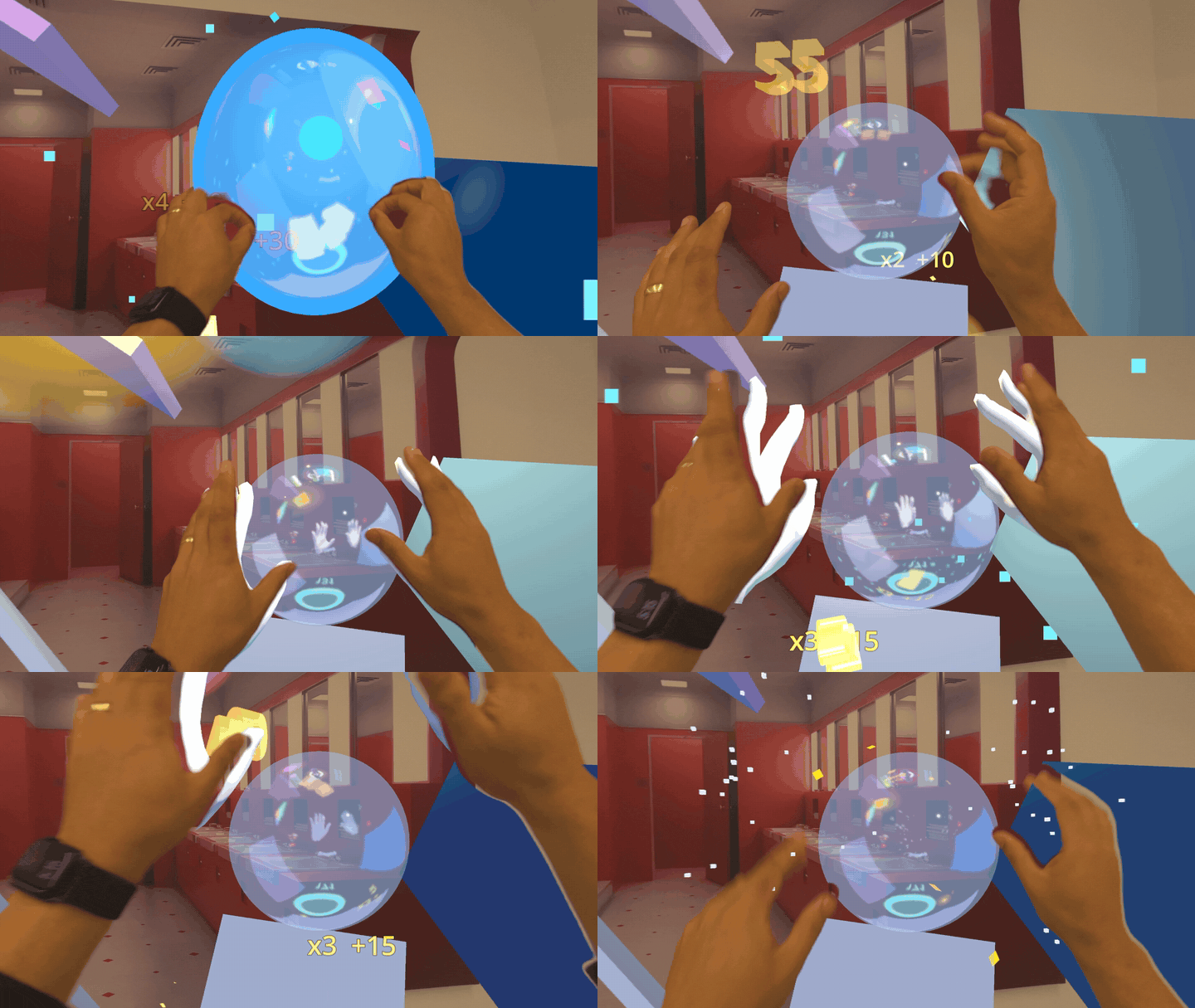
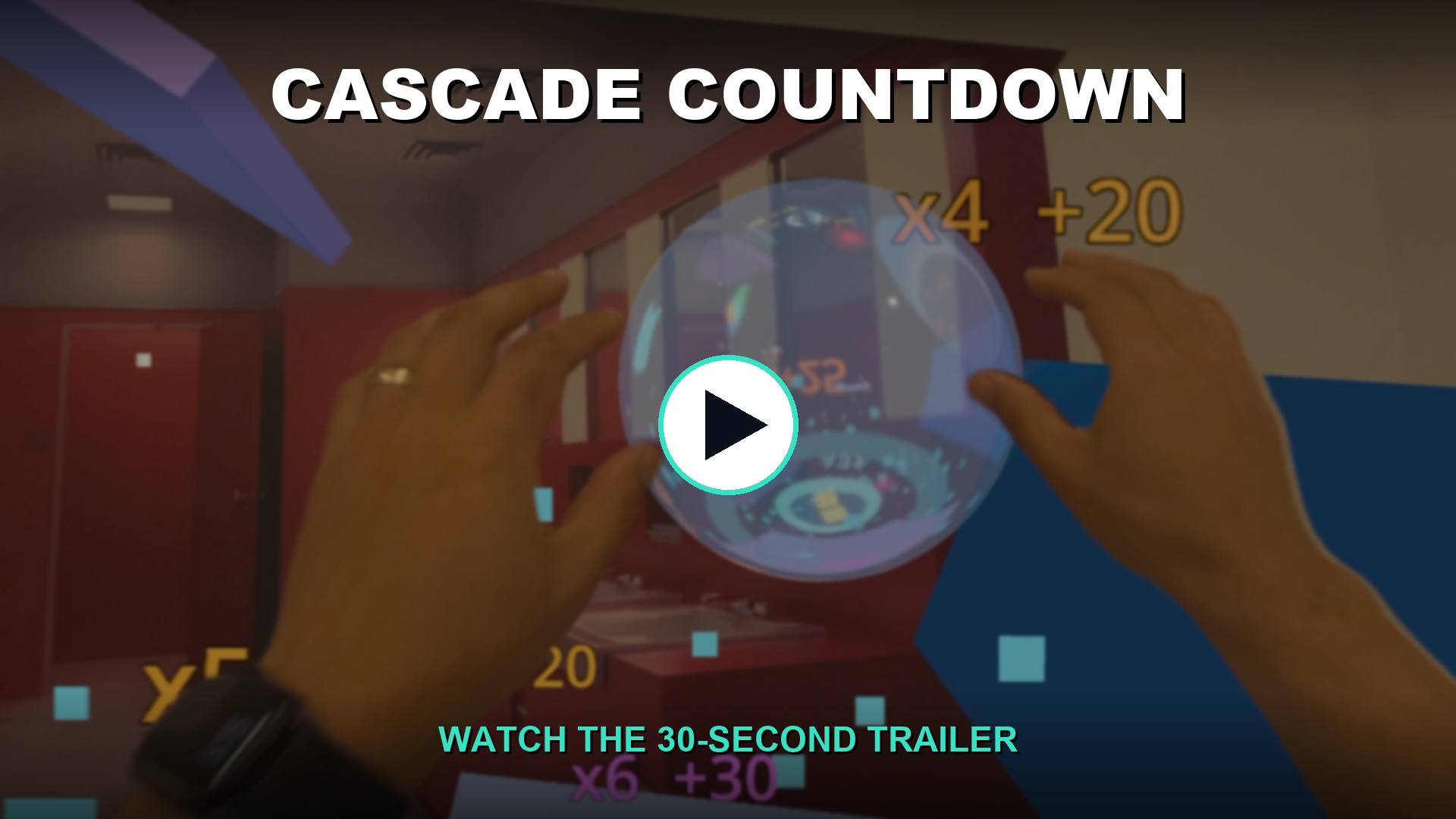
Click to play (30s, sound on). Pinch to grab & move, real ↔ virtual hands, the immersion dissolve, two-hand scaling, and the high-score celebration — then scan the on-screen QR to install free from TestFlight.
⚠️ Not affiliated with the Godot Foundation. Cascade Countdown is an independent app by Alex Coulombe, built with the open-source Godot engine. "Godot" is a trademark of the Godot Foundation.
This wiki is a beginner-friendly (ELI5) walkthrough of how Cascade Countdown was built — for anyone curious about Godot, Apple Vision Pro, or shipping a hand-tracked physics game on real hardware. No XR experience assumed. Start here:
| Page | What you'll learn |
|---|---|
| Getting Started | What Godot is, why Vision Pro needs a special build, and the big picture. ← start here |
| How the Game Is Built | The "build everything in one script" approach and a tour of the moving parts. |
| Hand Tracking, Explained | How a mid-air pinch becomes a grab — and the noise problems we solved. |
| Procedural Audio | The soundtrack is synthesized live from the physics, with zero sound files. |
| visionOS Gotchas | The silent failures that cost us days — so they cost you minutes. |
| Build and Deploy | The copy-paste command pipeline, explained flag by flag. |
The full technical reference (engine-build steps, citations, every limitation) lives in the repo README. The wiki is the teaching version; the README is the spec.
Join the public beta → https://testflight.apple.com/join/bw1aeExJ
Install Apple's TestFlight app on your Vision Pro, open that link, tap Install, then launch Cascade Countdown from your Home View and put the headset on.
Glowing cubes cascade down through spinning bumpers and ramps onto tilted catch plates in your room. Reach in and pinch to grab and throw any cube into the goal ring. Keep cubes alive and bouncing to rack up points, then poke START for a 30-second time attack with a procedural soundtrack — every collision is a synthesized chime snapped to the musical key, so the chaos harmonizes into a tune.
- Grab & throw — pinch (index + thumb) near any glowing cube; it sticks where you grabbed it. Flick and release to throw it into the goal ring.
- Score by longevity — a cube kept bouncing is worth far more than one dropped straight through. Keeping cubes in play is the winning strategy.
- Bubble = transmuter — send a cube through the floating bubble to turn it into a sphere; landing both a cube and a sphere pays a mix bonus.
- Resize the goal for a multiplier — two-hand-pinch the goal ring. Smaller = harder = bigger multiplier (up to ×4).
- 30-second time attack — poke START. Beat your high score for fireworks and a crowd cheer; top the online leaderboard for an even bigger celebration.
- Control panel — one grabbable panel: HANDS (mesh / both / real Persona arms), START, MUTE, GESTURES, SKY (immersion toggle), RESET.
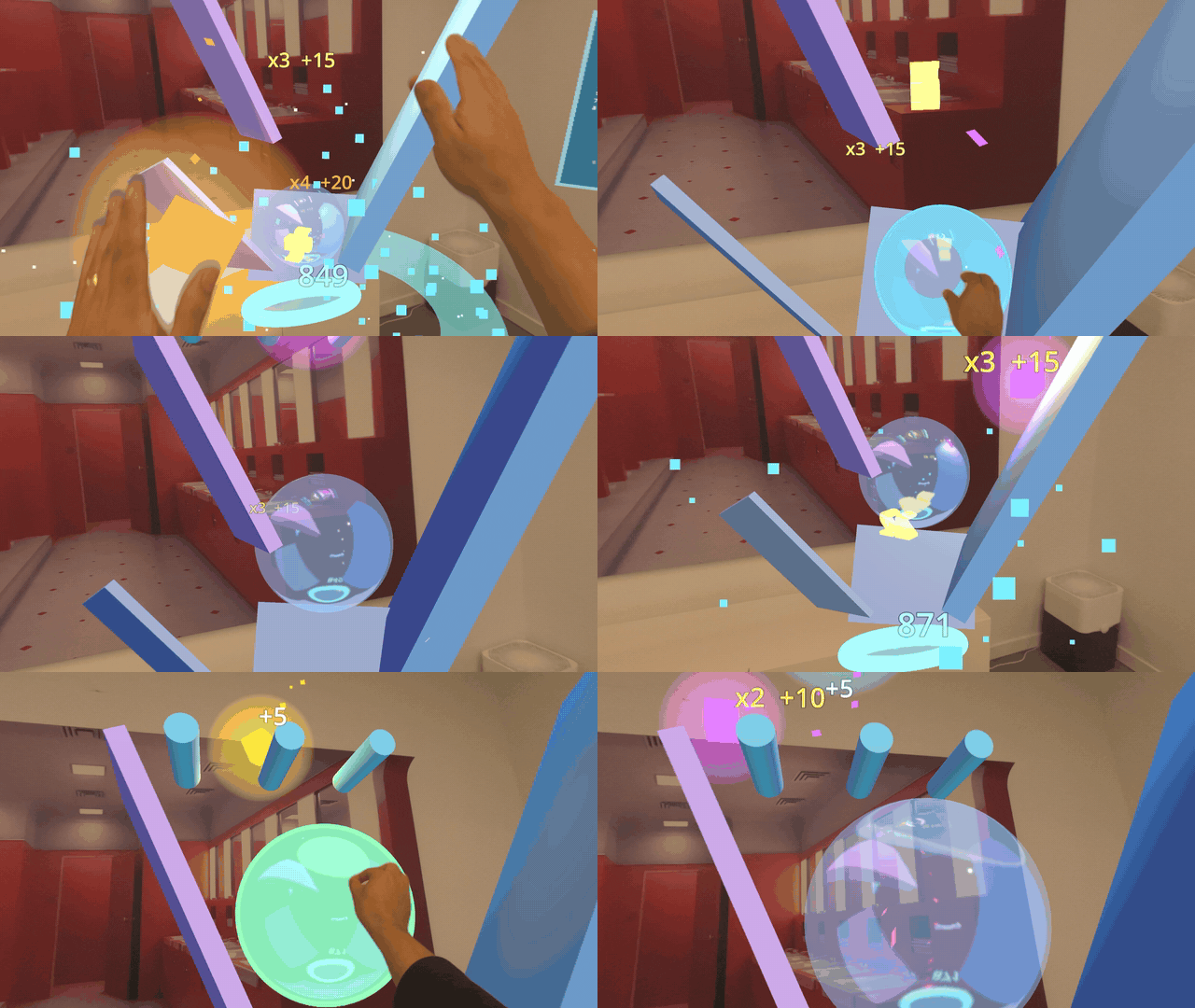 Beat your personal best and the whole room celebrates: fireworks bursts, cyan confetti, and a synthesized crowd cheer.
- Source + full README: https://github.com/ibrews/godot-avp-cascade
- TestFlight beta: https://testflight.apple.com/join/bw1aeExJ
- Built by: Alex Coulombe (@ibrews)