visionOS Gotchas
visionOS + Godot has a cruel failure mode: it usually doesn't crash. It runs at a perfect 90 FPS and shows you... nothing. No error, no log, just passthrough or a black void. Every item below is a thing that fails silently — each one cost real debugging time. Knowing them turns a lost afternoon into a 30-second check.
The deep, citation-heavy version of these lives in the repo README. This page is the friendly tour.
Symptom: 90 FPS, everything "works," nothing renders.
Why: Godot needs to know which XR origin is the active one. If none is marked
current, it happily renders from nowhere.
Fix: set current = true on your XROrigin3D (this project does it in _ready()).
If you remember one thing from this page, remember this.
Symptom: blank scene on device; fine in the editor.
Why: the visionOS XR path runs on Godot's Mobile renderer. The default desktop
Forward+ renderer silently draws nothing here.
Fix: project.godot → renderer/rendering_method="mobile". (This repo also
explicitly disables the Vulkan/D3D12/OpenGL fallbacks so nothing sneaks back on.)
Symptom: content vanishes when it gets close to your face, or won't launch.
Why: Vision Pro refuses a camera near-plane closer than 0.1 m.
Fix: XRCamera3D.near ≥ 0.1 (this project uses 0.15 for a little safety margin).
This is literally the one a Godot maintainer hit when trying the demo.
Symptom: in mixed reality, your objects have ugly grey/dark blocky halos around
their edges over the real world.
Why: visionOS's compositor demands alpha = 0 wherever depth = 0. Godot's mobile
XR path uses "reverse-Z" depth, so transparent or additive geometry leaves nonzero alpha
sitting at depth 0 and trips the artifact.
Fix: a tiny full-screen shader (passthrough_depth_fix.gdshader), parented to the
camera, that writes a microscopic depth everywhere so depth is never exactly zero. Pure
shader, no engine rebuild. (Thanks to @huisedenanhai, whose shader this is, confirmed
by maintainer @dsnopek.)
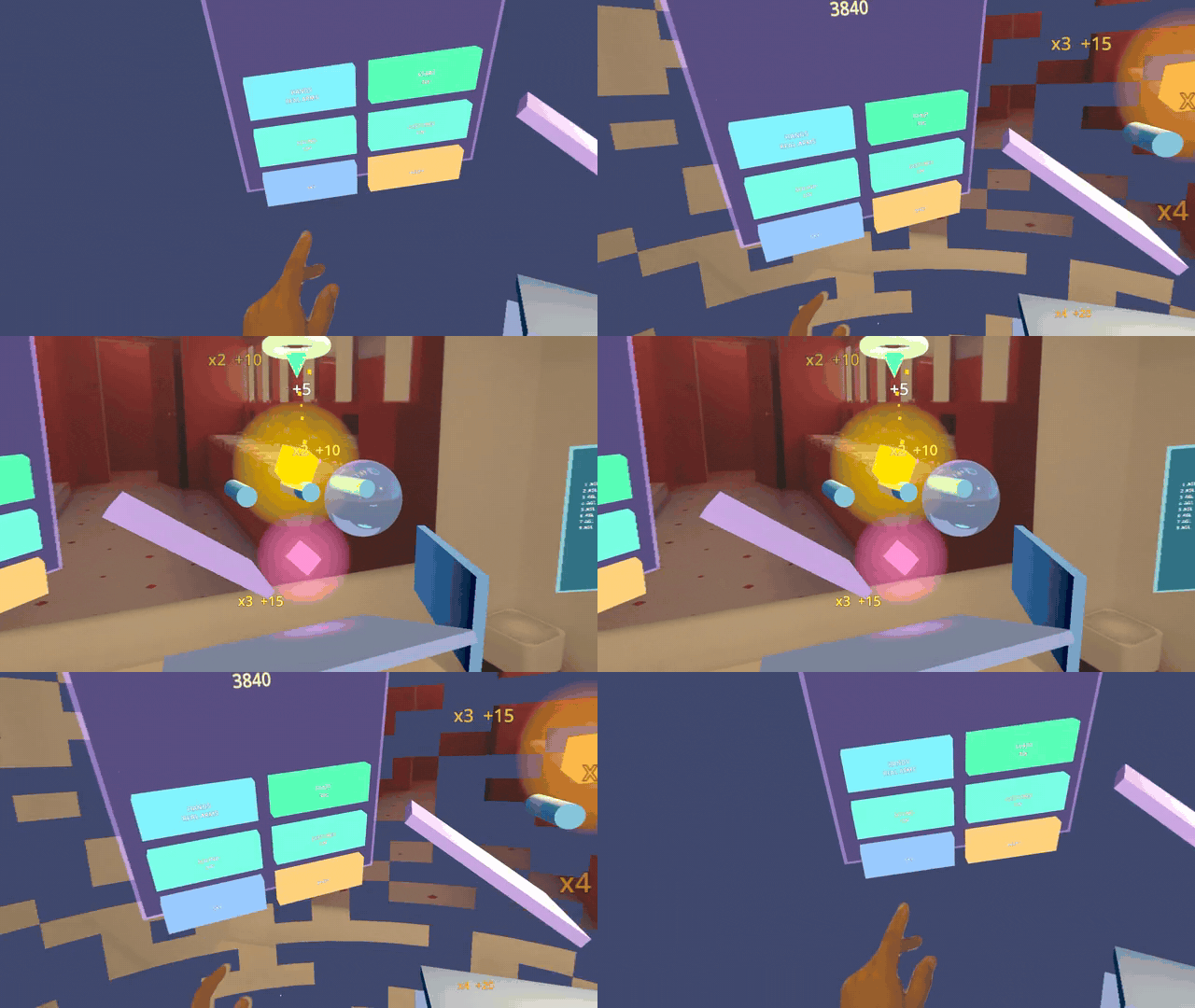 The fix in action: poking SKY dissolves between full immersion and passthrough, and objects composite over the real room with clean edges — no halos.
Symptom: app launches, you see passthrough, but no scene — and no crash.
Why: you build two things from the fork — the editor (which exports your .pck)
and libgodot.a (which runs it on device). If their Godot versions differ even by a
patch (e.g. editor 4.6.3 vs lib 4.6.2), the tokenized (pre-compiled) GDScript in the
.pck can fail to load at runtime — silently.
Fix, pick one:
- Build the editor and the lib from the same commit (best), or
- Set
script_export_mode=0(Text) inexport_presets.cfgso scripts ship as source and the token format no longer has to match. (This repo uses Text mode because its editor and lib versions differ.)
Symptom: xcrun devicectl device process launch ... returns
connection invalidated.
Why: Apple's CoreDevice can't cold-launch an immersive-space app remotely.
Fix: there isn't a workaround — install from the Mac, then put on the headset
and tap the icon yourself. Plan your test loop around a manual tap.
Symptom: app fails to launch. Why: MSAA anti-aliasing isn't working on this branch yet (blocked on an upstream PR). Fix: leave it off. You don't need it for clean passthrough edges anyway — gotcha #4's depth shader handles that.
Before you debug anything that "runs but doesn't render," confirm:
-
XROrigin3D.current = true - renderer = mobile
-
XRCamera3D.near ≥ 0.1 - background/clear color alpha = 0 (+ the depth-fix shader present)
- editor version == lib version (or Text export mode)
- launching by tapping on the headset, not remotely
Nine times out of ten the bug is on this list.
Next: Build and Deploy → the actual commands, explained flag by flag.