Repository navigation
Manage elevation
Since 2.3.0
This feature could be deactivated in the setting. Each particle has an elevation value. This value is the same as the source elevation or z if source has not the property elevation and 0 if still undefined. The elevation of a particle has two consequences:
- Elevation is rendered above foundry elements with lower or equal elevation and under those with higher elevation.
- The particle size becomes bigger as it goes up in elevation. It showcases that it become “closer” to the viewer. You could manage the number of grids needed to double the particle size in the settings (10 by default). If you enter 0, it’s mean particle size won’t evolve.
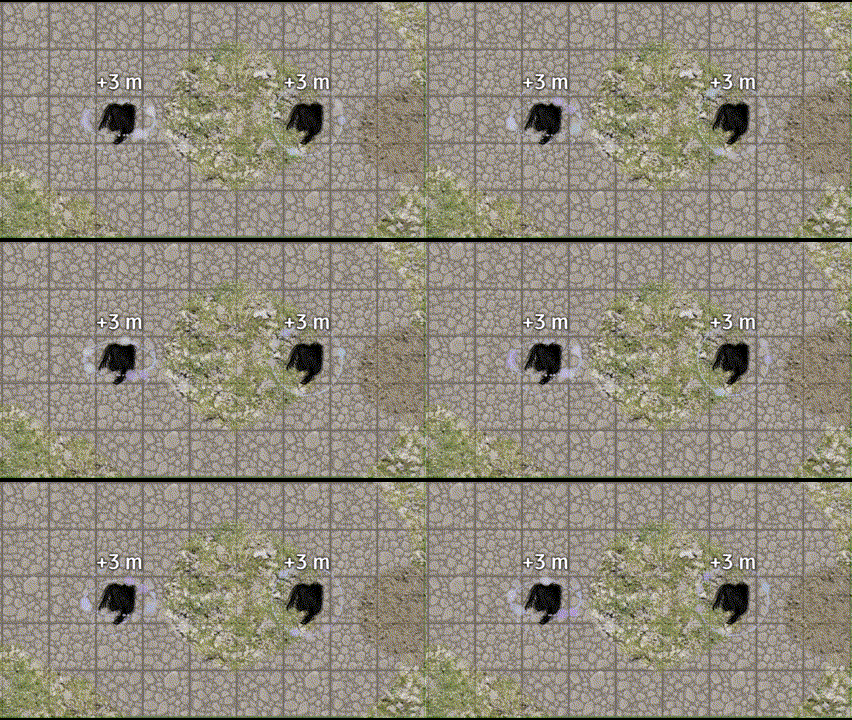
particlesFx.gravitateParticles('atom', {source :tokenId} )
With and without elevation activate
To manage elevation, we got three new input properties: particleRiseRate(Start/End) and particleAxisElevationAngle. If the target has an elevation, the particleRiseRate and particleAxisElevationAngle will be update for particle to “face” the target.
particleRiseRate is a factor between -1 and 1 of the fractions of the velocity used to go vertically. 1 means the velocity is totally used to go up, 0 the particle goes only horizontally (as before 2.3.0) and -1 particles go straight down. Ex : -.5 means if particles will move 4 grid, it will consider to that particles go down 2 grid.
particleAxisElevationAngle Is use only for gravitating particles. It’s the angle (in degree) of the axis where the rotating particles cut the source horizontal plane (default: 0).