Repository navigation
Prefill template
The method emitting particles can be called with a prefill template. There are two kinds of template prefillMotionTemplate and prefillColorTemplate which can be combined. You can add an input to override some attributes of the prefill template.
The order of the paramater is not important, for example particlesFx.sprayParticles('prefillMotionTemplate', 'prefillColorTemplate', 'prefillColorTemplateBis', {position: {x:100, y:'50_100'}}) is the same as particlesFx.sprayParticles('prefillColorTemplate', {position: {x:100, y:'50_100'}}, 'prefillMotionTemplate')
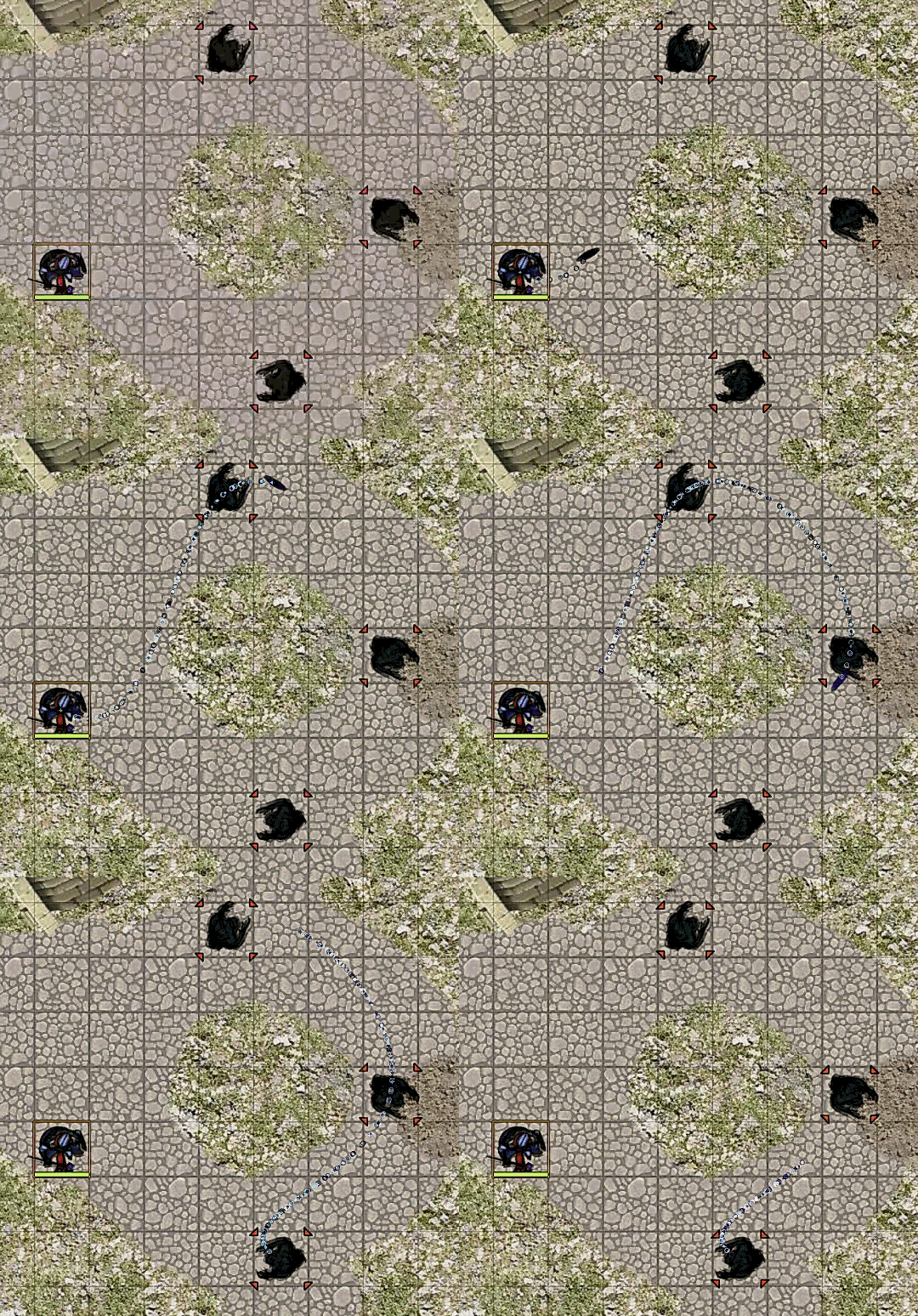
particlesFx.missileParticles({source :source.id, target: game.user.targets.ids, pathType:"CURVE"}, 'trail', 'death', 'ice', 'star', 'tor')
You can add some custom prefill template (motion or color) using the methods : particlesFx.addCustomPrefillMotionTemplate(key, {Advanced options}) or particlesFx.addCustomPrefillColorTemplate(key, {Advanced options})
If a key is an same of an existing one it replace it.
You need a minimal role to add custom prefill template define in the setting.
You can also delete custom prefill template (motion or color) using the methods : particlesFx.removeCustomPrefillMotionTemplate(key) or particlesFx.removeCustomPrefillColorTemplate(key).
You can retrieve the custom prefill template already added using the methods : particlesFx.getCustomPrefillMotionTemplate(key) or particlesFx.addCustomPrefillColorTemplate(key). If the key is not defined, it returns all the custom prefill template already created.
All this methods can also be calls with the modules API 'game.modules.get("particule-fx").api' with the same parameters and behaviour:
- xxx.api.template.motion.add(xxx)
- xxx.api.template.color.add(xxx)
- xxx.api.template.motion.remove(xxx)
- xxx.api.template.color.remove(xxx)
- xxx.api.template.motion.get(xxx)
- xxx.api.template.color.get(xxx)
explosion (designed for spray)
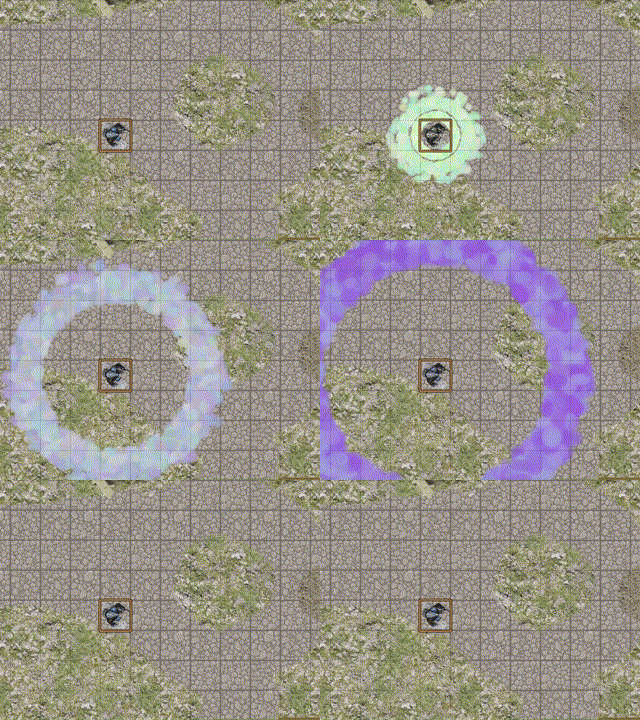
particlesFx.sprayParticles('explosion', {source :tokenId} )
breath (designed for spray)
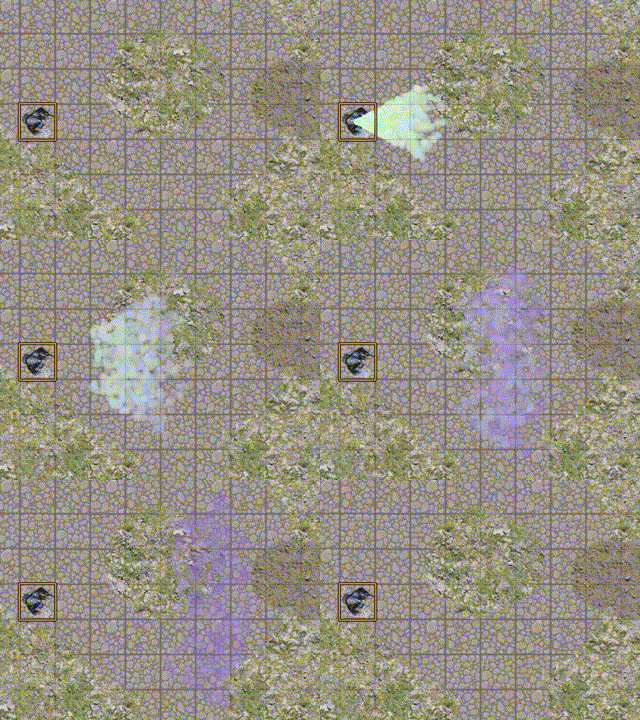
particlesFx.sprayParticles('breath', {source :token.id, target: target.id} )
ray (designed for spray)
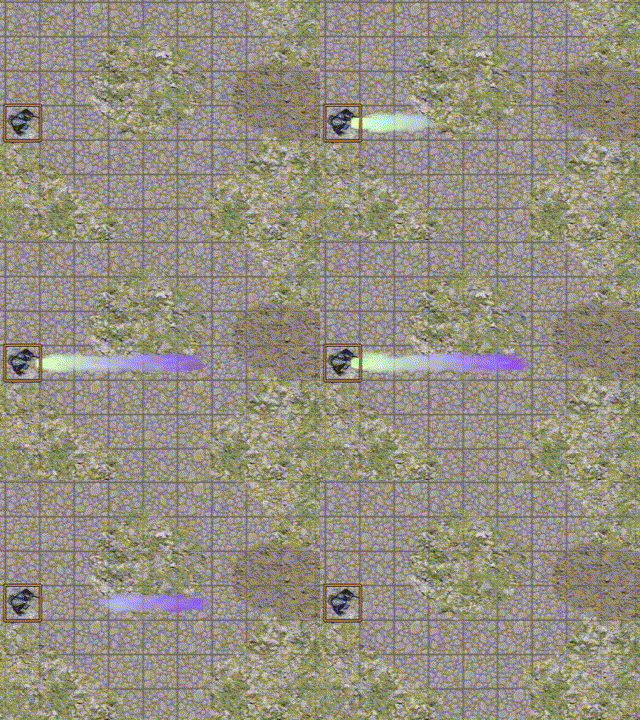
particlesFx.sprayParticles('ray', {source :token.id, target: target.id} )
sonar (designed for spray)
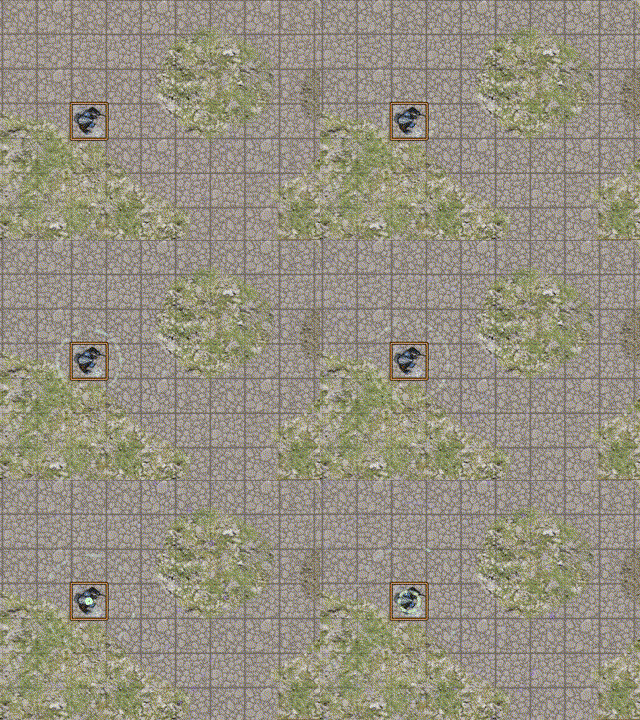
particlesFx.sprayParticles('sonar', {source :token.id} )
flash(designed for spray or gravitate)
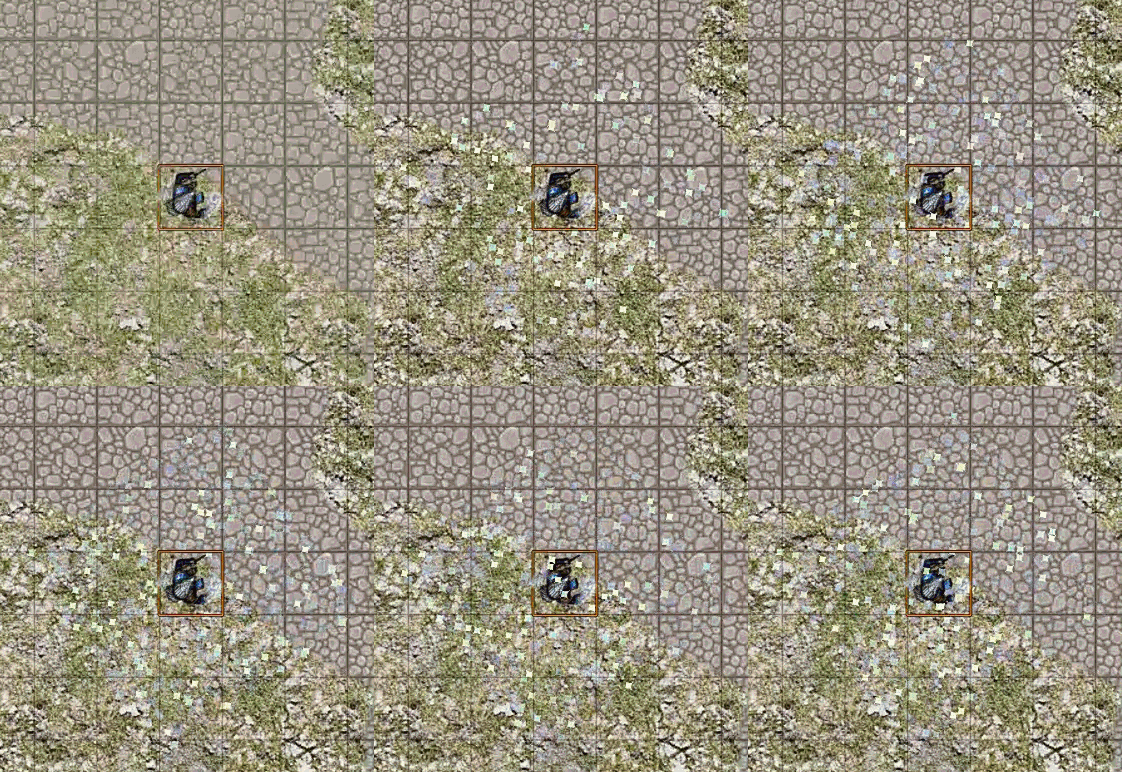
particlesFx.sprayParticles('flash', {source :token.id} )
trail (designed for missile)
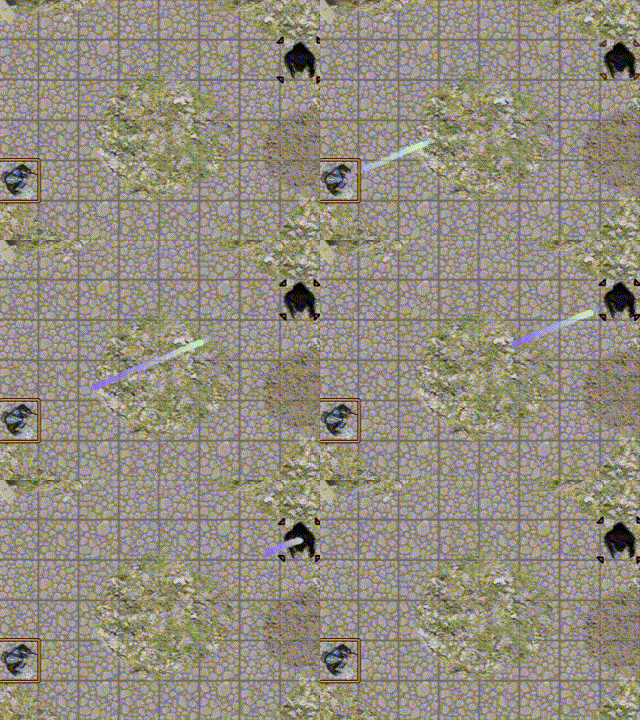
particlesFx.missileParticles('trail', {source :token.id, target: target.id} )
wave (designed for missile)
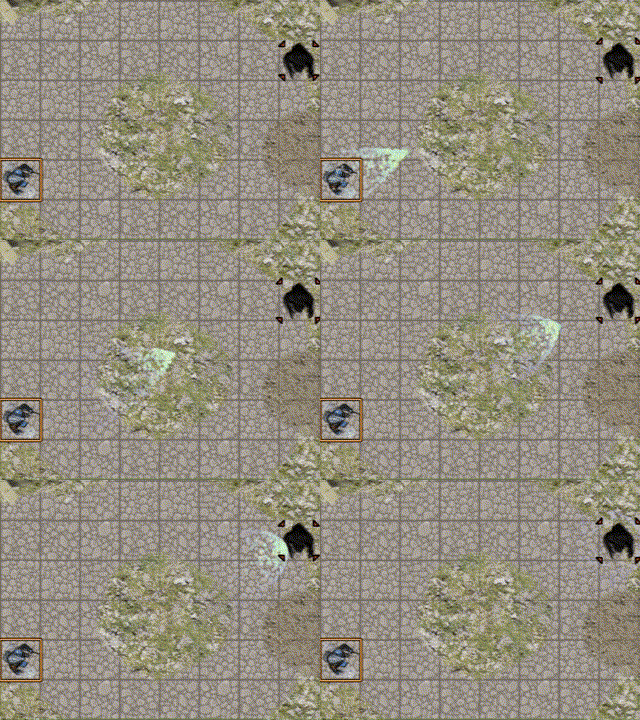
particlesFx.missileParticles('wave', {source :token.id, target: target.id} )
grow (designed for missile)
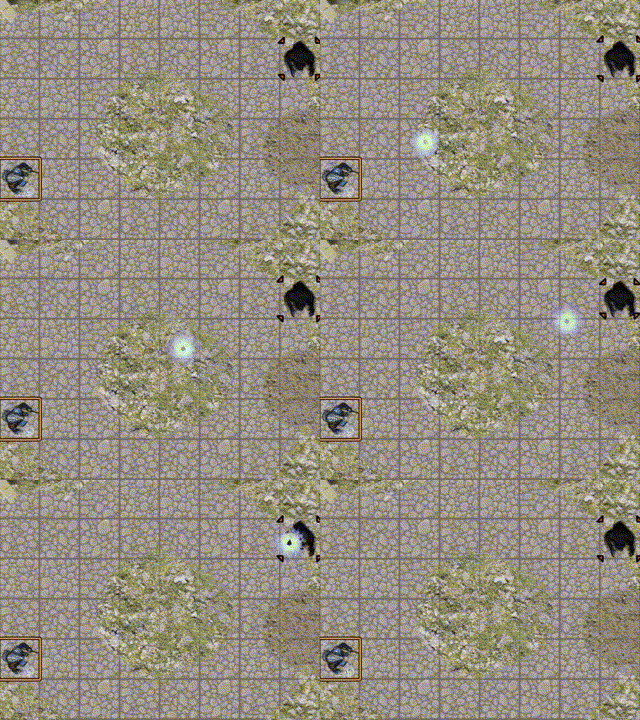
particlesFx.missileParticles('grow', {source :token.id, target: target.id} )
vortex (designed for gravitate)
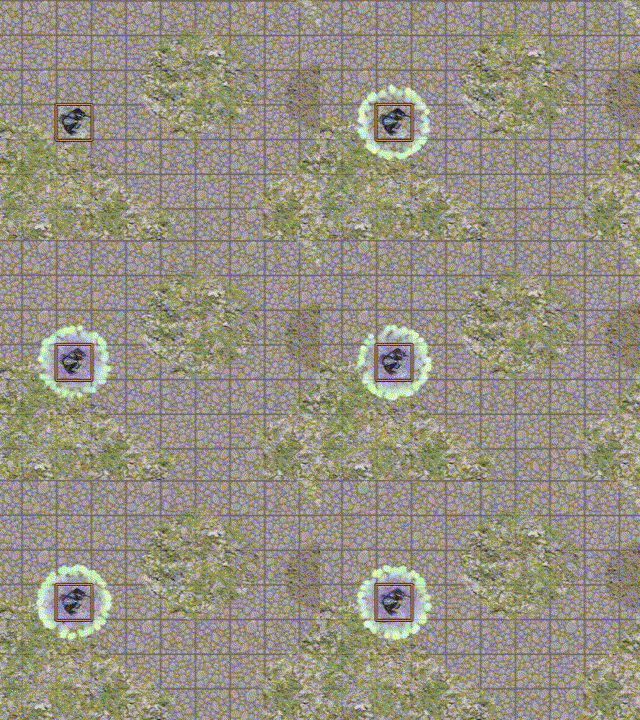
particlesFx.gravitateParticles('vortex', {source :tokenId} )
aura (designed for gravitate)
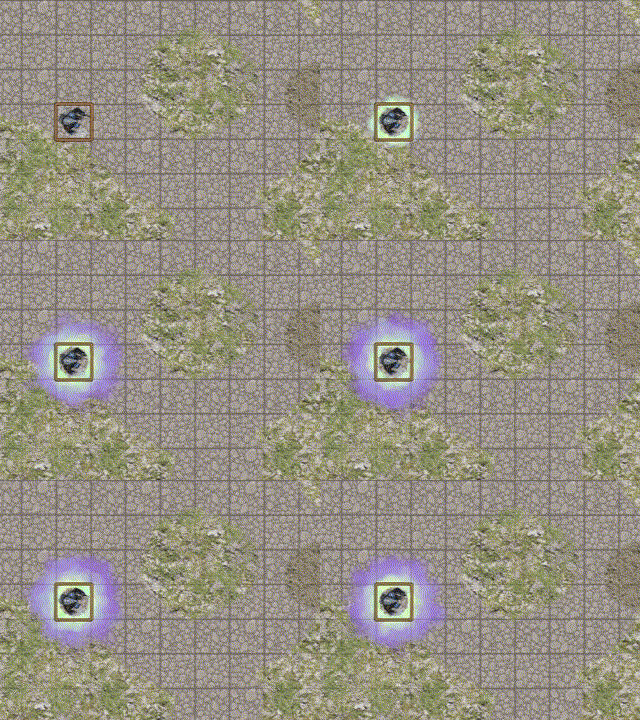
particlesFx.gravitateParticles('aura', {source :tokenId} )
satellite (designed for gravitate)
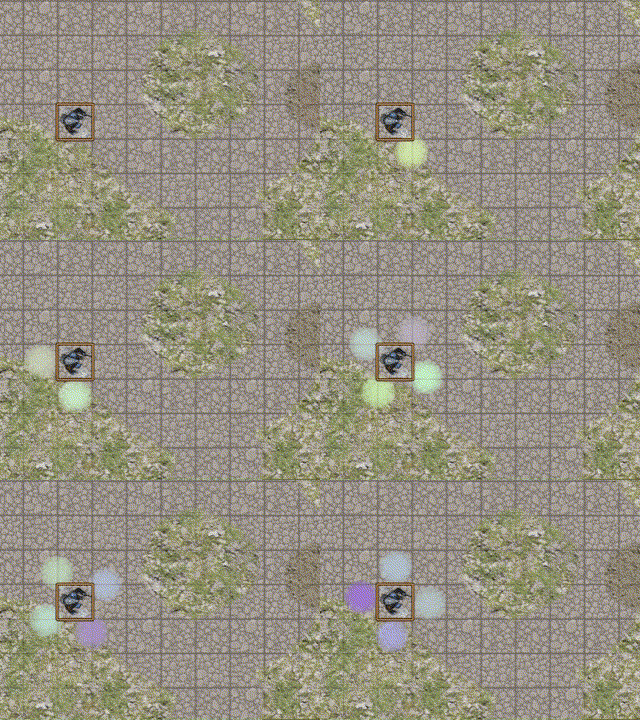
particlesFx.gravitateParticles('satellite', {source :tokenId} )
slash (designed for gravitate)
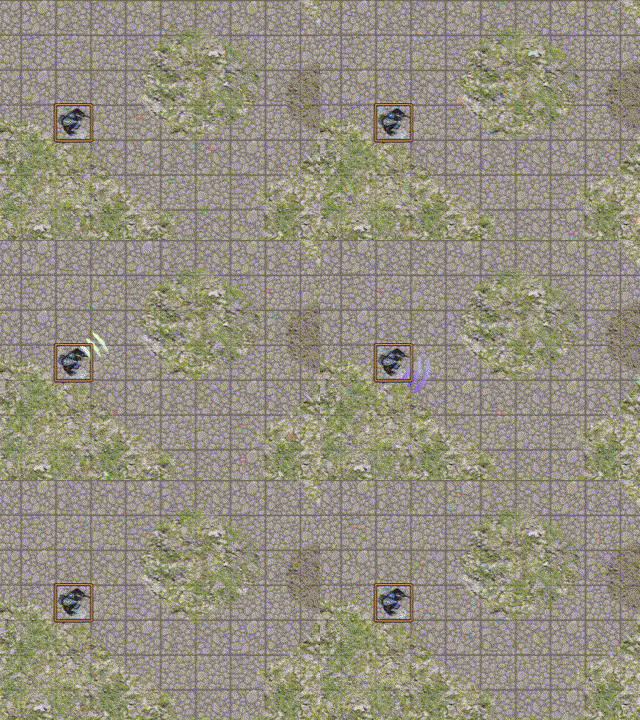
particlesFx.gravitateParticles('slash', {source :tokenId} )
atom (designed for gravitate)
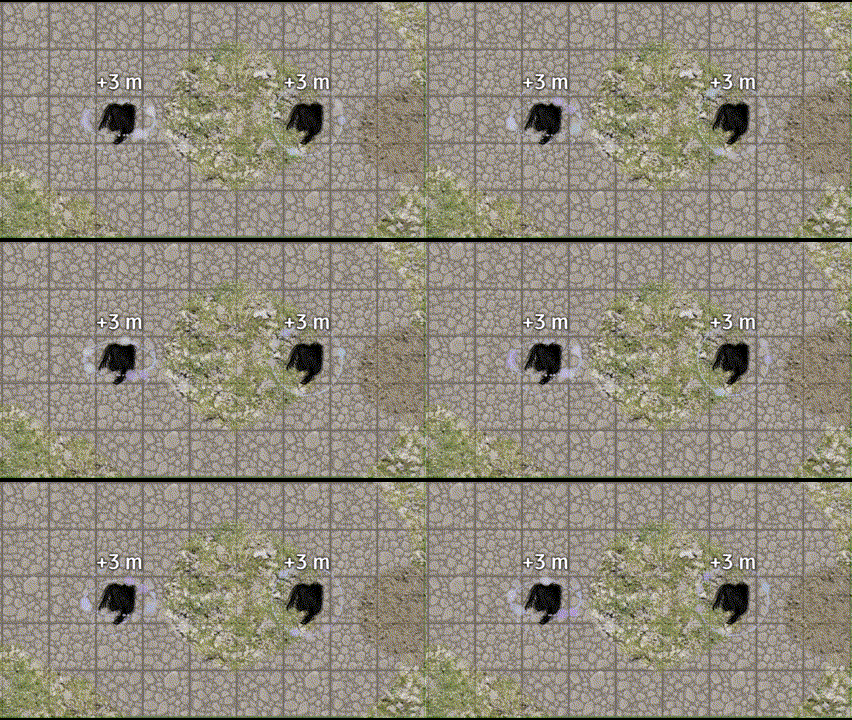
particlesFx.gravitateParticles('atom', {source :tokenId} )
With and without elevation activate
ice
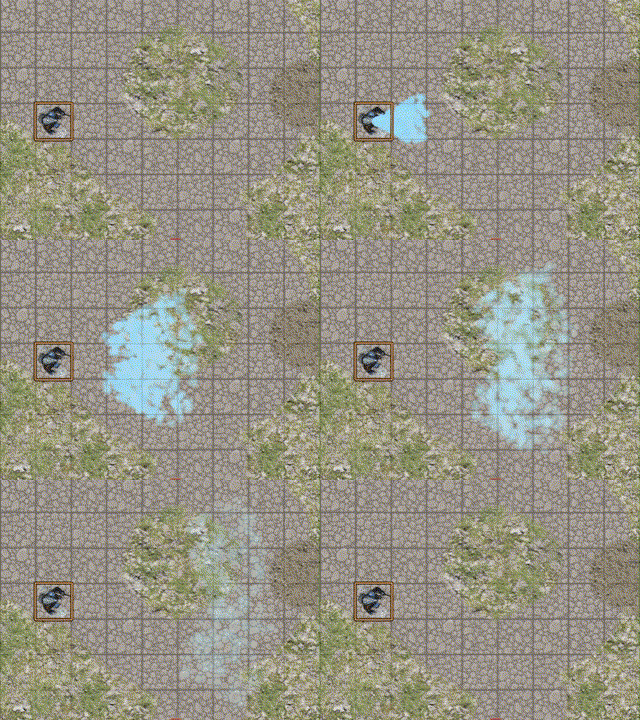
particlesFx.sprayParticles('breath', 'ice' )
fire
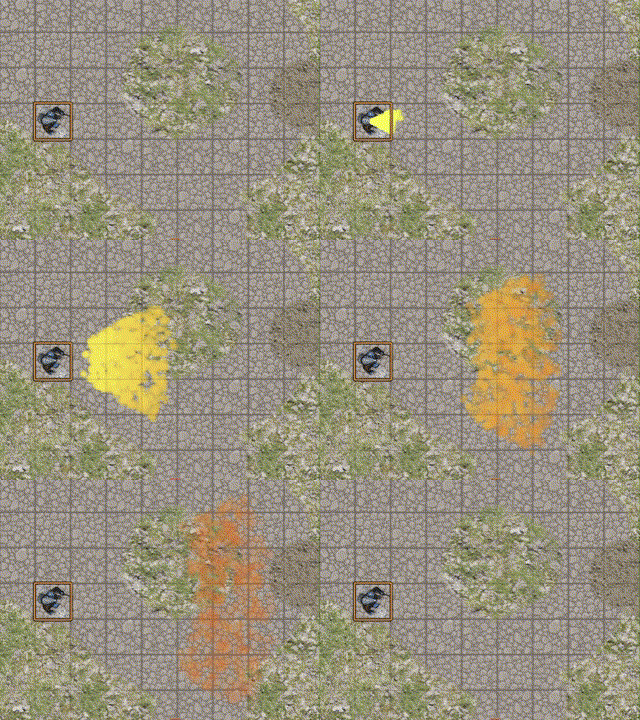
particlesFx.sprayParticles('breath', 'fire' )
light
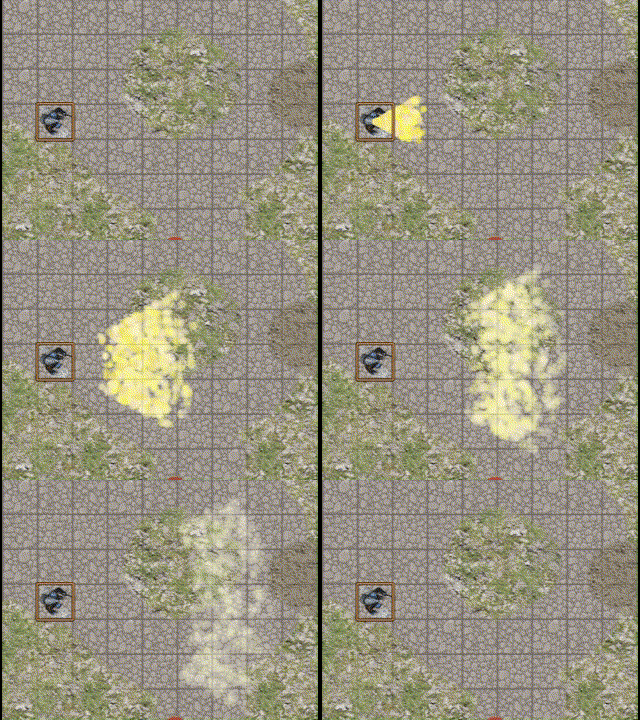
particlesFx.sprayParticles('breath', 'light' )
death
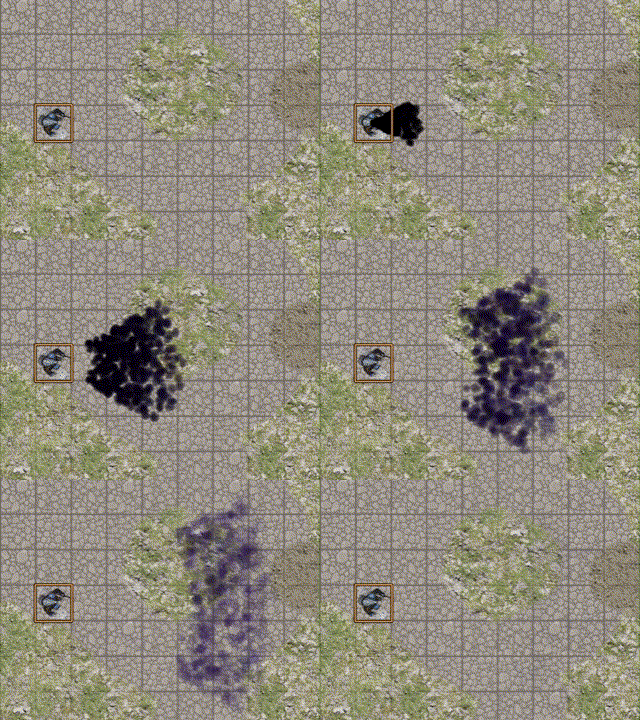
particlesFx.sprayParticles('breath', 'death' )
poison
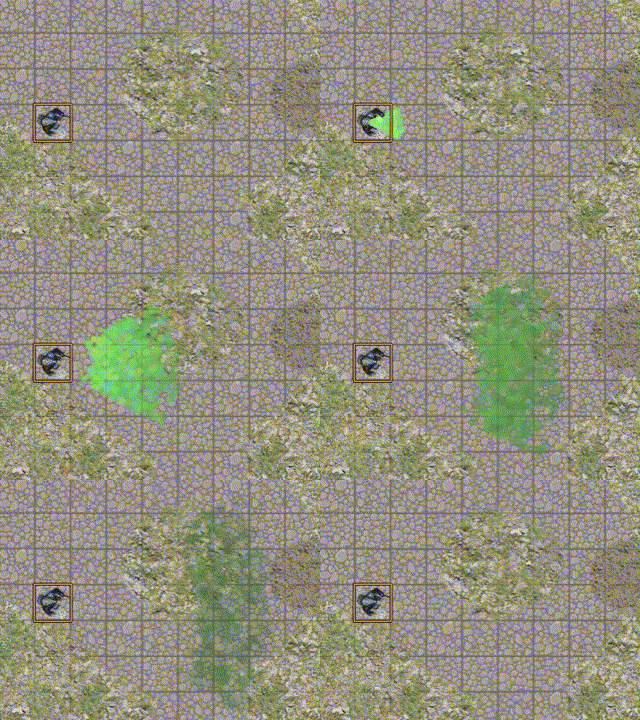
particlesFx.sprayParticles('breath', 'poison' )
silver
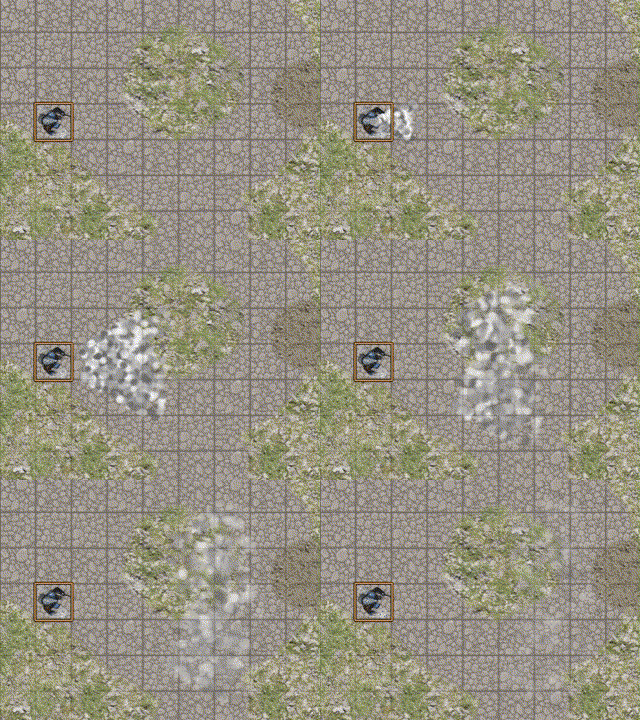
particlesFx.sprayParticles('breath', 'silver' )
cyber
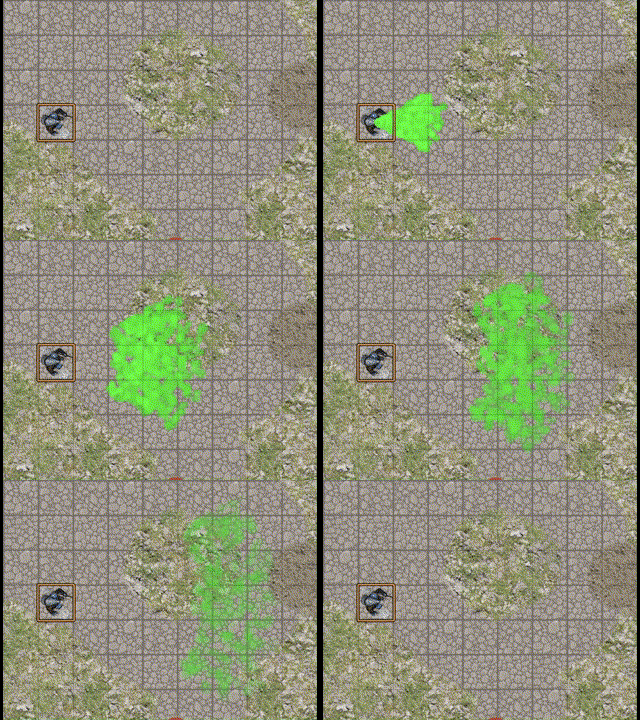
particlesFx.sprayParticles('breath', 'cyber' )
charm
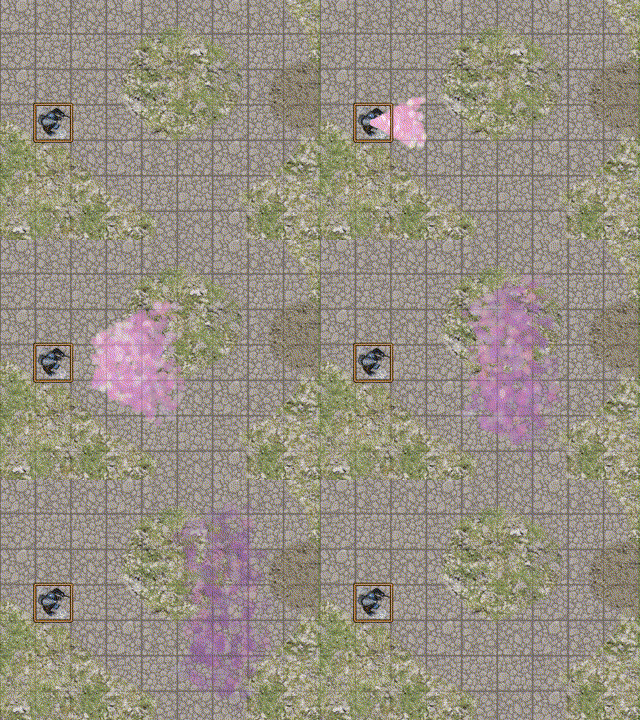
particlesFx.sprayParticles('breath', 'charm' )