Repository navigation
Particle emission methods
The emission methods are used to interpret the input and manage the particles during their lifetime. The method returns its id.
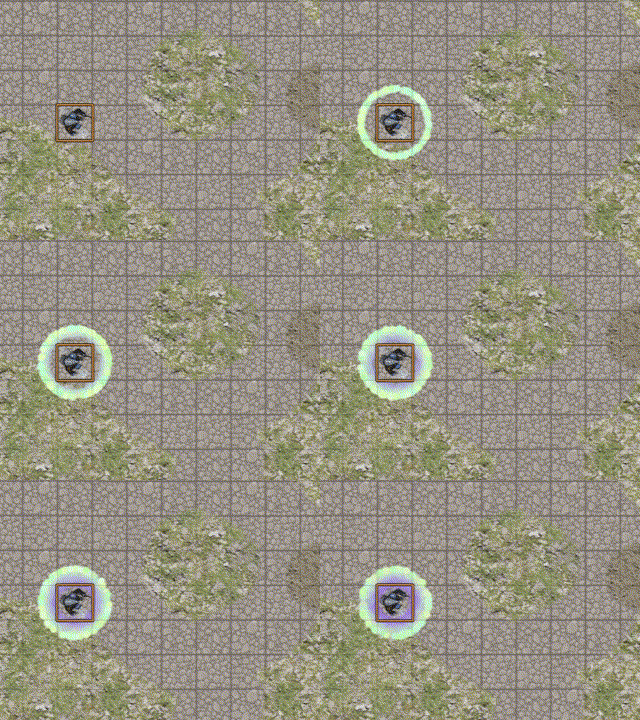
The spray particles are emitted from a source and move with a velocity in a direction defined by an angle.
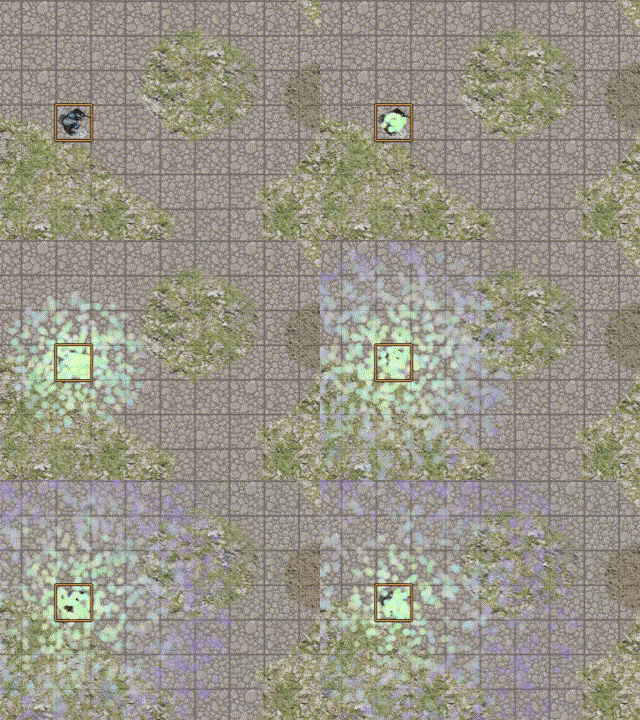
The graviting particles turn around the source with a velocity at a distance defined by a radius.
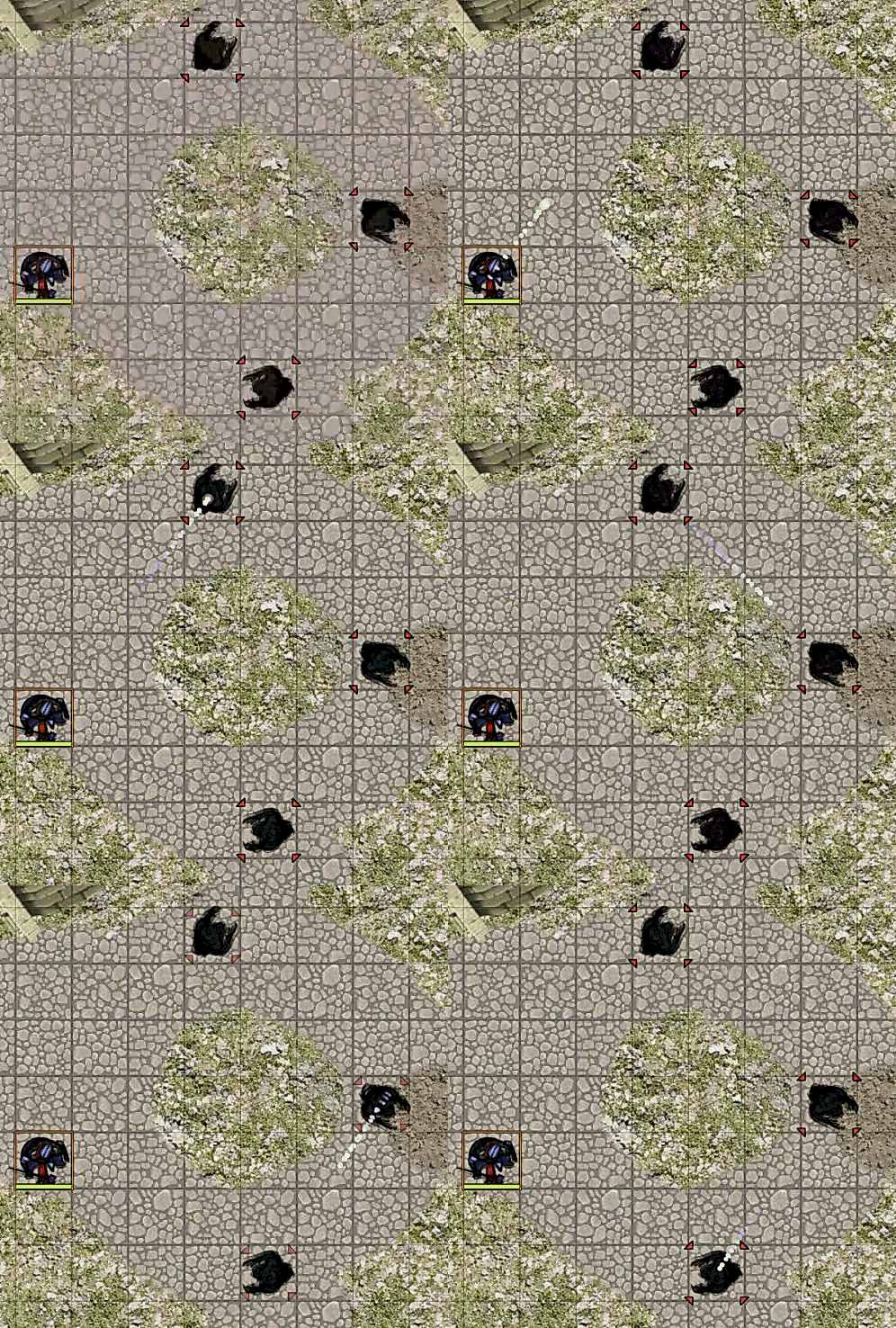
The missile method emits a spray particles that are used to emit sub particles.
To stop all emissions in the scene and reset the particle emitters ids index.
To stop a specific emission, you need to use a macro to call the method particlesFx.stopEmissionById with an id parameter :
- id of the emission (returned by the method)
- 'l' or 'last' for newest emission
- 'f' or 'first' for oldest emission
And a boolean parameter, true for instant delete of particles already emitted, false to stop only the emission (living particles are not killed).