en plugin dev publish market
Publish plugins to LangBot Plugin Marketplace via CLI.
LangBot Space is LangBot's centralized service platform. Please visit LangBot Space, click the top-right corner to log in with GitHub and create an account.
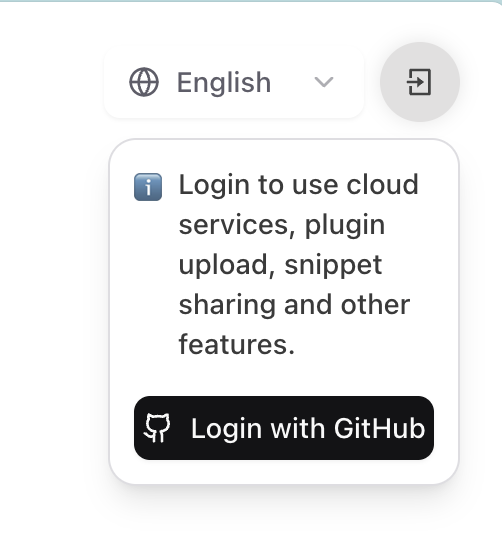
This will redirect to GitHub authorization page, please complete authorization as prompted.
- Log in to LangBot Space, click your avatar to open Account Settings, find Personal Access Tokens under the Account tab, and create a new token.
- Copy the generated token (shown only once), then run:
➜  HelloPlugin > lbp login --token lbpat_xxxxxxxxxxxxxxxxxxxxxxxxxxxxxxxxxxxxxxxxxxxxxxxxxxxxxxxxxxxxxxxx

==================================================
✅ Logged in with personal access token!
Token saved to: ~/.langbot/cli/config.json
==================================================Execute command lbp login in any directory:
➜  HelloPlugin > lbp login
Starting LangBot CLI login process...
Generating device code...

==================================================
Please copy the user code and complete verification in your browser:
User Code: 6CD64D56
Verification URL: https://space.langbot.app/auth/device
Device code expires in: 120 seconds
==================================================

Waiting for verification...
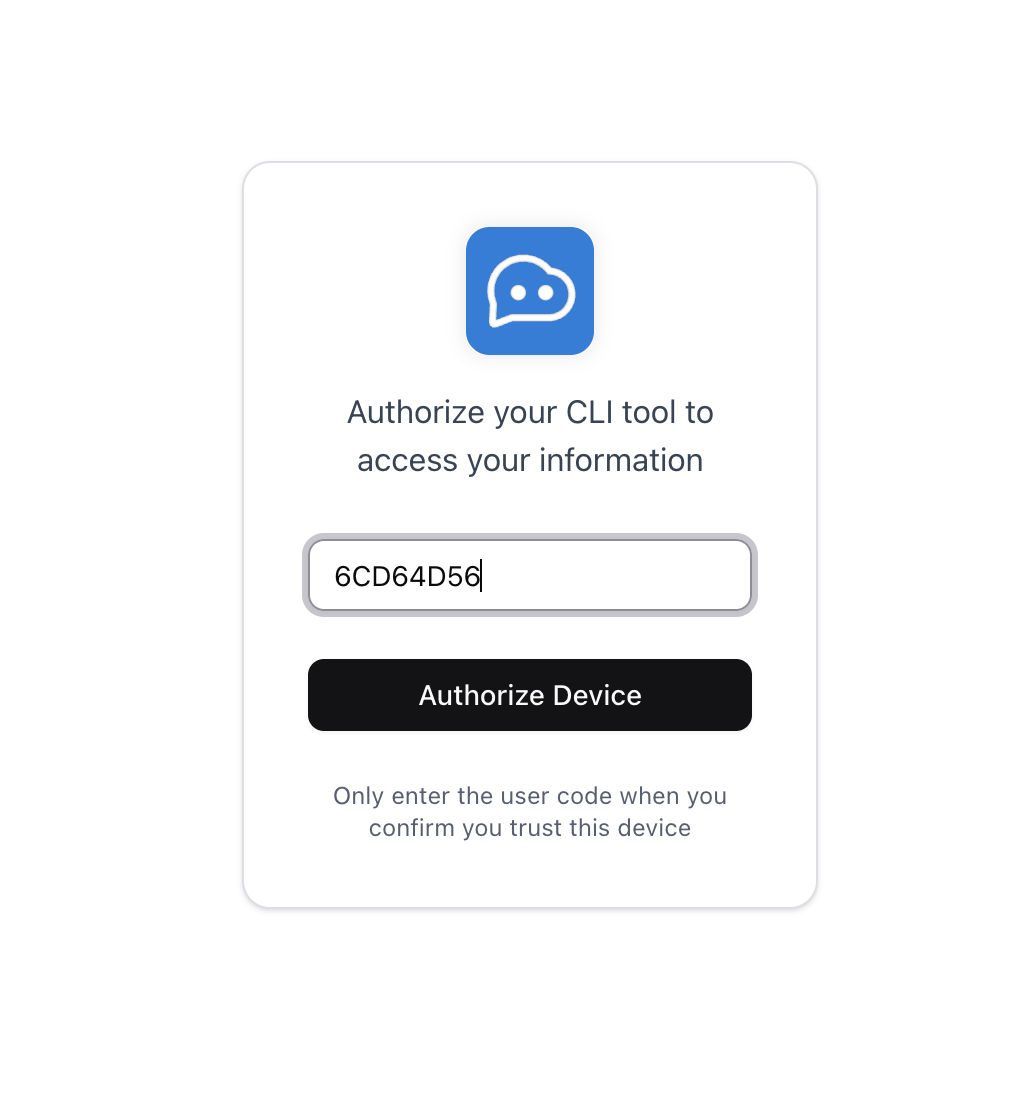
Please click Verification URL to redirect to LangBot Space, enter User Code to complete login.
==================================================
✅ Login successful!
Access token saved to: ~/.langbot/cli/config.json
Token type: Bearer
Expires in: 21600 seconds
==================================================
After successful login with either method, you can continue using CLI to upload plugins.
Please execute lbp publish in your plugin directory:
➜  HelloPlugin > lbp publish
Building plugin to dist/tmp...
  - Skipping ignored directory: dist
  - Skipping ignored directory: __pycache__
  ...
Plugin built successfully: dist/tmp/RockChinQ-HelloPlugin-0.1.0.lbpkg
✅ Plugin published successfully. You can check it on https://https://space.langbot.app/market
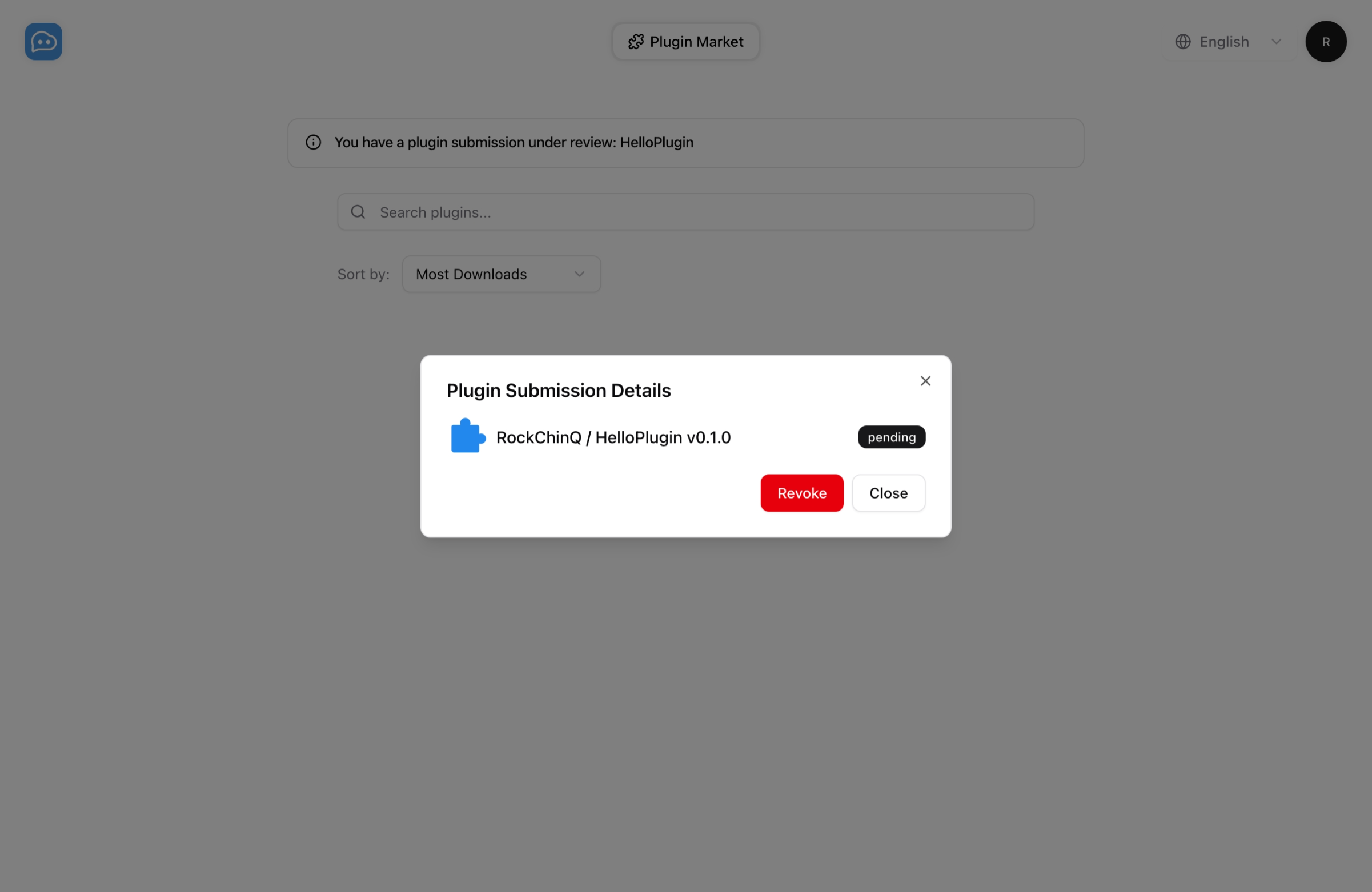
You can now check your plugin submission task at LangBot Plugin Marketplace. Please wait for approval, after which you can view your plugin in the marketplace.
If you have any questions, you can send an email to hello@langbot.app or contact us through Community.