Repository navigation
Contributing
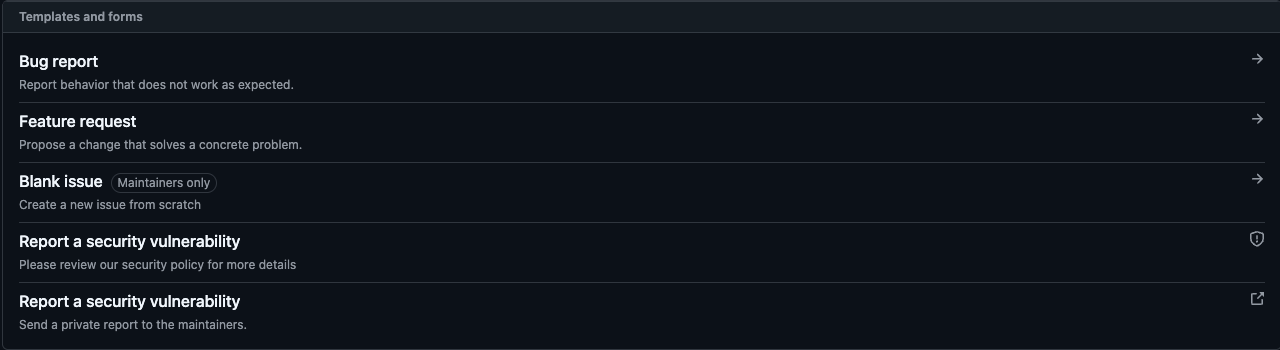
For bugs, include steps that reproduce the problem. For a larger feature, open an issue before implementing it so its scope can be discussed.
Clone your fork and install the repository's pinned pnpm version. The package declares Node.js 22.13 or newer; portable builds use the version pinned in the Dockerfile.
corepack enable
pnpm install --frozen-lockfile
pnpm dev
The development tasks start the applications and userscript tooling. For one app:
pnpm --filter @caelestis/frontend devSee the source README for current development setup and Self-hosting for the portable server.
Run the focused tests for your change first. Before opening a pull request, run the applicable repository checks:
pnpm lint
pnpm check
pnpm test
pnpm build
For userscript UI changes, test the built script on Wplace. Include screenshots or a recording of the changed behaviour.
Add one Changeset for each user-visible change:
pnpm changesetTarget the affected deployable apps: userscript, frontend, or backend. Do not target shared, UI, or wire-schema packages.
Documentation-only changes do not need a Changeset.
Keep the change focused. Explain the problem, the change, and the checks you ran. Link the issue with Closes #N when the pull request completes it.
Use a conventional title, such as fix(userscript): preserve template placement. Rebase on current main and allow maintainer edits for a fork.
Follow the Code of Conduct. Report security problems through the security policy, not a public issue.