Repository navigation
Home
A clearer view of your IT environment, in a workspace you control. GODSEYE brings network discovery, monitoring, security findings, tickets, customer records, knowledge articles, and remote support together for MSPs and IT teams.
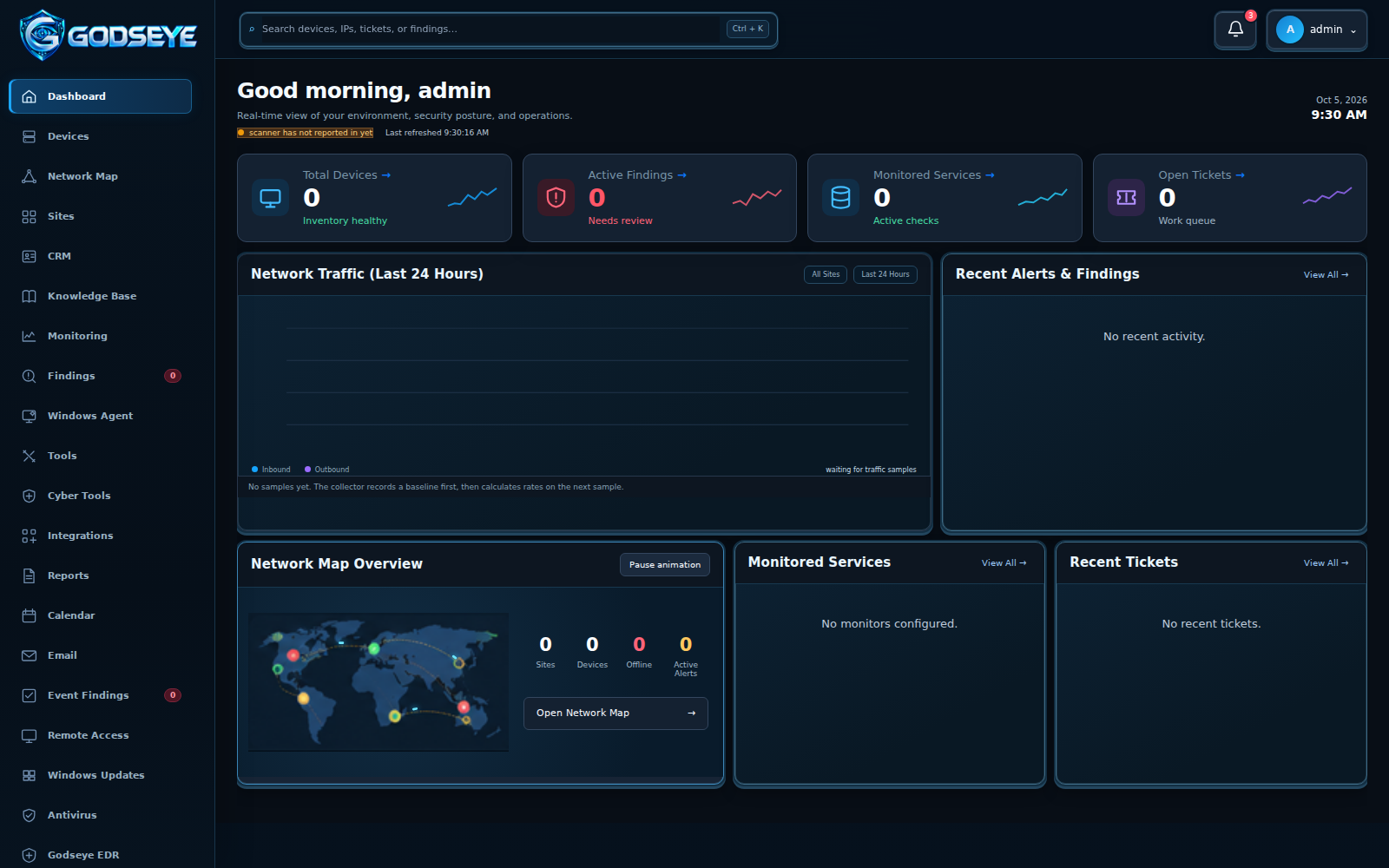
The dashboard image uses representative sample data; counts and findings are examples.
| I want to… | Go to… |
|---|---|
| Install GODSEYE on a Raspberry Pi or Linux server | Getting Started |
| See what each workspace does | Explore GODSEYE |
| Set up users, remote sites, and a full backup | Manage Your Workspace |
| Diagnose a problem or ask for help | Help and Troubleshooting |
New here? Follow Getting Started from installation to your first device and backup. Already running? Open Explore GODSEYE and jump to the feature you need.
- See the network: discover devices, watch service health, and investigate changes on the map.
- Work the issue: review findings, run authorized diagnostics, create tickets, and report results.
- Keep context together: link customer records to sites and turn repeat fixes into searchable Knowledge Base articles.
- Support more locations: connect separate GODSEYE installations over your existing VPN and manage them from one master.
- Stay in control: set role permissions, export a full backup, and restore it from within the app on a replacement server.
Source and releases · Screenshots and feature guide · Report an issue · Support GODSEYE
GODSEYE is built by MSAP Group LLC for practical, self-hosted IT and MSP operations. It is intended for trusted LAN or VPN access.