Repository navigation
Testing and Debugging
qmllint myapp/*.qml                         # mistakes, before running
python3 tools/barry-app check myapp         # would it install?
python3 tools/barry-app run myapp           # try it, hosted as on the Thor
barry-app run prints your app's errors and console.log() output in the
terminal.
On a Mac, a Windows PC or Linux, Barry Simulator does the same without a terminal: it finds your apps, opens them with a double-click, shows their log, and reopens them when you save a file.
If main.qml has an error, Barry Launcher shows this instead of a black
screen:
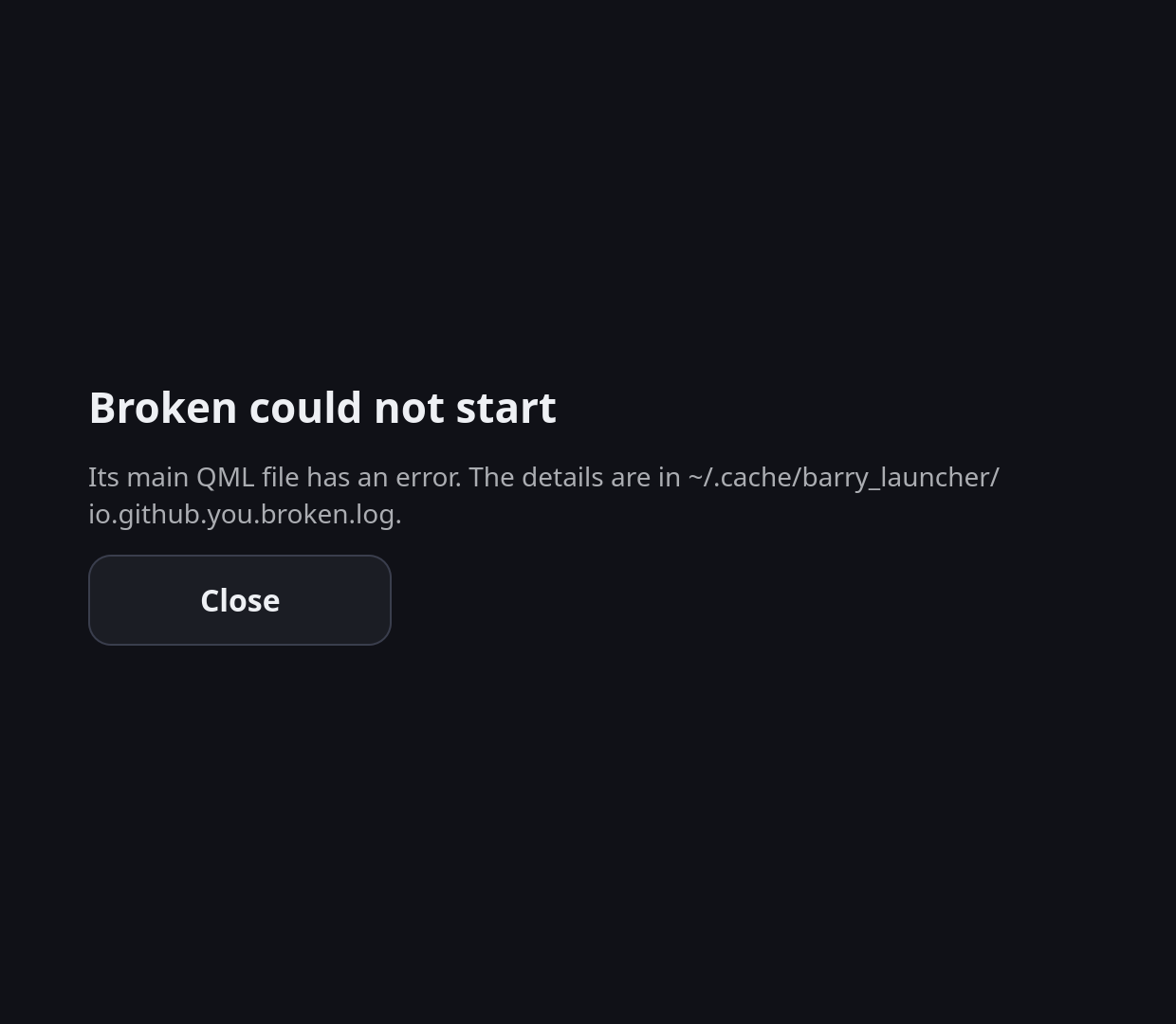
The log names the file, line and problem:
file:///home/steamos/.local/share/barry_launcher/apps/io.github.you.broken/main.qml:6:1: Expected token `}'
Everything your app prints (errors, warnings, console.log) goes to
~/.cache/barry_launcher/ID.log, started afresh each time the app starts.
A service's output goes there too.
-
Desktop Mode: open it in Kate, or in Konsole:
tail -f ~/.cache/barry_launcher/io.github.you.myapp.log -
Over SSH, the same
tail -ffrom your computer, while you use the app on the Thor.
Messages from Install app… (and barry-app install) and what they mean:
| Message | Fix |
|---|---|
| no barry-app.json at the top of the archive, or in its one folder | Zip the app folder itself, or its contents, not a folder of folders. barry-app pack gets it right. |
| "id" … must be lower case and dotted | Use something like io.github.yourname.myapp. |
| "name" is N characters; the tile has room for 20 | Shorten name. |
| "main" names X, which is not in the app folder | Check the spelling and the case: Main.qml isn't main.qml on Linux. |
| the archive has a link | Replace symbolic links with real files. |
| the archive has a file outside its folder | The archive was made with .. or absolute paths; pack it again with barry-app pack. |
| Barry Launcher isn't answering; is the bottom screen on? | Turn the bottom screen on (Quick Access → Barry Launcher), then try again. |
JavaScript joins it to the line before:
v.push(randomValue())
(dice.itemAt(i) as Die).roll(v[i])     // runs as randomValue()(...): "is not a function"
Start the line differently, for example with a variable:
v.push(randomValue())
const die = dice.itemAt(i) as Die
die.roll(v[i])width: 200 is right on the Thor and wrong anywhere else. Write
width: 200 * app.s.
On the device and with barry-app run, a Settings without location
still lands in your app's data folder (in .config), but run another way
(Qt Creator, the plain qml tool) it goes into Qt's shared settings. Set
location: app.barry.dataDirUrl + "settings.ini" and you always know
where it is.
Die.qml and die.qml are different files on the Thor (Linux), even if
they're the same on your Mac or Windows PC.
What looks fine in a window on a monitor is tiny on a 3.9-inch screen. Body
text at 28 or more (* app.s), and try it on the device.
The bottom screen shares the GPU with the game on the top screen.
- Keep idle at zero: no animations or
Timers running while nothing happens. - Set
sourceSizeon big images, so they're decoded at the size shown. -
Qt Creator's QML profiler (see Tools) shows what's slow.