Repository navigation
Web Apps
Many services have a good website and no Linux app, or no ARM one.
WhatsApp is one. A web app gives such a site its own tile on Barry
Launcher, full screen on the bottom screen, logged in and ready, without
any code: it's a barry-app.json and an icon.
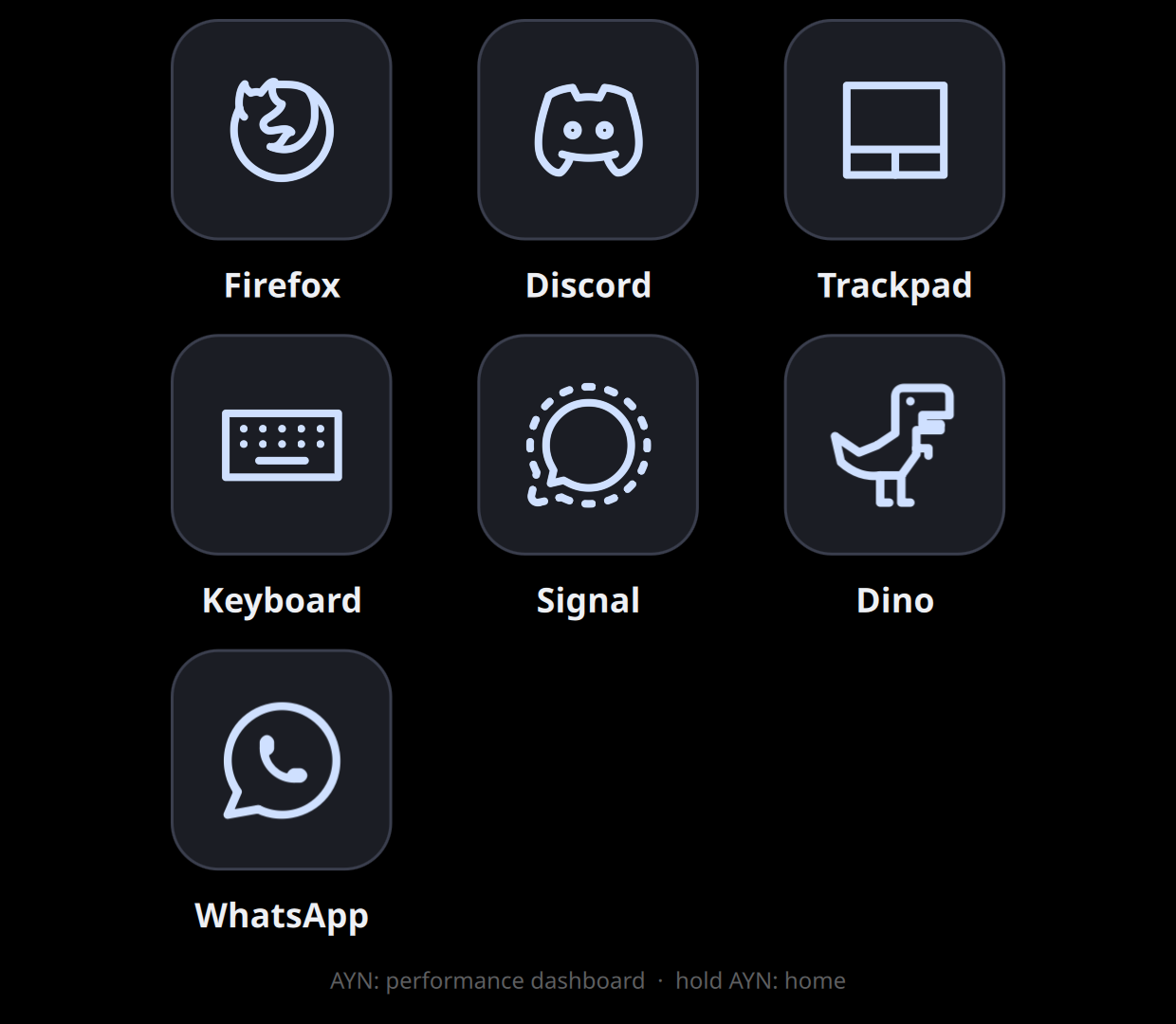
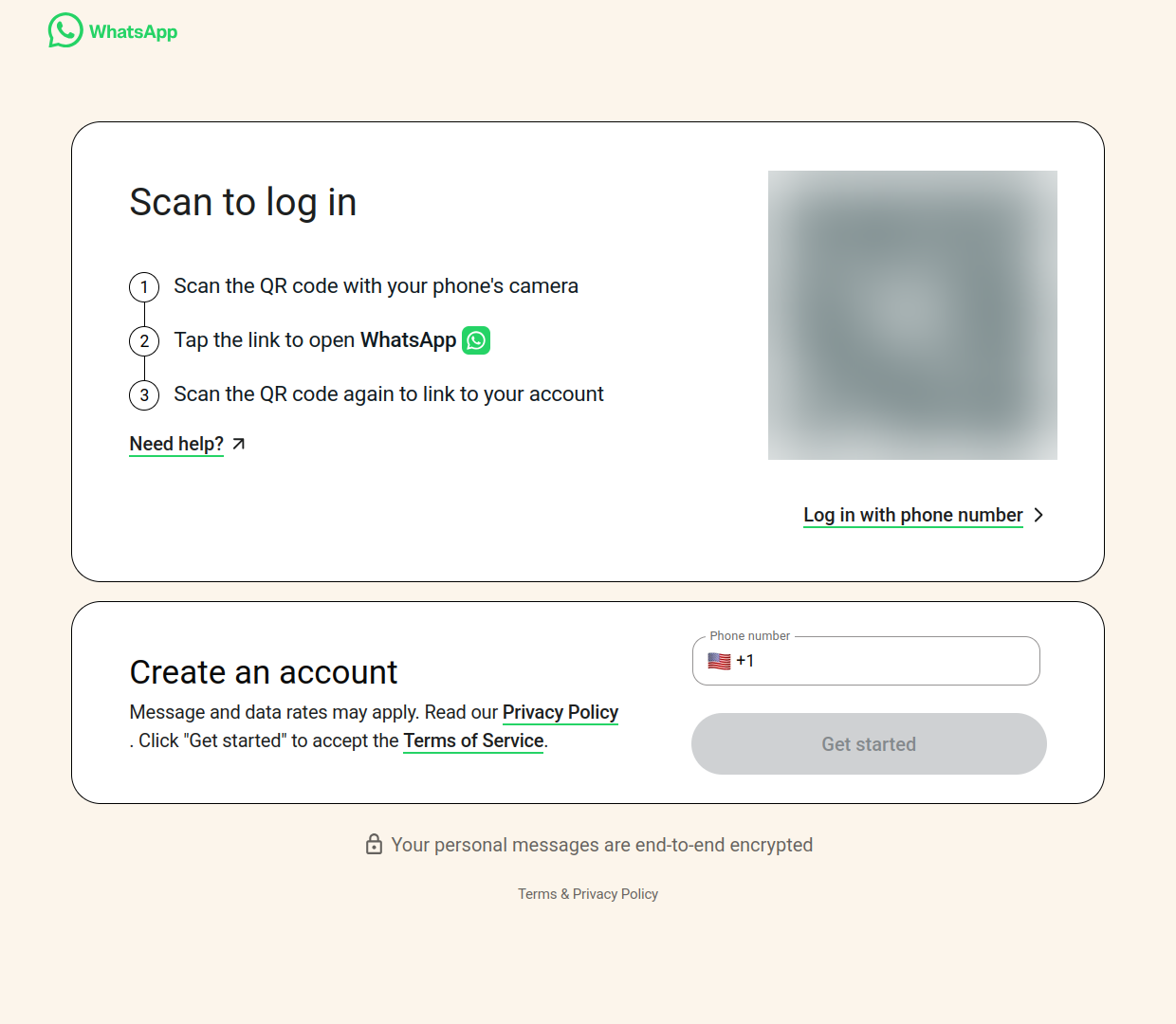
Screenshots from an AYN Thor. The QR code is blurred: it's a live login code.
Barry Launcher opens the site in Firefox, in kiosk mode (full screen, no address bar or tabs), with a Firefox profile of the app's own, the same way it runs its own Discord tile.
- Logins stay between runs, in that profile.
- The profile lives in the app's data folder. Removing the app removes the login, the cookies and the cache with it (WhatsApp Web's cache is over 250 MB). Nothing stays behind.
- Barry's keyboard comes up for the site's text fields, as in Discord.
- Each web app is separate: two web apps never share cookies or logins.
apps/whatsapp
is two files, barry-app.json and icon.svg:
{
  "format": 1,
  "id": "io.github.project-barry.whatsapp",
  "name": "WhatsApp",
  "version": "1.0.0",
  "type": "web",
  "url": "https://web.whatsapp.com/",
  "zoom": 1.25,
  "allow": ["microphone"],
  "icon": "icon.svg",
  "description": "WhatsApp Web on the bottom screen, in a Firefox window of its own. Not made by WhatsApp or Meta.",
  "author": "Project Barry",
  "homepage": "https://github.com/project-barry/barry-launcher-apps"
}
"type": "web" |
A web app: no main QML file. |
"url" |
Where it opens. Must be https://. |
"zoom" |
How big the page is drawn, from 0.5 to 4; 1.25 if left out. The bottom screen is small and sharp: at 1, a site gets 1240 CSS pixels across, and text is tiny. WhatsApp at 1.25 gets 992 pixels, enough for its two-column layout. |
"allow" |
What the site may use without asking: "microphone" (WhatsApp's voice messages), "camera". Leave it out for neither. |
Everything else is the same as for any app. The site may always keep its data (no "store data in persistent storage?" prompt), and notifications are off.
-
Copy the WhatsApp folder and rename it.
-
In
barry-app.json, changeid(yours:io.github.yourname.something),name,urlanddescription. Removeallowunless the site needs the microphone or camera. -
Draw an icon (see Design guidelines). Tabler Icons has outlines of many brands' logos (MIT licensed); WhatsApp's comes from there.
-
Try the zoom on your computer:
python3 tools/barry-app run apps/mysite
Firefox opens the site at your zoom in a 1240 × 1080 window, about the bottom screen's size. Too much sideways scrolling: lower the zoom. Tiny text: raise it. Change the zoom, close Firefox, run again.
-
Pack and install it like any app:
python3 tools/barry-app pack apps/mysite.
Good candidates: messaging (Telegram Web, Google Messages, Slack), music (YouTube Music, SoundCloud), notes (Google Keep), maps, a game's wiki or map site, your home server's dashboard.
- The site must work in Firefox. Most do. A few check for Chrome and refuse; those won't work.
- Phone layouts: some sites switch to a phone layout on a narrow window. Raise the zoom to get there on purpose, or lower it to avoid it.
- Downloads (WhatsApp's photos, say) go to the Downloads folder.
- Calls: voice and video calls depend on the site supporting them in desktop Firefox. Discord's work in Barry Launcher's own Discord tile.
- Not affiliated: a web app only opens the site. Say in its description that you're not the service, as WhatsApp's does.
- Privacy: what the site sees is what any Firefox would: nothing passes through Barry Launcher or us.
- Install
whatsapp.zipfrom the latest release (Installing apps). - Open its tile. The first load takes about half a minute.
- On your phone: WhatsApp → Settings → Linked devices → Link a device, and scan the code.
It stays linked until you unlink it on your phone or remove the app.
apps/claude
opens claude.ai the same way, with your own Claude
account and plan. It differs from WhatsApp in two lines: "url": "https://claude.ai/" and "zoom": 1.5, since claude.ai is one column of
chat and reads better bigger (827 CSS pixels across). It keeps
"allow": ["microphone"] for voice input. Log in with "Continue with
email" (the code can be typed with the Barry keyboard) or Google. Not made
by Anthropic.