Repository navigation
Quick Start
Five minutes from install to your first parallel agents. On a new board, the Welcome Guide walks you through these steps (open it again from the palette, ⇧⌘P).
-
Add a project. Press
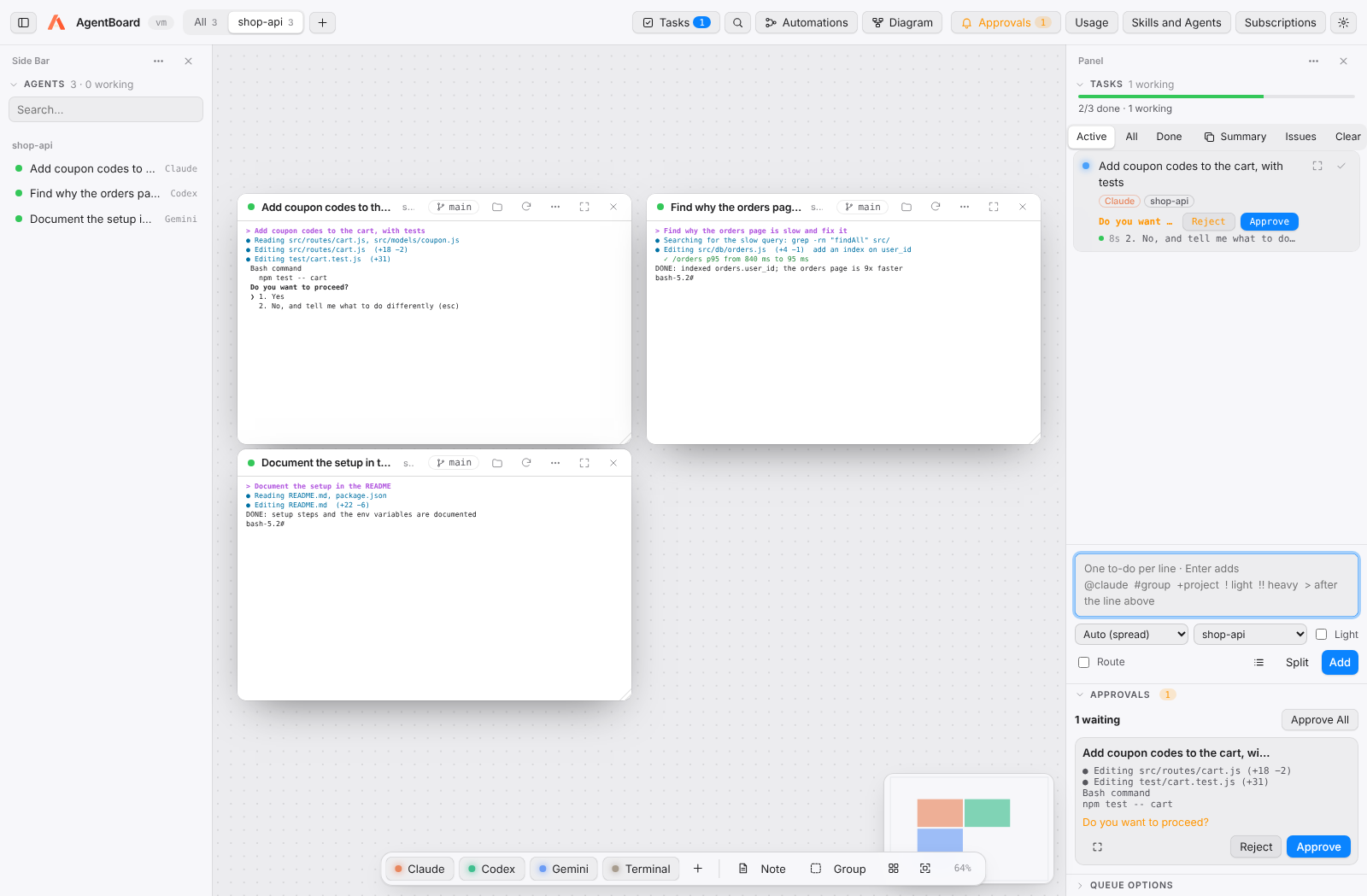
+next to the tabs at the top and pick your code folder. - Open an agent. Press Claude in the bottom bar (⇧⌘1 / Ctrl+Shift+1). The first time in a folder, answer Yes, I trust this folder.
- Ask something. "Explain what this project does and which files matter most." The dot pulses while it works and turns green when it waits for you.
-
Queue work. Open Tasks (⇧⌘T) and write one to-do per line:
Turn on Run queue. AgentBoard opens one agent per task, several at once.
add validation to the payment form @codex write tests for the shopping cart fix broken links in the README ! - Review. When a task says Needs your review, use Go to the agent card. With Worktree per task on, View changes lets you Merge or Discard.
- Look at everything. Press Diagram (⇧⌘D) for a per-project, per-group view of every agent.
Tip: hold the pointer over any button for 2 seconds to see what it does.
Next: Tasks · Automations