Repository navigation
Settings and Shortcuts
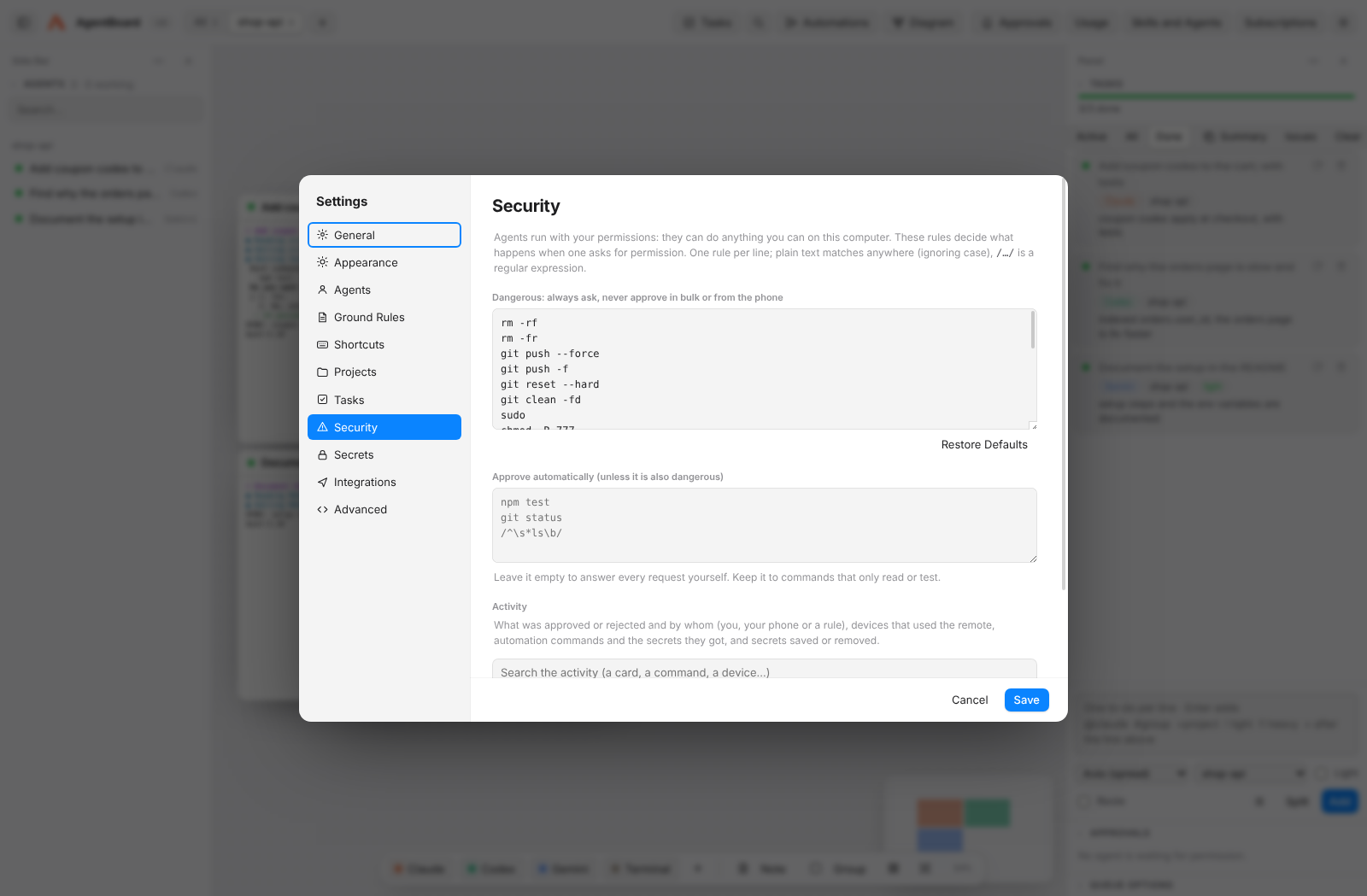
Open Settings with ⌘, (Ctrl+,). Sections:
- General: computer name, shell, global shortcut, resuming sessions, running in the background.
- Appearance: light, dark or automatic theme; accent color; interface size; typeface (SF Pro or Geist); terminal font, font size, theme, line height, cursor shape and blinking, and lines of history — with a live preview.
- Agents: each agent's command and arguments (resume, light mode, heavy mode) and custom agents for any CLI.
- Ground Rules: rules every agent follows (see Remote Control and Integrations).
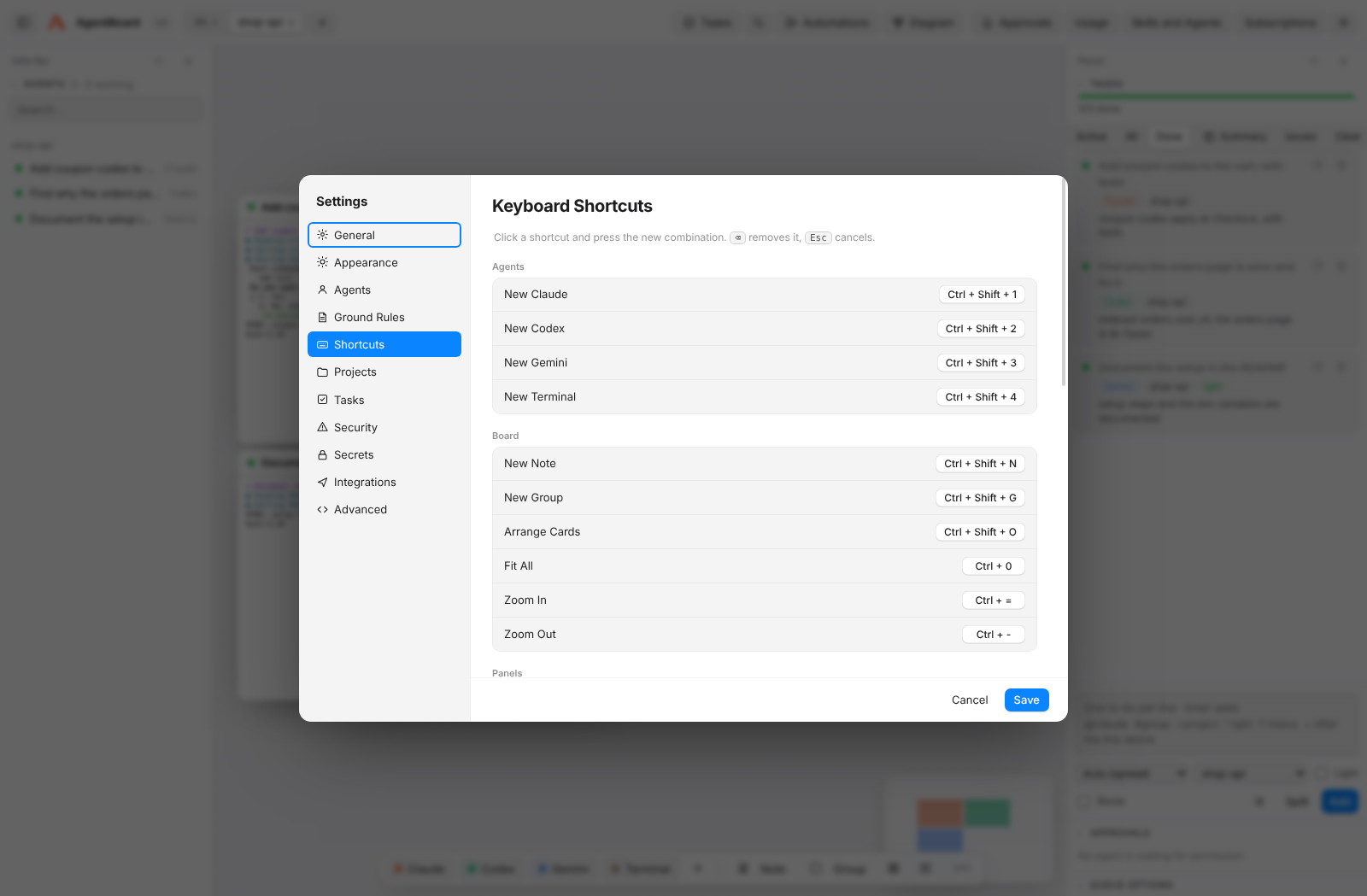
- Shortcuts: click one and press the new combination; conflicts are flagged.
- Projects (name and check command), Tasks (queue, routing, subagents, checks, cross-review, budgets and limits), Security (rules for dangerous and automatically approved requests, and the activity log; see Privacy and Security), Secrets (passwords and keys for automations, encrypted; see Automations), Integrations (phone remote and daily summary) and Advanced (every setting as JSON, only for what has no control yet).
| Action | Mac | Windows |
|---|---|---|
| New Claude / Codex / Gemini / Terminal | ⇧⌘1 / 2 / 3 / 4 | Ctrl+Shift+1 / 2 / 3 / 4 |
| New note / new group | ⇧⌘N / ⇧⌘G | Ctrl+Shift+N / G |
| Tasks / Diagram / Automations | ⇧⌘T / ⇧⌘D / ⇧⌘F | Ctrl+Shift+T / D / F |
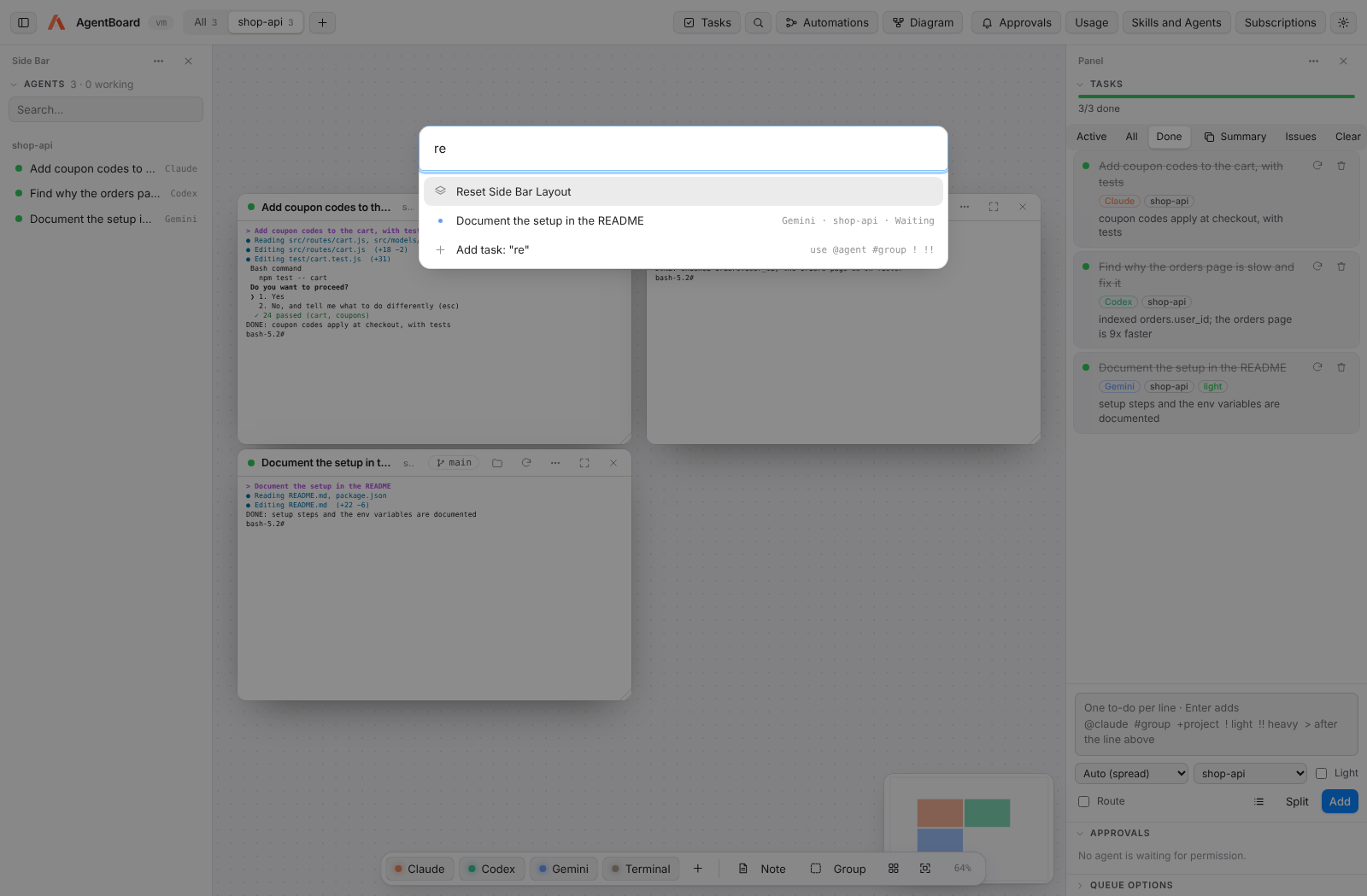
| Command palette | ⇧⌘P | Ctrl+Shift+P |
| Next / previous / all projects | ⌘⌥→ / ⌘⌥← / ⌘⌥0 | Ctrl+Alt+→ / ← / 0 |
| Agent list | ⇧⌘A | Ctrl+Shift+A |
| Arrange / fit all | ⇧⌘O / ⌘0 | Ctrl+Shift+O / Ctrl+0 |
| Shortcuts / Settings | ⌘/ / ⌘, | Ctrl+/ / Ctrl+, |
| Add a task from any app | ⌃⌥Space | Ctrl+Alt+Space |
| Zoom / pan | ⌘ + scroll / drag background | Ctrl + scroll / same |