Repository navigation
Machine Ordering
Home › User Manual › Machine Ordering
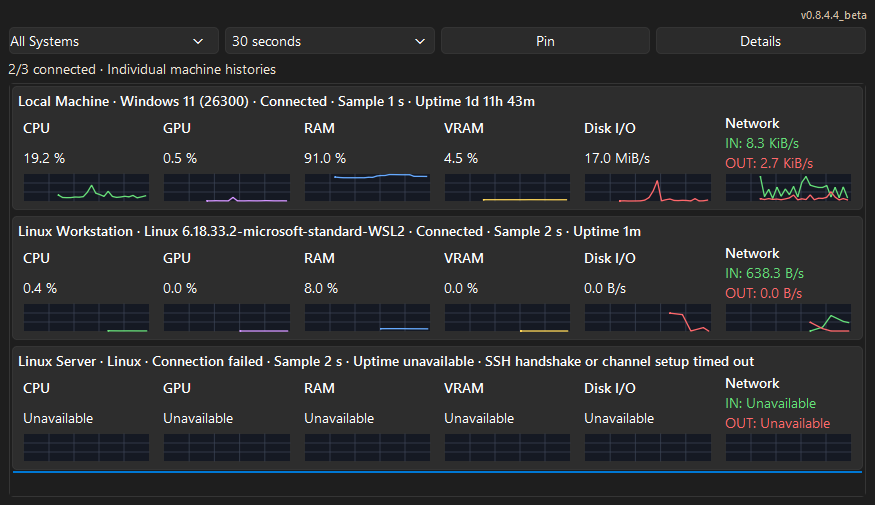
Drag an enabled machine card by its header or graph area in the multi-machine hover or expanded view. Drop at the insertion line. You can also rearrange rows in Manage Remote Targets. Use the card surface clear of buttons and other controls.
ARM saves the order on a completed drop, without waiting for application exit. The shared order persists across restarts, crashes and updates when the profile remains intact. Hidden entries keep their relative slots, and reconnecting a target does not reshuffle it. Cancel an in-progress drag with Escape. If saving fails, ARM retains the stored order.
Previous · Machine Selection · Next · Expanded Resource Monitor

Original application developed by Sonja M Thomas, SLT Design Creations, LLC. Copyright 2010-2026 SLT Design Creations, LLC. Design Creations