Home
Turn a Raspberry Pi and a touchscreen into a wall display for your home: a photo frame for your own Immich library, a dashboard you arrange from your phone, and a speaker for Spotify.
| Photo frame | Dashboard |
|---|---|
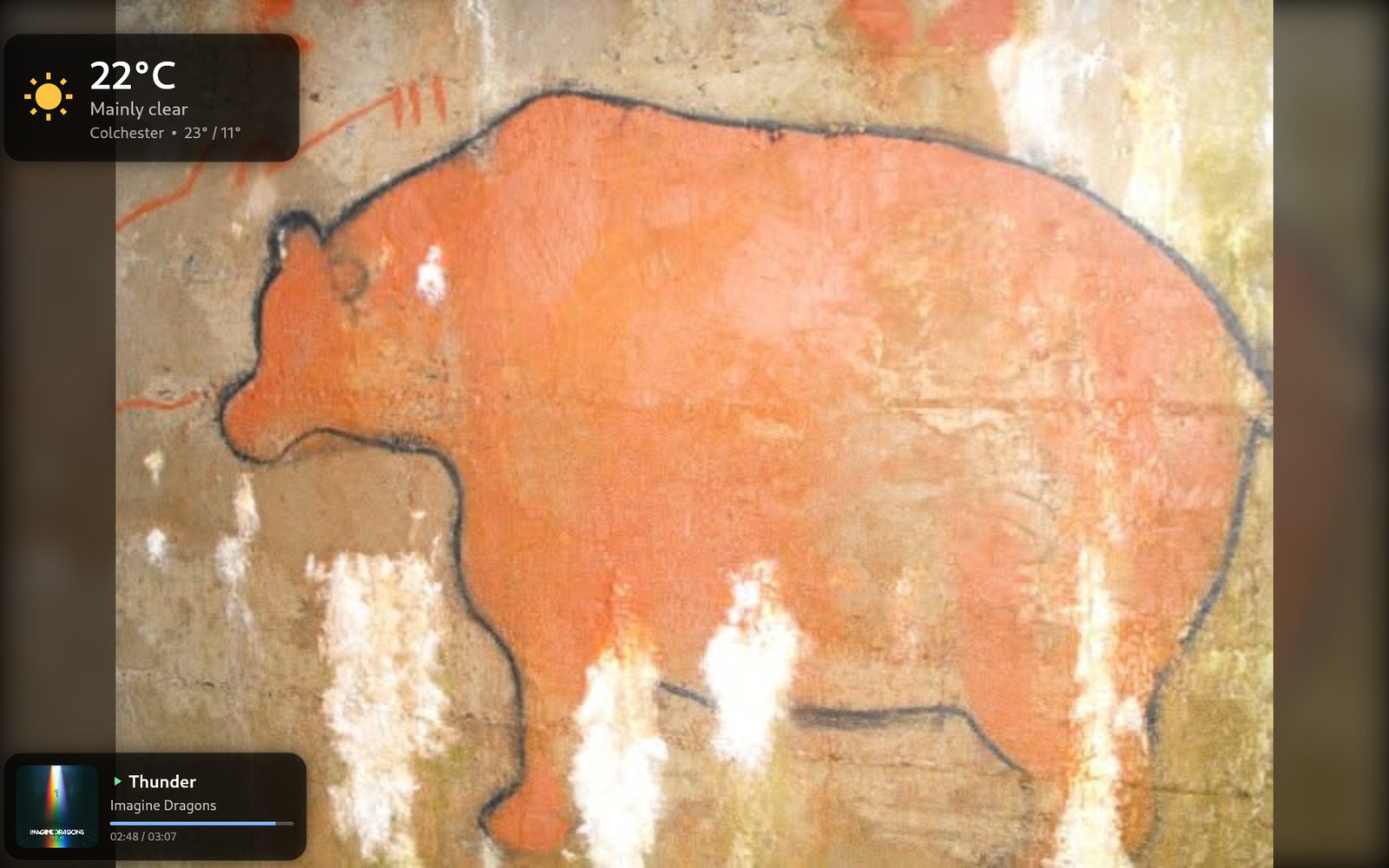 |
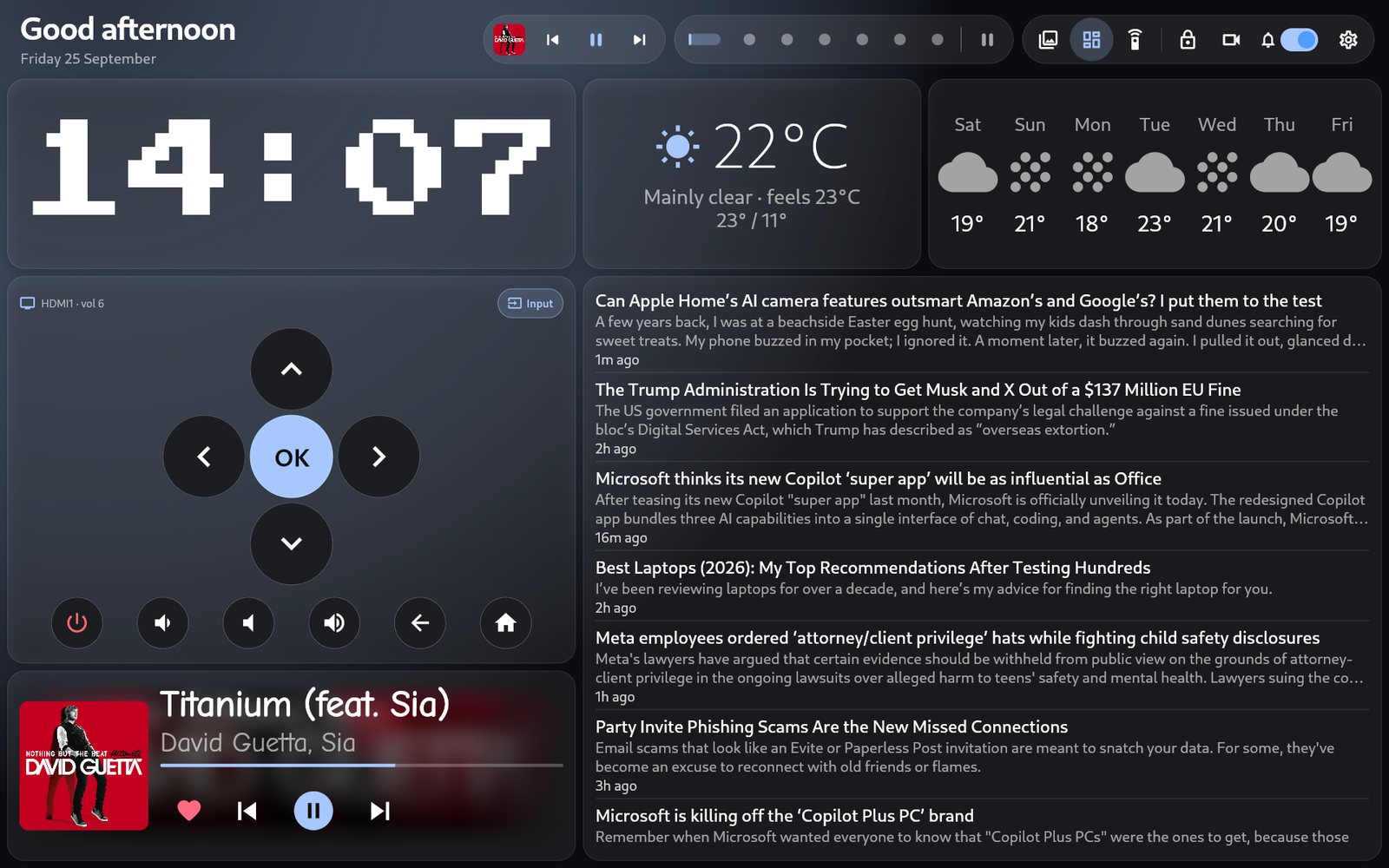 |
- Installing: one command on the Pi, and it walks you through the rest.
- Hardware: what you need, and what it's been built and tested on.
- Using HomeCanvas: gestures, Settings, and the dashboard editor.
- Widgets: all 38 dashboard widgets and what they need.
- Updating: getting the latest version.
- FAQ and Troubleshooting.
- Questions, ideas, or photos of your setup: Discussions.
- Something broken: open an issue. Include what
bash ~/homecanvas/install.sh --checksays, and the end of/tmp/kiosk.log.
The full reference lives with the code: INSTALL.md (every optional feature), THEMES.md and TECHNICAL.md (how it works).