Repository navigation
Metadata Sync
VaultSync can export a portable metadata store to backup destinations and later import that metadata on another machine.
- Destination metadata is stored under
.vaultsync/meta/at the destination root. - The SQLite store file is
vaultsync.meta.db.
- Project identity: external id, name, preset, root path hint, timestamps
- Portable project settings:
- avatar color
- encryption policy (never the machine-local key reference)
- preferred destination id
- restore mode
- verification policy
- auto-backup enabled state
- tags
- Snapshot summaries:
- file count
- total bytes
- diff summary fields
- top changed paths summary
- Backup history fields:
- backup type
- backup mode
- relative backup path
- destination alias
- source machine name
- keep/protected flag
- non-secret encryption descriptor metadata
- Tombstones for deleted projects, snapshots, and backups
- Backup payload contents
- Plaintext passwords or secret material
- Full local app configuration
- Full destination definitions from another machine
- Encryption key references or credential identifiers
- Imported
preferredDestinationIdvalues are normalized against your current configured destinations. - If the imported value matches a configured destination id, alias, or path, VaultSync resolves it to the local canonical destination id.
- If the imported value does not match a local destination, VaultSync clears the unusable remote choice rather than retaining a foreign path or identifier.
- Some project settings do not silently overwrite differing local values on existing projects.
- Avatar color, encryption policy, preferred destination, restore mode, verification policy, auto-backup state, and tags share one conflict record.
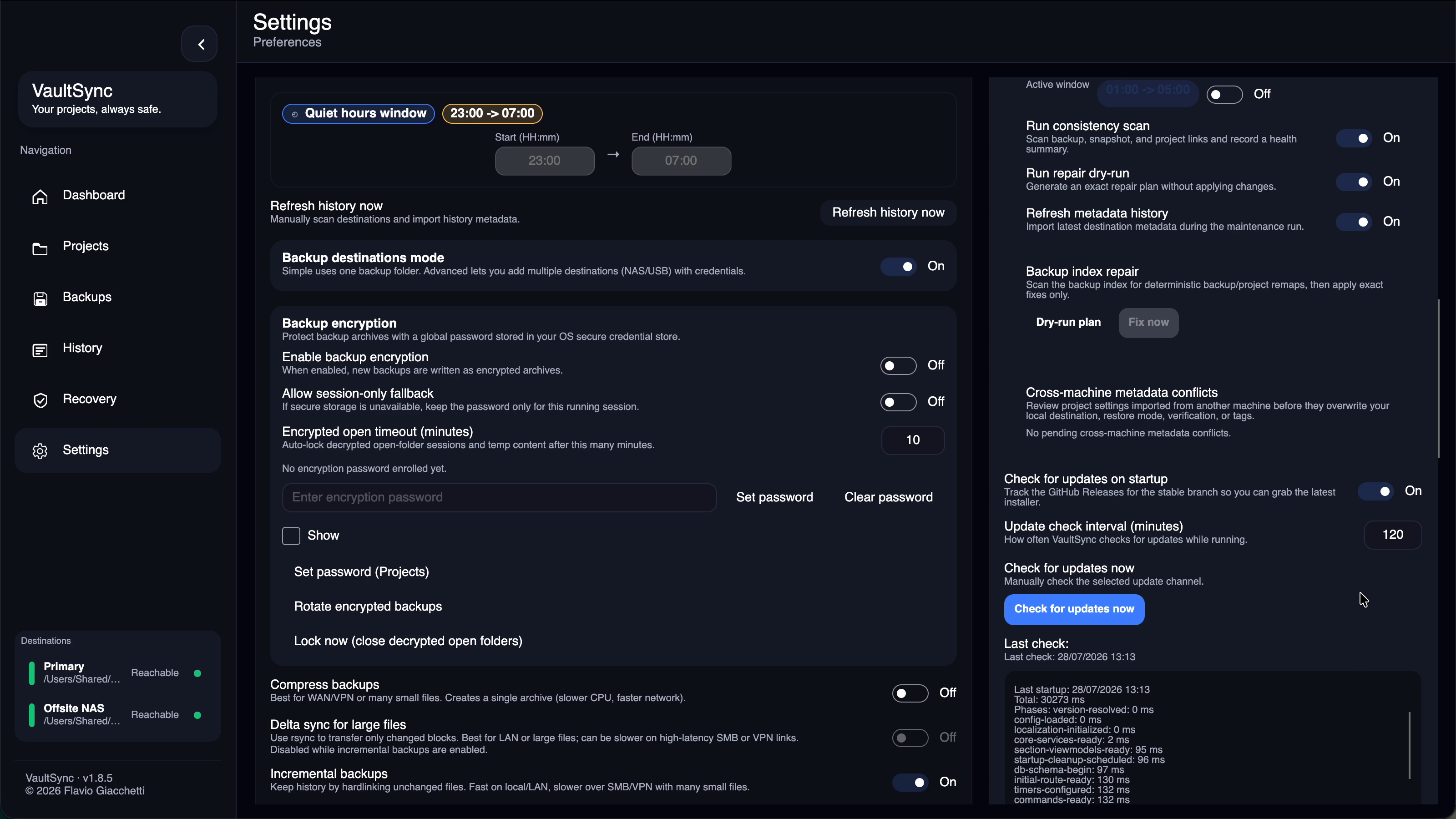
- Review these conflicts from
Settings > Advanced > Doctor. - Keep local and Accept imported create bounded durable resolution records, so an unchanged rejected revision does not reappear after restart.
- Automatic imports never apply project, snapshot, backup, or inferred deletion changes. Manual refresh lists each destructive category and requires review.
The 1.8.6 metadata store is a portable inventory and recovery aid, not a fully synchronized multi-writer configuration database. VaultSync 1.8.7 adds schema-version-3 provenance, durable merge bases, field-level three-way merge, and a repository-scoped writer lease.
- Legacy version-1 records remain readable but have no trustworthy record-level writer or common base, so they are handled conservatively.
- Version-2 project records carry a per-record writer and revision but lack the portable base and field provenance required for automatic three-way merging.
- Version-3 project fields share one review path, durable decisions, portable merge bases, and field-level provenance. Non-overlapping changes can merge; overlapping edits remain reviewable.
- The in-process metadata gate coordinates one running VaultSync process. The repository lease supplies the separate cross-machine writer boundary.
Since VaultSync 1.8.7, cooperating metadata writers are serialized by that lease. A second client can still preview and import read-only, but it cannot write tombstones or exports while the repository is busy. The lease can never constrain a pre-1.8.7 client that does not understand the protocol. Do not let a pre-1.8.7 client and a newer client write the same destination concurrently.
The current on-disk layouts, compatibility rules, and emergency inspection boundary are documented in Repository formats. The writer and merge threat model is in Cross-machine safety.
- Import only materializes backups whose relative path still exists at the destination.
- If metadata references a backup path that no longer exists, VaultSync can record a tombstone instead of importing broken history.