Repository navigation
Plugins
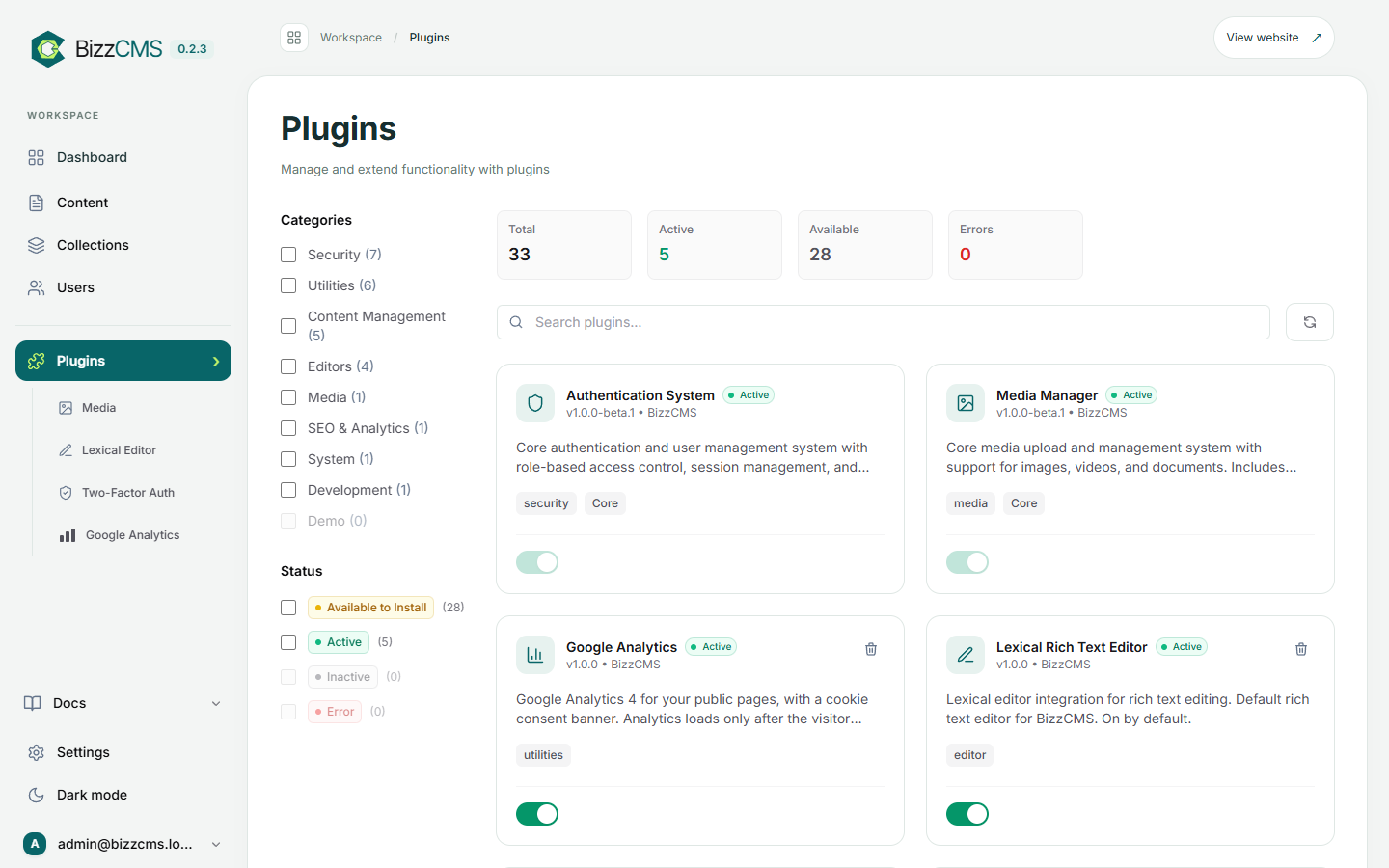
Plugins in the sidebar lists the features you can switch on and off.
Search engine optimisation like Yoast: an SEO card in the editor, Auto-fill, checks, redirects, sitemaps and structured data. Settings under SEO in the sidebar. See SEO.
See how your website is used, with a cookie banner for your visitors.
- Install Google Analytics under Plugins and switch it on.
- Open it (sidebar › Google Analytics) and enter your Measurement ID (
G-…, from Google Analytics › Admin › Data streams). - Keep Ask for consent first on (needed in the EU and the UK). Adjust the banner text and the link to your cookie policy if you like.
Analytics then loads only after a visitor clicks Accept; nothing is sent before. Any link with data-cookie-settings (for example "Cookie settings" in your footer) reopens the banner. The admin and sign-in pages never load Analytics, and neither does a site running on your own computer.
- Media: the media library (Media and Images).
- Lexical Editor: the visual text editor (Writing and Editing).
- Two-Factor Auth: two-step login (Users and Security).
- API Keys, MCP: API and AI Assistants.