Home
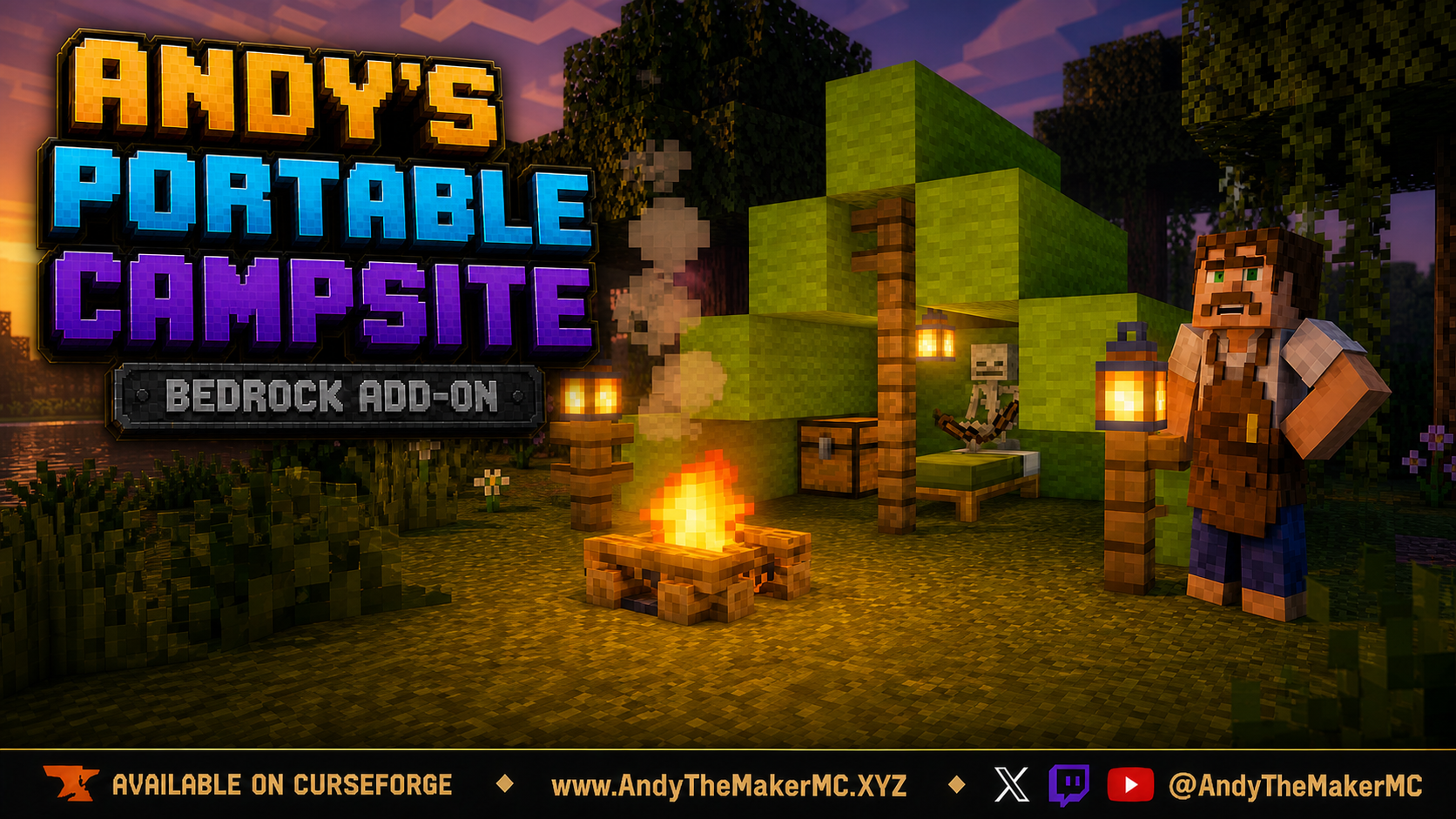
Official player guide for Andy's Portable Campsite, a Minecraft Bedrock add-on that turns one reusable kit into a complete expedition camp.
Current version: 1.5.0 for Minecraft Bedrock 26.40+.
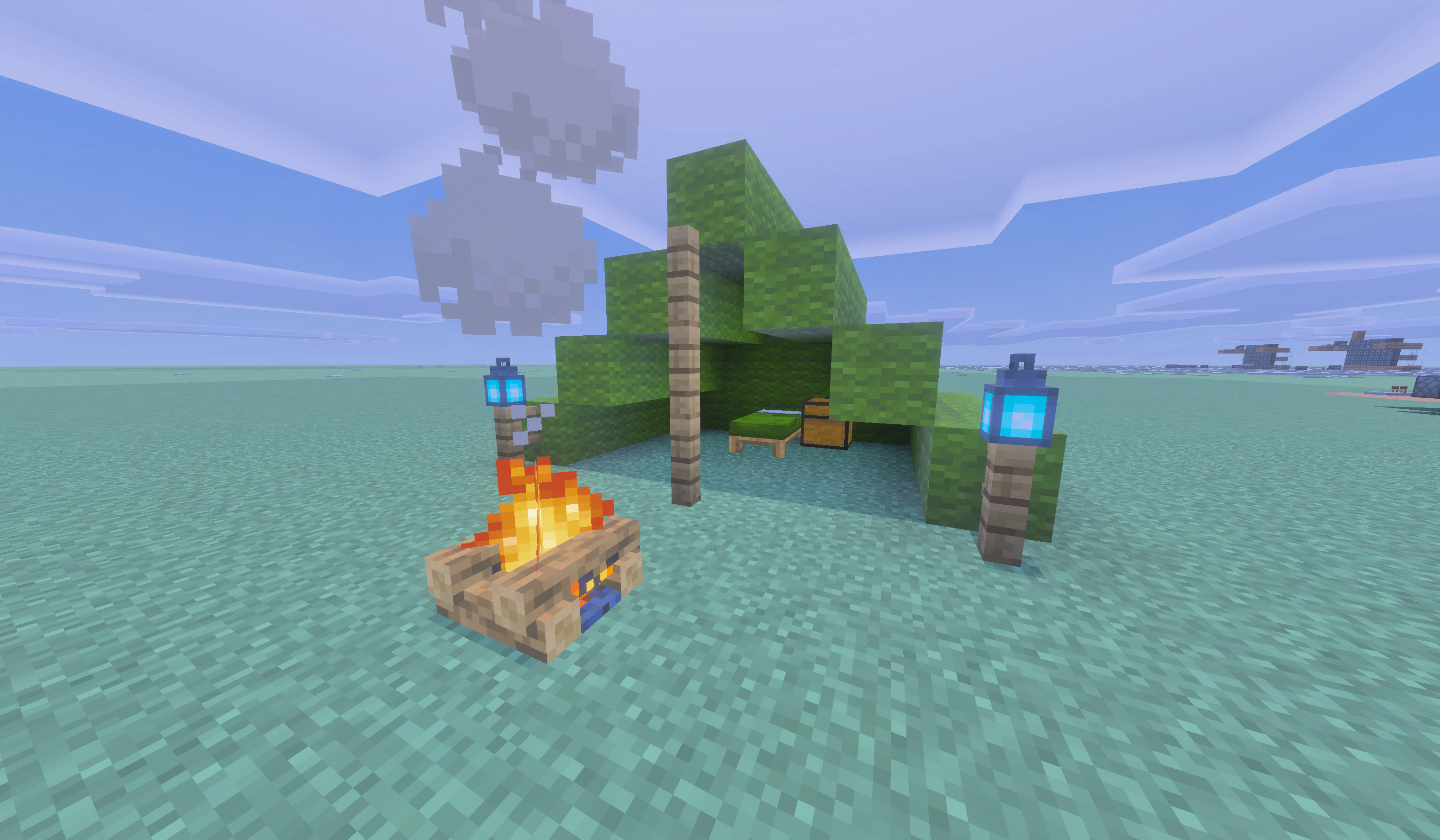
Craft a Reusable Campsite Kit, place it, and deploy a tall five-block-long stepped wool tent with a functional vanilla bed, a persistent owner-linked chest, three lanterns, and a campfire. When you are ready to move, interact with the campfire and pack the entire camp back into the kit.
- Download
Andys_Portable_Campsite_1.5.0.mcaddonfrom the main repository. - Open it with Minecraft Bedrock.
- Activate Andy's Portable Campsite and confirm Andy's Portable Campsite Resources is also active. Activate the Comforting Campfires Bridge pack too, but only if Andy's Comforting Campfires is installed.
- Craft the kit at a normal Crafting Table with six matching wool blocks, one bed, one lantern, and one campfire.
- Put the kit in your hotbar, face the direction the tent should open, and use it on the ground.
- Interact with the campfire and choose Pack Up Campsite when you are ready to leave.
- Getting Started — install, first kit, first camp
- Crafting the Kit — recipe, colors, lanterns, and campfires
- Using the Campsite — deploy, live in camp, pack up
- Persistent Chest — owner-linked storage and replacement kits
- Compatibility and Limitations
- Troubleshooting
- License and Creator Permissions
This is the standalone campsite from Andy's Explorers Backpack. The backpack edition remains a separate product. Do not run both editions in the same world if you want only one active camp.
When reporting a problem, include the add-on version, Minecraft version, device, world type, reproduction steps, and a screenshot or Content Log message when available.
Visit AndyTheMakerMC.xyz for more add-ons, guides, videos, and Minecraft content.