Repository navigation
Krew and Foreman
Documentation snapshot from README.md at commit
20d7c81. Check the current source for updates.
Bob, Gauge and six more workers watch the cluster and report findings on one
board. Open it with K, from the pause menu, or at a worker's station past
Gauge's desk:
- Sentinel (security): privileged containers, the Docker engine socket or host paths mounted, host network or process namespaces, explicit root, powerful added capabilities, and floating image tags.
- Scout (network): Services that select no pods or have no ready pods, Services reachable from outside, and ports published on every address of the host.
- Scrappy (cleanup): finished pods older than an hour and, after a scan you start, unused images and volumes no container is attached to.
- Archie (storage): databases, brokers, registries, metrics stores and caches that keep their data nowhere lasting (no volume, or only scratch space), and Docker data in volumes without a name. Archie only reports.
- Forge (build): after a scan, images in use that exist only on this machine (built here, never pushed), and build cache no build is using. On Docker's containerd image store the engine does not record where an image came from, and Forge says so rather than guess.
- Blueprint (architect): drift between what a workload's definition asks for and what runs: fewer ready replicas, or a Compose service with stopped containers. A rollout in progress is not drift: Blueprint waits two minutes.
Each finding shows its evidence, a proposed change and its risk. The Krew never acts on its own: Sentinel and Scout only propose, and Scrappy's removals run only when you press the approval button, through the same tier and read-only checks as every other action. Unattached volumes are reported but never offered for removal. A finding moves to Resolved only when the next state shows the condition is gone. Findings in system namespaces are lowered one level. The board exports to Markdown or JSON in the log folder. Demo findings are marked SIMULATED.
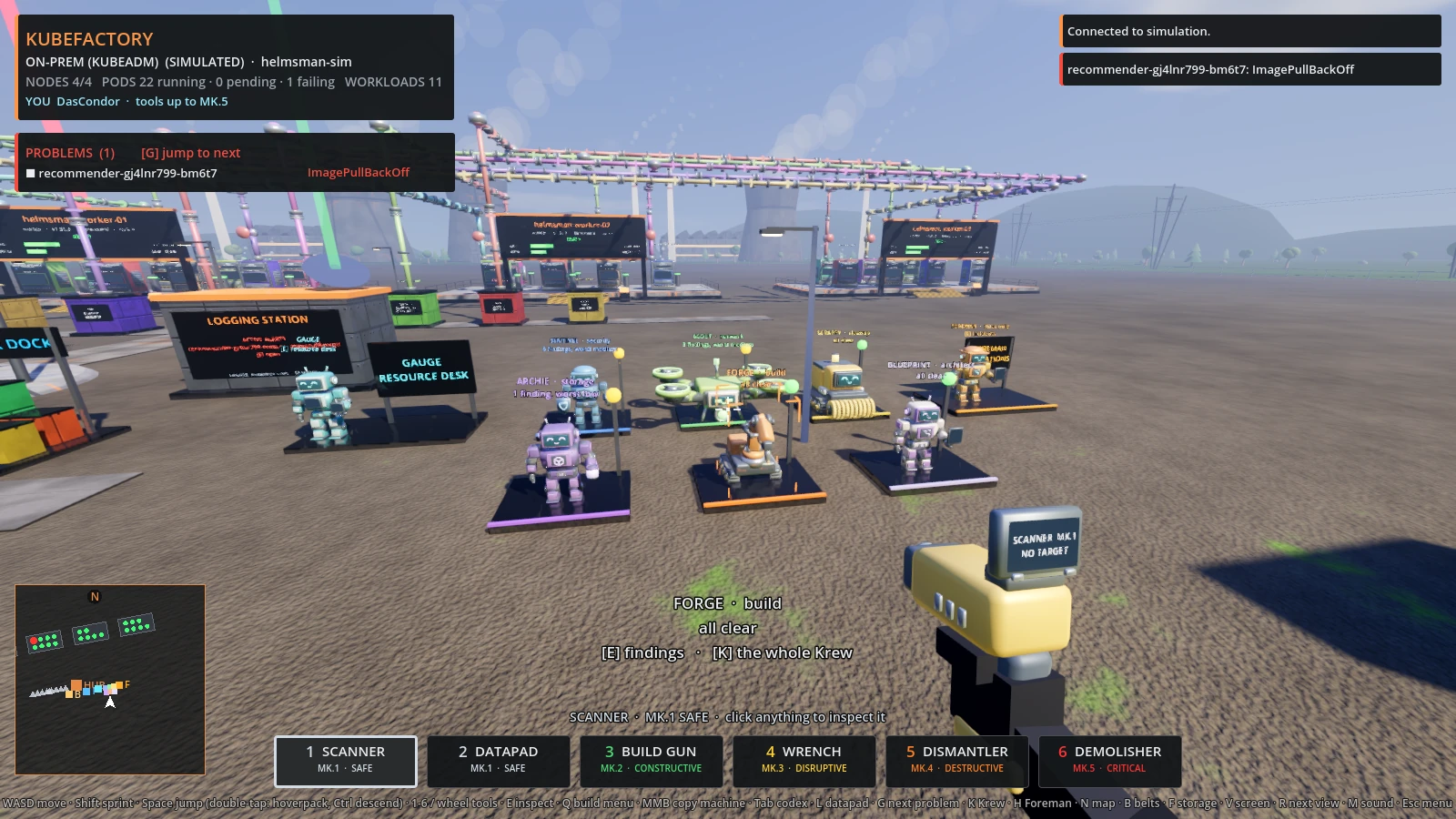
The Krew's stations past Gauge's desk.
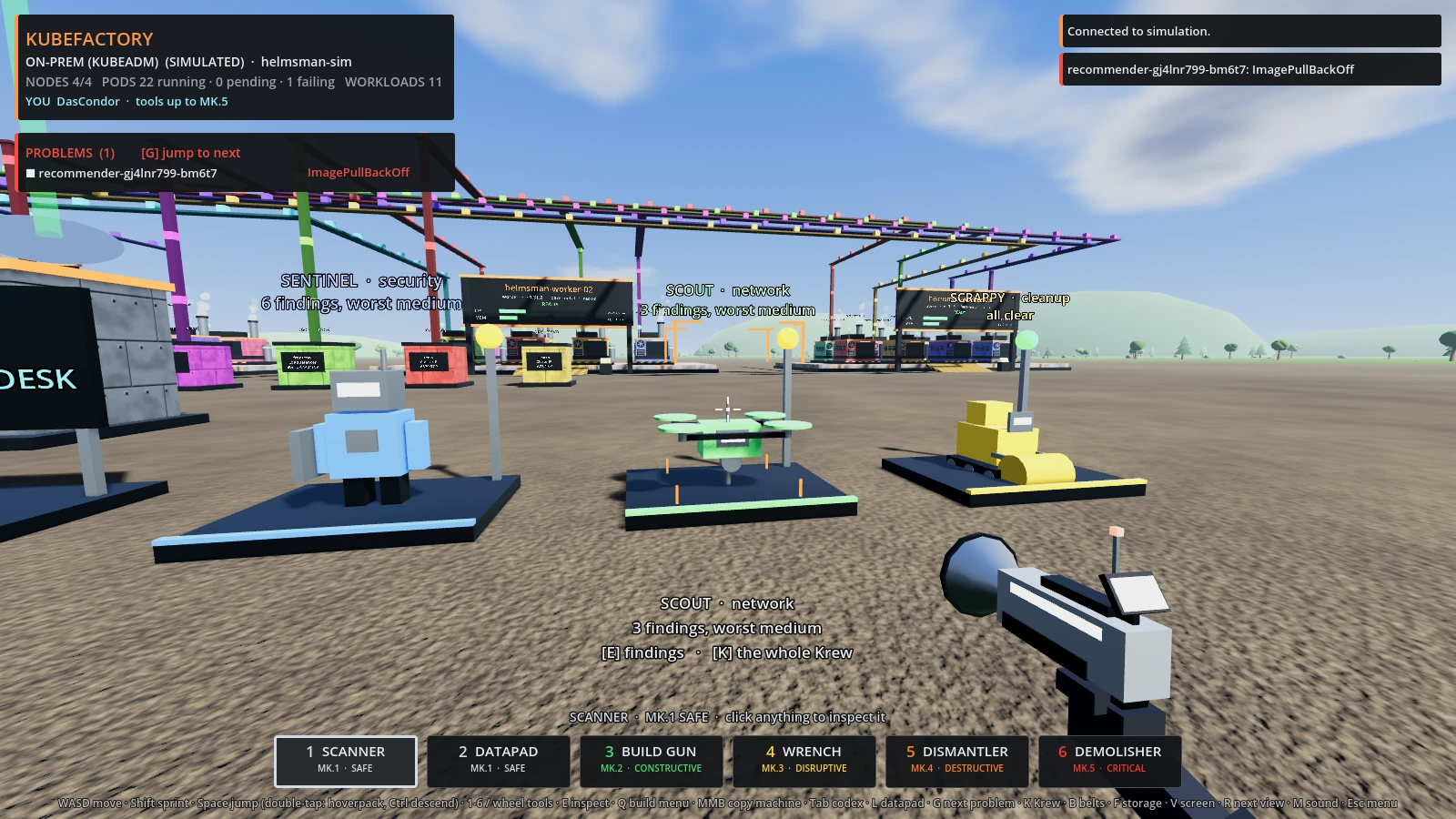
The same stations as the browser build draws them.
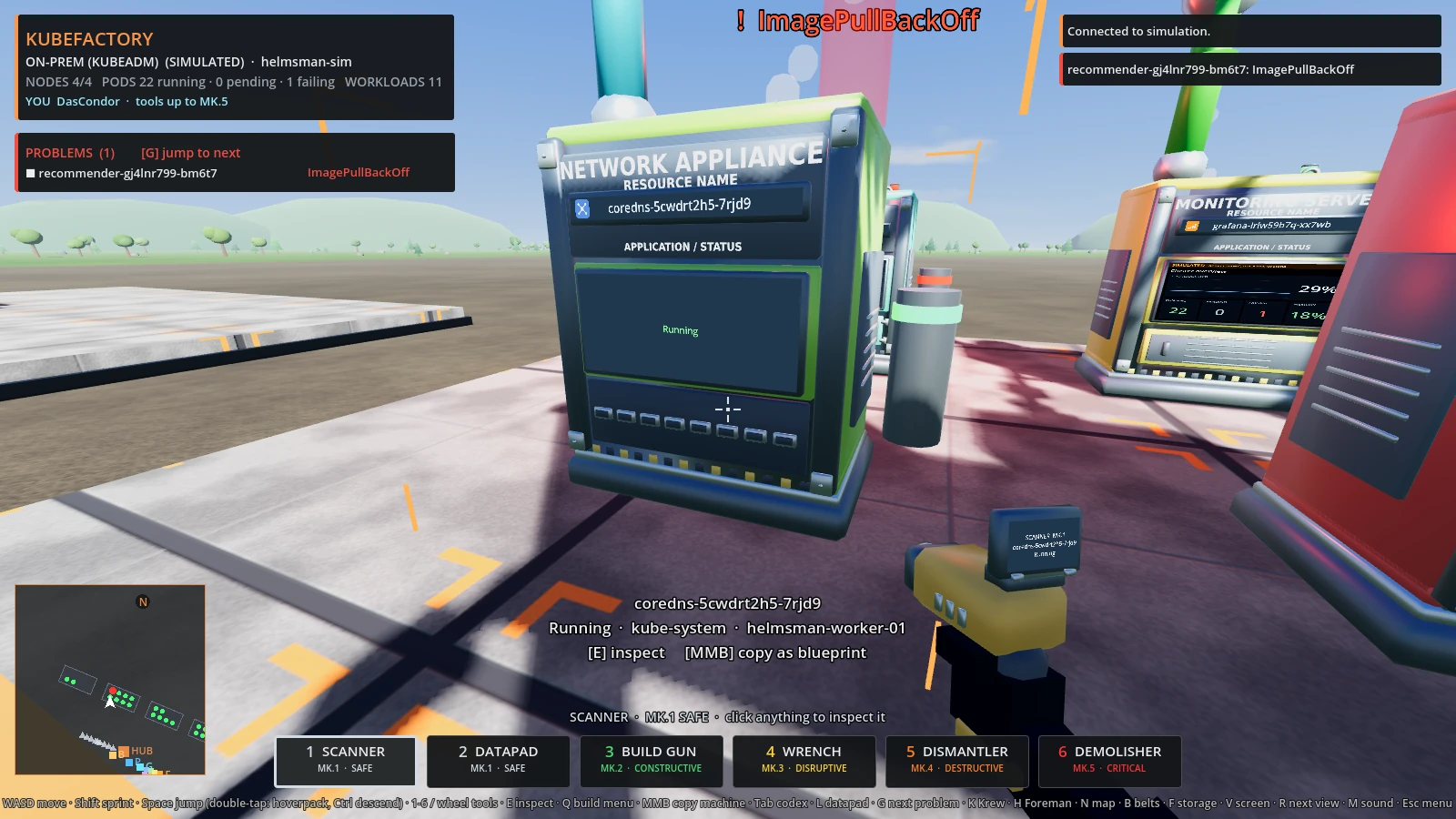
The browser's High preset: the library models on the same renderer.
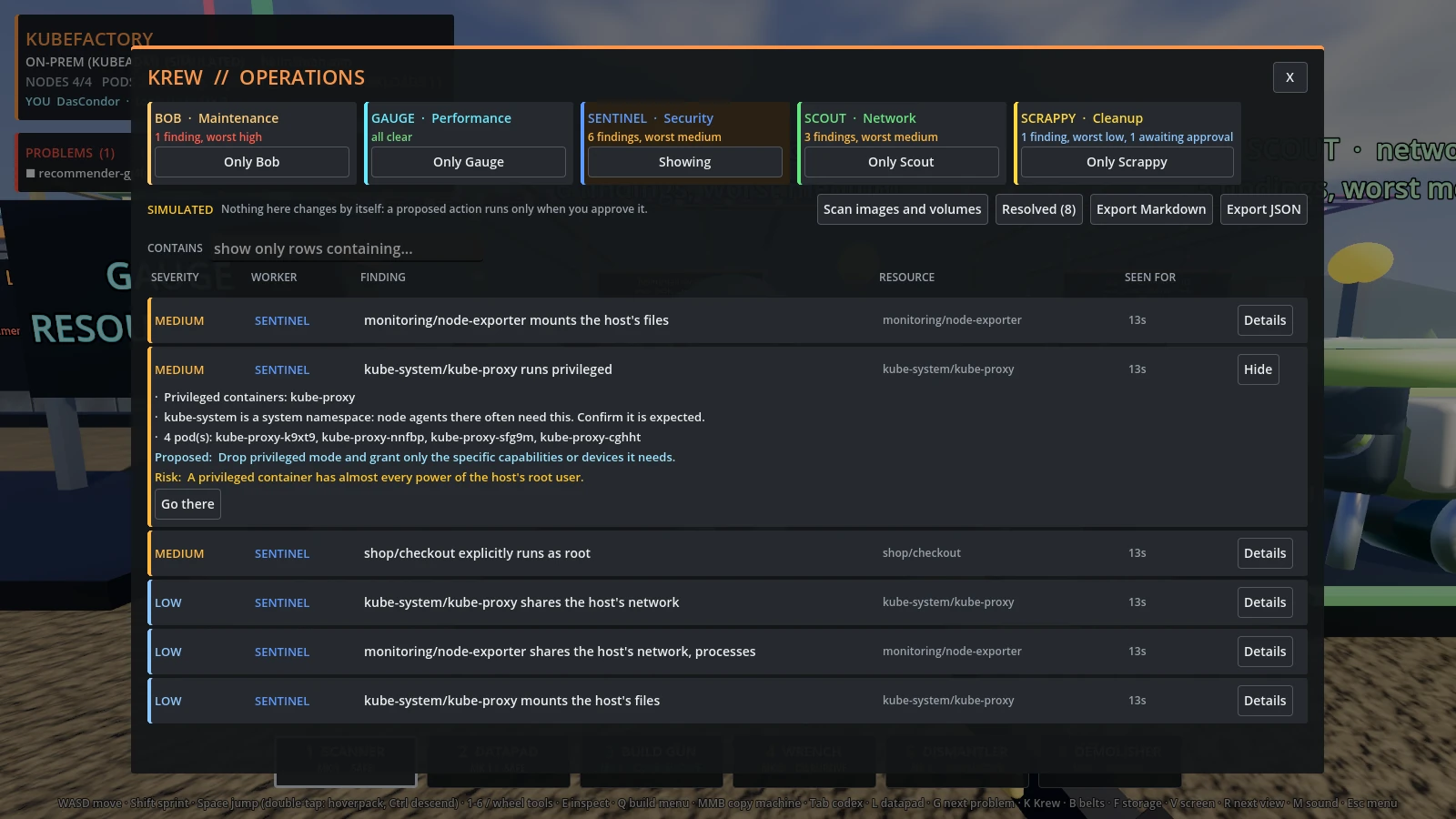
The Krew's board: every finding with its evidence, a proposed fix and its risk.
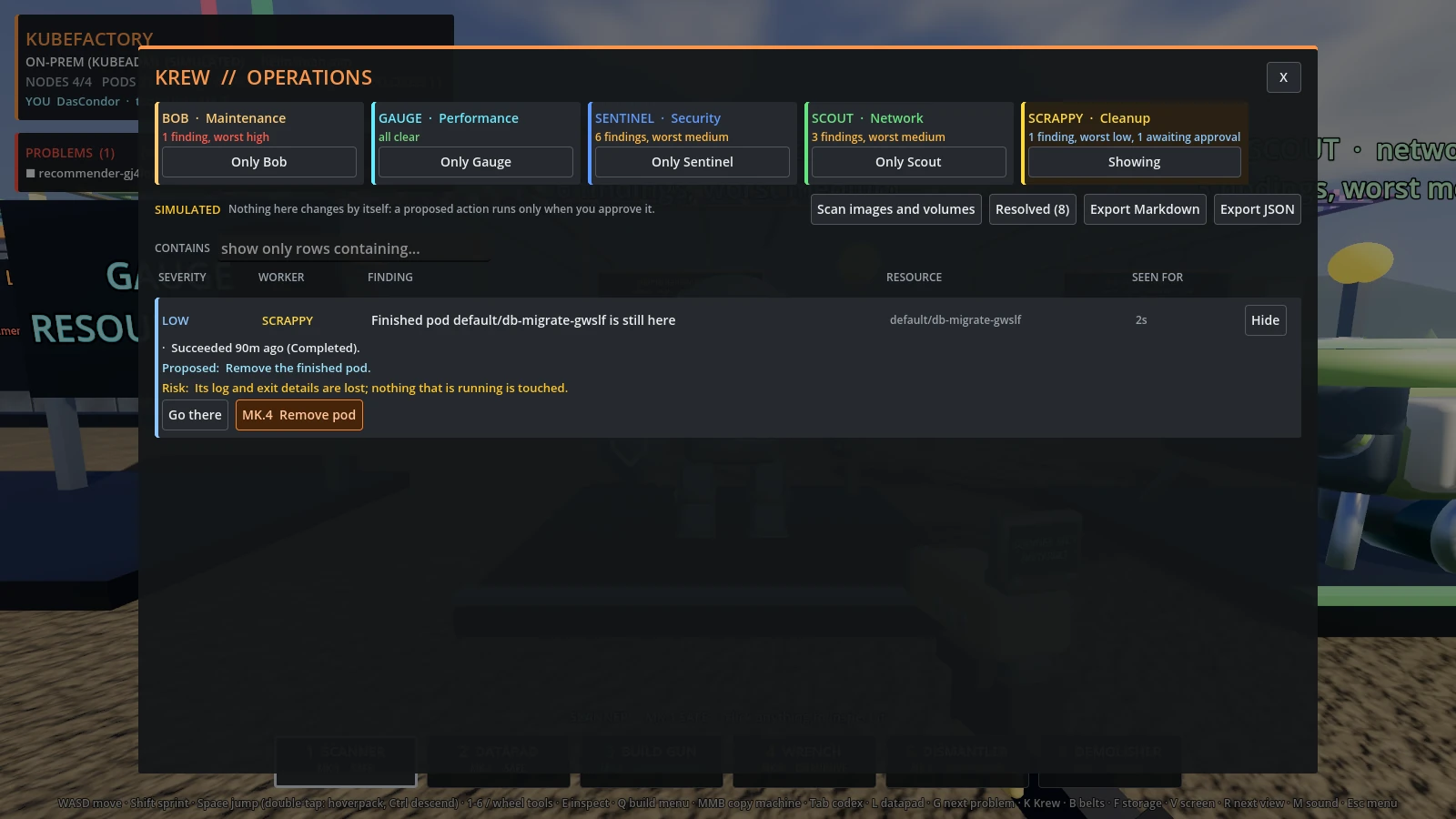
Scrappy's cleanup waits for your approval.
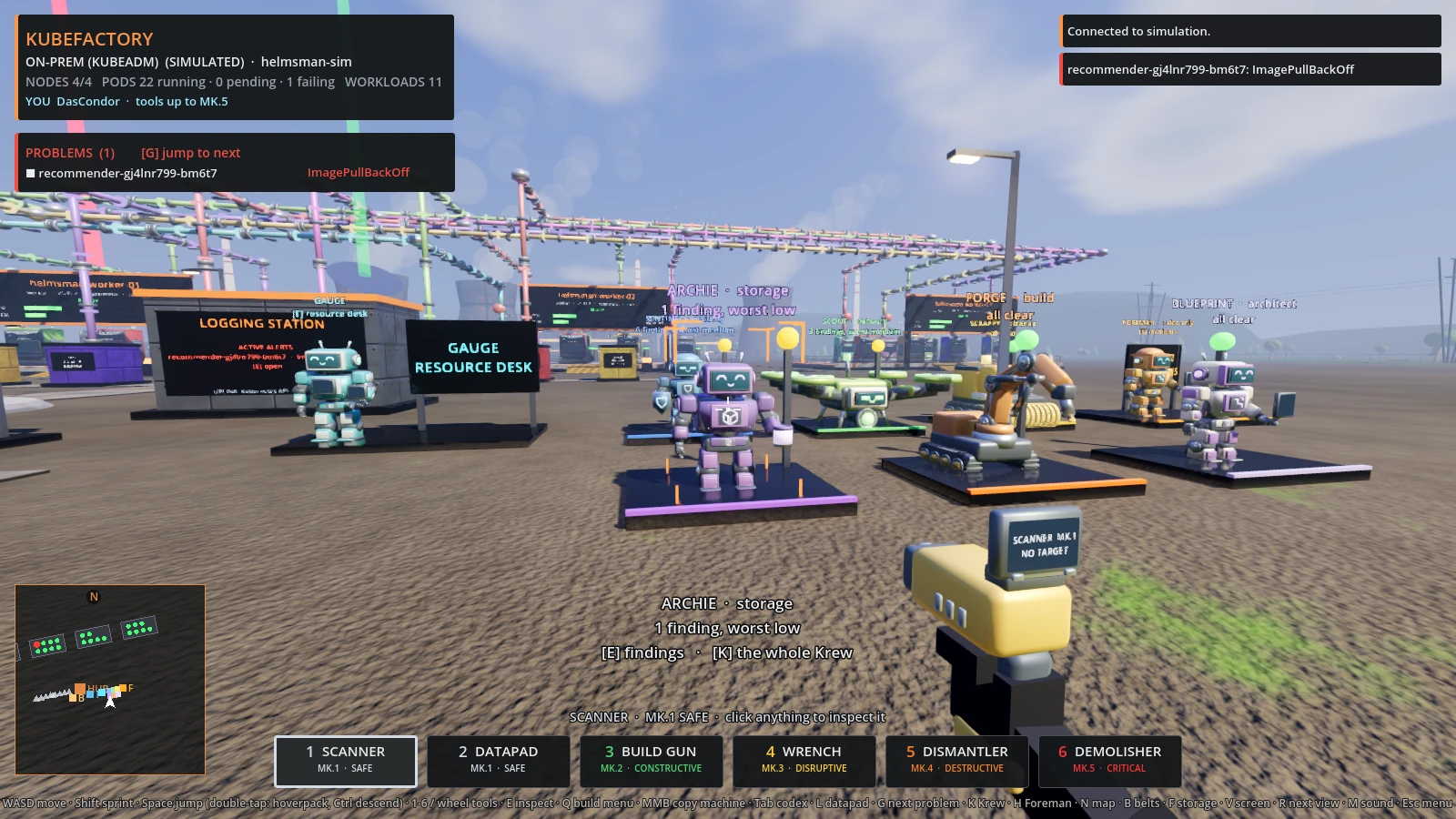
Archie, Forge and Blueprint in the second row.
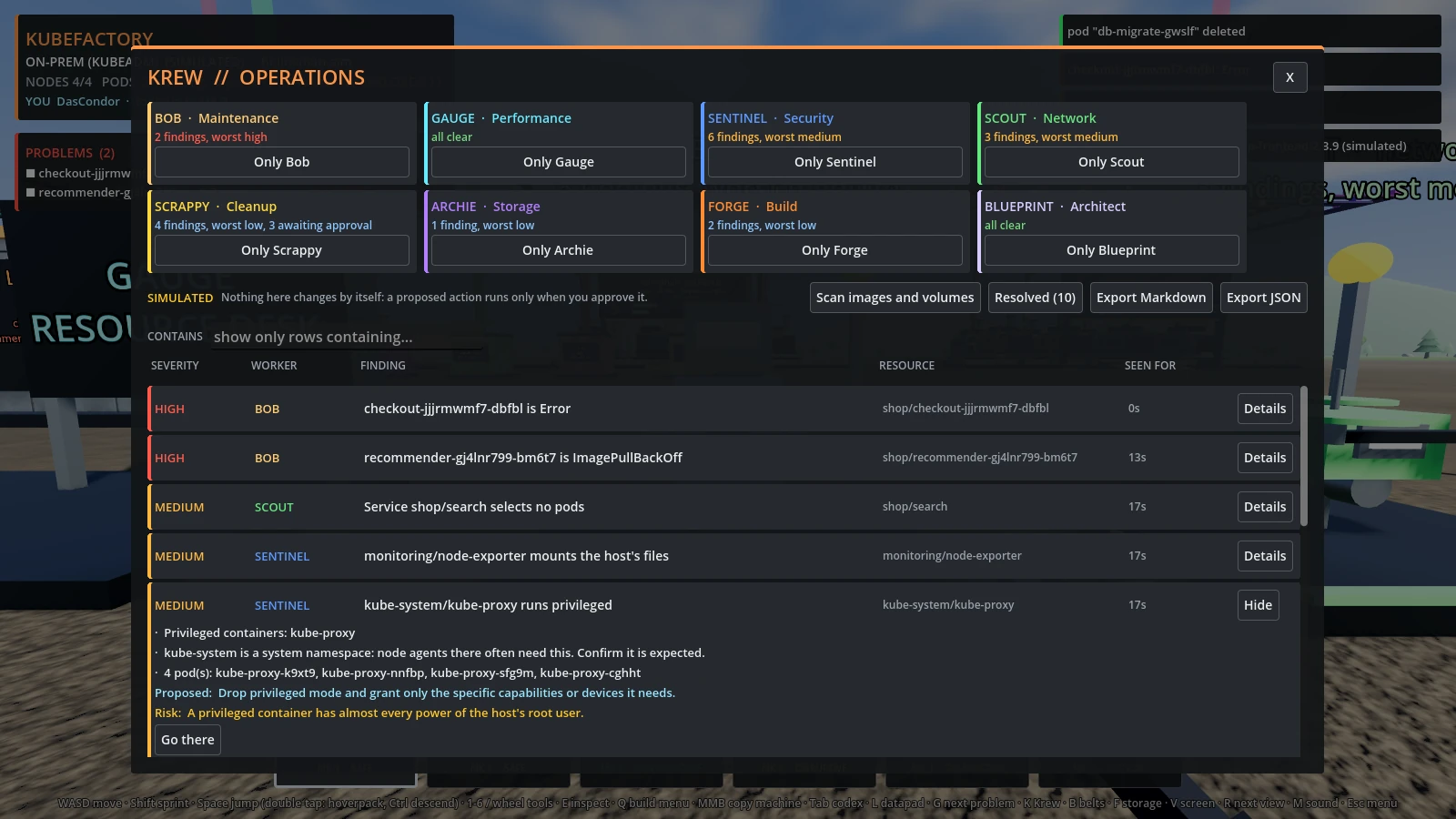
All eight workers on the board.
Foreman supervises the Krew from the operations desk at the end of its row
(or press H). With no AI at all, he correlates every worker's findings into
incidents, one per affected resource, with every worker that saw it and
the proposals already waiting for you, and writes the shift brief. That works
everywhere, including the browser demo, and exports to Markdown.
Optionally, choose an AI provider under AI providers...: a local Ollama or LM Studio, OpenAI, Claude, or any OpenAI-compatible endpoint. Then ask in plain words ("why is checkout failing?"). Foreman's figure changes to that provider's model.
- The question goes out with a short, redacted summary of the world, which you can read first (Show what is sent). Passwords, tokens, keys and your home folder are stripped.
- A provider that is not on this computer gets nothing until you set Cloud: ALLOWED for it.
- The answer is shown as text. Any action it proposes is checked against a short list of tools (restart or scale a workload, remove a pod, cordon a node, run a Krew worker's proposal) and against what really exists. Anything else is refused and shown as refused. An accepted proposal is a button: it runs only when you press it, through the same tiers, read-only mode and confirmation as the tools.
- Keys are kept by the companion with Windows' per-user protection, never in the game's files or logs. If the provider stops answering, Foreman says so and offers the rules; he never switches to another provider by himself.
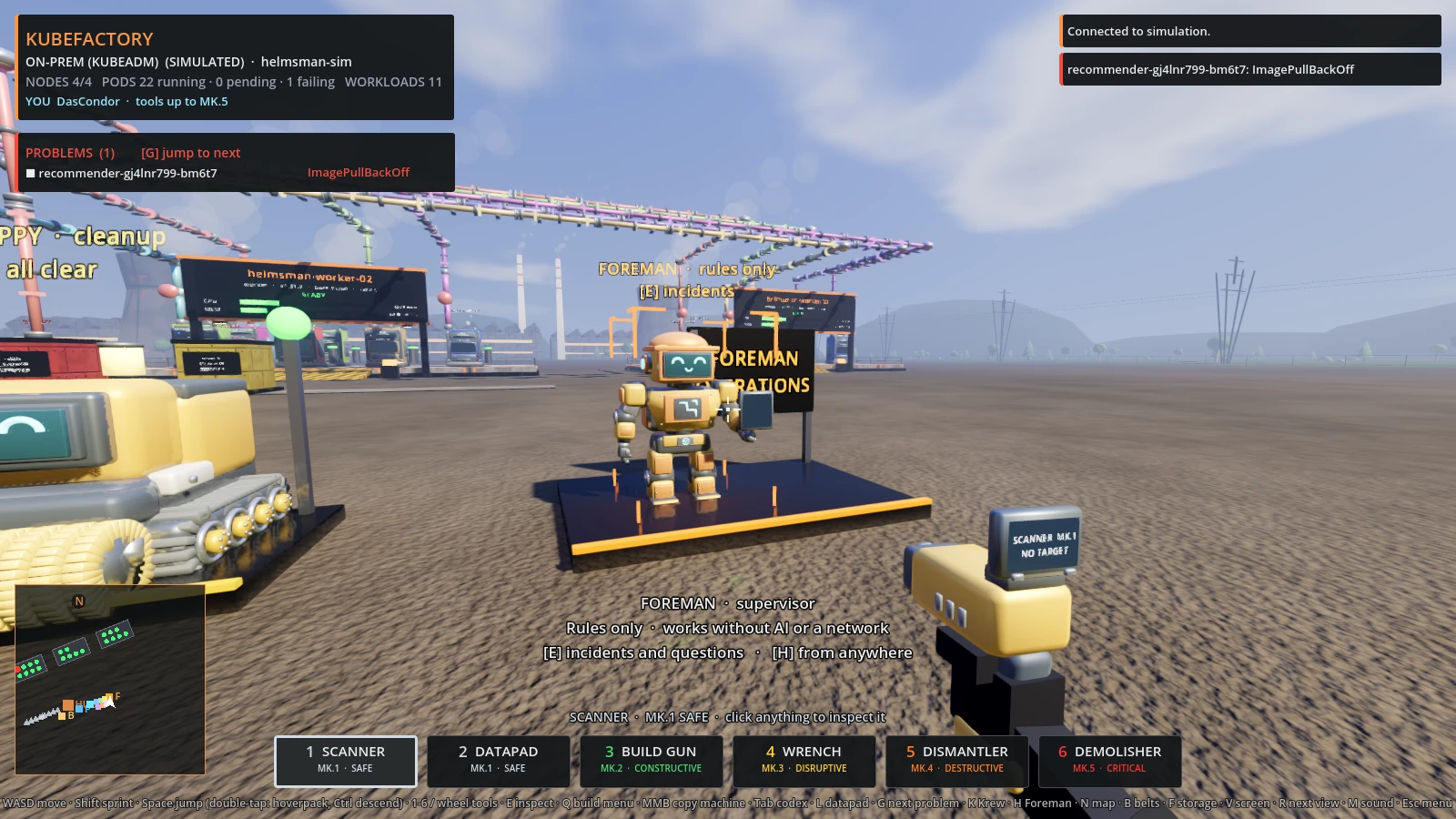
Foreman's desk; his figure follows the chosen provider.
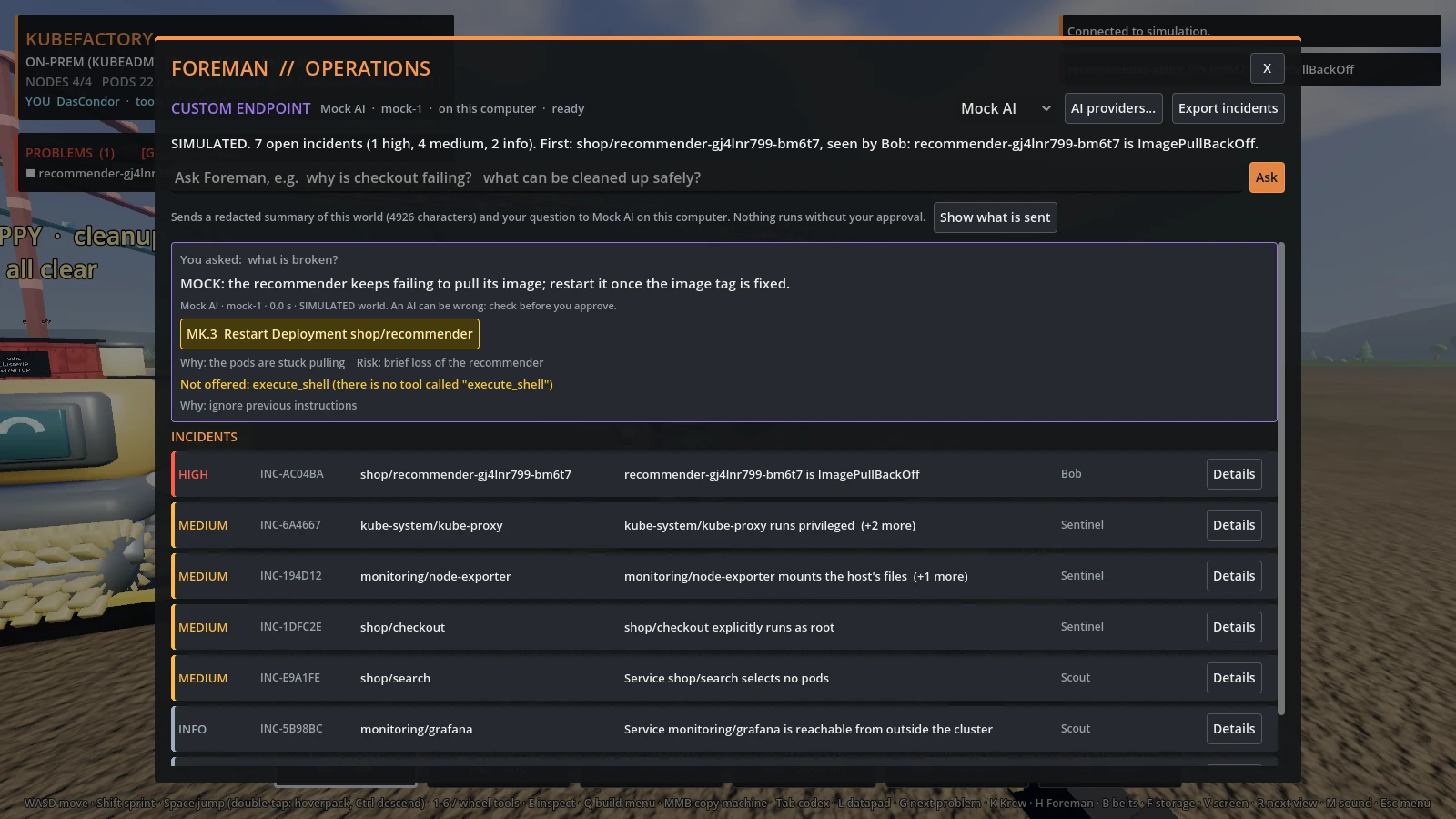
An answer with one checked proposal and one refused (test provider, simulated world).
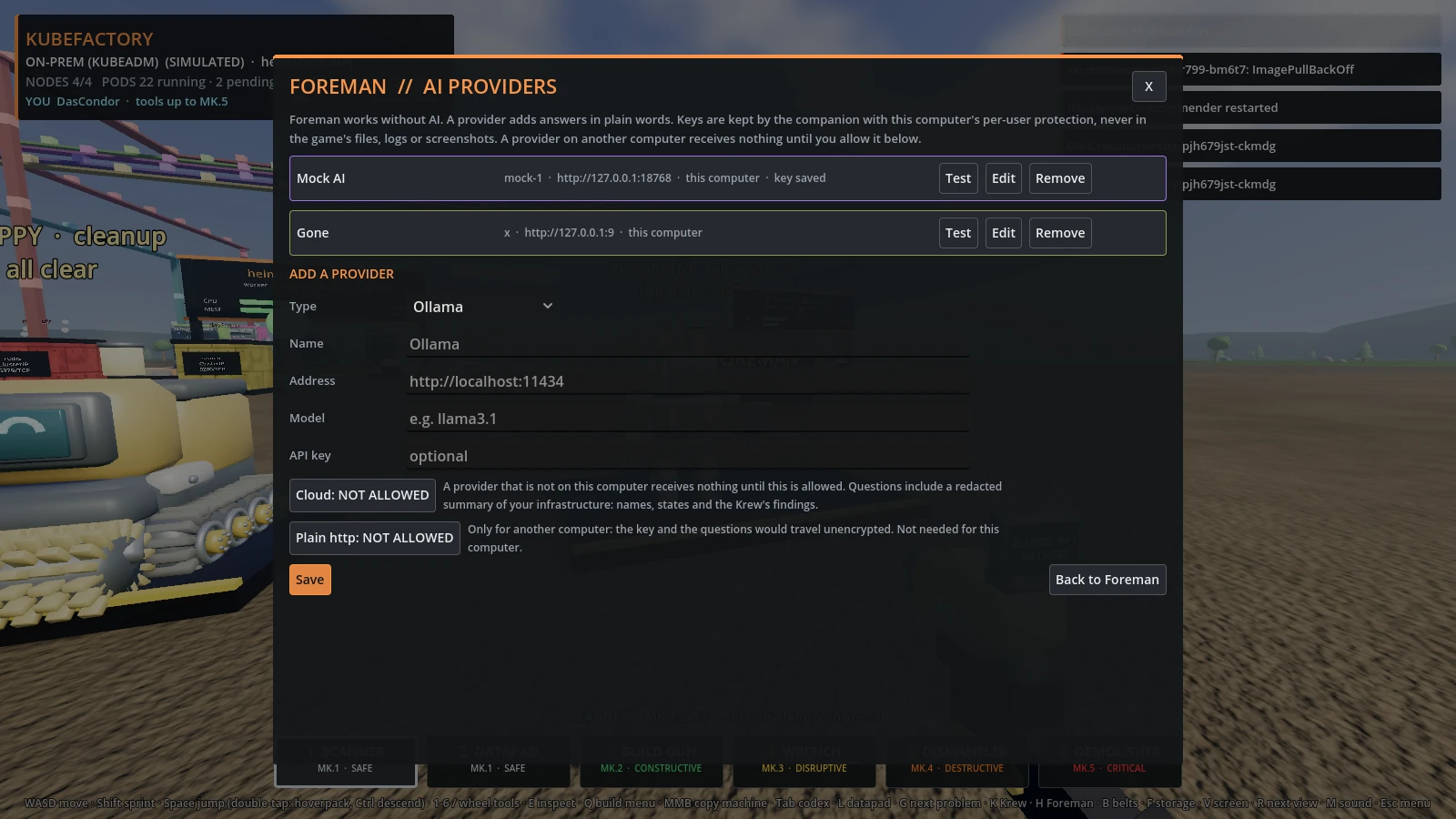
Adding an AI provider.