Repository navigation
Teams
Documentation snapshot from README.md at commit
20d7c81. Check the current source for updates.
Two ways to share a cluster: everyone connects with their own login (below), or one person runs a KubeFactory server and everyone connects to it with a token, holding no cluster credential at all (docs/SERVER.md).
Several people can work on the same cluster at once, each with their own login.
They see each other as avatars, share an action feed, and are held to a tool-tier
policy the cluster admin sets. Limited accounts work: a namespace-only user sees
that namespace, and tools they have no permission for are locked. Mk.5 actions
require typing the target's name. See ADMIN.md for setup; tools\dev-users.ps1
creates two test logins on the dev cluster so you can try it in three windows.
tools\package.ps1 builds a zip to hand out.
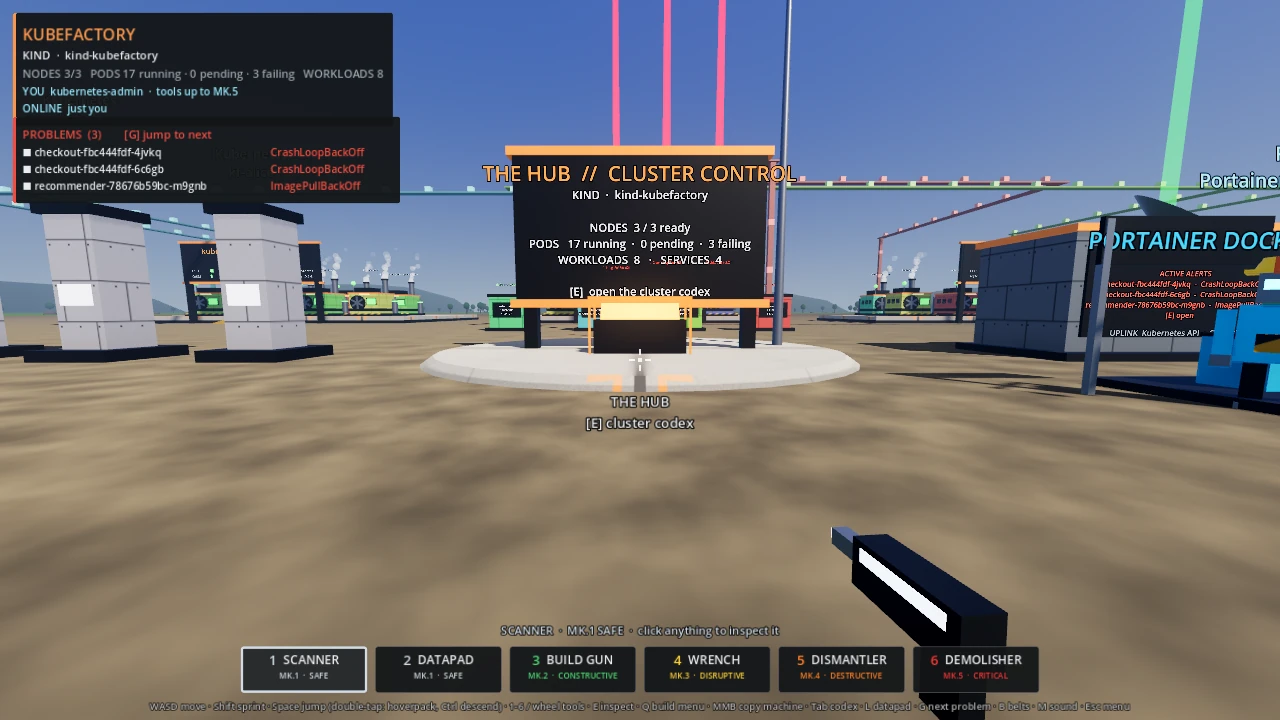
Other people on the cluster appear as avatars.