Repository navigation
Mobile Demo
Open the browser demo on a phone. Use the on-screen stick to move, drag the view to look around, and tap Menu for demo worlds and settings. On a hybrid device, ?touch=1 forces touch controls for the demo.
Menus and dashboards stay upright in portrait and landscape. The title and Close button stay visible while you scroll. Back returns to the menu that opened the page. Some wide tables also scroll horizontally.
Use Dashboards to find a pod by name. Network opens the port, shared disk, and VPN views. Settings includes touch look speed, field of view, graphics, and sound.
| Portrait | Landscape |
|---|---|
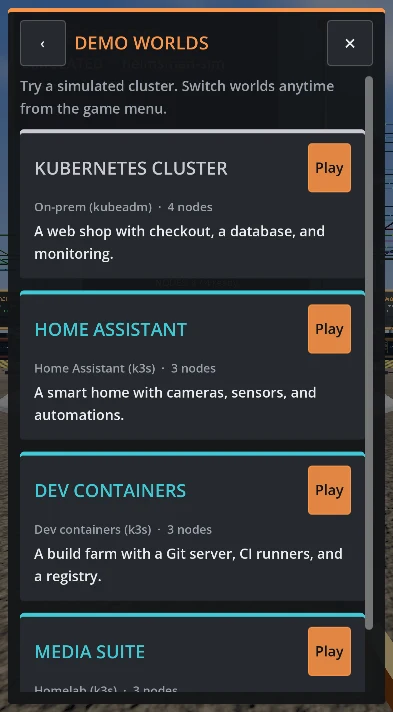 |
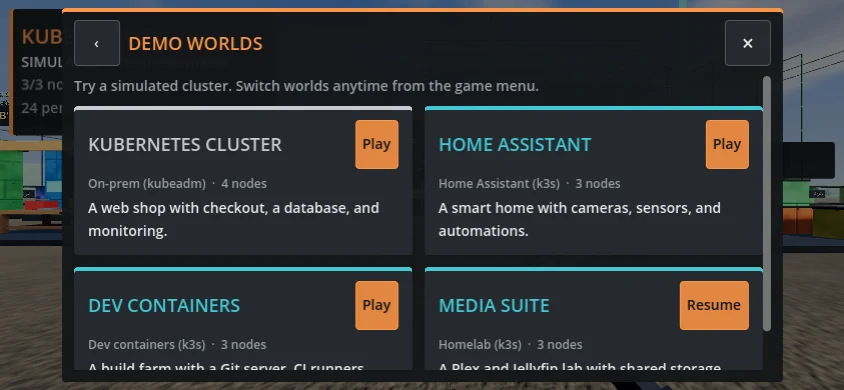 |
The walkthrough was checked in emulated phone orientations. Device-specific browser and touch behavior may vary.