Repository navigation
Ports and Shared Disks
Open Network and Shared Data for the whole cluster. From a machine dashboard, choose Ports or Shared disks to see the entries for that pod.
Ports and readiness shows the configured port and protocol, exposure, and available backend readiness. For a mapped NodePort, the node port appears beside the Service port. Docker host mappings are labeled separately from container-only ports.
Rows with no ready backends appear first. A running pod or configured host binding can still be unreachable. Verify live connectivity from the network that needs access. The media demo shows library-check on 9101/TCP with 0/1 pods ready while the sample image pull fails.
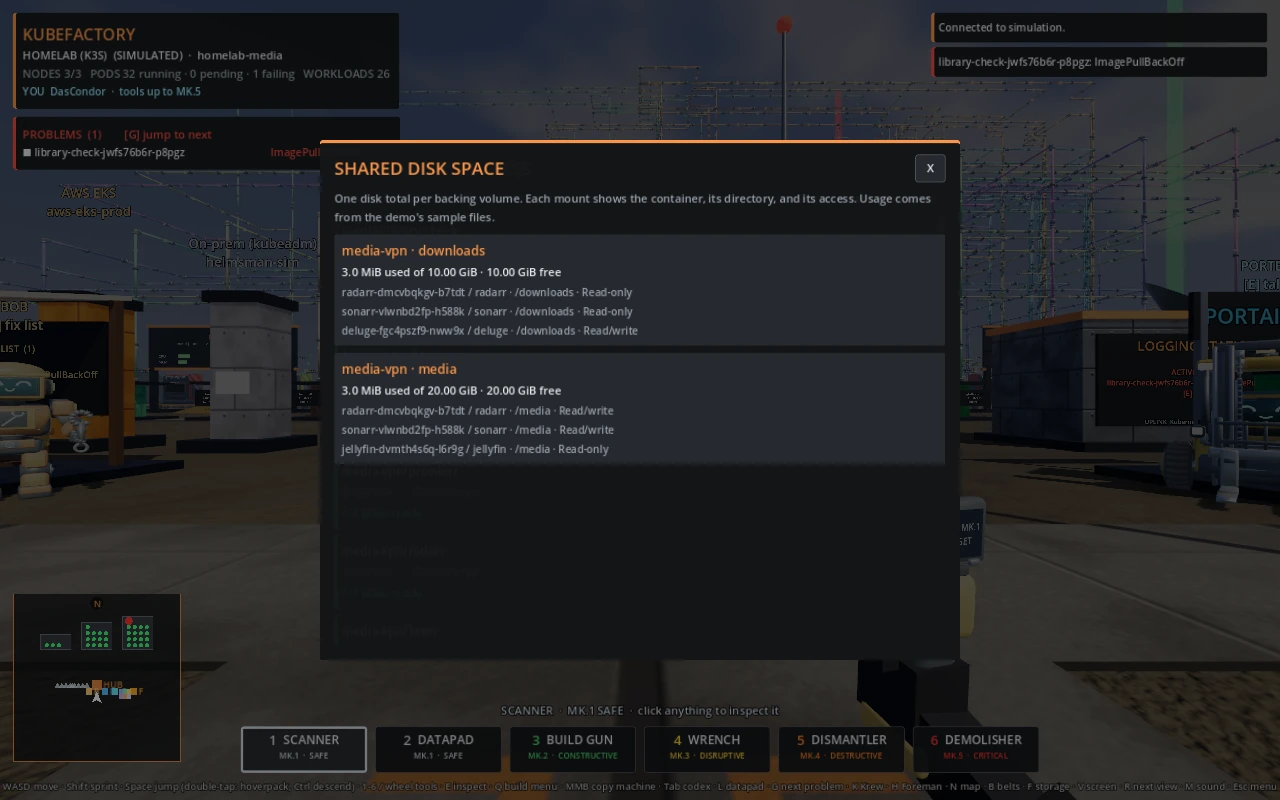
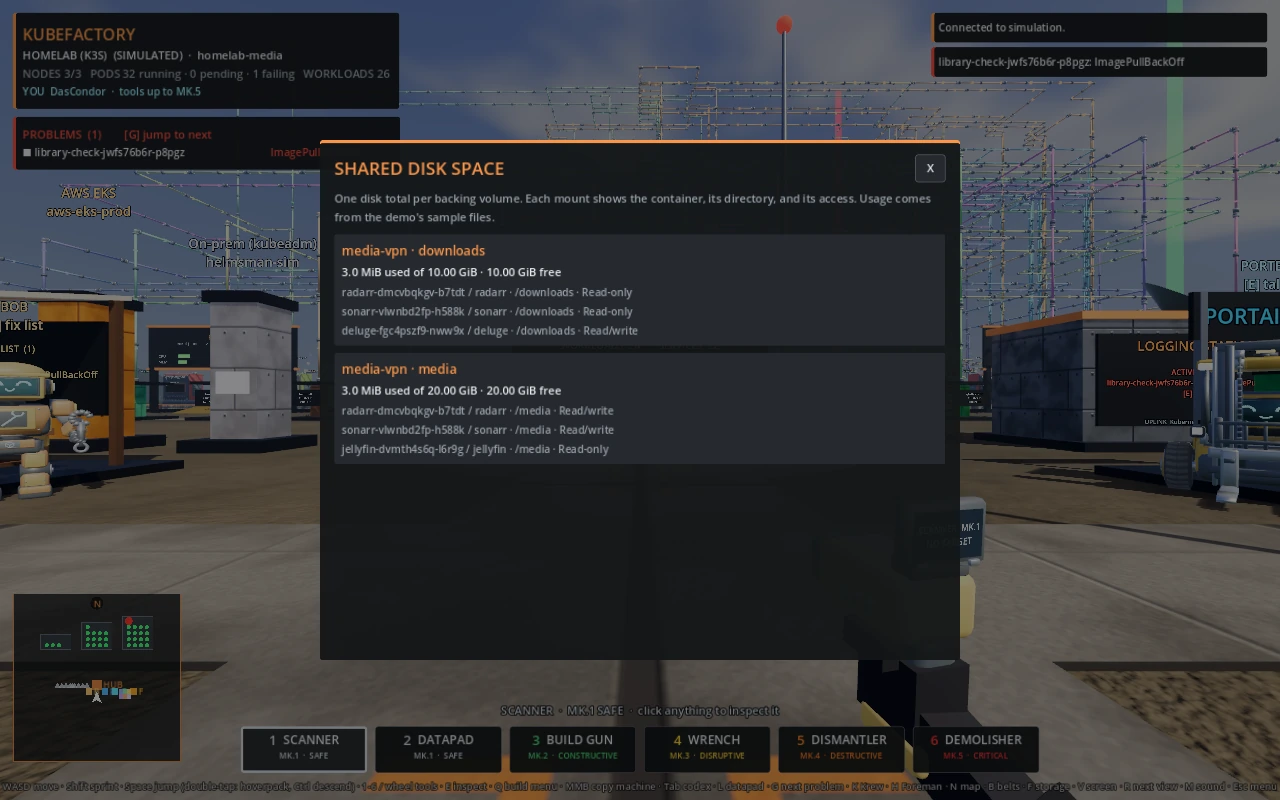
Shared disk space groups mounts by their backing volume. Each card shows one used/free total and the participating containers, mount paths, and read-only or read/write access. Matching directory names can point to separate disks. For example, media and media-vpn each have their own downloads claim.
In media-vpn
|
Writers | Readers |
|---|---|---|
/downloads |
Deluge | Sonarr, Radarr |
/media |
Sonarr, Radarr | Jellyfin |
Demo usage comes from sample files. For live mounts, membership uses reported PVCs, Docker volumes, or host paths, and missing usage data is shown as unreported.