Home
Welcome to the Radial Timeline Wiki!
Radial Timeline™ transforms your manuscript into a live visual map where you can see your entire story structure at a glance.
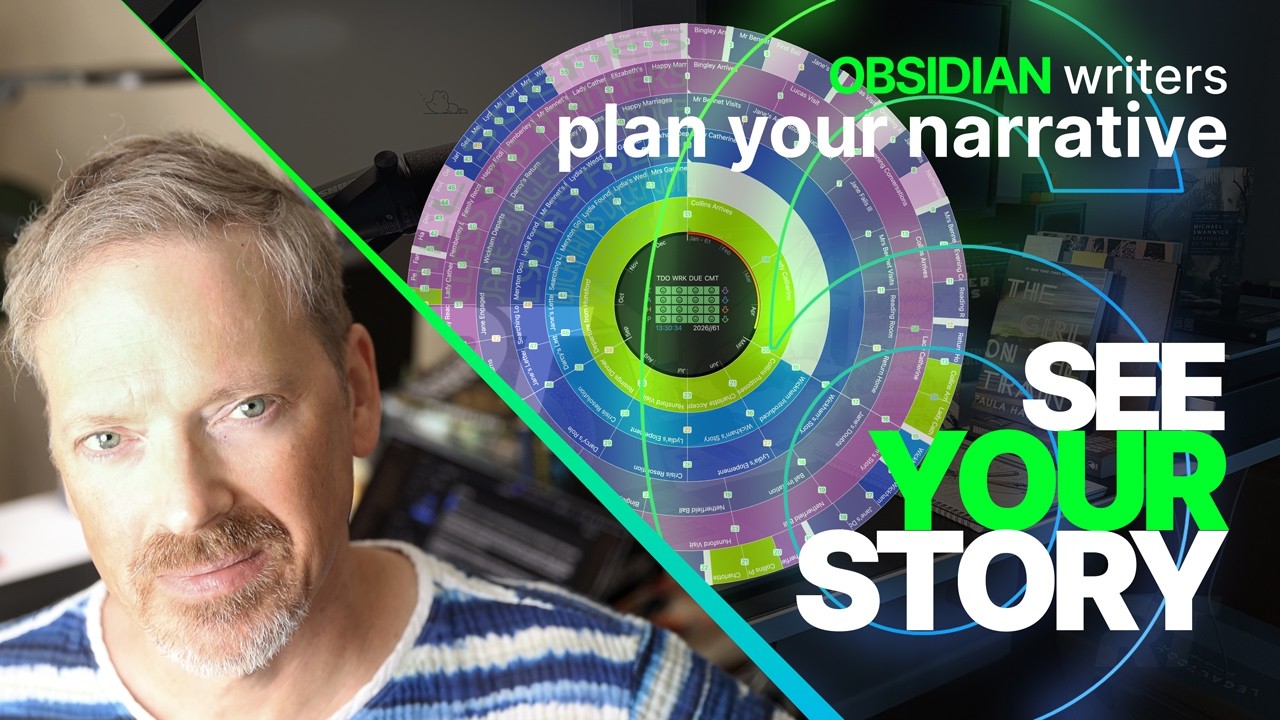
Release 6 Overview
Overview of New Features
- Welcome: Original home page intro video
- Chronologue-Mode: Chronologue Mode Volume 2
- Views: Overview of New Features
- Inquiry: Inquiry View Volume 4
- Author-Progress-Report: Author Progress Report (APR) Volume 5
- Gossamer-Mode: Gossamer Mode Volume 6

Volume 1 Intro
Original home page walkthrough
Radial Timeline™ arranges your scenes by act, subplot, narrative or chronological order in a striking radial layout—revealing the structure, rhythm, and scope of your story. Each ring represents a subplot; hover interactions surface important details like scene synopsis and AI story pulses. Scenes highlight across subplots to show interrelationships. Multiple modes dissect your novel like an X-ray.
Radial Timeline™ captures and visualizes all 4 critical timelines:
- Narrative time: the sequence you reveal events to readers.
- Chronological time: when events happen in your story's world.
- Author time: your scene writing progress with target due dates tracking Todo, Working, Complete and Overdue.
- Progress stages: manuscript revision stages from Zero draft through Press-ready.
Narrative-Mode and Chronologue-Mode keep subplot colors front-and-center so you can compare structure without workflow noise. When you need to see Todo/Working/Overdue status or progress stage colors, switch to Progress-Mode — the combined outer ring is replaced by a single-subplot view and scenes inherit the author-status and progress-stage palette.


- Welcome: Opening Radial Timeline in an empty vault greets you with a quick-start guide.
- Fresh-Vault-Onboarding: Start from scratch with Book Designer and beats.
- Existing-Vault-Onboarding: Connect an existing manuscript to Radial Timeline.
- Migrating-from-Other-Apps: How Obsidian’s markdown workflow differs from traditional writing tools.
- Book Designer: Instantly generate a manuscript set with acts, subplots, and beats.
- Core Workflows: Learn the basics of Radial Timeline.
- Timeline-Modes: Compare Progress, Narrative, Chronologue, and Gossamer at a glance.