Manage Subplots
Manage subplots opens the subplot manager for bulk cleanup.
Use it when subplot names have drifted and you want to rename or remove them across the manuscript in one place.
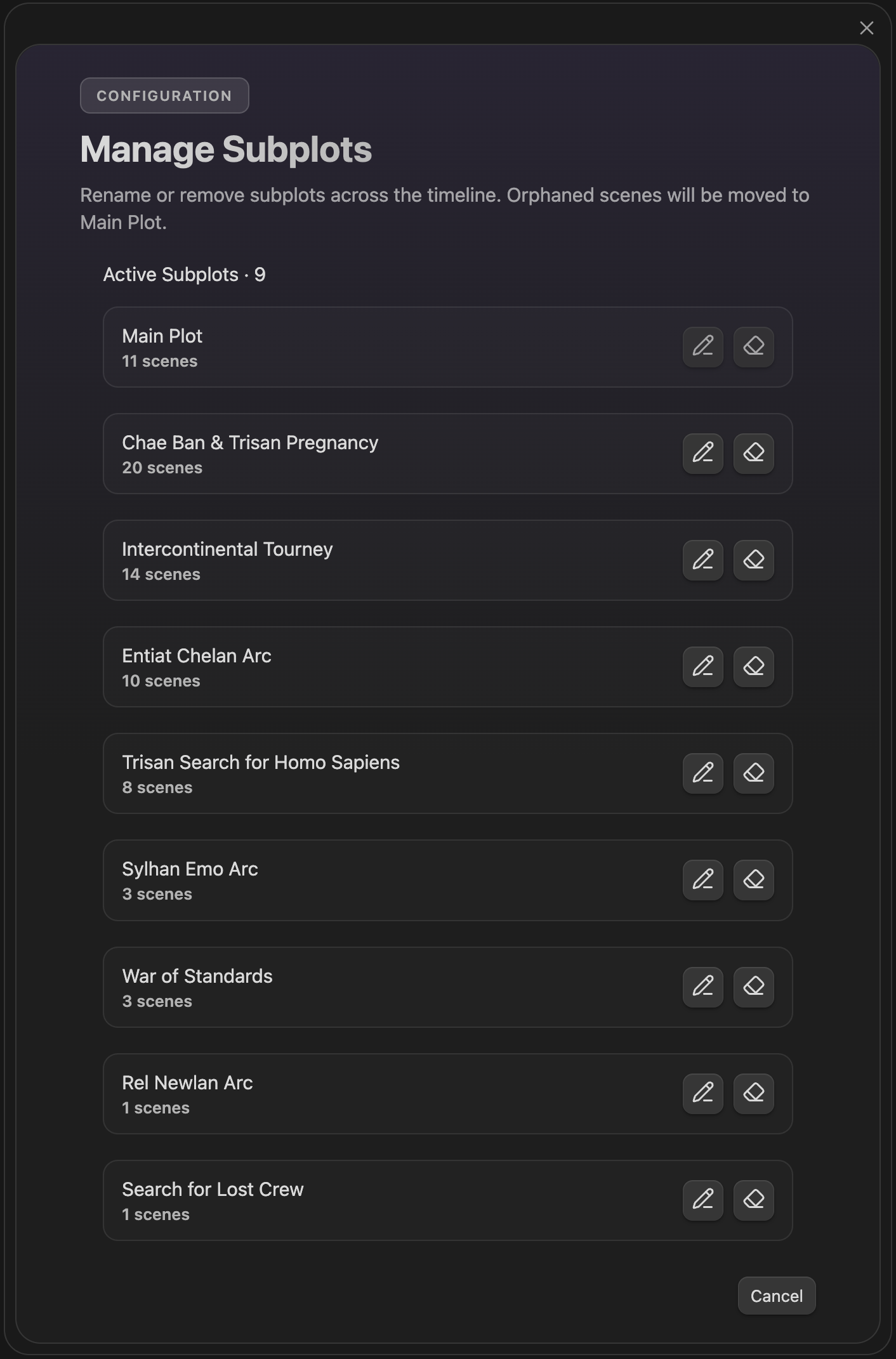
Manage subplots — bulk rename or remove subplot labels
The manager lists active subplots with scene counts and gives you bulk actions:
- Rename a subplot across scene files
- Remove a subplot from the timeline
Main Plot is protected and cannot be renamed or deleted.
If you remove a subplot, scenes that only belonged to that subplot are moved to Main Plot.