Settings Advanced
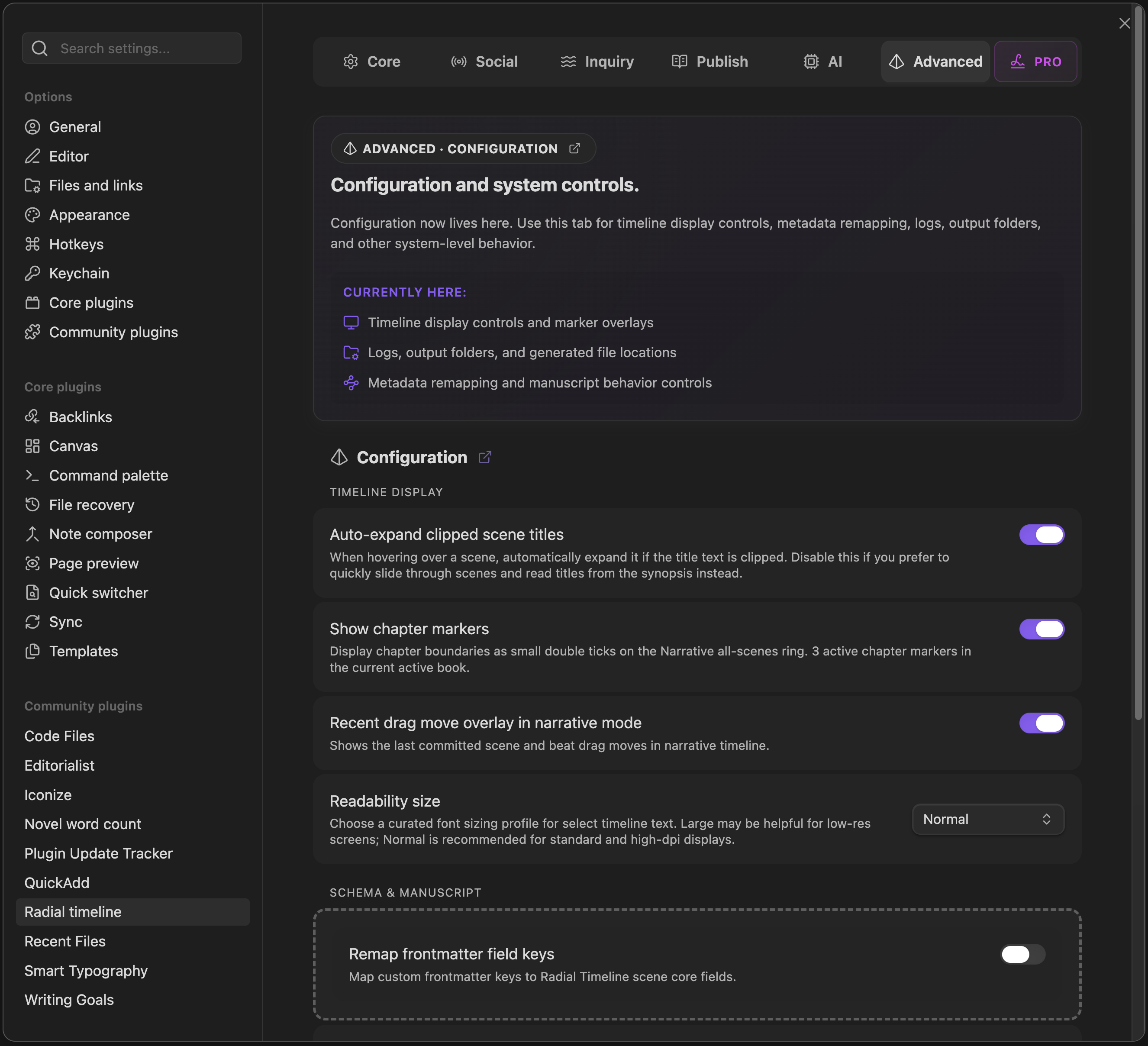
Settings → Advanced
The Advanced tab holds lower-level system and workflow controls.
Advanced is currently grouped into three areas:
- Auto-expand clipped scene titles: Automatically expands truncated scene titles on hover.
- Show chapter markers: Displays chapter boundaries on the Narrative all-scenes ring and reports how many active chapter markers exist in the current book.
- Recent drag move overlay in narrative mode: Shows the last committed scene and beat drag moves.
-
Readability size: Switches curated timeline text sizing between
NormalandLarge.
- Remap frontmatter field keys: Map custom frontmatter keys to Radial Timeline scene core fields.
- Manuscript ripple rename: Normalizes scene and active-beat filename prefixes after drag reorder. Scenes stay integer-numbered; beats use decimal minors.
- AI output folder: Readout of the main RT logs location.
- Export folder: Destination for manuscript, outline, and cue-card exports. Editable — type or pick any folder inside your vault; the chip beside the field reveals it in the file explorer.
- Enable AI content logs: When enabled, full prompts, materials, and API responses are written as content logs.