Repository navigation
Contents and export
Write [toc] as a standalone paragraph, or specify a depth:
```academic-toc
3
```
Depths 1–6 are supported; omission uses the setting. Note TOCs are clickable. PDF TOCs use measured printed page positions and include bookmarks.
Use the export commands in the command guide. HTML is a static snapshot; re-export after editing a note. The multi-note selection dialog lets you choose notes, change their order, and edit chapter titles.
Alternatively, create a book manifest note:
---
phb-book:
  title: Analysis Notes
  subtitle: A sample collection
  tocDepth: 3
  files:
    - Chapter One.md
    - path: Chapter Two.md
      title: Continuity
---
phb-book is a chapter list in the note's YAML properties. It is unnecessary for single-note export or the multi-note selection dialog. Open the manifest and run the manifest PDF or HTML command. Paths are relative to the vault root; list order determines chapter order. The manifest itself is not included as a chapter.
Book numbering supports chapter.section.number (default, e.g. 2.3.1), chapter.number (continuous per chapter), or preserve vault numbering (which may repeat across chapters). In chapter.section mode, material before the first H2 or in a chapter without H2 belongs to section 0. Renumbering affects export copies only. Include cross-file targets in the export; otherwise the report flags unresolved references.
Enable theme-and-snippet capture to include current CSS, or disable it to use built-in callout, figure, and print styles. Both retain the current light/dark mode and palette. Collapsed callouts expand, long callouts may span pages, and wide SVG math scales to the available width.
Outputs default to _exports/ inside the vault. Only vault-relative output directories are accepted; absolute paths and .. are rejected. Exports include timestamped HTML snapshots, snapshot reports, PDFs, and pagination reports. TOC calibration allows up to six passes. Export stops if calibration does not converge or if image, math, font, or internal-link validation fails.
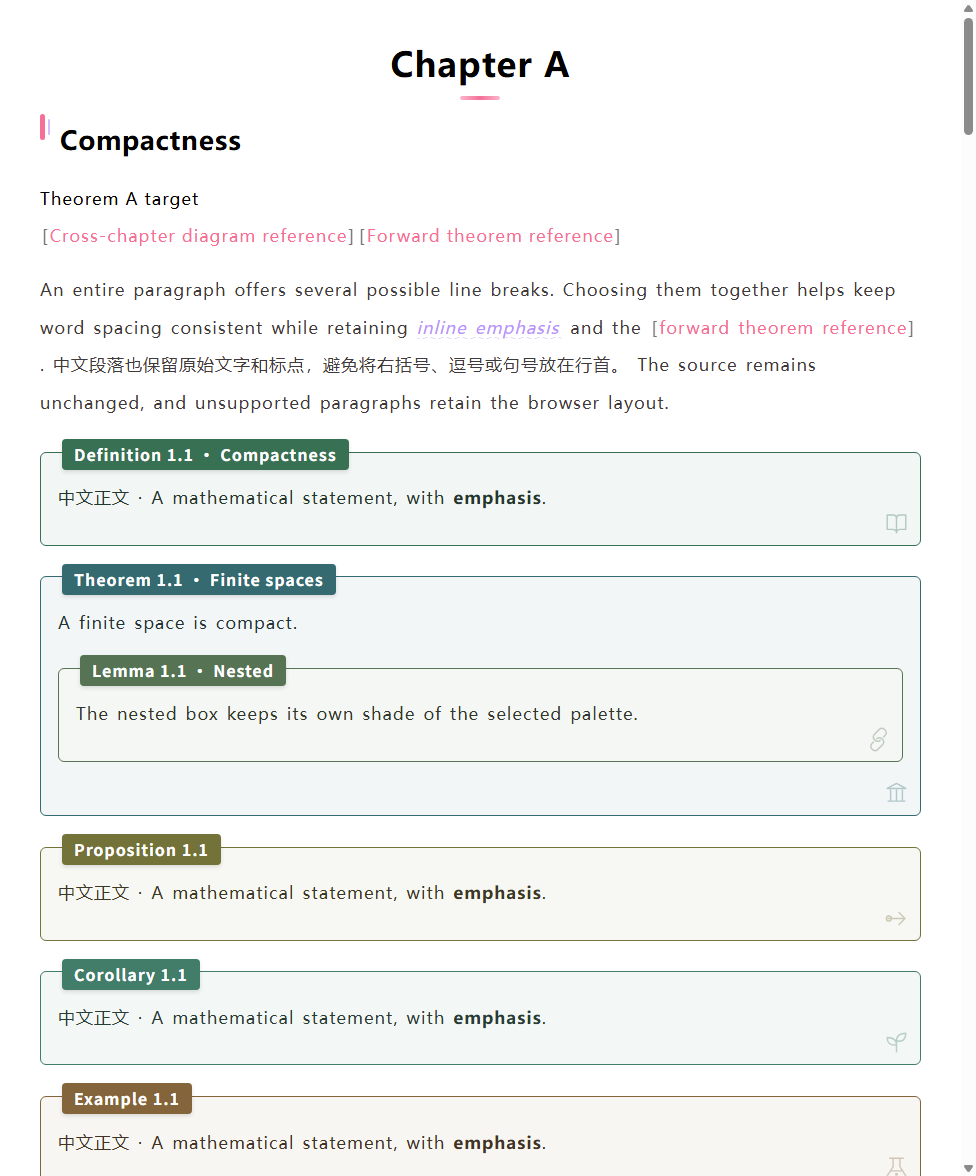
PDF output uses A4 pages. Figures, subfigure groups and captions stay together when they fit on one page. A group that does not fit in the remaining space moves to the next page. Taller drawings are proportionally reduced to fit the usable page height; individual images are protected too. Very long textual legends can span pages once reducing the pictures is insufficient. The pagination report includes mediaPagination counts for protected groups, scaled groups and remaining oversized groups.
On desktop, open Settings → Academic Notes → Contents and export → Figure layout priority (experimental). The default is Keep whitespace (off). Choose a priority:
| Priority | Behavior |
|---|---|
| Shrink to 80% → move → keep gap | First reduce picture dimensions to 80%. Keep it in place if the complete figure fits; otherwise try filling the gap with following text. |
| Move → shrink to 80% → keep gap | First try advancing following text, then try shrinking. |
| Shrink to 80% only | Reduce picture dimensions if that fills the gap; otherwise keep source order. |
| Move only | Try advancing following text; otherwise keep source order. |
Movement advances at most three consecutive ordinary paragraphs below a standalone figure/fig callout, leaving the complete picture and caption on the next page. It stops at headings, mathematical environments, lists, tables and other pictures. Figures inside environments are not moved. The experiment measures actual PDF boundaries and rejects changes that split a figure or advanced paragraph; captions retain their font size. Source numbering and notes stay unchanged.
Set Maximum figure adjustment attempts to 1, 3, 6 (default) or 10. This is a total limit for the export. If another adjustment is needed after the limit, all experimental adjustments are undone and the normal page gaps remain. Changes are checked again after TOC calibration; invalid boundaries or unstable calibration also restore the normal layout. If normal TOC calibration itself fails, export still reports an error. The pagination report's figureLayout records attempts, shrinking, movement, skips and fallback reasons.
This is a bounded experiment for explicit figure callouts. Standalone diagrams, unwrapped images, tables and text-heavy figures do not float automatically; the normal page protection remains active. HTML snapshots retain source order. A synthetic sample is in examples/figure-floating.md.
Run Create or edit book manifest on desktop or mobile. Select chapters, reorder them, edit chapter titles, set the book title/subtitle and TOC depth, then choose a vault path and Save manifest. It creates an ordinary phb-book note. An existing unrelated note is never overwritten. Reopening the command while a manifest is active restores it; Load book manifest also opens the entered manifest path. Saving preserves other frontmatter properties and the note body, including open unsaved edits.
Use Check academic references to review the selected chapters. PDF/HTML export checks references first; if there are findings, review them before choosing Export anyway. The progress window provides Cancel export. Cancellation propagates through snapshot preparation and PDF printing; an already completed snapshot/report is retained. Native Markdown rendering finishes its current operation before the cancellation checkpoint. Closing the window alone does not cancel. PDF remains desktop-only; manifest editing and HTML snapshots work on mobile.