Guide Volunteer Examiner
Most VEs never sign in to VE Ops. You are on your team's roster, the app knows your call sign and your contact details, and it emails you when there is something to turn up to.
Two things you might do yourself.
There is a self-service page for exactly this — no account, no password.
- Go to the VE sign-in page and enter your email address.
- The app emails you a sign-in link.
- Follow it, edit your details, done.
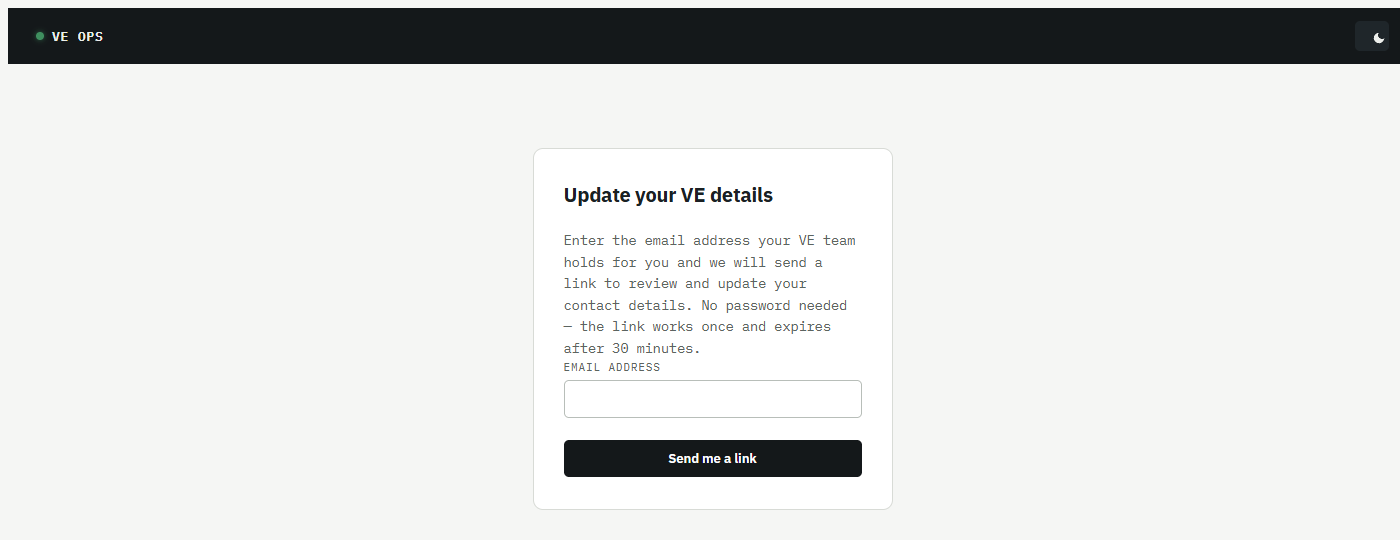
Some things worth knowing about that link, because they are deliberate and will otherwise look like bugs:
- It works once, and it is used up the moment you follow it. If you go back to the email and click again, it will not work — request a new one.
- It lasts 30 minutes, and so does the session it gives you. Close the browser and you are out.
- You can only ask every five minutes. Asking again immediately will not send a second email.
- Every failure says the same thing — expired, already used, never issued. The page cannot tell you which, on purpose: a page that says "no such VE" tells anyone who asks whether a given person is on the roster.
Enter your address and nothing arrives? Check junk, then ask your Team Admin whether the address on your record is the one you just typed.
Your team's Session Managers can invite the roster to a session, and the team's message rules can send reminders and per-session summaries by email, Discord, or both. Whether you get any of that depends on how your team configured it.
Every VE email carries an unsubscribe link, and it works without signing in.
Teams use tags to mark VEs — accredited for this, available for that. If your team has turned on Discord tag sync, mapped tags follow your Discord roles: hold the role, hold the tag.
So a tag can appear or disappear without anyone touching VE Ops, and a tag changed by hand inside VE Ops comes back on the next sync. The place to make a tag change stick is Discord. Tags grant no access to anything — they are labels, not permissions.
Some VEs are also Team Leads, Session Managers or Team Admins. That is a completely separate login, and the sign-in link above will not get you into it. See Roles and permissions.
- Team Admin — who maintains the roster
- Glossary