Home
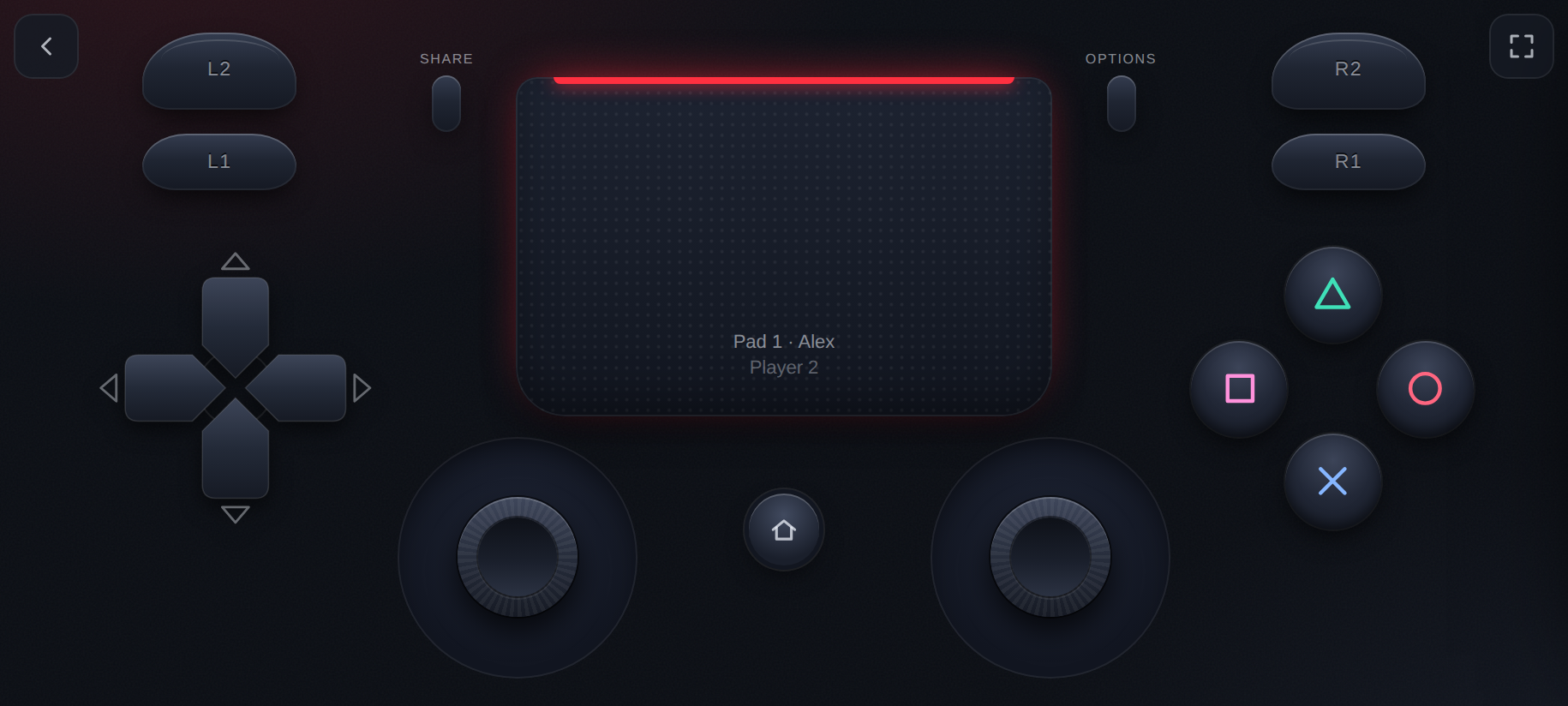
RemotePad NG lets you play your PS4 with the controllers you already have: Xbox, DualSense, Switch Pro and most others. Your phone, tablet or keyboard can be a controller too. It's a plugin for jailbroken PS4s running GoldHEN. It adds up to four extra DualShock 4 controllers, so you and your friends can play local multiplayer games without buying more DualShocks.
- Installation: put the plugin on your PS4. About 10 minutes the first time.
- Playing: open the page, pick a pad, and play. Also covers the controller screen, the button layout, controllers and the keyboard.
- Players and PS4 Users: guest players, real PS4 users, single-player games.
When something doesn't work, see Troubleshooting and the FAQ.
- A jailbroken PS4 with GoldHEN and its plugin loader. RemotePad NG works wherever GoldHEN's plugin loader works; it was tested on firmware 10.01 with GoldHEN v2.4b18.10.
- A phone, tablet or computer on the same network as the PS4, with a current browser: Chrome, Edge, Safari or Firefox.
- Optional: controllers to connect to that phone or computer, such as Xbox, DualSense or Switch Pro.
-
Settings Reference: every option in
remote_pad.ini. - Compatibility: games known to work.
- For Developers: building, the protocol, contributing.
RemotePad NG is a maintained fork of remotePad by xfangfang.