Repository navigation
Settings Reference
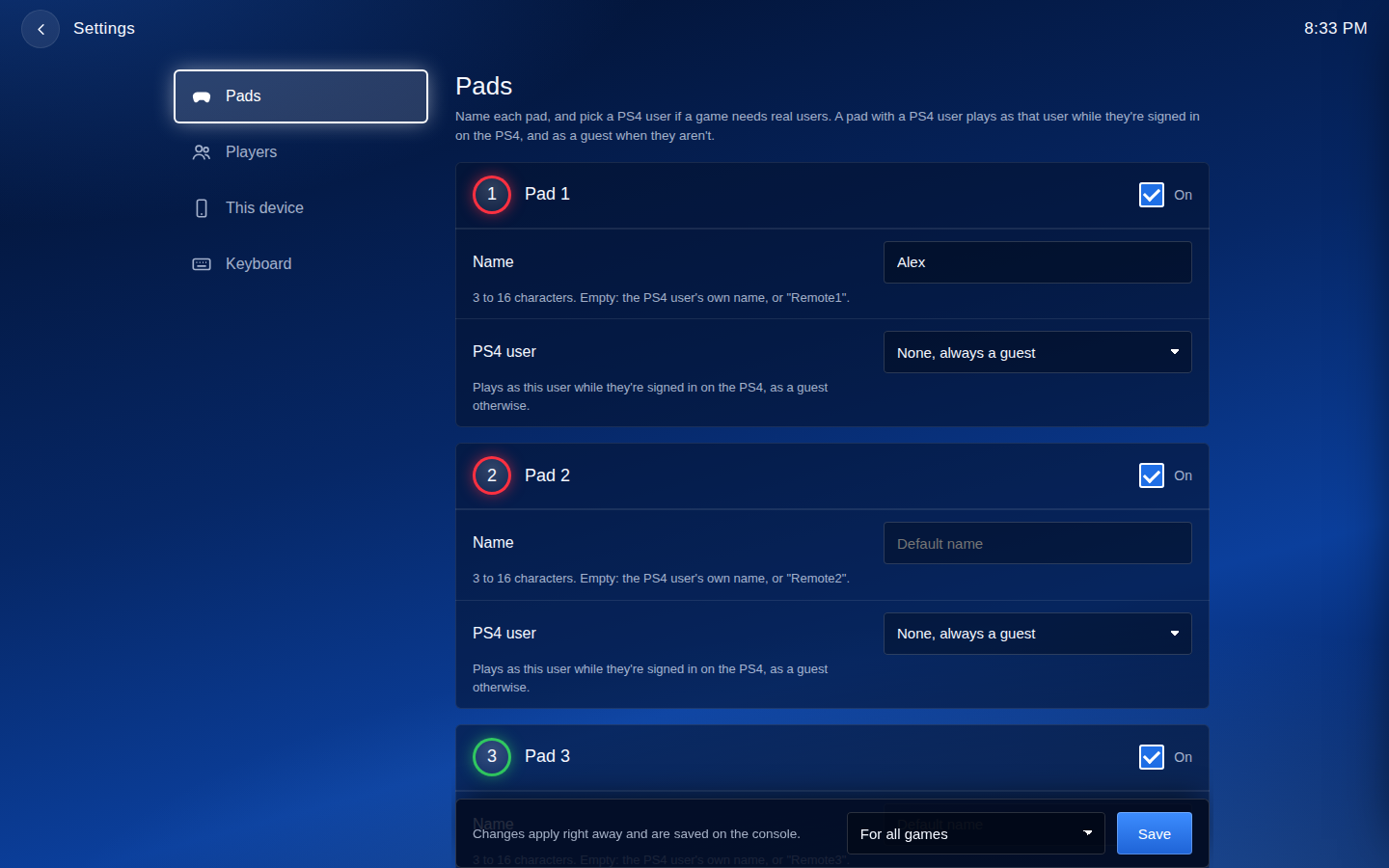
RemotePad NG keeps its settings in /data/GoldHEN/remote_pad.ini. The page's Settings screen writes
this file for you. Edit it by hand only for lock_settings, or if you prefer.
-
[default]applies to every game. - A section named after a game's title ID, like
[CUSA00001], applies to that game only. Its values replace the[default]ones.
In the key names, N is 0 to 3: user0 is Pad 1, user1 is Pad 2, and so on.
| Key | Values | Meaning |
|---|---|---|
userN_enabled |
1 / 0
|
Pad N+1 on or off. |
userN_id |
a PS4 user ID | The pad plays as this user while they're signed in, and as a guest otherwise. Leave it empty for a guest. |
userN_name |
3 to 16 characters | The name the game shows. Empty: the user's own name, or "RemoteN". |
userN_share |
1 / 0
|
With userN_id: the user's DualShock keeps working and the pad adds to it ("Use with the DualShock"). |
join_on_start |
0 / 1
|
1: guests join when the game starts, instead of when someone picks their pad. |
always_connected |
0 / 1
|
1: pads look connected even while nobody uses them. |
lock_settings |
0 / 1
|
1: the page shows the settings but can't change them. |
1, true and on all mean yes; anything else means no.
Write IDs in hex, as Apollo Save Tool shows them, preferably with 0x: user0_id=0x1A2B3C4D.
- With
0x, or with any letter A-F, the ID is read as hex. - Digits only, without
0x, is read as decimal, as the original remotePad wiki explained:377152612is the same user as0x167AE464.
So a hex ID made only of digits needs the 0x: write 0x10000001, not 10000001.
[default]
user0_id=0x1A2B3C4D
user0_name=Alex
user0_share=1
user3_enabled=0

; This game only: guests are in the game from the start
[CUSA00001]
join_on_start=1Add lock_settings=1 under [default] when people you don't fully trust can reach the page, for example when
playing with friends over the internet. Everyone can still play, but nobody can change the settings from the
page. To change them again, edit the file over FTP and remove the line.