Repository navigation
Groups
A group is a named outline round some people: "The council", "The Watch", "The hunters". The outline follows its members as they move. Groups can overlap, or sit inside one another.
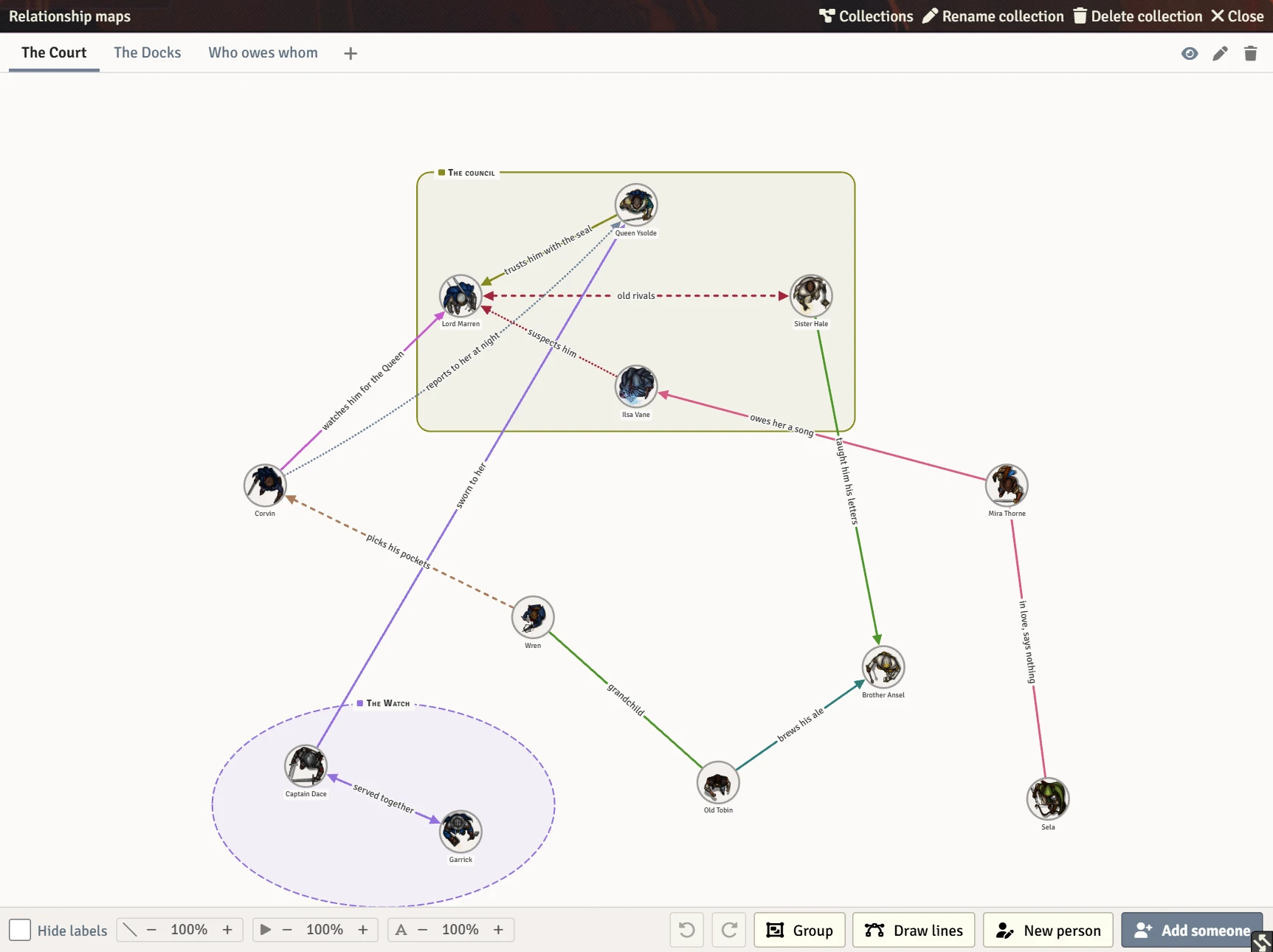
Press Group under the map.
- If people are selected, they become a group straight away. (Shift-click portraits to select them. See Selecting and moving.)
- If nobody is selected, drag a box on the open paper round the people you want in it. Everyone inside the box goes in the group. Press Group again, or Escape, to stop without making one.
The new group's bar opens with its name box ready, so you can type the name straight away.
Click a group's name, or its outline. The group is selected: its bar opens above it, and handles appear at its four corners.
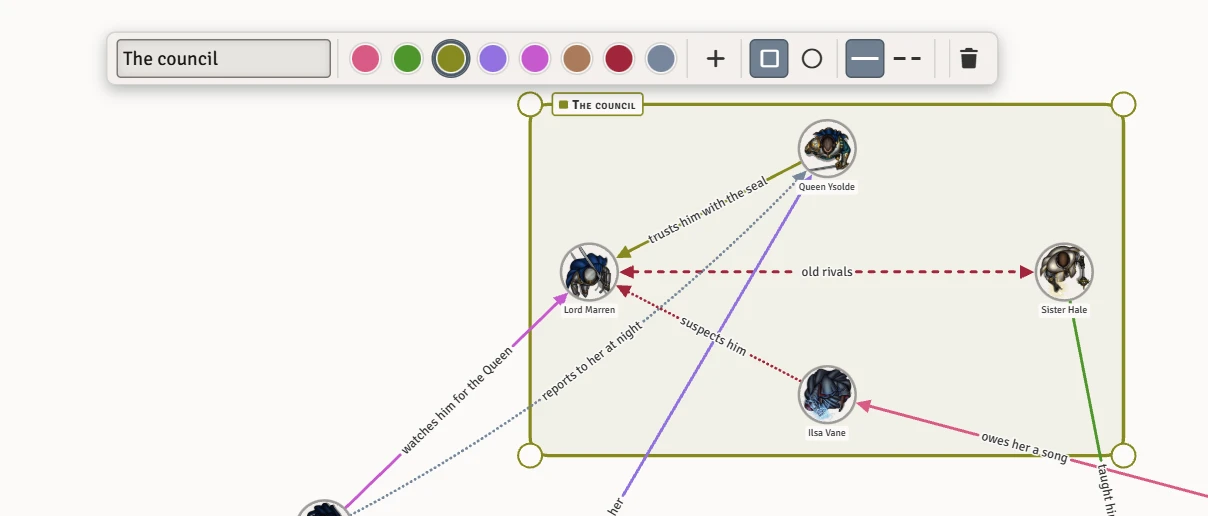
The bar, from left to right:

| Control | What it sets |
|---|---|
| Name | The group's name. |
| Eight colours | The outline's colour. |
| + | Any colour of your own. |
| Square and circle | A box or an oval outline. |
| Solid and dashed | A solid or dashed outline. |
| Bin | Deletes the group. Everyone in it stays on the map. |
When people are selected, the bar also offers to put the selected people in this group, or take them out of it.
Drag a group's name to move everyone in it together. With the name focused, the arrow keys do the same.
Select the group, then drag one of its corner handles.
- Hold Shift to keep it a perfect square or circle.
- A group can be made bigger than its people, or smaller, though never smaller than one person.
- Shrinking a group past somebody takes them out of it when you let go. While you drag, the people who will stay are ringed in the group's colour.
- A shrink that would leave nobody in the group is refused. To get rid of a group, use the bin on its bar.
The new size, and anyone taken out, are one undo step.
Press the bin on the group's bar, or focus its name and press Delete. The people in it stay where they are. If you take every member of a group off the map, the group goes with them, and comes back if you undo.