Repository navigation
Settings
Open Game Settings → Configure Settings and choose Relationship Map - by PWD.
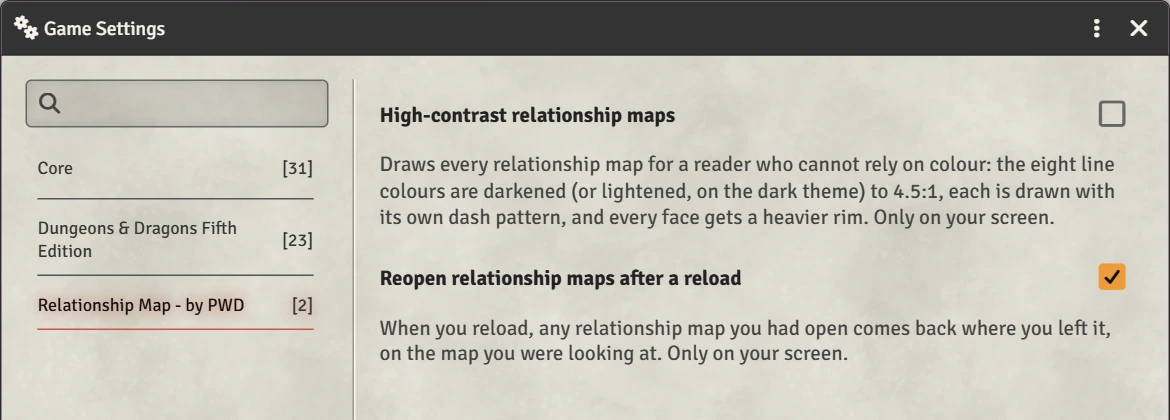
Both settings are per user: each player sets them for themselves, and they only change that player's screen.
| Setting | Default | What it does |
|---|---|---|
| High-contrast relationship maps | Off | Draws every map for a reader who can't rely on colour: stronger line colours, a dash pattern per colour, and heavier rims on faces. See Viewing options. |
| Reopen relationship maps after a reload | On | Any map window you had open comes back after a reload, where you left it and on the map you were looking at. |
The weight dials and Hide labels under each map are also yours alone, but they're set in the map window, not here. See Viewing options.