Repository navigation
Viewing Options
Everything on this page changes how maps look on your screen only. Nobody else's window changes, and nothing on the map itself is altered.
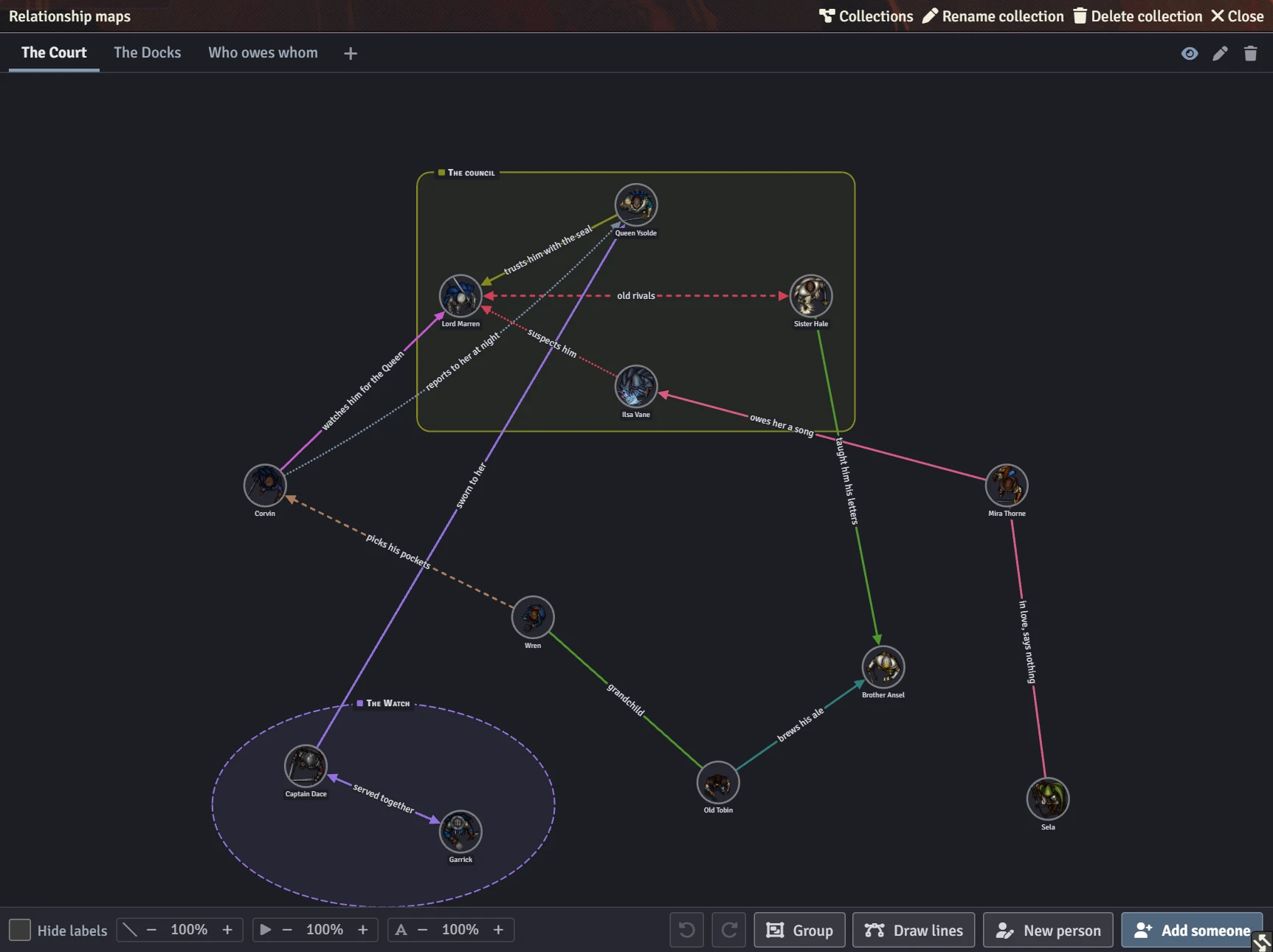
The controls at the bottom left of the map window:

| Control | What it does |
|---|---|
| Hide labels | Hides the words on the lines so a crowded map is easier to read. Clicking a line still shows its words. |
| Lines dial (slanted stroke) | How thick the lines are drawn. Dashed and dotted lines open up to match, so they still read as dashed or dotted at any weight. |
| Arrowheads dial (triangle) | How big the arrowheads are drawn. |
| Words dial (A) | How big the words on the lines are set. Lines given a size of their own grow by the same share, so the loud ones stay louder than the quiet ones. |
Press − or + to make each one lighter or heavier. Click the percentage to put it back to 100%. The dials apply to every map you open.
The High-contrast relationship maps setting draws every map for a reader who can't rely on colour:
- The eight named line colours are darkened (or lightened, on the dark theme) to a contrast of at least 4.5:1.
- Each colour gets its own dash pattern, so colour is never the only thing telling two lines apart.
- Every face gets a heavier rim, and groups are drawn unfilled with a heavier outline in their colour's dash pattern.

Turn it on in Game Settings → Configure Settings → Relationship Map - by PWD. See Settings.
The map window follows Foundry's own light or dark choice for application windows: the Applications colour scheme in Foundry's core interface settings. Change it there and open map windows switch straight away.