Repository navigation
Web UI Webhooks and ACME Orders
Documentation for the image tag 1.0.0-rc1.1. See Versions for the documentation of a release.
Part of Using the Web UI. Both pages need settings.edit. Webhooks push Qertum's events out to other systems; ACME orders let you see what ACME clients asked for and why one is stuck.
Webhooks sends an HTTP POST to a URL of yours whenever something happens in Qertum: a certificate is issued or revoked, a setting changes, an issuer is touched, a notice is raised. Use it to feed a SIEM, open a ticket, post to chat, or kick off a deployment.
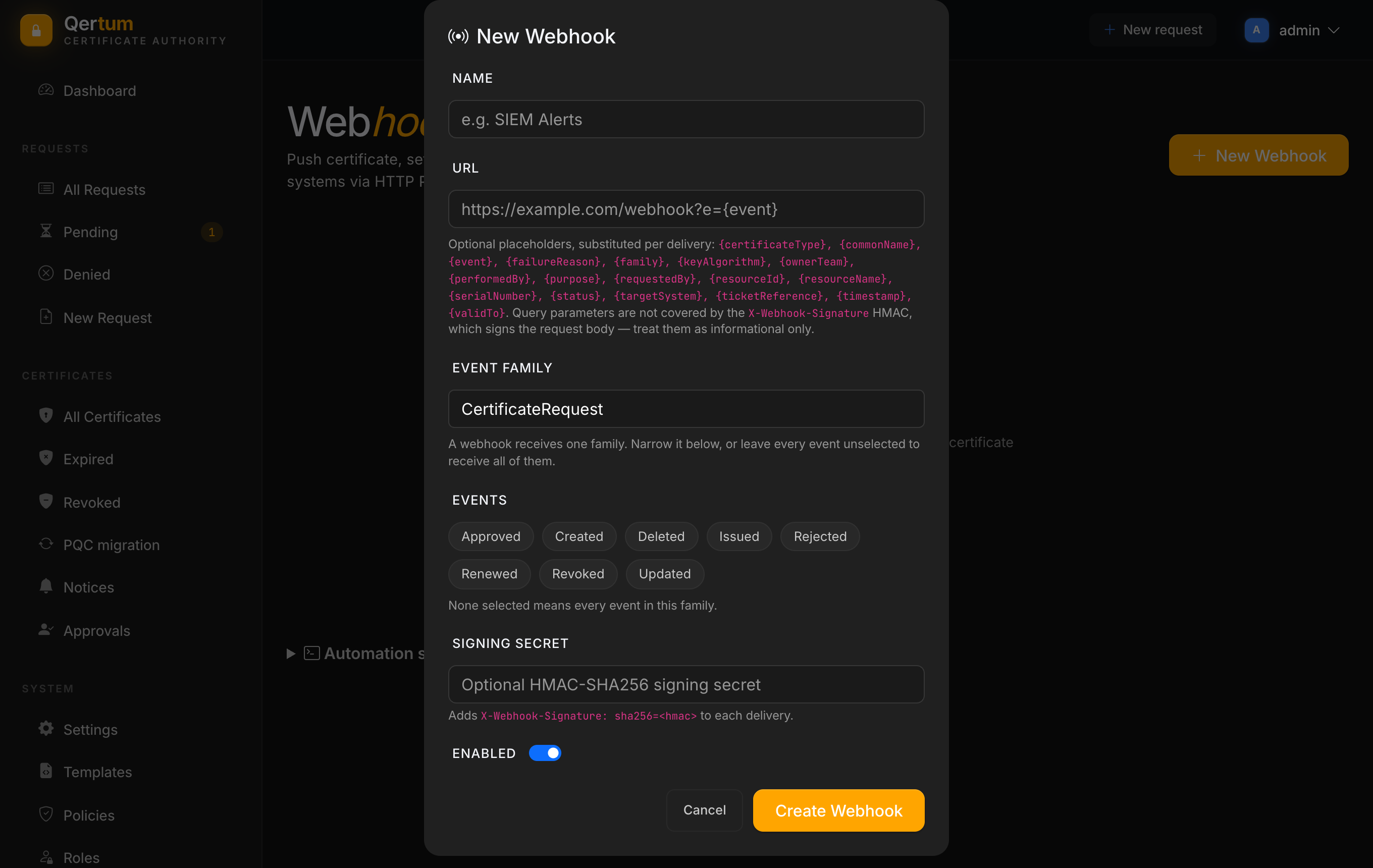
New Webhook asks for:
- Name: for your own reference, for example SIEM Alerts.
-
URL: where deliveries go. You can put placeholders in the URL, substituted for each delivery, such as
{event},{commonName},{status},{certificateType},{keyAlgorithm},{ownerTeam},{ticketReference},{serialNumber},{validTo}and{timestamp}. Query parameters are not covered by the signature, so treat them as informational. - Event family: a webhook receives one family: CertificateRequest, Settings, Template, Policy, KeyAccess, Issuer, BulkOperation, Notice, Audit or Approval.
- Events: narrow it to chosen events of that family (for the certificate family: Created, Approved, Rejected, Issued, Renewed, Revoked, Updated, Deleted). Select none to receive every event in the family.
-
Signing secret (optional): when set, each delivery carries an
X-Webhook-Signature: sha256=<hmac>header, an HMAC-SHA256 of the request body, so your receiver can check that the message came from Qertum and was not altered. - Enabled: switch a subscription off without deleting it.
Deliveries are made by a background worker, with a 10 second timeout per attempt. If the receiver fails, Qertum retries with a growing delay (30 seconds, then doubling, up to a day) and marks the delivery failed after 5 attempts, so a short outage on your side does not lose events. Each delivery also carries X-Webhook-Event and X-Webhook-Delivery headers so your receiver can tell events apart and ignore a repeat. Failed deliveries show up under Attention required on the Dashboard. The signing secret is stored encrypted and never shown again.
A webhook can only reach destinations your administrators allow. By default any public address is allowed and internal ones are not, so a misconfigured webhook cannot be used to probe your private network. To reach an internal receiver, add an exact-origin rule on the Webhook destinations tab of Settings, which an admin does deliberately.
When ACME clients (certbot, acme.sh, cert-manager) request certificates, each request is an order. The ACME orders page lists them.
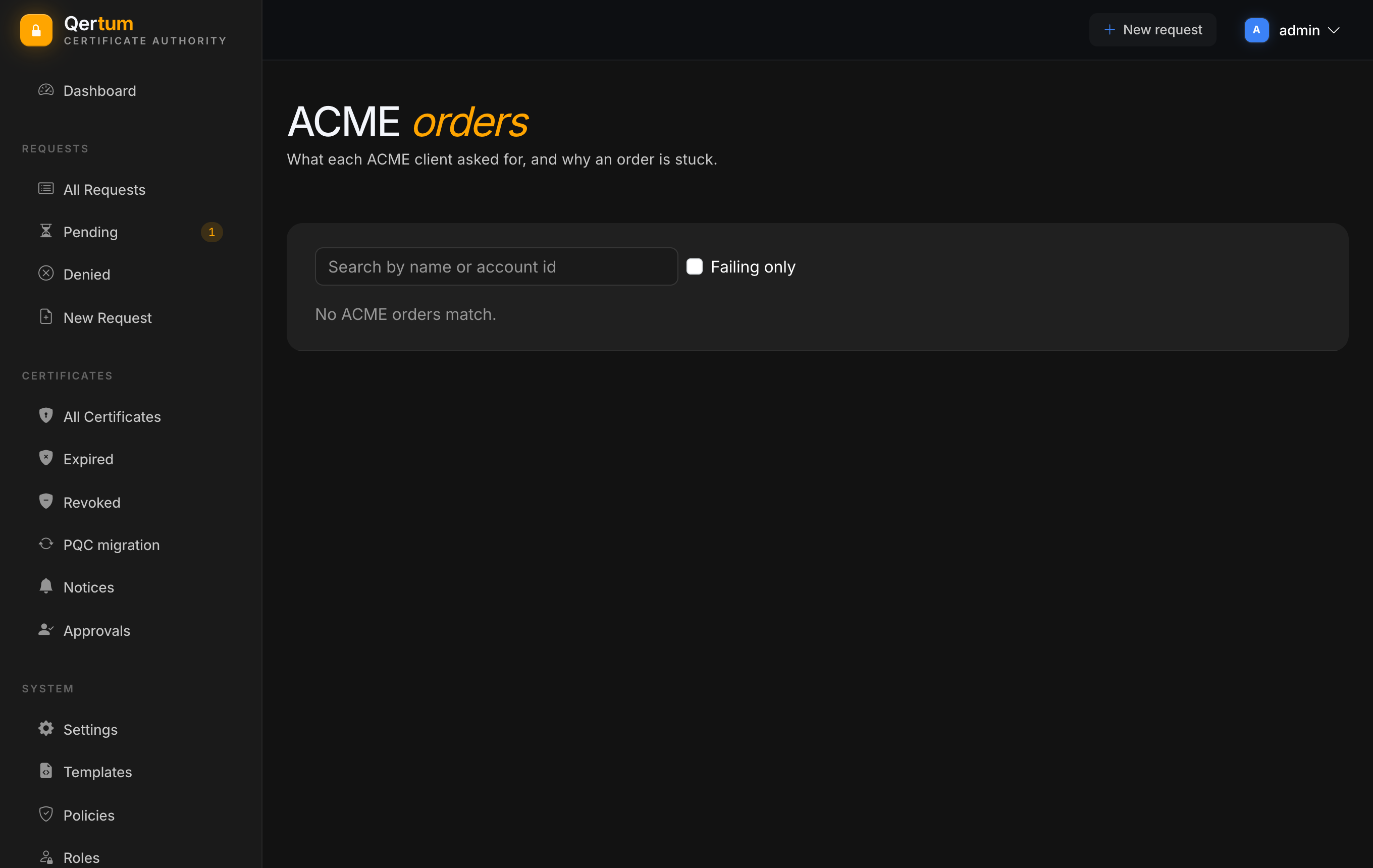
- Search by name or account id.
- Tick Failing only to see just the orders that are stuck or failed.
- The table shows the names requested, the order status, when it was created (UTC) and the last failure, if any.
Open an order to see its authorizations (the names and challenges the client has to prove), the linked certificate request, and the order's history. For a failing order this is where to look first when a certbot run hangs. Typical causes are a name that does not resolve from the CA, a firewall between the CA and the client, or an http-01 challenge target outside the networks allowed in Settings.
ACME orders also appear in the normal request lists, as Pending requests waiting for approval unless automatic ACME approval is on, and in the audit log.
- Requesting Certificates for the page that shows ACME clients the directory URL.
- Using the REST API if you would rather poll than receive webhooks.