Repository navigation
Web UI Dashboard and Notices
Documentation for the image tag 1.0.0-rc1. See Versions for the documentation of a release.
Part of Using the Web UI. These two pages answer "does anything need me?" without opening individual certificates.
The first page after sign-in. It needs certificates.view.
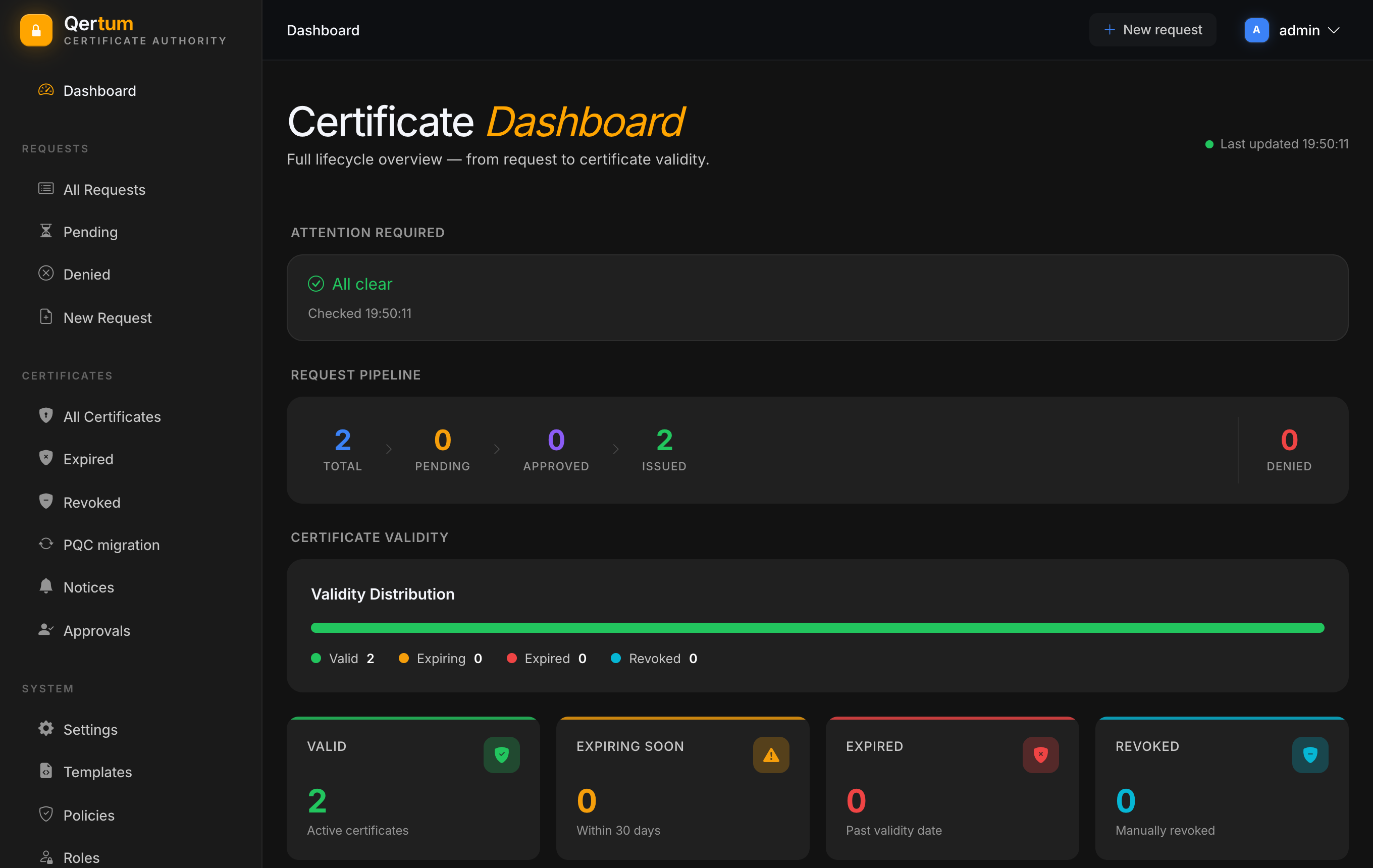
From top to bottom:
- Attention required lists things that need a person: requests that have waited too long for approval, failed issuance, failed webhook deliveries, and an overdue backup or restore check. When there is nothing, it says All clear with the time it checked. The thresholds are set in Settings.
- Request pipeline counts requests as a funnel: total, pending, approved (approved and waiting to be issued), issued, and denied.
- Certificate validity shows how the issued certificates divide into valid, expiring soon, expired and revoked, as one bar plus four tiles. "Expiring soon" uses the threshold from Settings, 30 days by default.
- Latest activity lists the most recent requests with their status and validity, with a link to all requests.
The dashboard only reads; nothing on it changes anything.
Notices raises a warning for a certificate before it becomes a problem:
- Expiring: the certificate is close to its end date.
- Stalled: a renewal is waiting for approval and has been for too long.
- Failed: a renewal was attempted and failed.
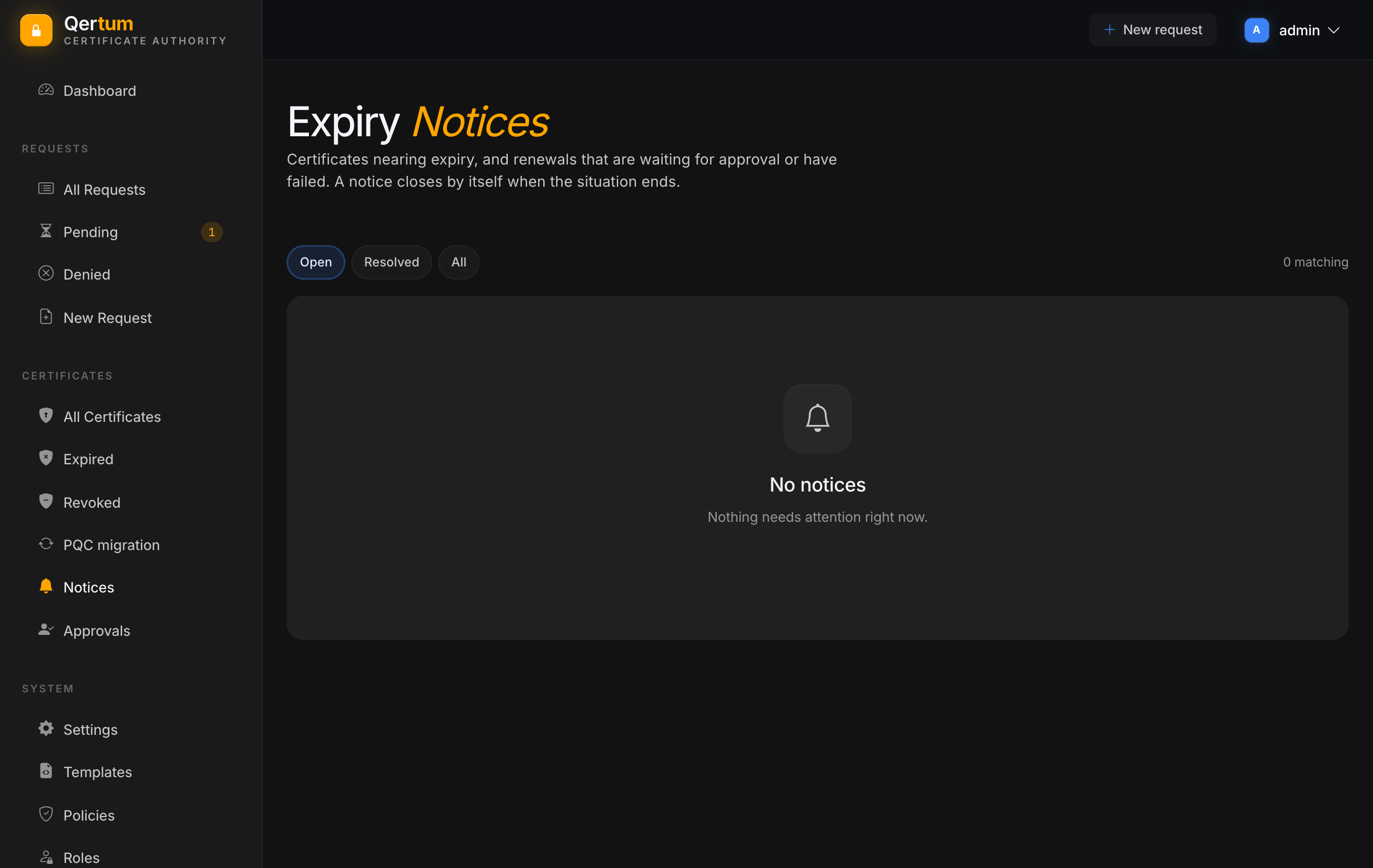
The page has three views: Open, Resolved and All. A notice closes by itself when the situation ends, for example when the renewal is issued, so there is nothing to dismiss by hand. Each notice shows the certificate, what is wrong, since when, and the owner team and contact recorded on the certificate. Filling those in on the certificate page, see Managing Certificates, is what turns a notice into "ask this person".
Notices are produced by a background job that runs on an interval, so a new one is not instant. They need certificates.view, and notices about the same events can also be delivered to other systems through webhooks.
- Approving Requests for the pending list the dashboard points to.
- Settings for expiry thresholds and automatic renewal.